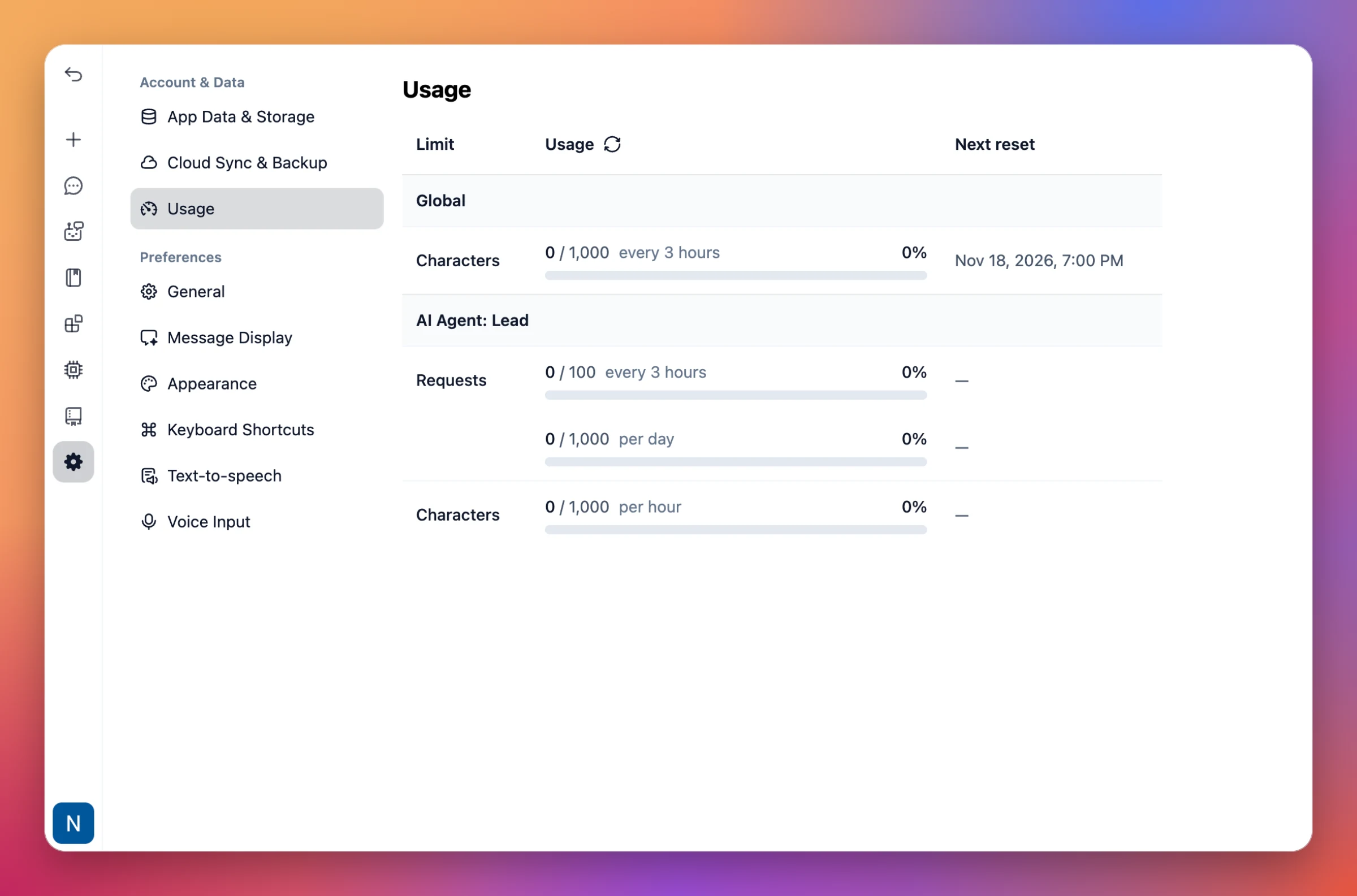
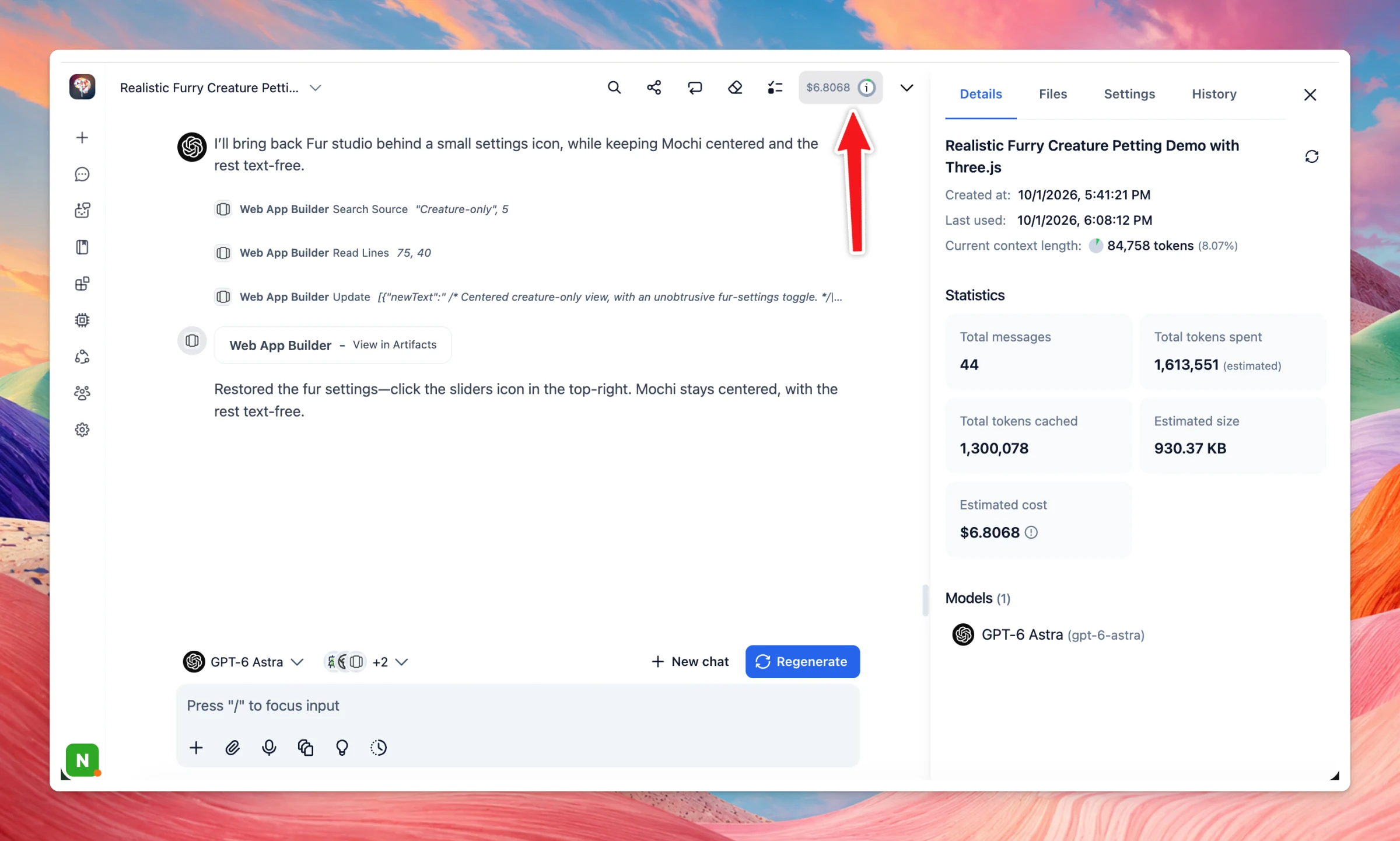
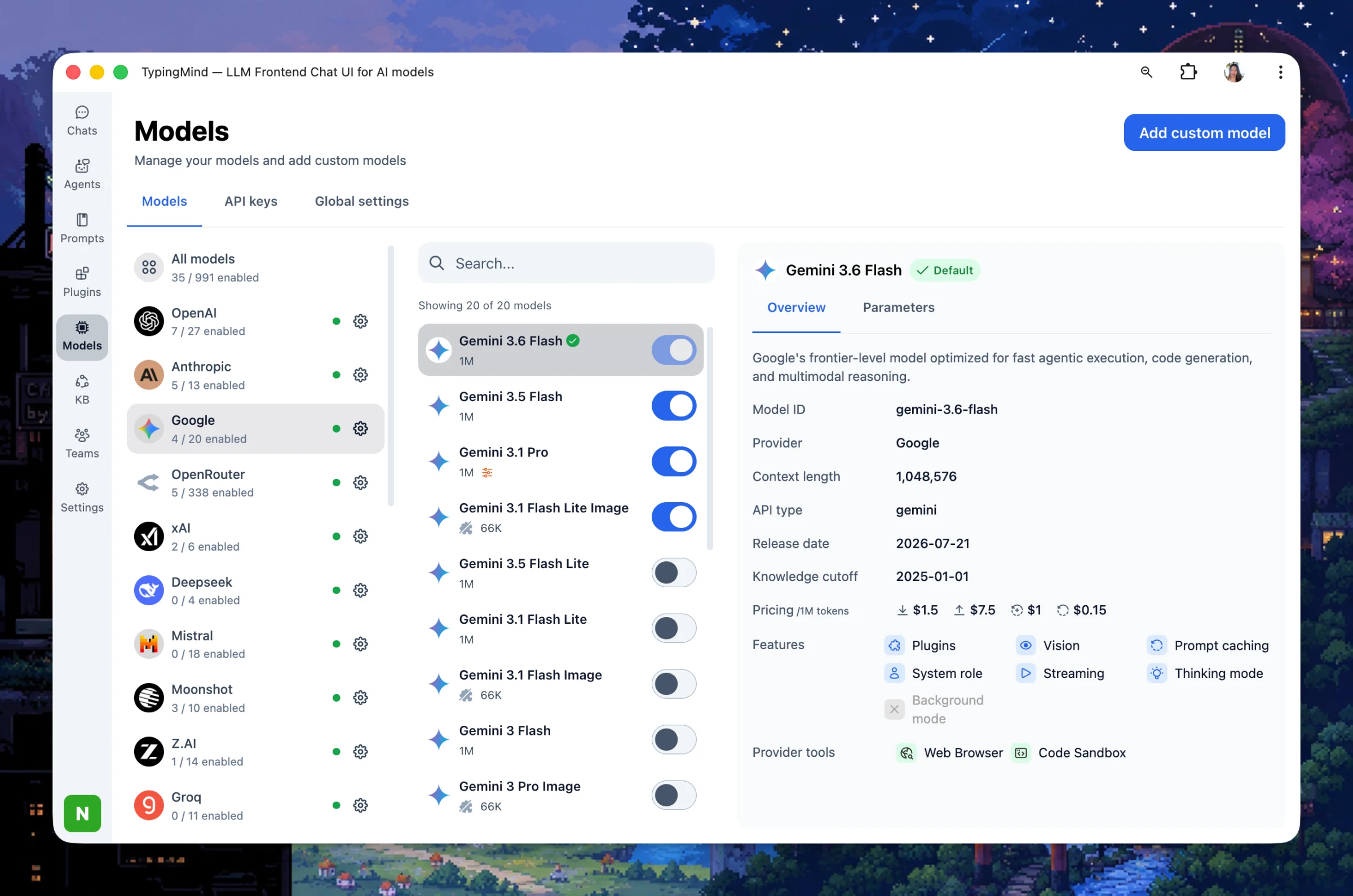
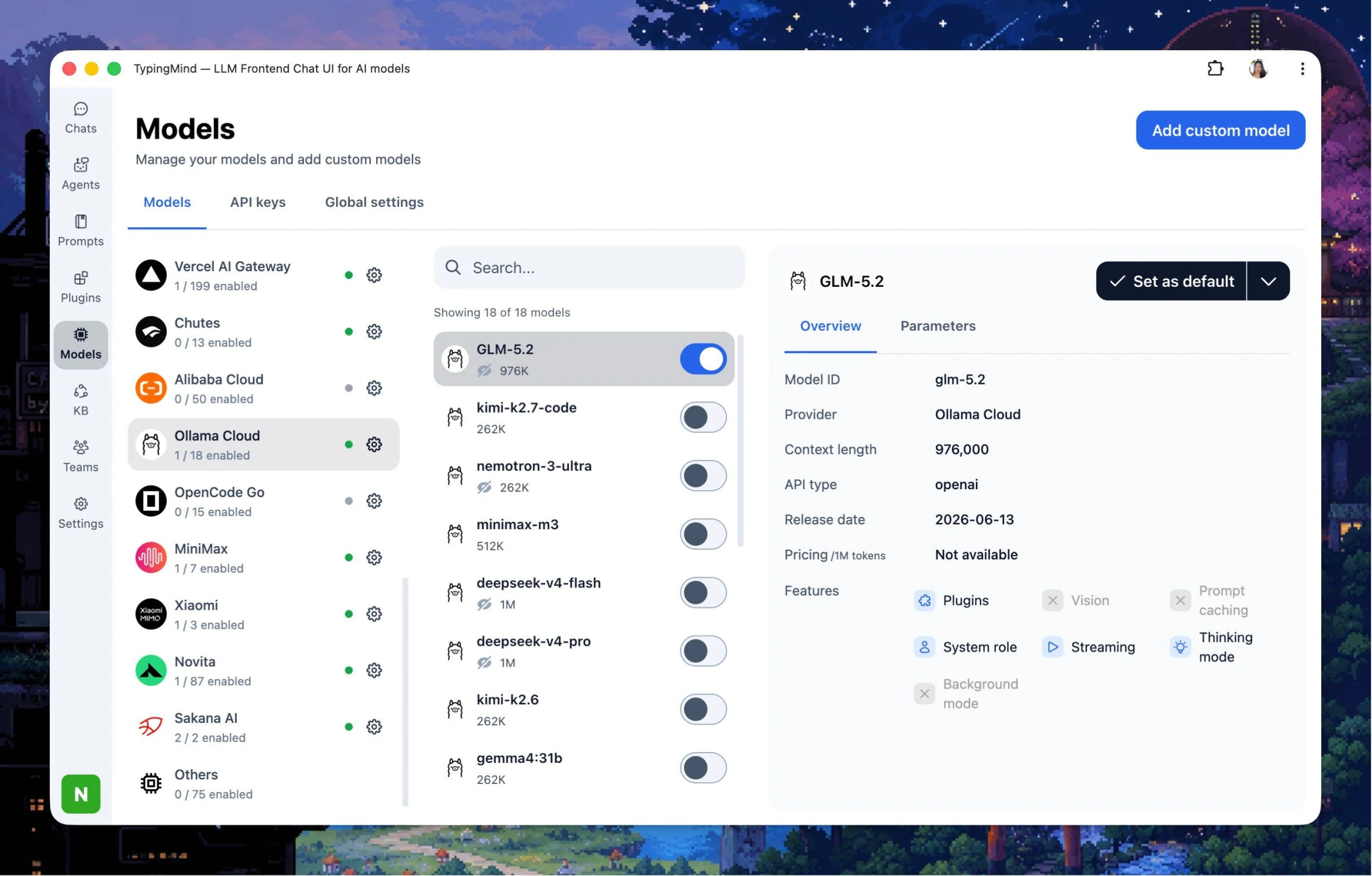
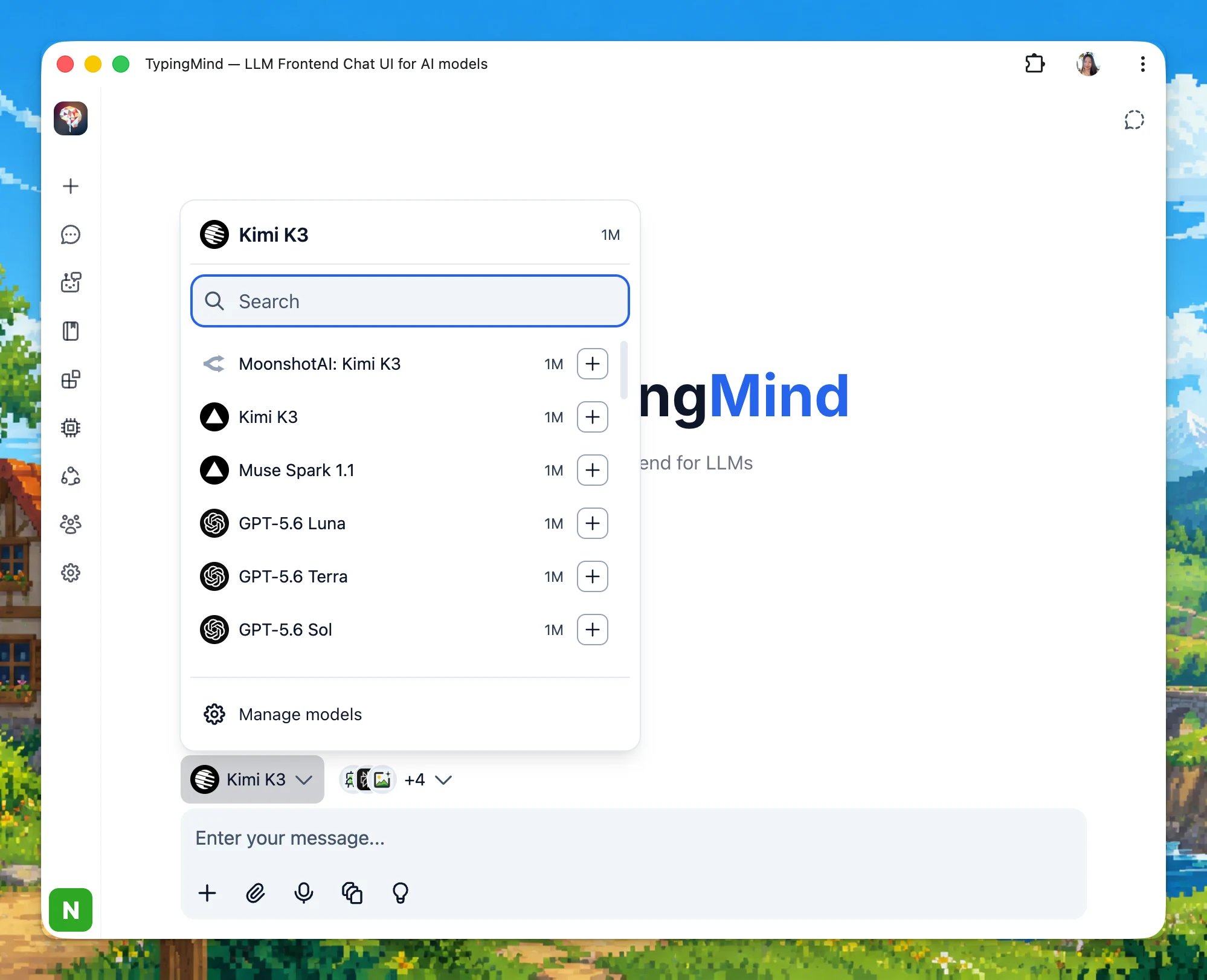
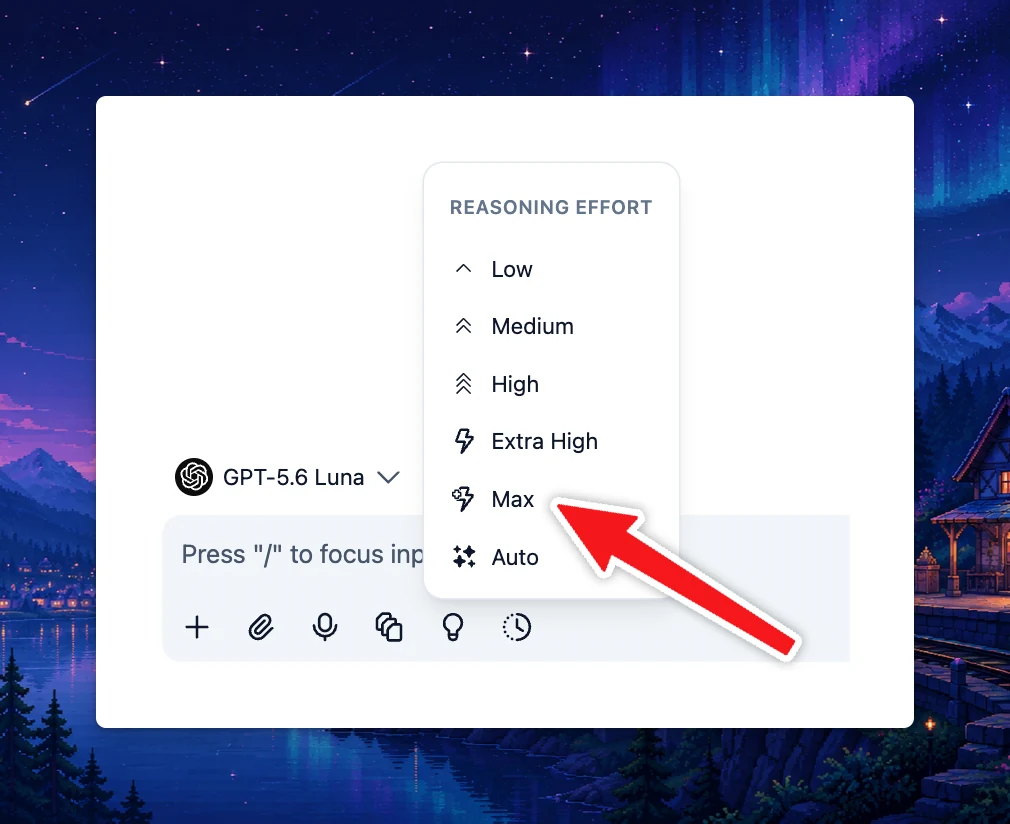
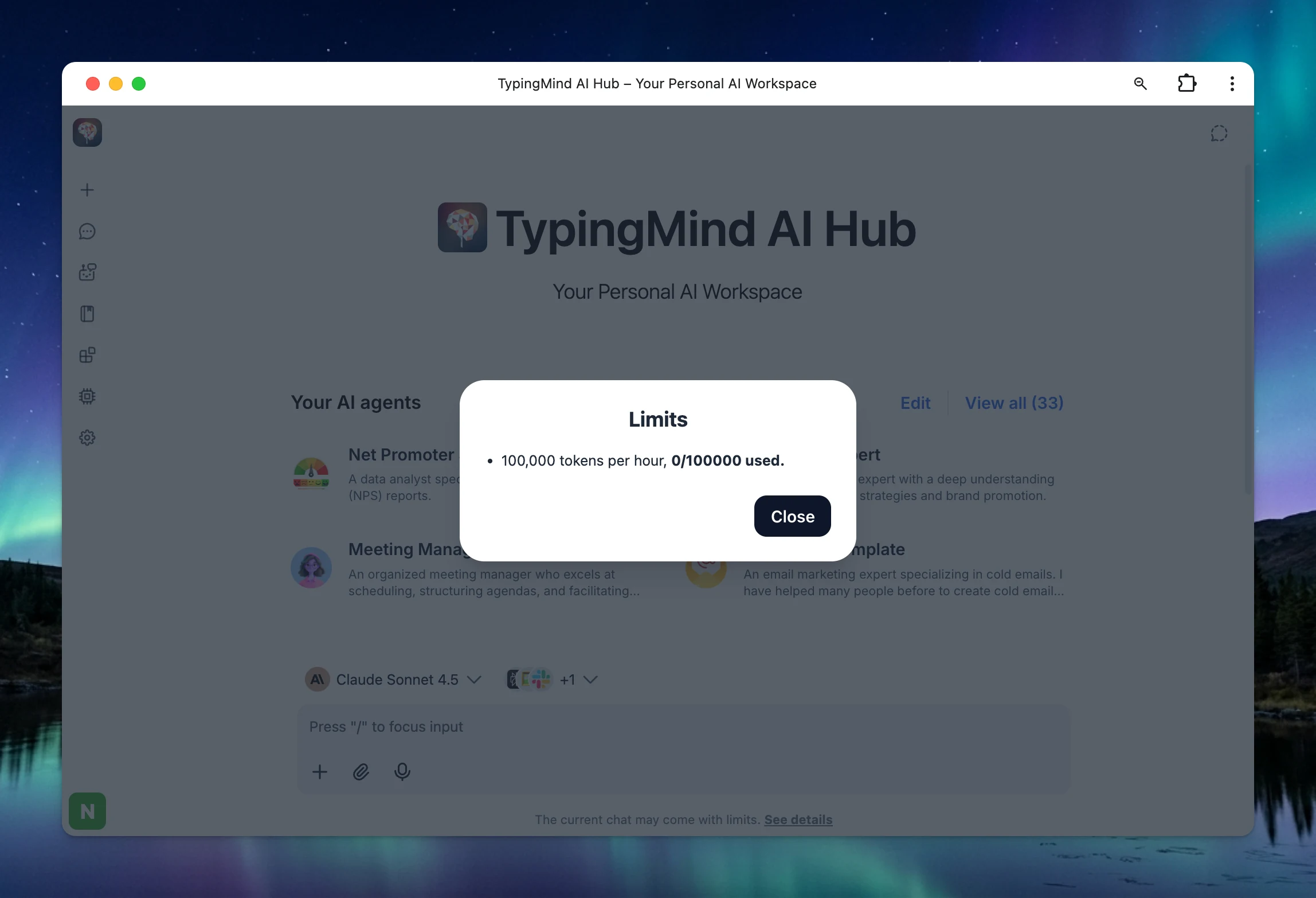
Members can now see their current usage against the limits that apply to them, in Settings → Usage.
Per limit: Each limit shows how much has been used, the cap and period (for example, 0 / 1,000 characters every 3 hours), a progress bar and when it resets next.
For admins: Organization admins with the right permissions can also view usage for users in the organization.
See how much of each limit you've used and when it resets, before you hit a cap.
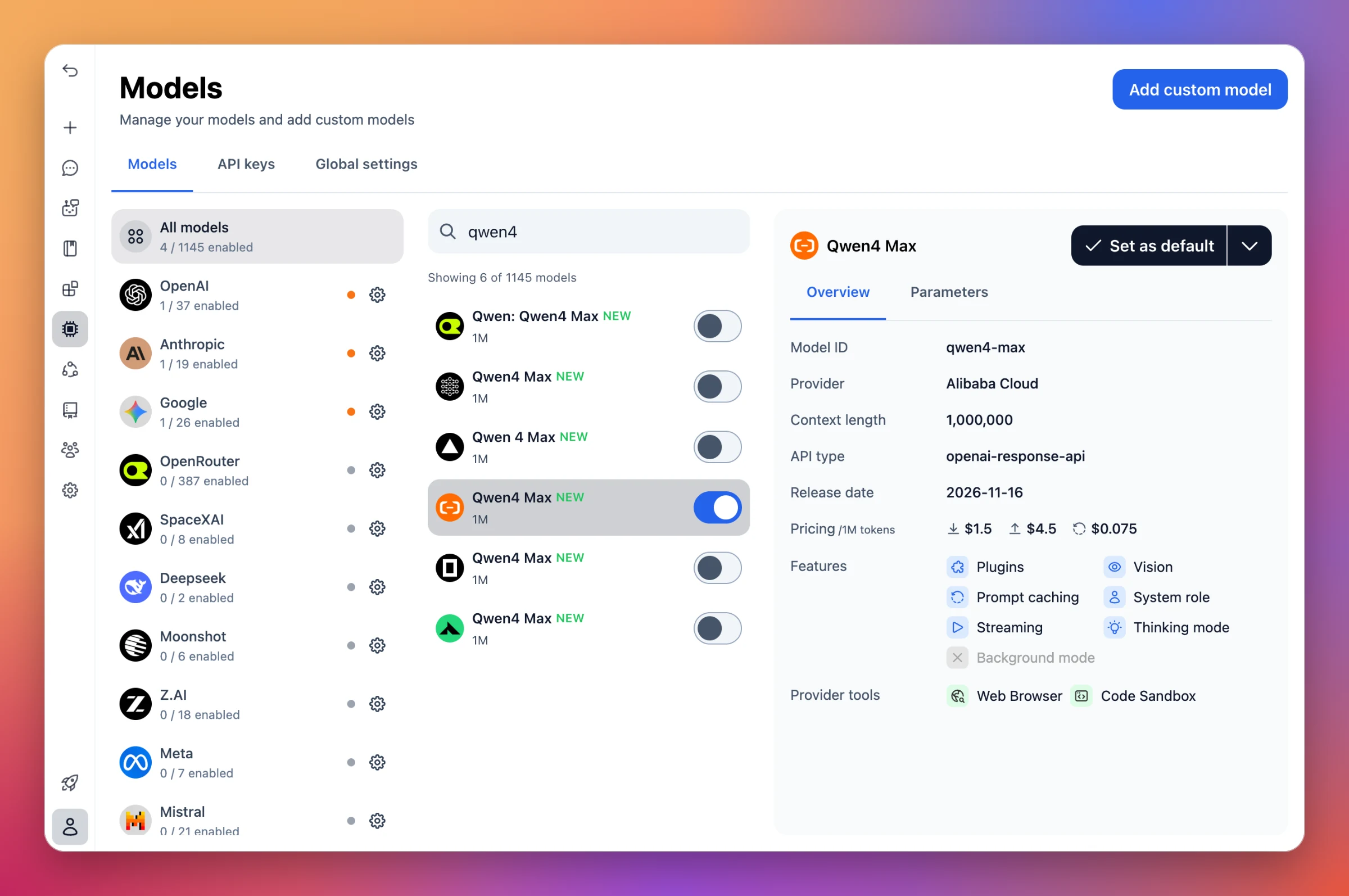
Qwen4 Max is now available on TypingMind. It's the flagship of Alibaba's Qwen4 series, a mixture-of-experts model with native vision and reasoning for coding, office work and long agentic tasks.
Model ID:qwen4-max (Alibaba Cloud), with a 1,000,000-token context.
More ways to use it: Also available through OpenRouter, Deepinfra, Vercel AI Gateway and OpenCode Go.
Alibaba's flagship MoE model (2.4T total, 71B active parameters) with native vision and a 1M-token context, at $1.50 input / $4.50 output per 1M tokens.
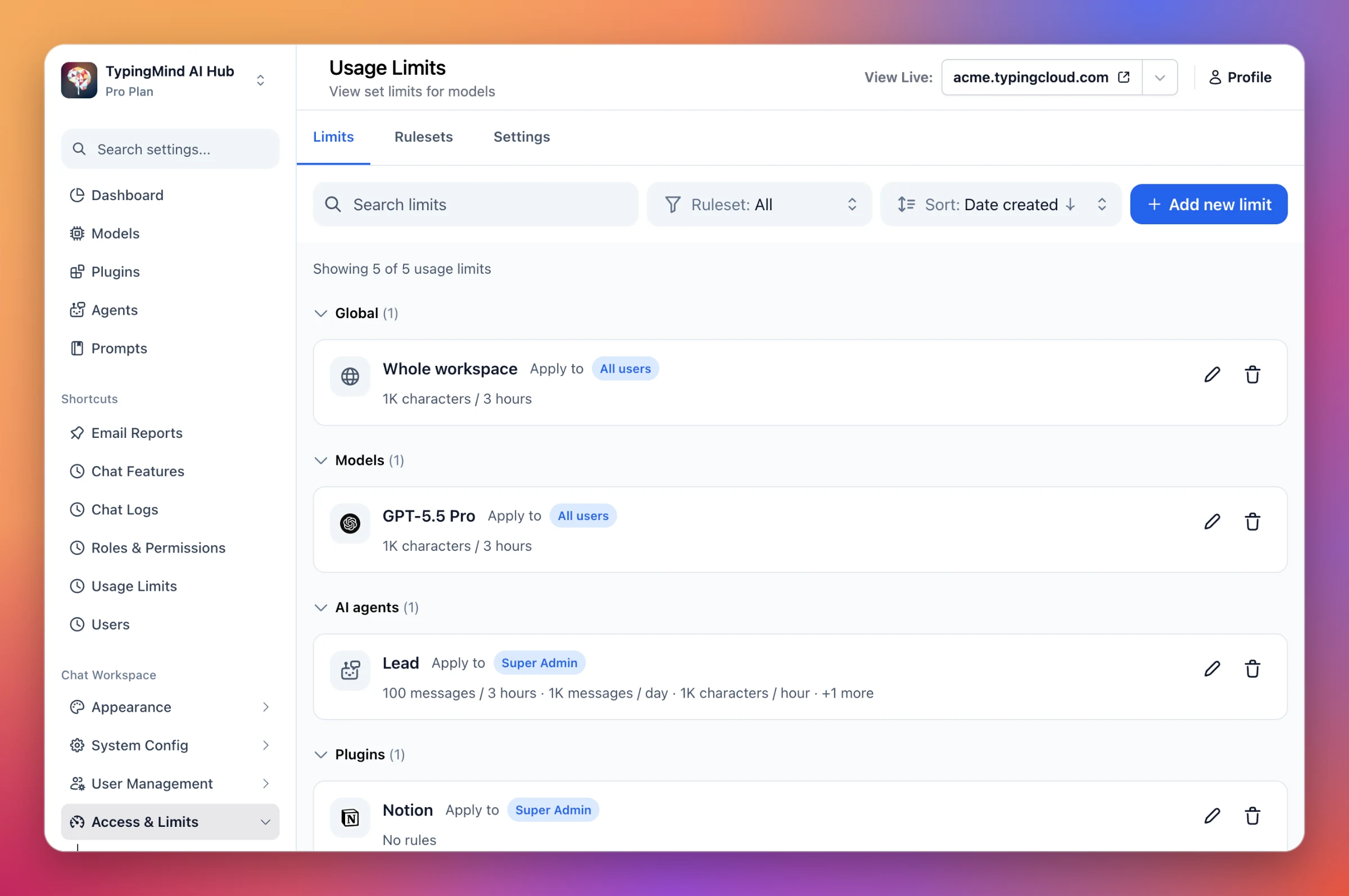
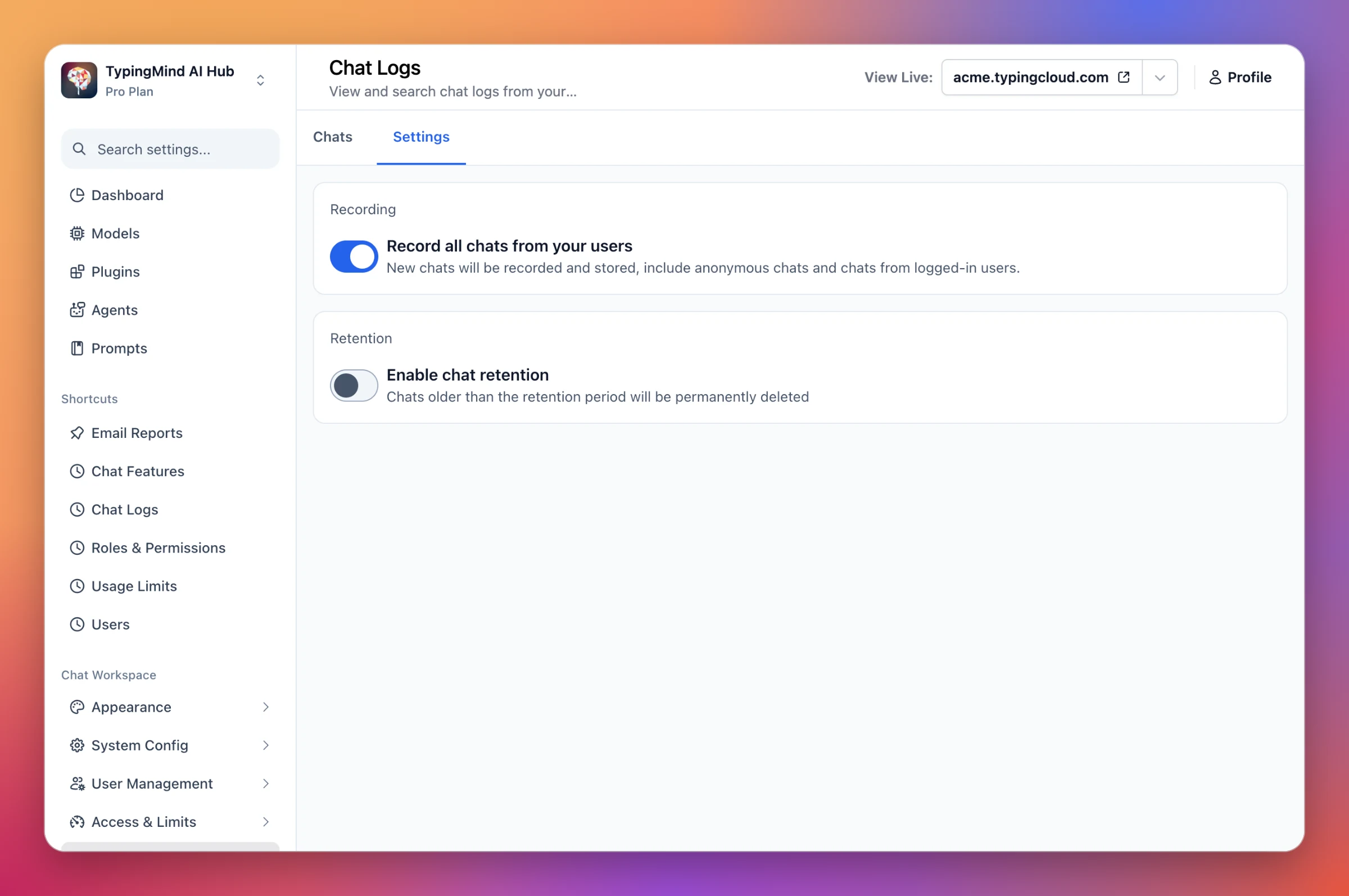
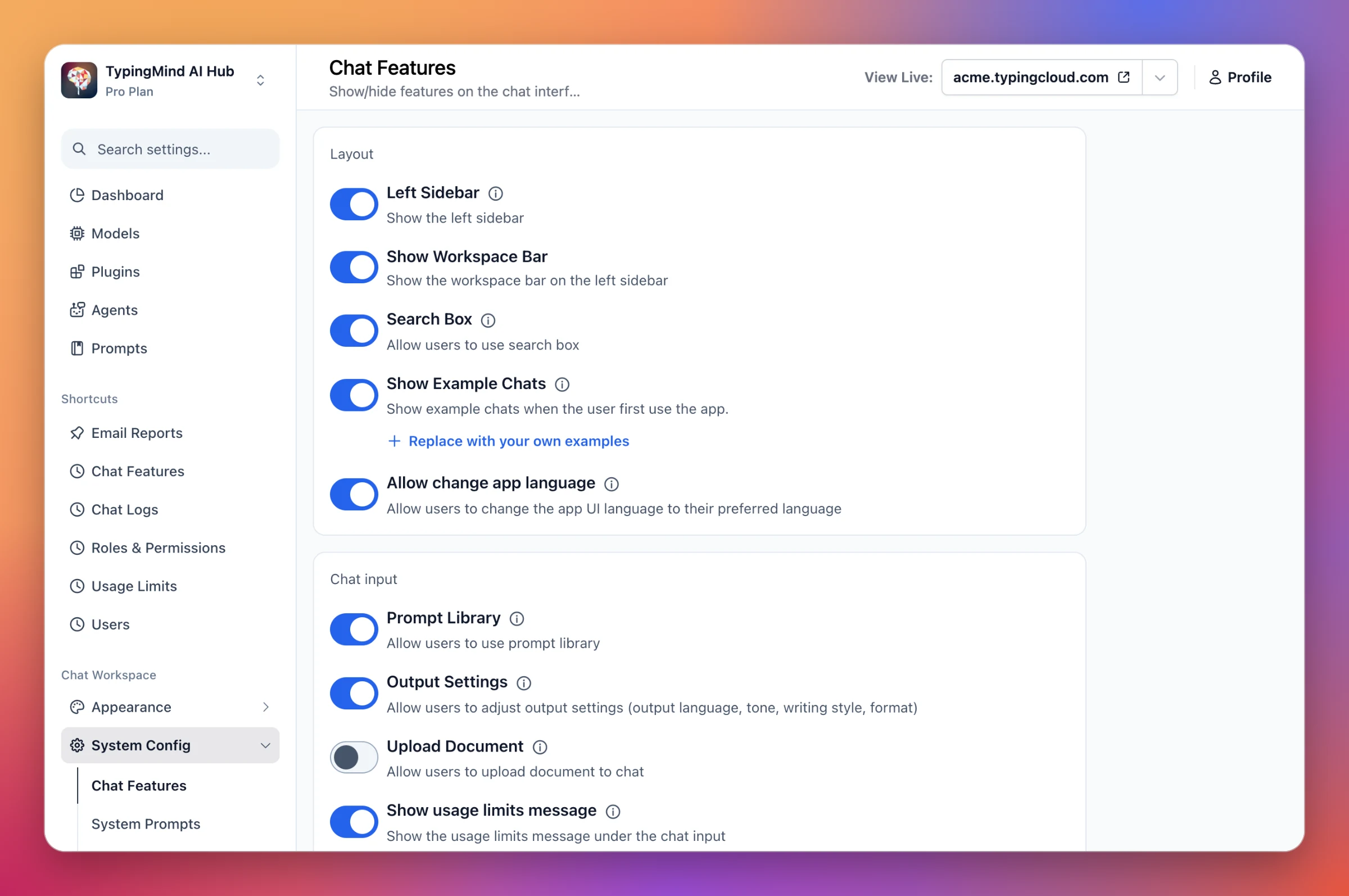
Three admin pages in TypingMind Teams have a new design.
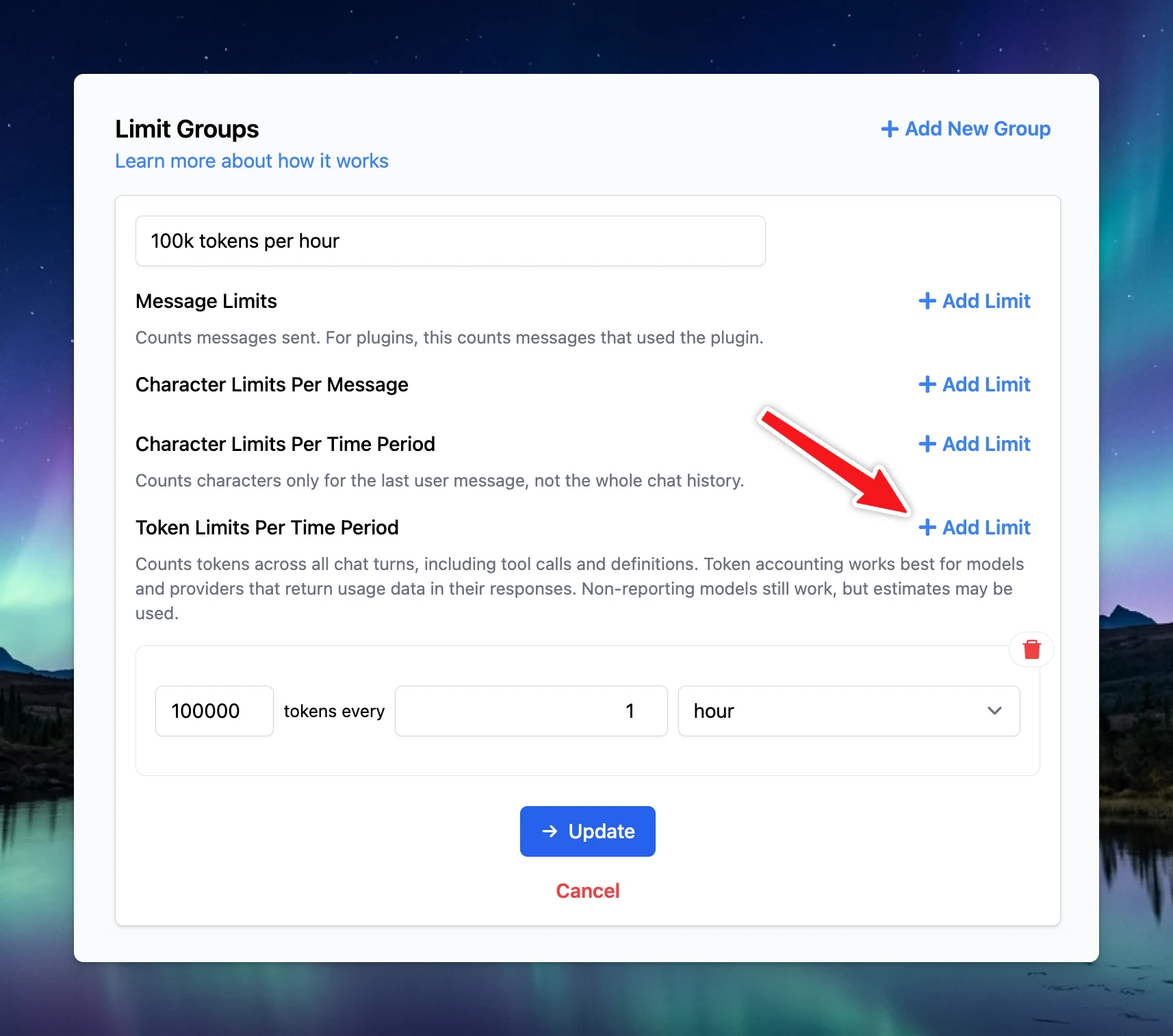
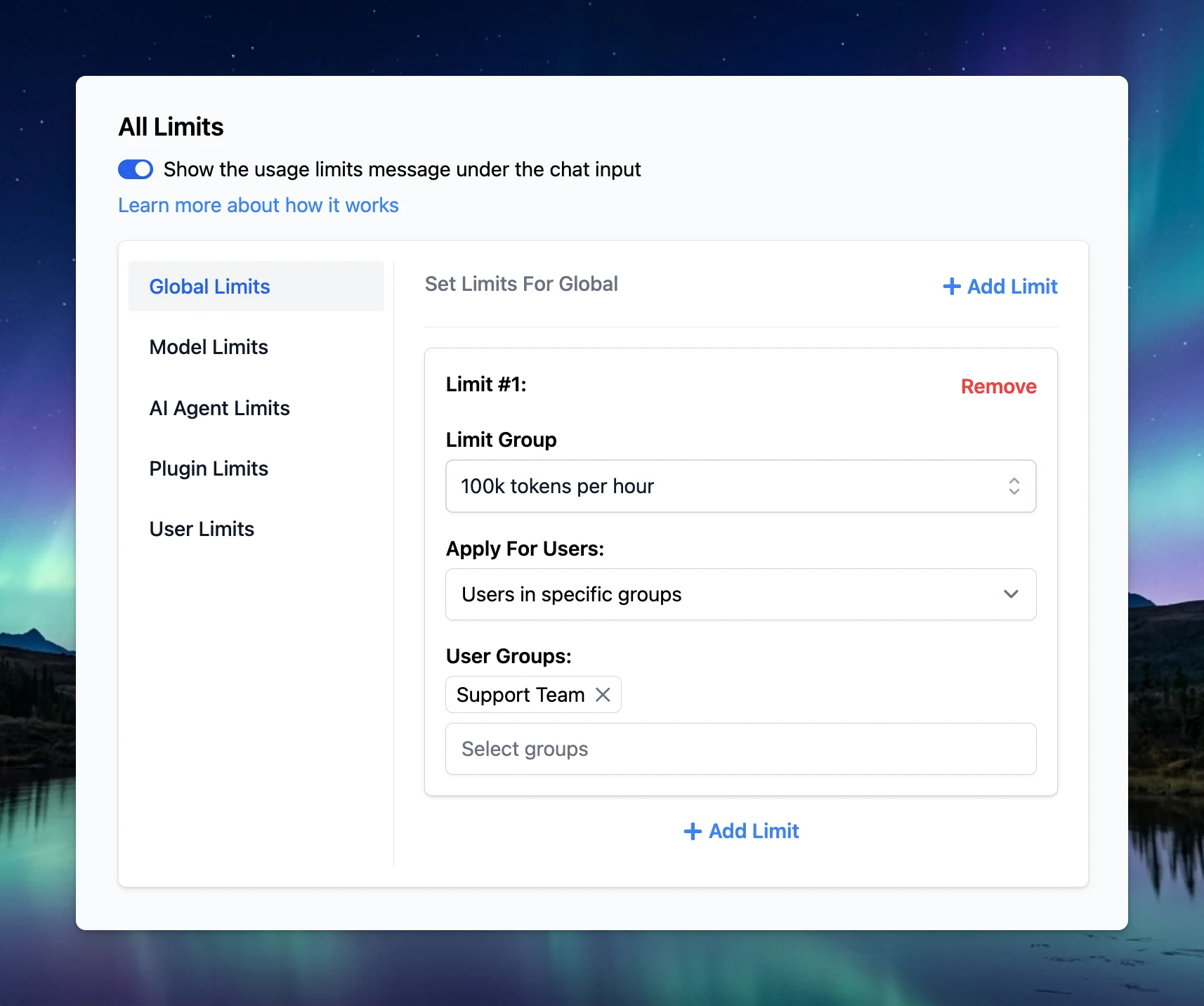
Usage Limits: A searchable, filterable, sortable list of limits, grouped by what they apply to (whole workspace, models, AI agents, plugins, users). Limit types and who each limit targets are clearer. Use reusable rulesets or custom rules, and add several rules of the same type and period.
Find any limit fast: search, filter by ruleset, and sort, with every limit's rules and targets shown at a glance.
Chat Logs: Now split into Chats and Settings tabs. Chat Logs settings (recording and retention) moved from a popup to the Settings tab.
Turn chat recording and retention on or off right in the Settings tab, with no popup.
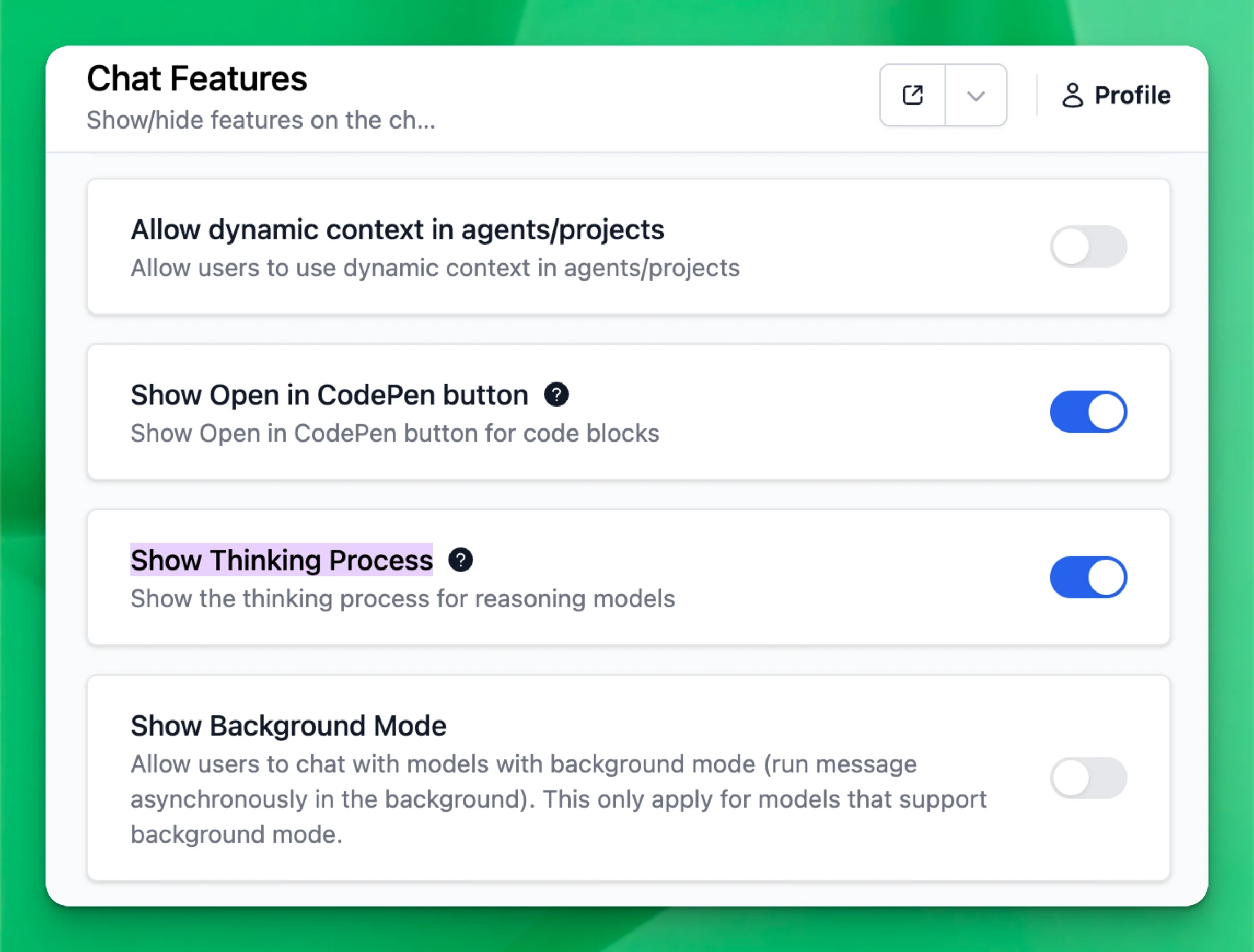
Chat Features: Options are grouped into clear sections (Layout, Chat input, Models, Text to speech and Voice input), with a cleaner look that matches the rest of the admin dashboard.
Show or hide chat features by section, so each option is easy to find.
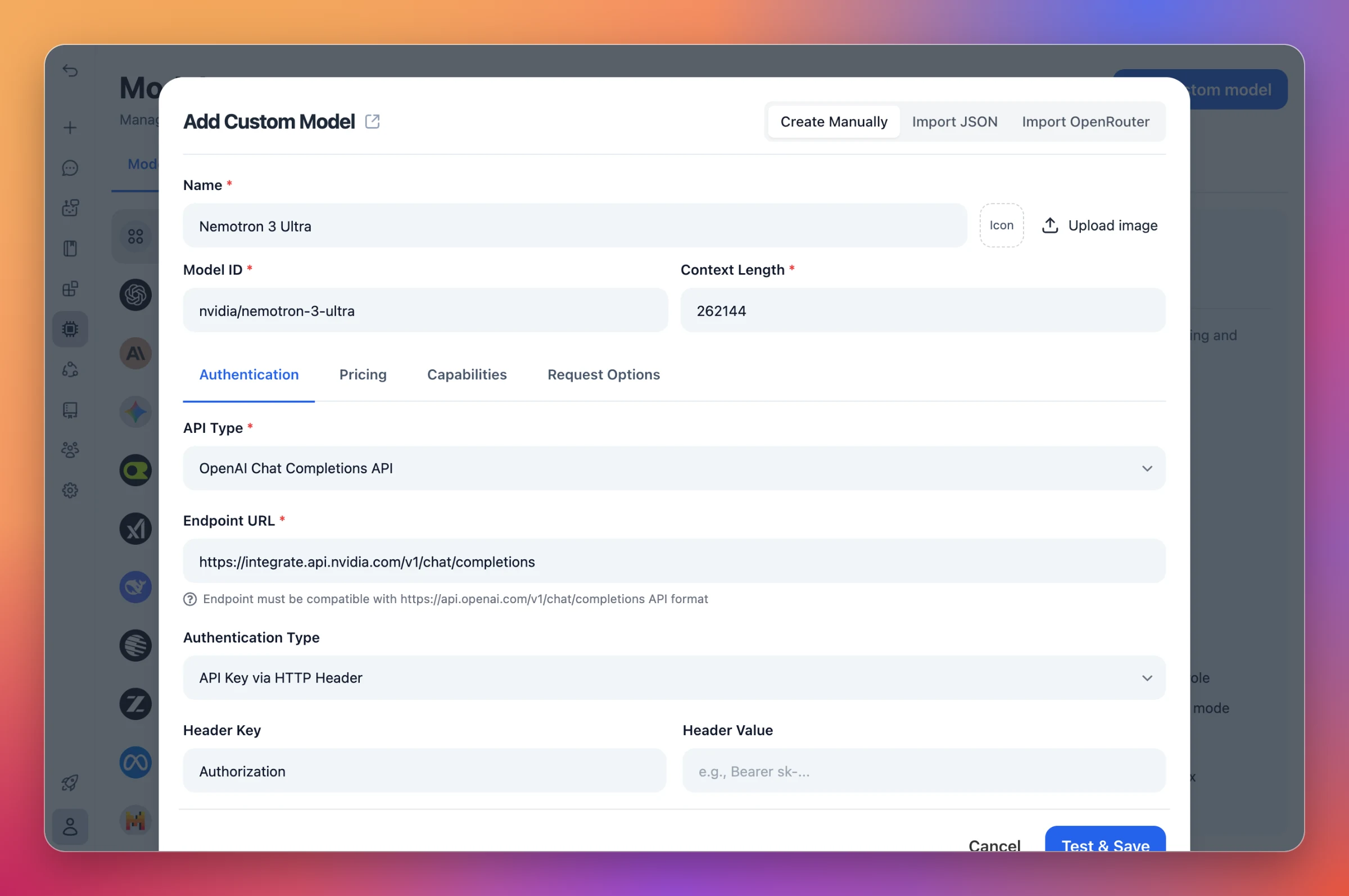
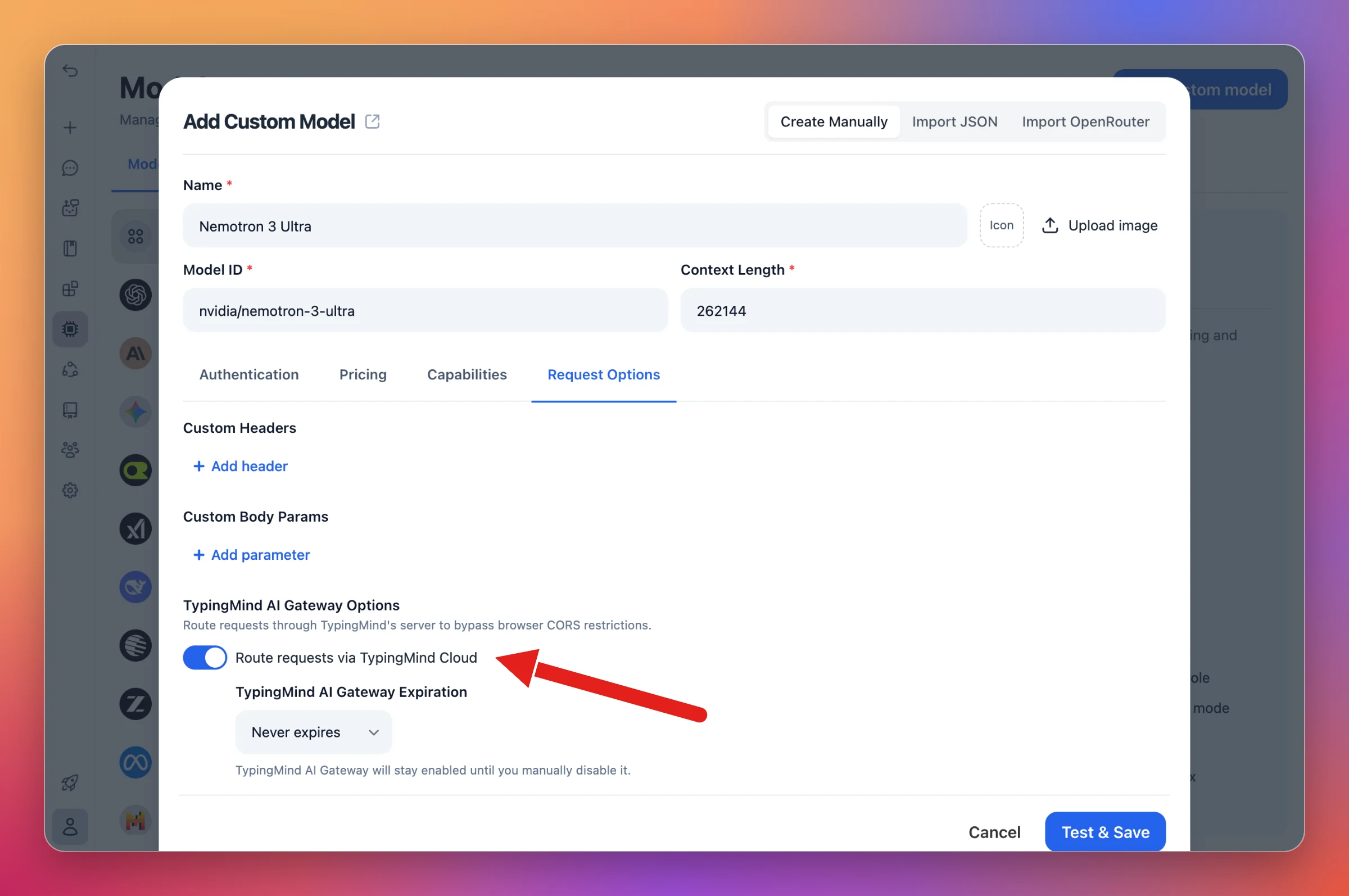
You can now add models from NVIDIA's hosted API as custom models.
Set up: In Models → Add custom model, choose OpenAI Chat Completions API, set the endpoint to https://integrate.api.nvidia.com/v1/chat/completions, and add your NVIDIA API key as the Authorization header.
Point a custom model at NVIDIA's endpoint and add your API key.
Route via TypingMind Cloud: Turn on Route requests via TypingMind Cloud in Request Options. NVIDIA's API only works with this option on.
Turn on Route requests via TypingMind Cloud to call NVIDIA's API.
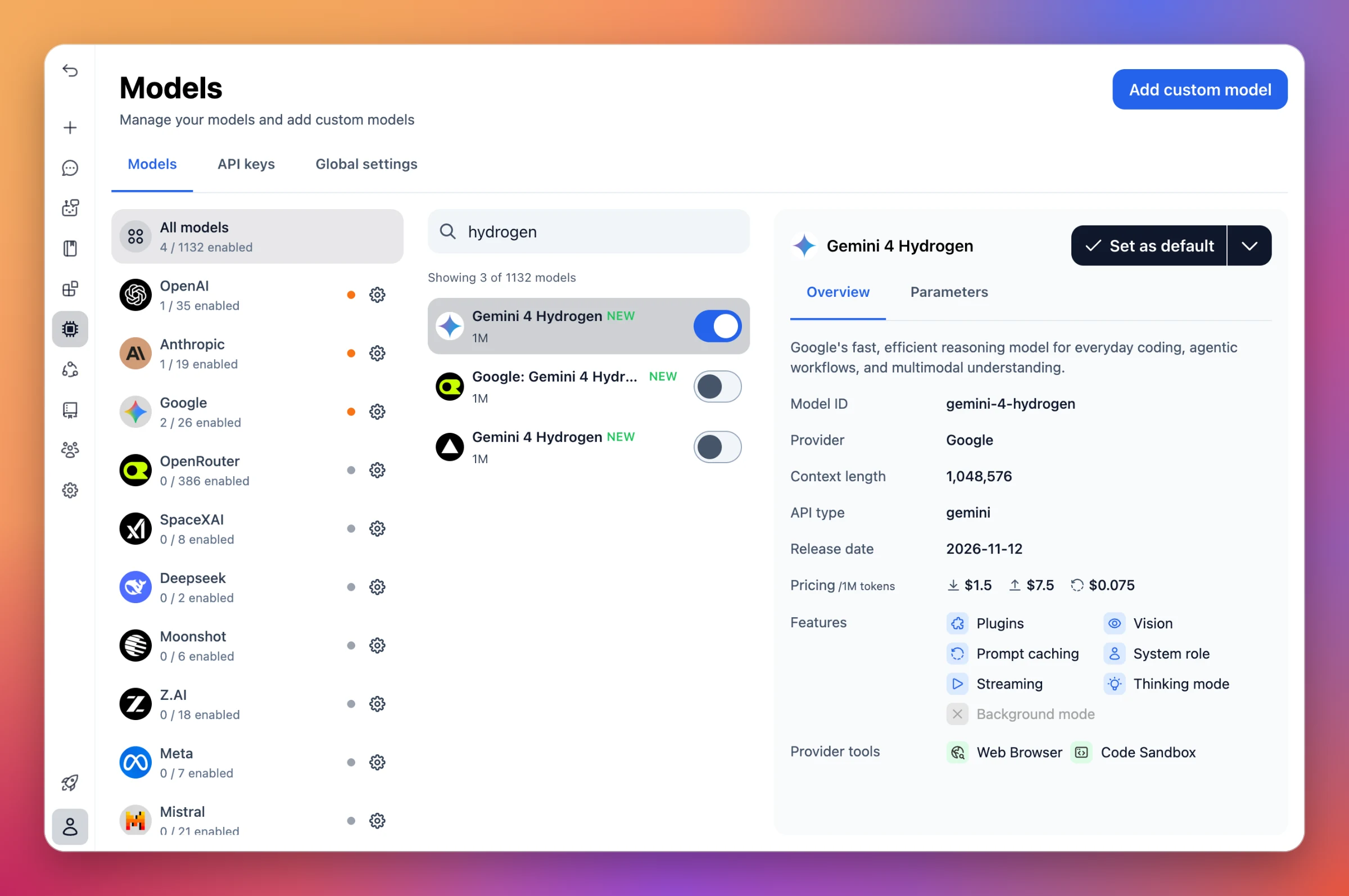
Gemini 4 Hydrogen is now available on TypingMind. It's Google's fast, efficient reasoning model for everyday coding, agentic workflows, and multimodal understanding.
Model ID:gemini-4-hydrogen, with a 1,048,576-token context.
More ways to use it: Also available through OpenRouter.
The fast, lower-cost Gemini 4 model: built for everyday coding, agentic workflows and multimodal tasks, at $1.50 input / $7.50 output per 1M tokens (25% less than Gemini 4 Carbon).
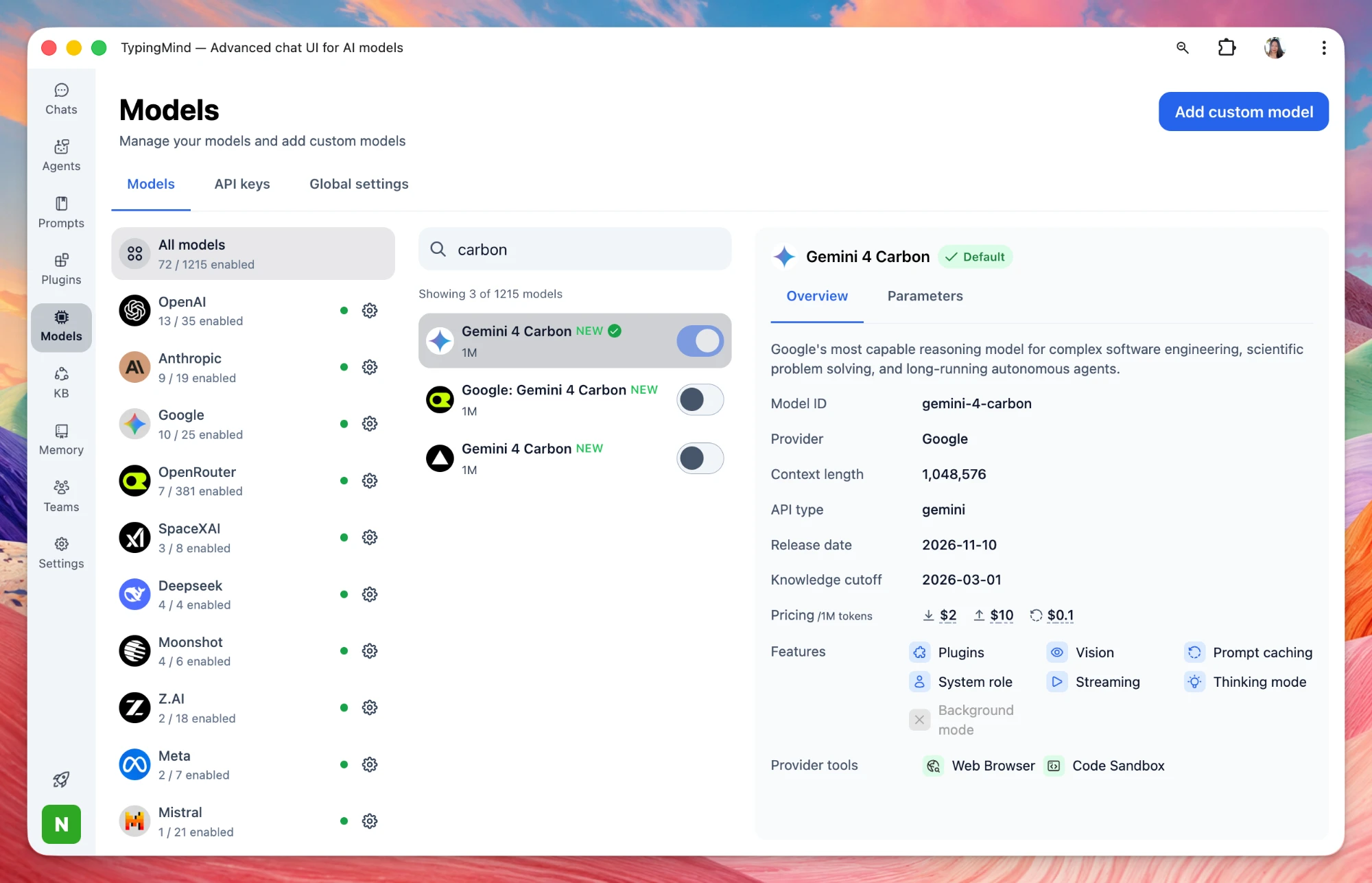
Gemini 4 Carbon is now available on TypingMind. It's Google's most capable reasoning model, built for complex software engineering, scientific problem solving, and long-running autonomous agents.
Model ID:gemini-4-carbon, with a 1,048,576-token context.
More ways to use it: Also available through OpenRouter.
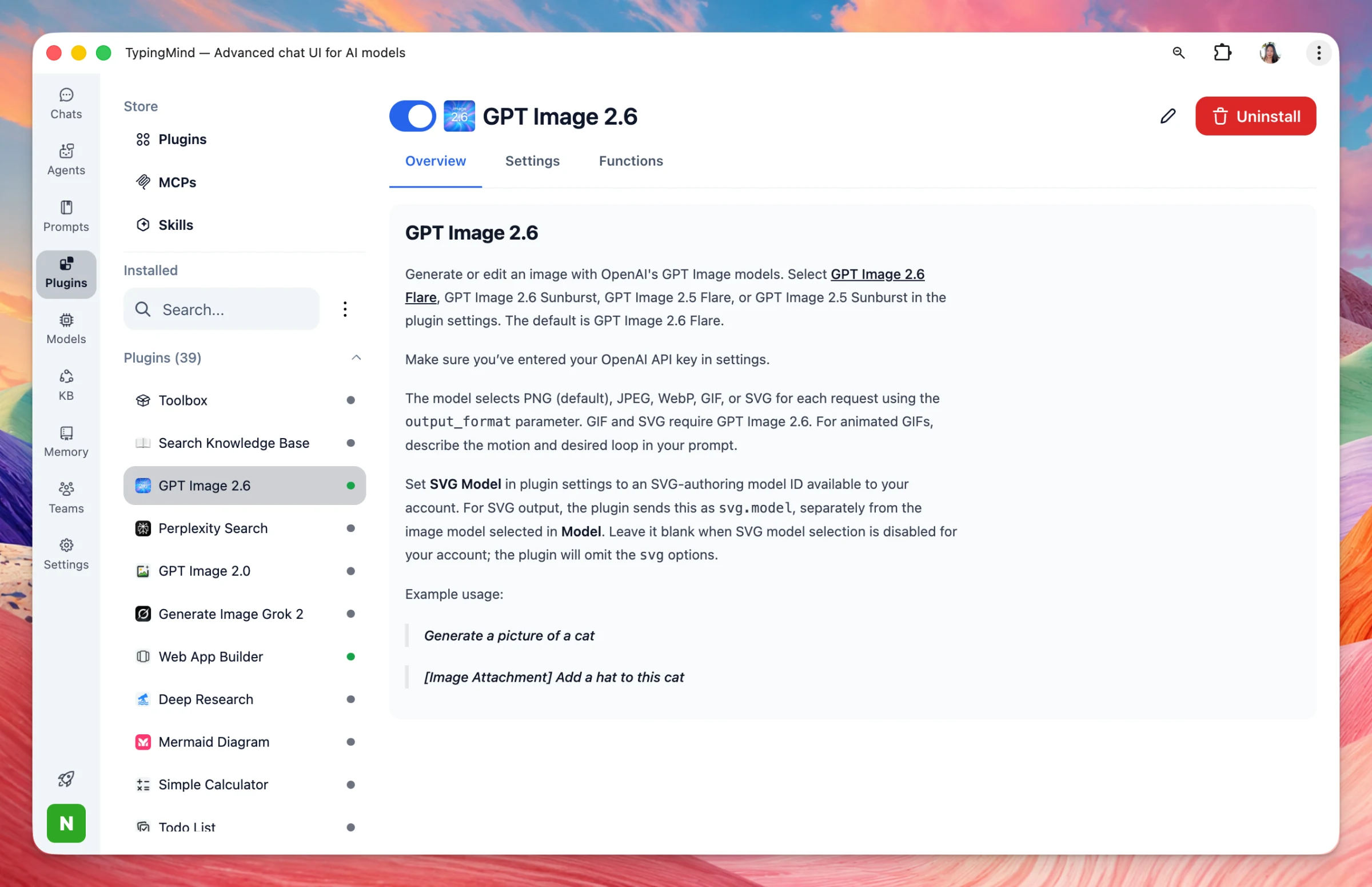
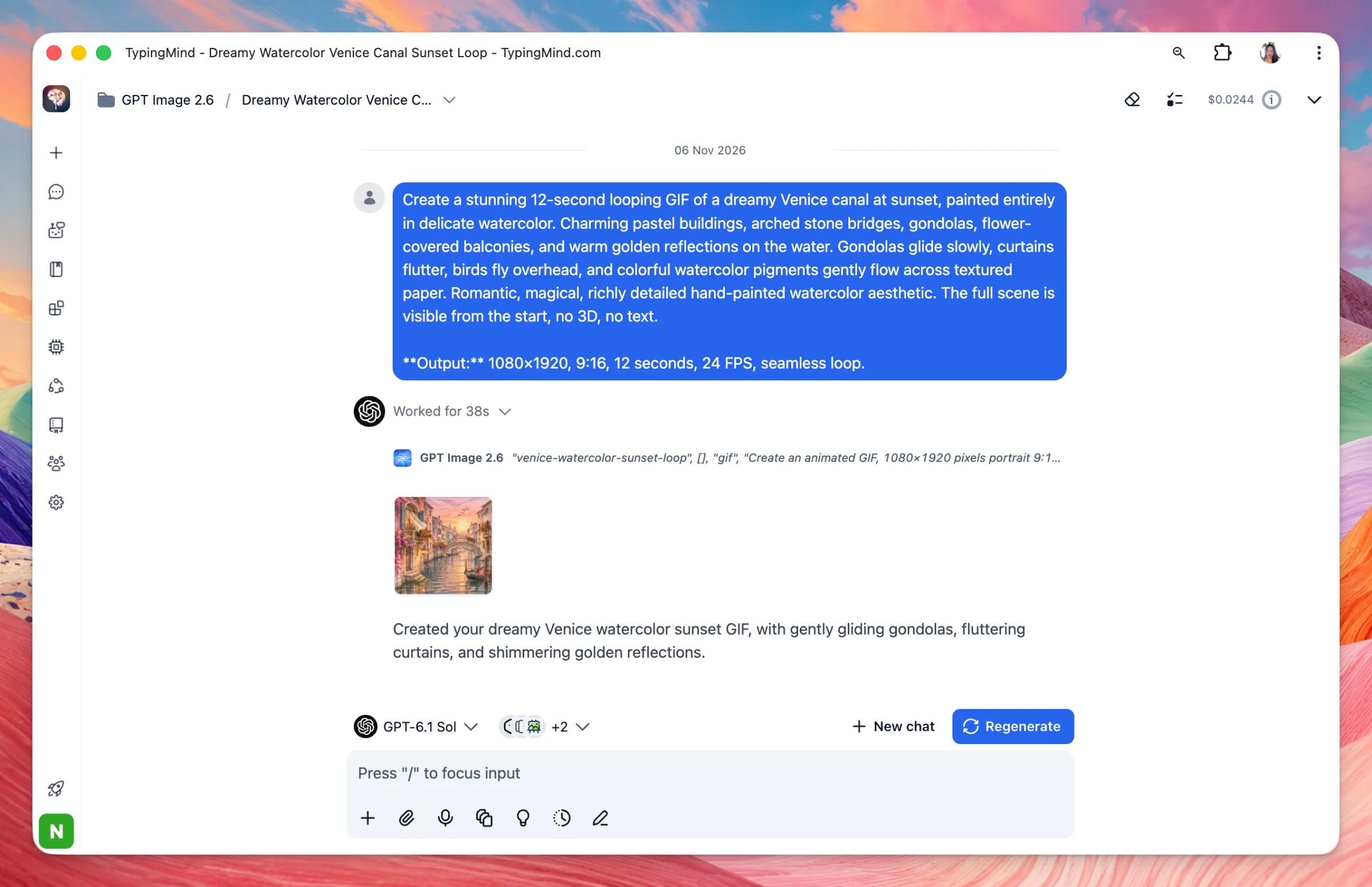
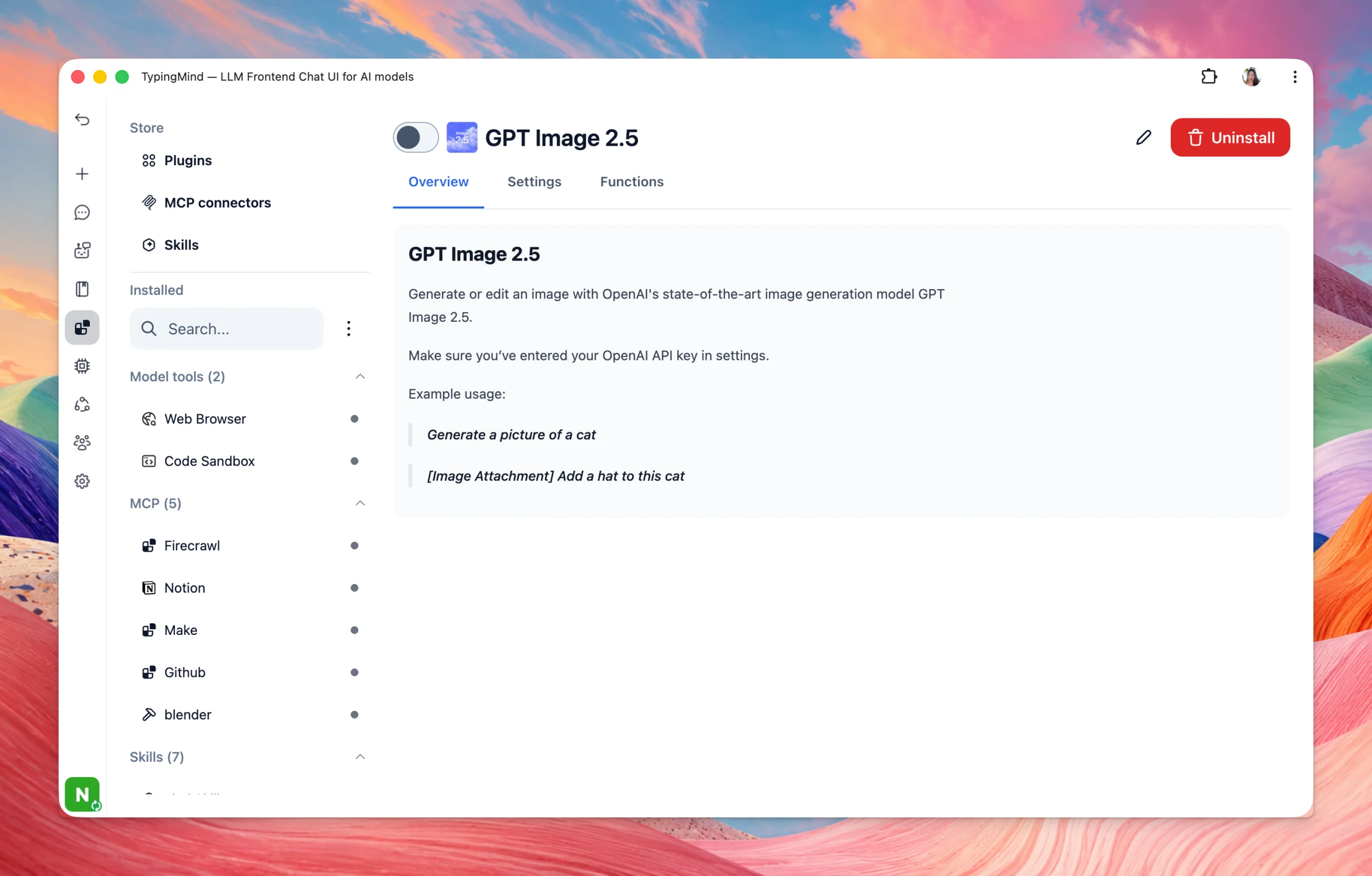
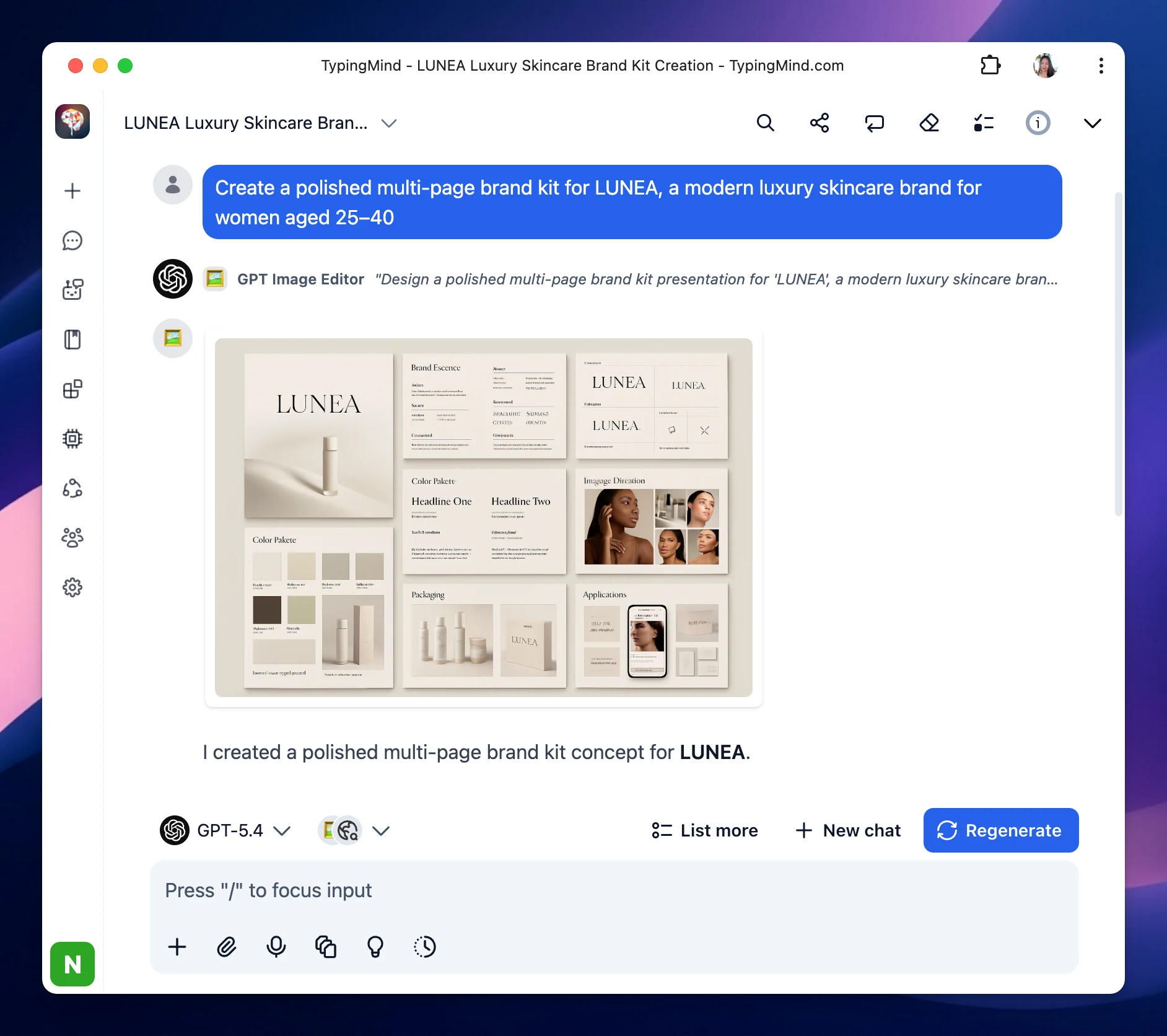
Added support for GPT Image 2.6. The plugin generates and edits images with OpenAI's GPT Image models.
Models: Choose GPT Image 2.6 Flare (the default), GPT Image 2.6 Sunburst, GPT Image 2.5 Flare, or GPT Image 2.5 Sunburst. Use your OpenAI API key.
Formats: Each request can return PNG (the default), JPEG, WebP, GIF, or SVG. GIF and SVG require GPT Image 2.6. For an animated GIF, describe the motion and the loop in your prompt.
SVG model: For SVG output, set an SVG-authoring model in the plugin settings. Leave it blank when SVG model selection is disabled for your account.
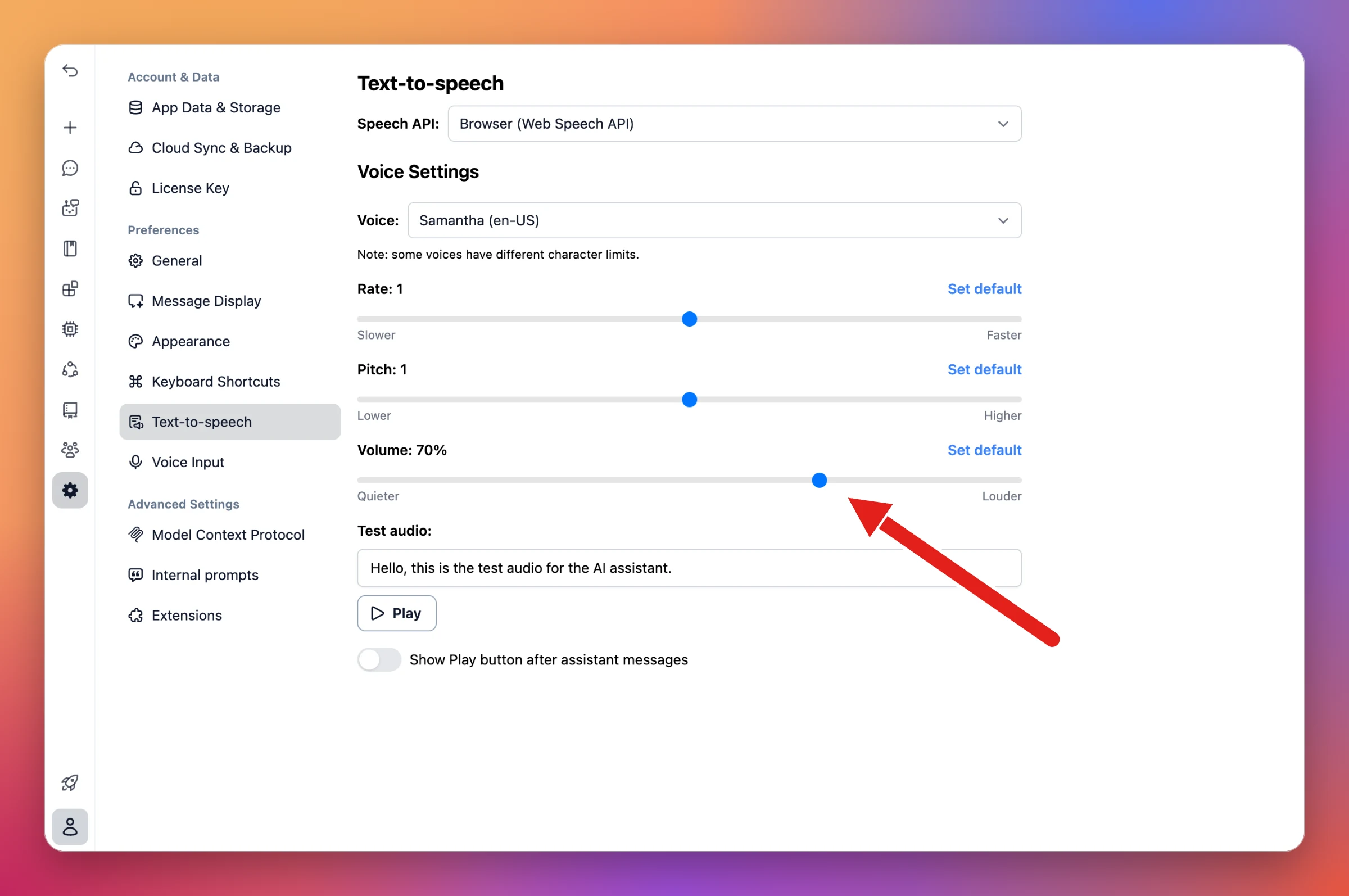
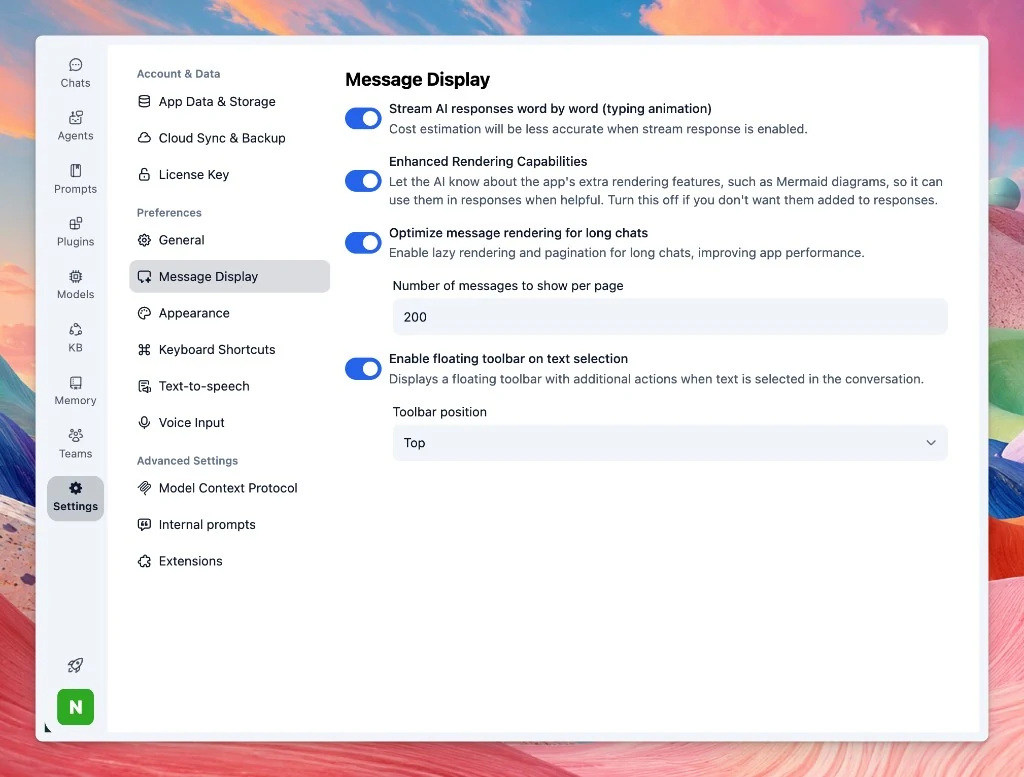
Settings now has a Message Display section for how chat responses are streamed and rendered.
Stream AI responses: Stream replies word by word with a typing animation. Cost estimation is less accurate while streaming is enabled.
Enhanced Rendering Capabilities: Control whether the AI is prompted to use extra rendering features, such as Mermaid diagrams, when they would help. Turn this off if you don't want them added to responses.
Long chats: Enable lazy rendering and pagination, and set how many messages to show per page.
Text selection toolbar: Show a floating toolbar with extra actions when text is selected in the conversation, and choose its position.
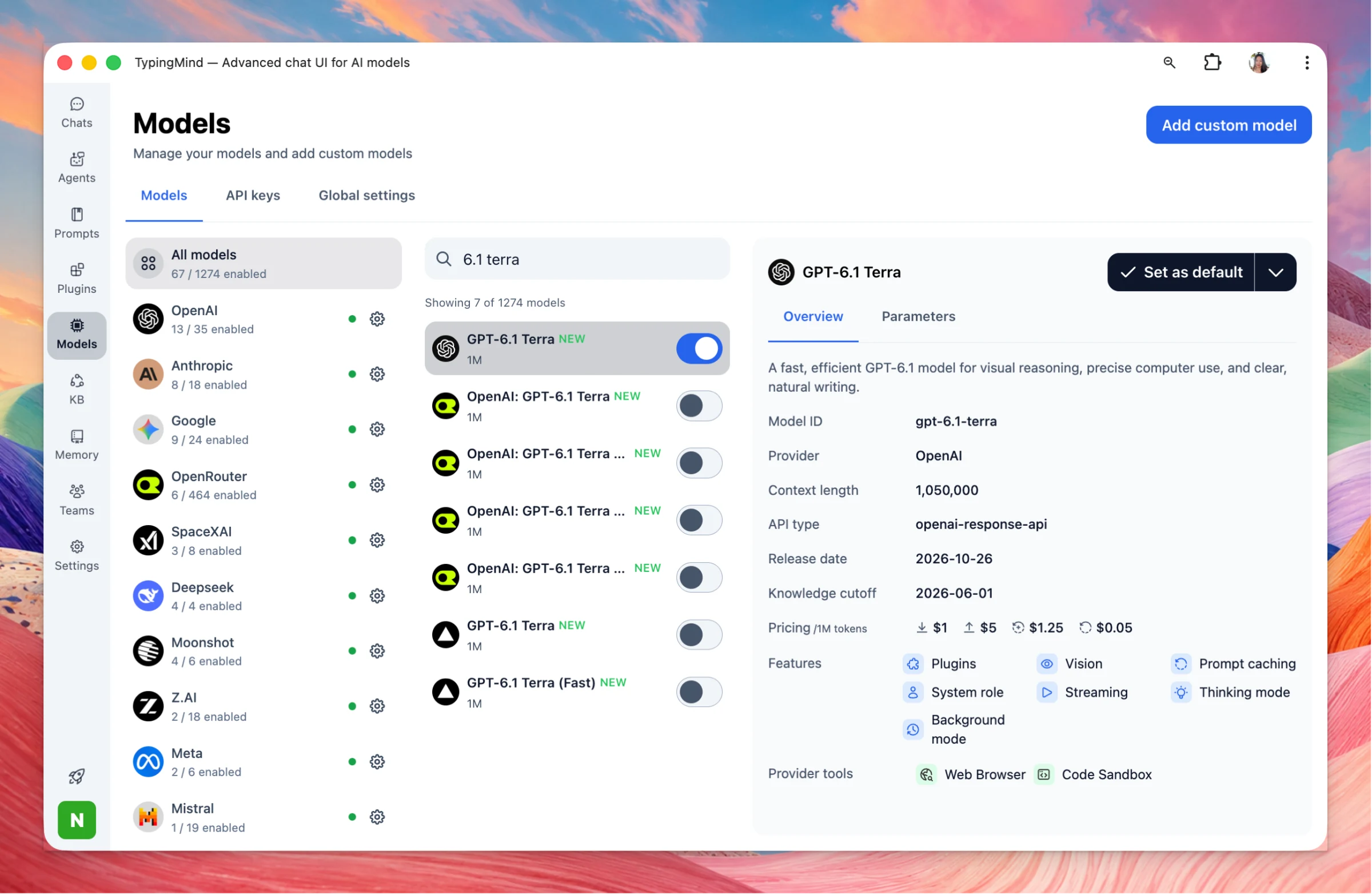
GPT-6.1 Terra: A fast, efficient GPT-6.1 model for visual reasoning, precise computer use, and clear, natural writing. Model ID gpt-6.1-terra, with a 1,050,000-token context.
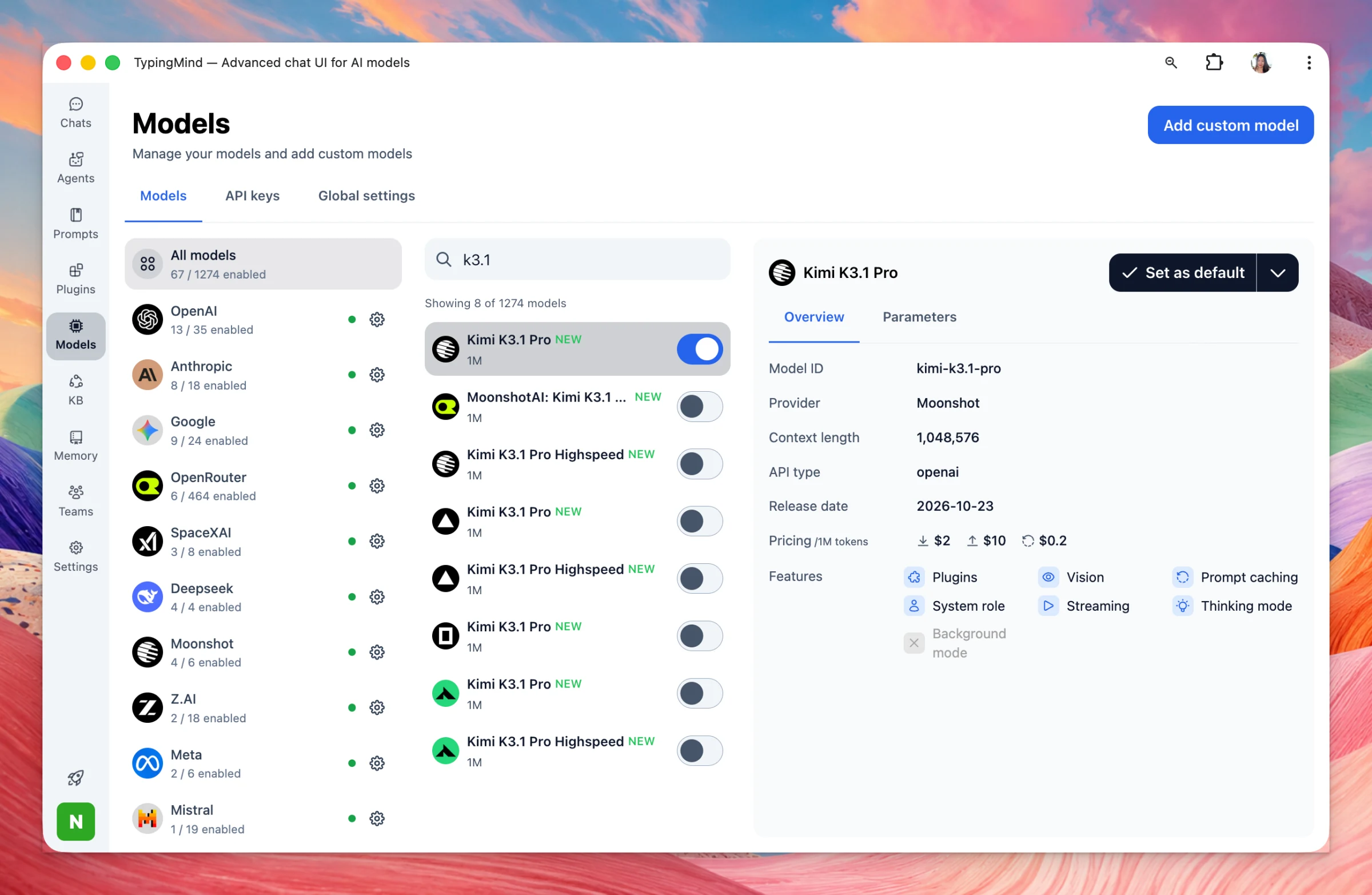
Kimi K3.1 Pro: Moonshot's Kimi K3.1 Pro (kimi-k3.1-pro) is now available, with a 1,048,576-token context.
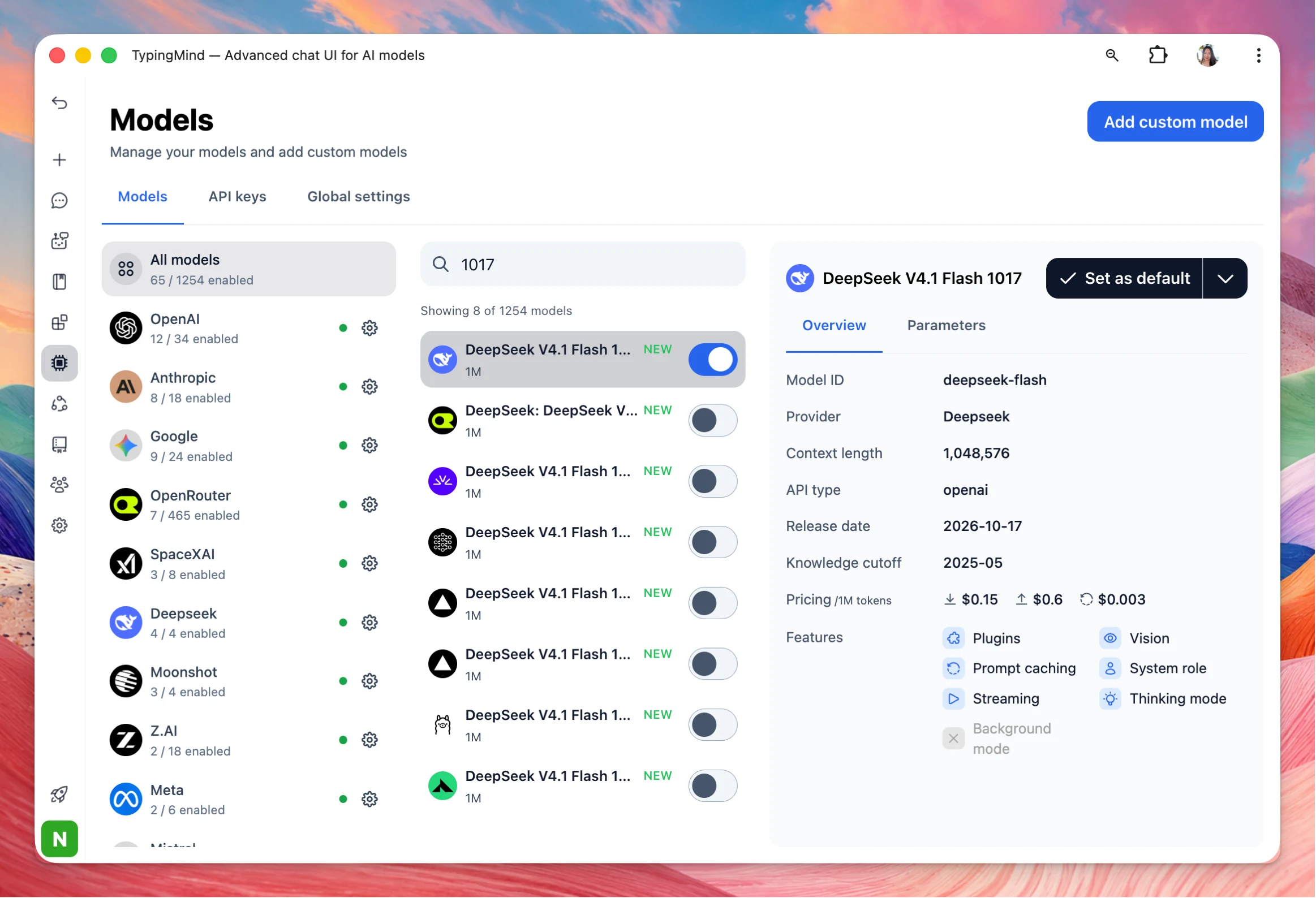
Added support for the DeepSeek V4.1 Flash 1017 model snapshot. DeepSeek V4.1 Flash 1017 replaces the previous V4.1 Flash behind the same model ID, deepseek-flash. The API price is unchanged. DeepSeek describes it as a minor update with stronger reasoning,…
New
AI Models
Show detailsHide details
Added support for the DeepSeek V4.1 Flash 1017 model snapshot.
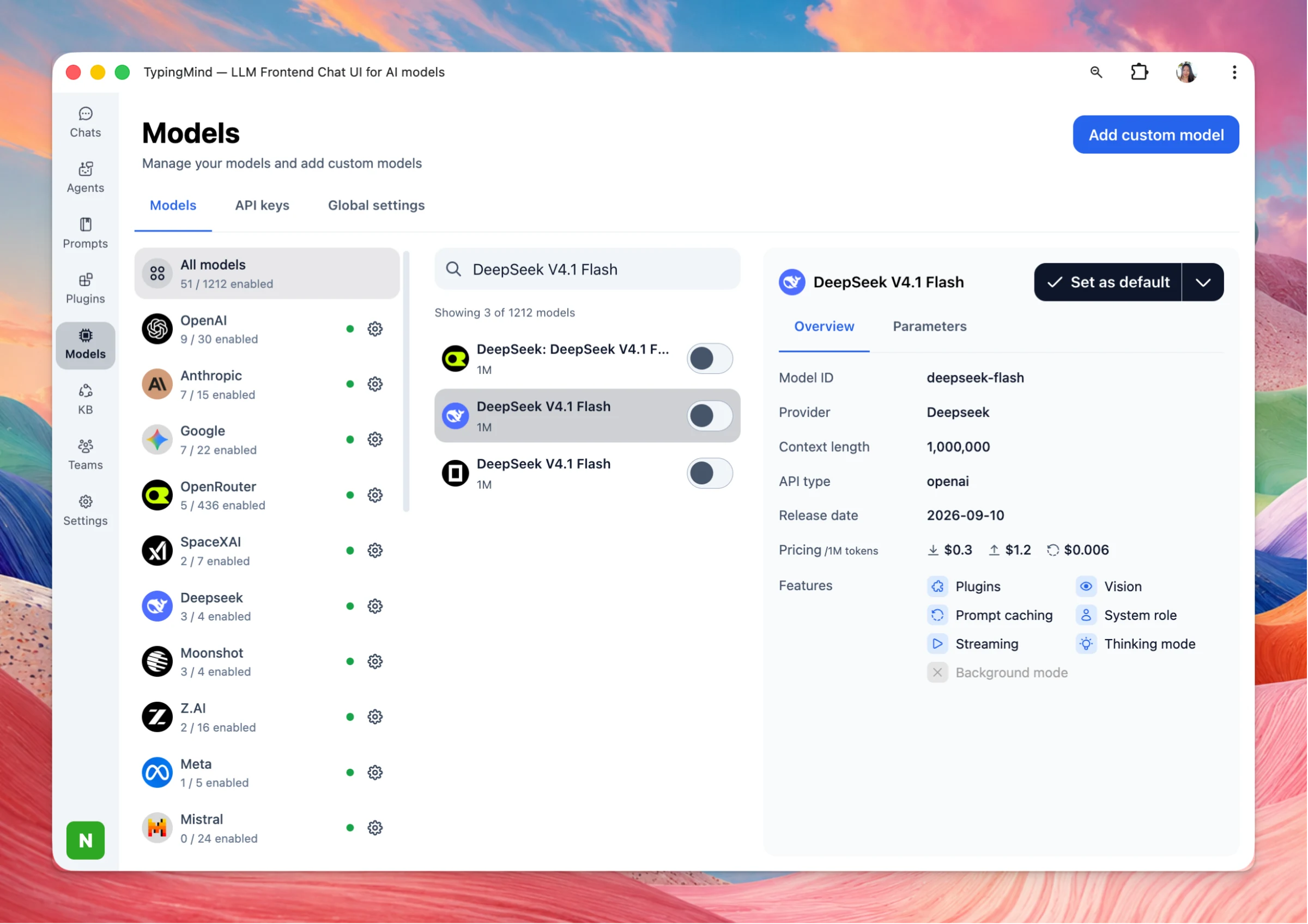
DeepSeek V4.1 Flash 1017 replaces the previous V4.1 Flash behind the same model ID, deepseek-flash. The API price is unchanged. DeepSeek describes it as a minor update with stronger reasoning, coding, agent, and vision results, and shorter, faster task runs. It has a 1,048,576-token context.
Updates for TypingMind Teams admins. Redesign Admin plugins page redesign: The admin plugins page has a cleaner layout that is easier to scan and manage. Admins can now install multiple MCP servers at once, instead of adding them one by one. Sidebar menu:…
Improved
Team Version
Show detailsHide details
Updates for TypingMind Teams admins.
Redesign
Admin plugins page redesign: The admin plugins page has a cleaner layout that is easier to scan and manage. Admins can now install multiple MCP servers at once, instead of adding them one by one.
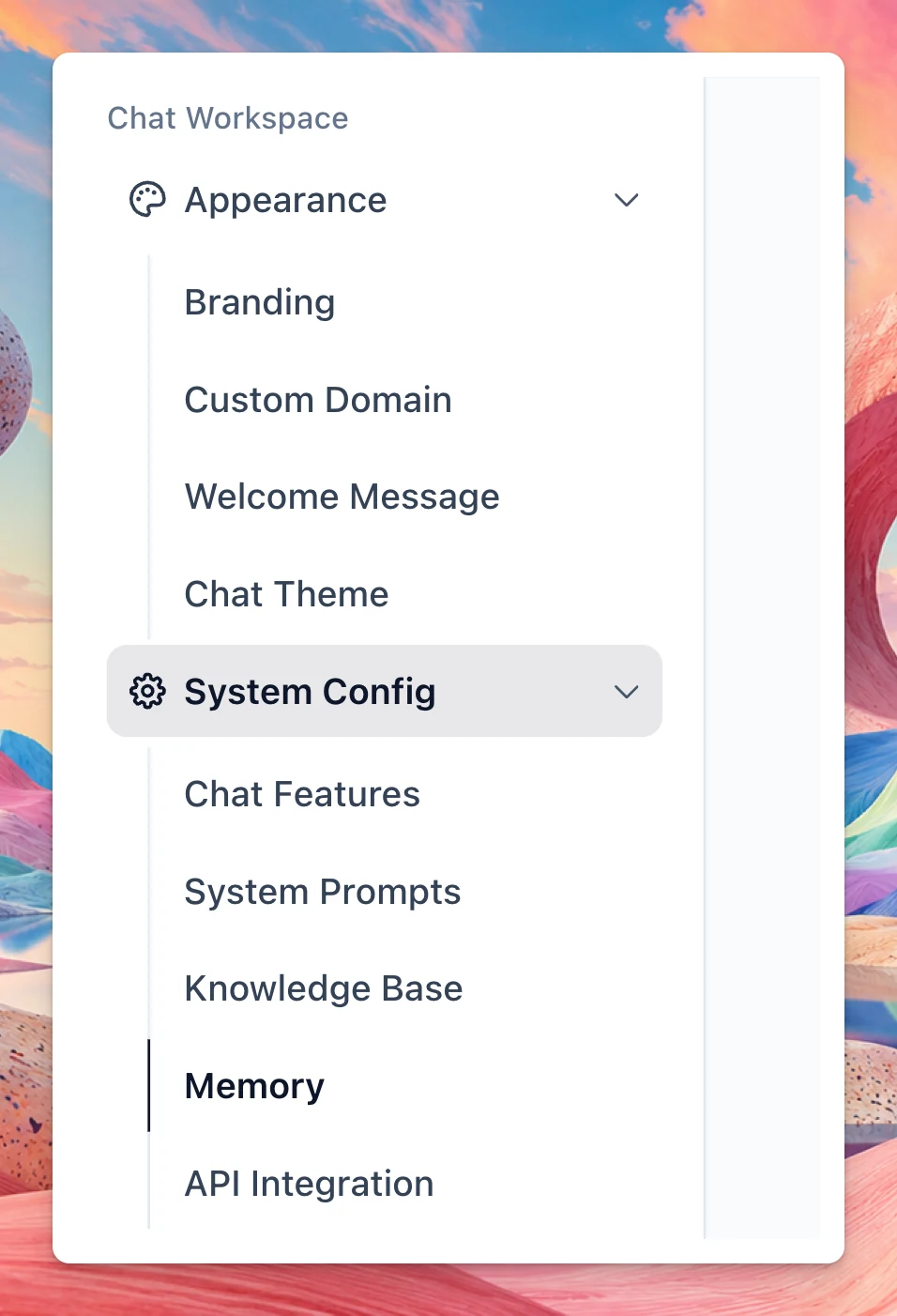
Sidebar menu: Admin navigation is reorganized into Appearance and System Config. Knowledge Base now lives under System Config instead of the top-level menu and pinned shortcuts.
Appearance includes Branding, Custom Domain, Welcome Message, and Chat Theme.
System Config includes Chat Features, System Prompts, Knowledge Base, Memory, API Integration, and Emails.
Changes
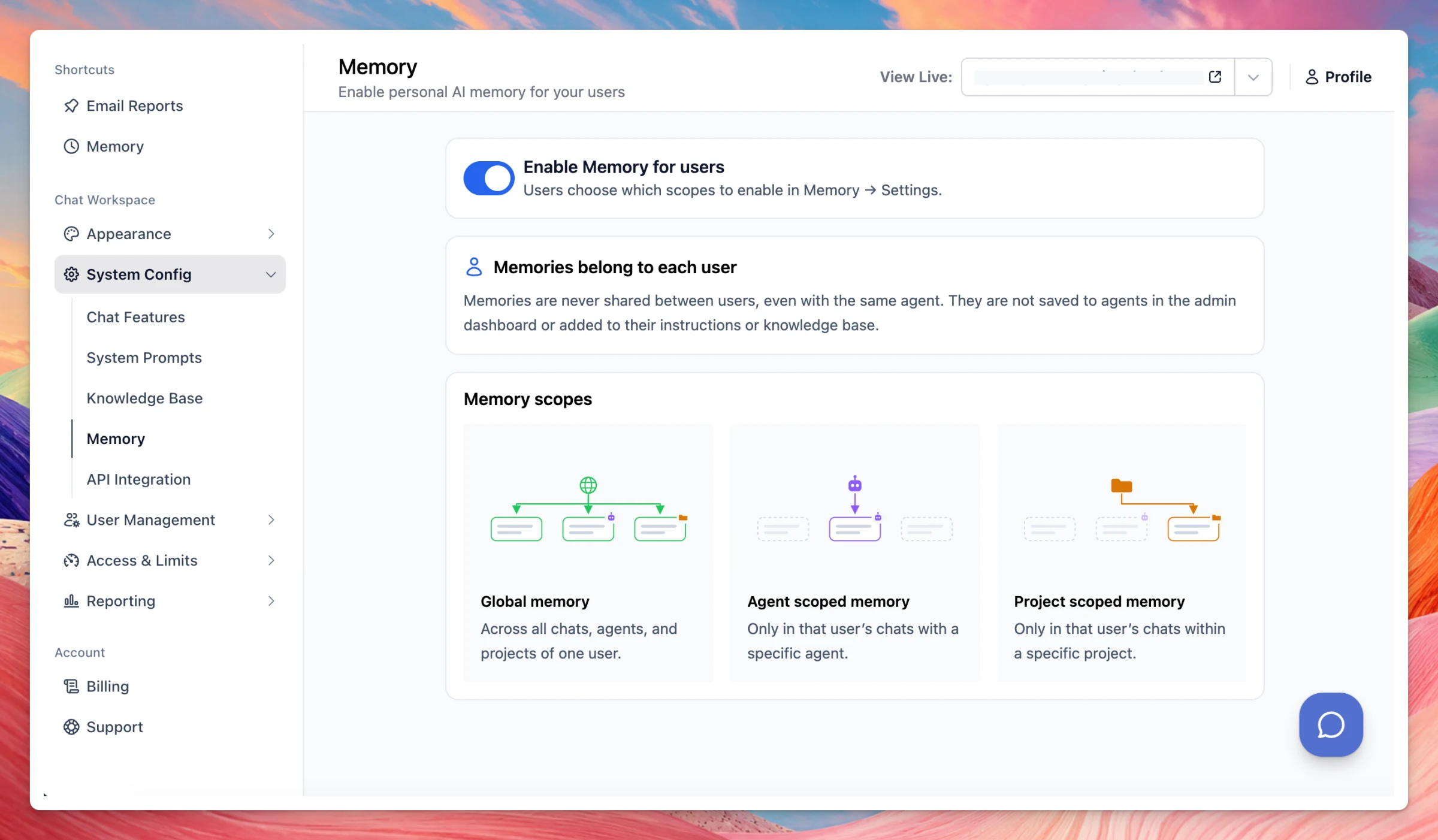
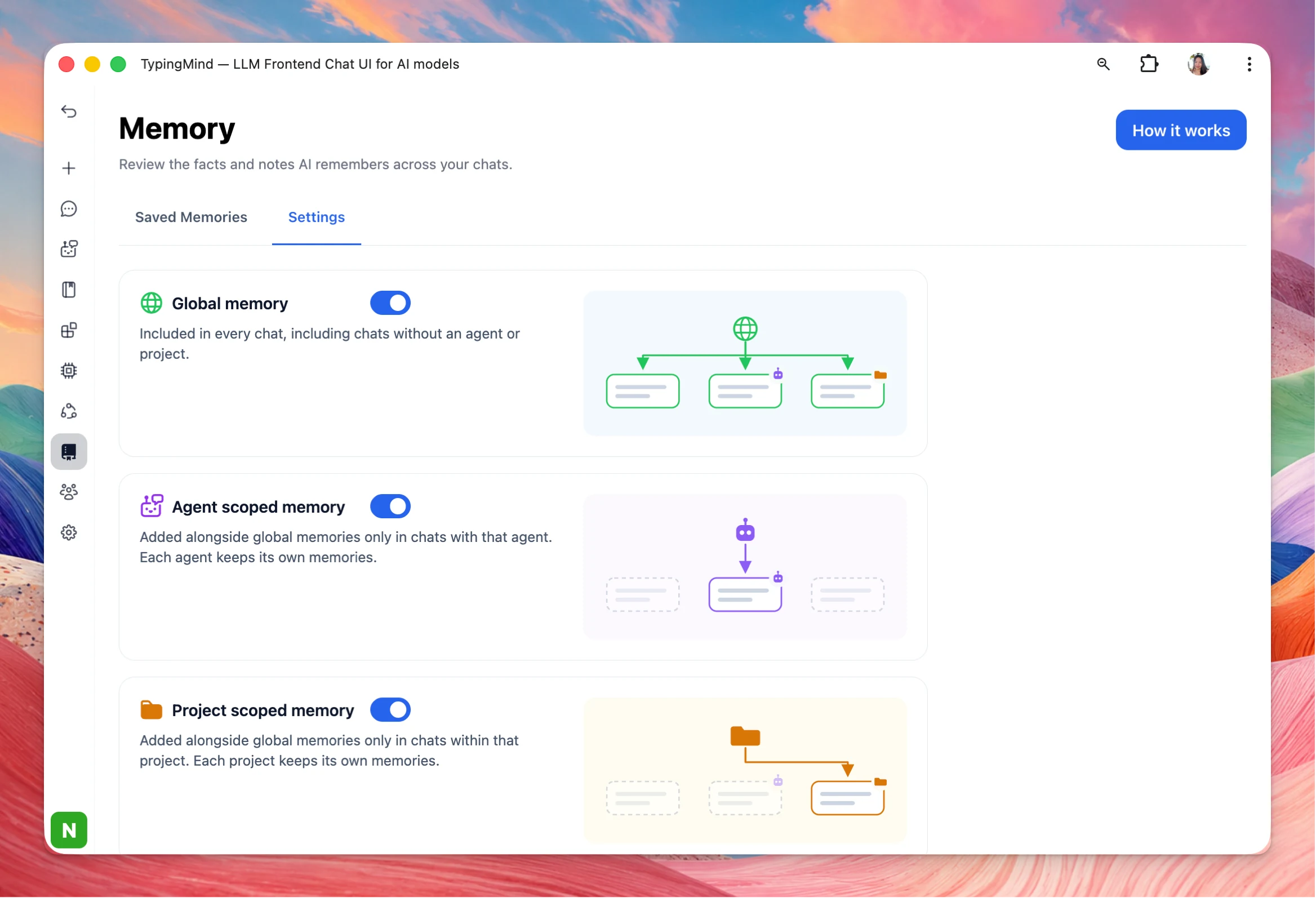
Control memory on admin: Added a new admin Memory page. Admins can enable Memory for users, who choose which scopes to turn on in Memory → Settings. Memories belong to each user and are never shared between users, even with the same agent. They are not saved to agents in the admin dashboard or added to their instructions or knowledge base.
Global memory applies across all chats, agents, and projects of one user.
Agent scoped memory applies only in that user’s chats with a specific agent.
Project scoped memory applies only in that user’s chats within a specific project.
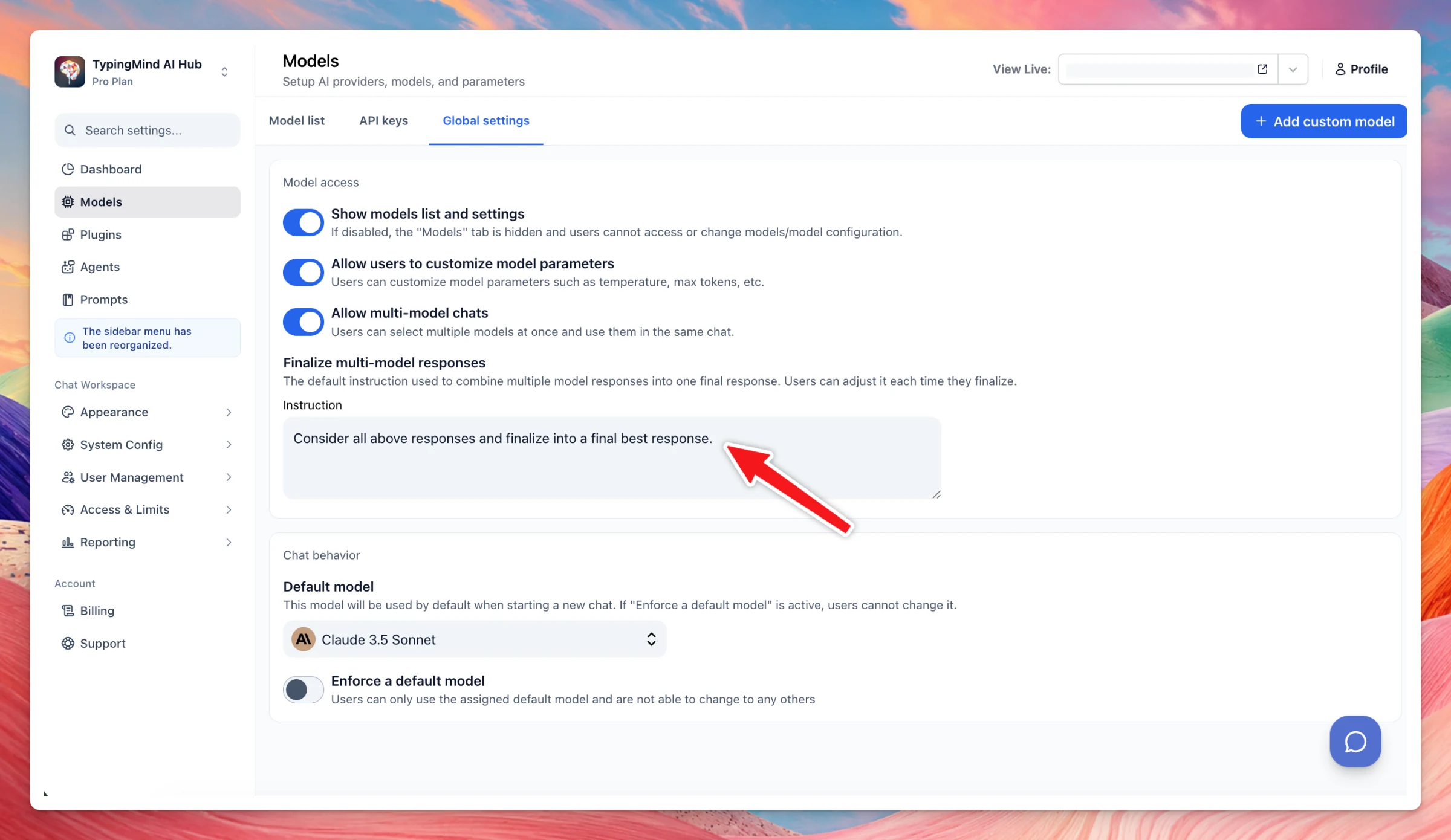
Multi-model response finalization: Org admins can now set default finalization settings for multi-model responses, which users can still customize per response.
Improvements to math, tables, and diagrams in chat, plus Claude prompt caching for agents. Math rendering: Math formulas in chat now render more accurately. Added support for \underbracket and \overbracket. Also fixed layout issues with fractions, delimiters,…
Improved
AI Agents
Chat Management
Show detailsHide details
Improvements to math, tables, and diagrams in chat, plus Claude prompt caching for agents.
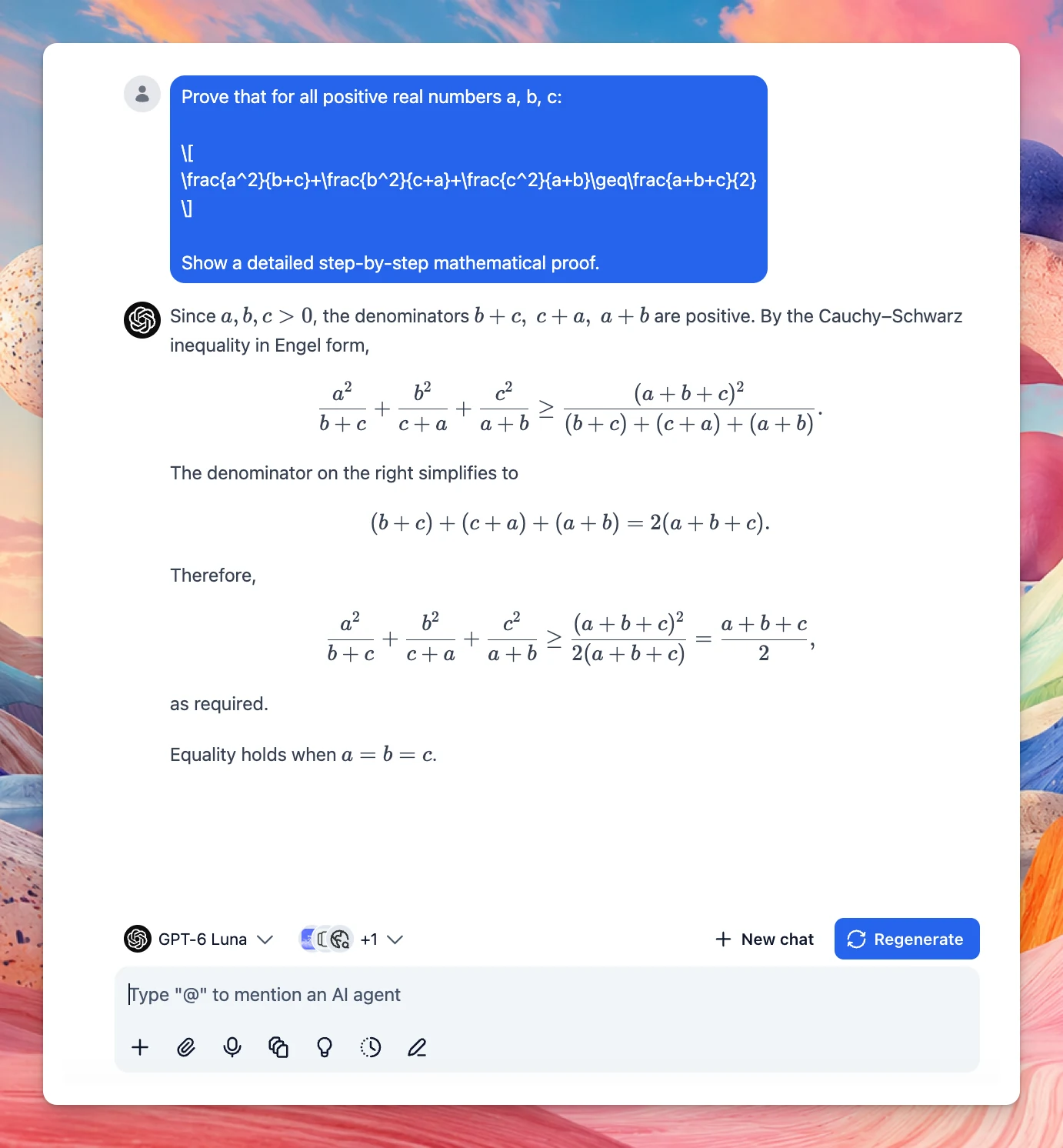
Math rendering: Math formulas in chat now render more accurately. Added support for \underbracket and \overbracket. Also fixed layout issues with fractions, delimiters, and accents.
LaTeX math such as \[ ... \] and \( ... \) sometimes showed up as raw text when the AI response also included code (code blocks or inline code). Those expressions now render properly.
Claude prompt cache sharing across agent chats: Claude prompt caching now reuses an AI agent’s instructions and training files across all chats with that agent. Starting a new chat, or reopening an old one, no longer re-caches the agent’s full context. You are not paying to cache the same agent context again every time you open a chat.
Copy and expand tables: Tables in AI responses now have Copy table and Expand table buttons. These replace the width toggle. Copy table pastes a formatted table into documents, spreadsheets, and email. In a plain-text editor, it pastes as tab-separated values. Expand table opens the table full screen, with a copy button, so wide tables are easier to read.
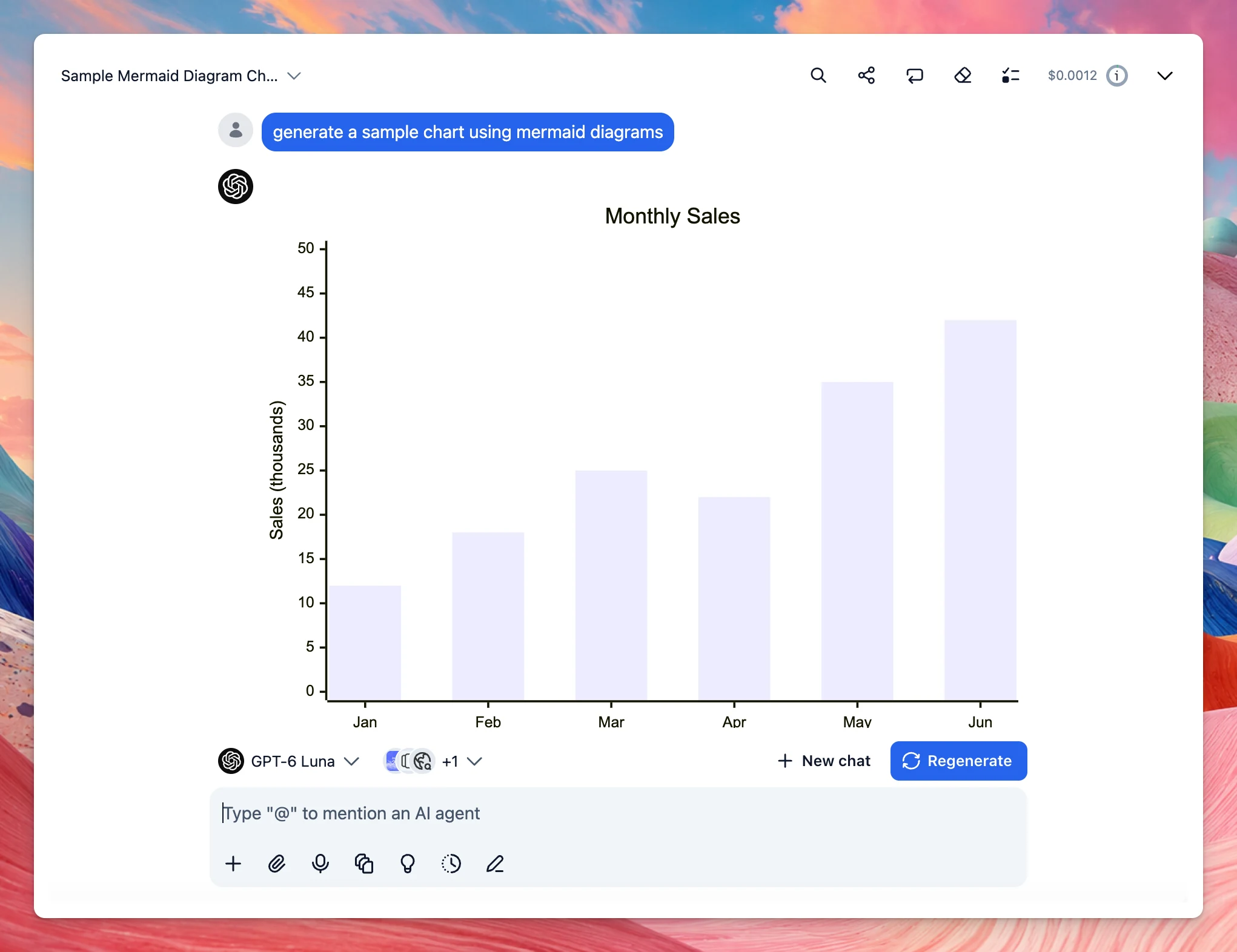
Mermaid diagrams: TypingMind can now natively display Mermaid diagrams in the AI’s response without needing a plugin.
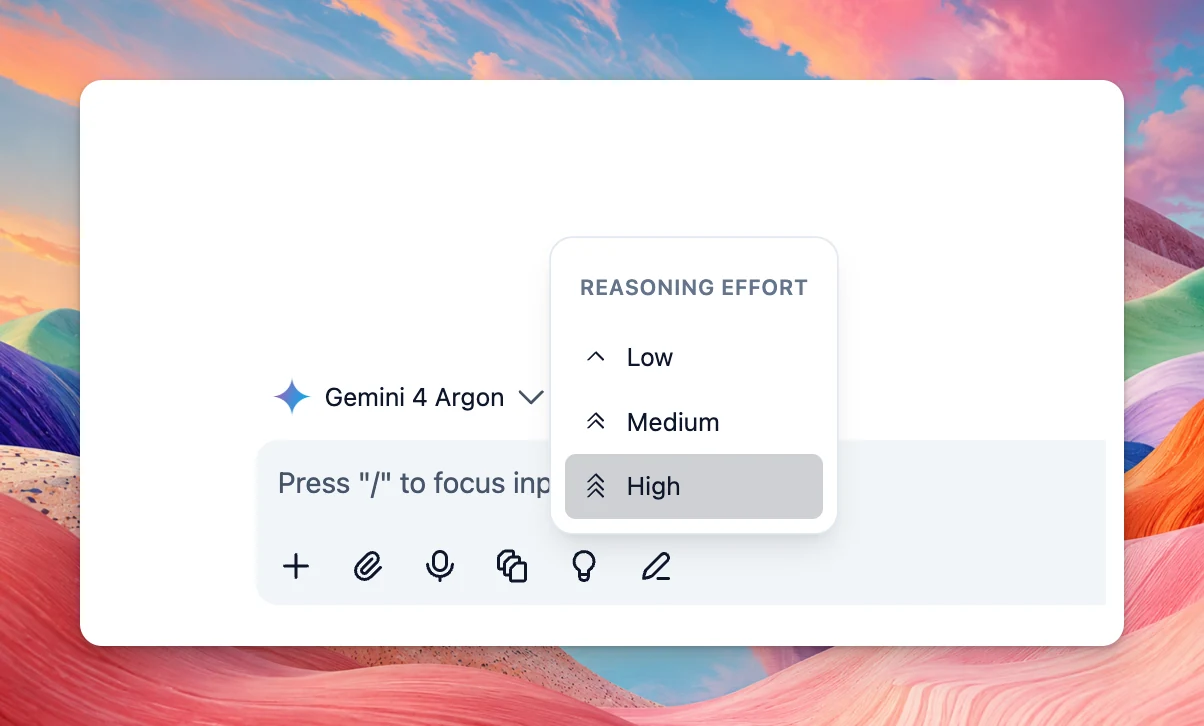
2 new AI models are now available on TypingMind: Gemini 4 Argon: Google’s flagship reasoning model for complex software engineering, scientific problem solving, and long-running autonomous agents. Muse Wonder: Meta’s Muse Wonder (muse-wonder-1.0) is now…
New
AI Models
Show detailsHide details
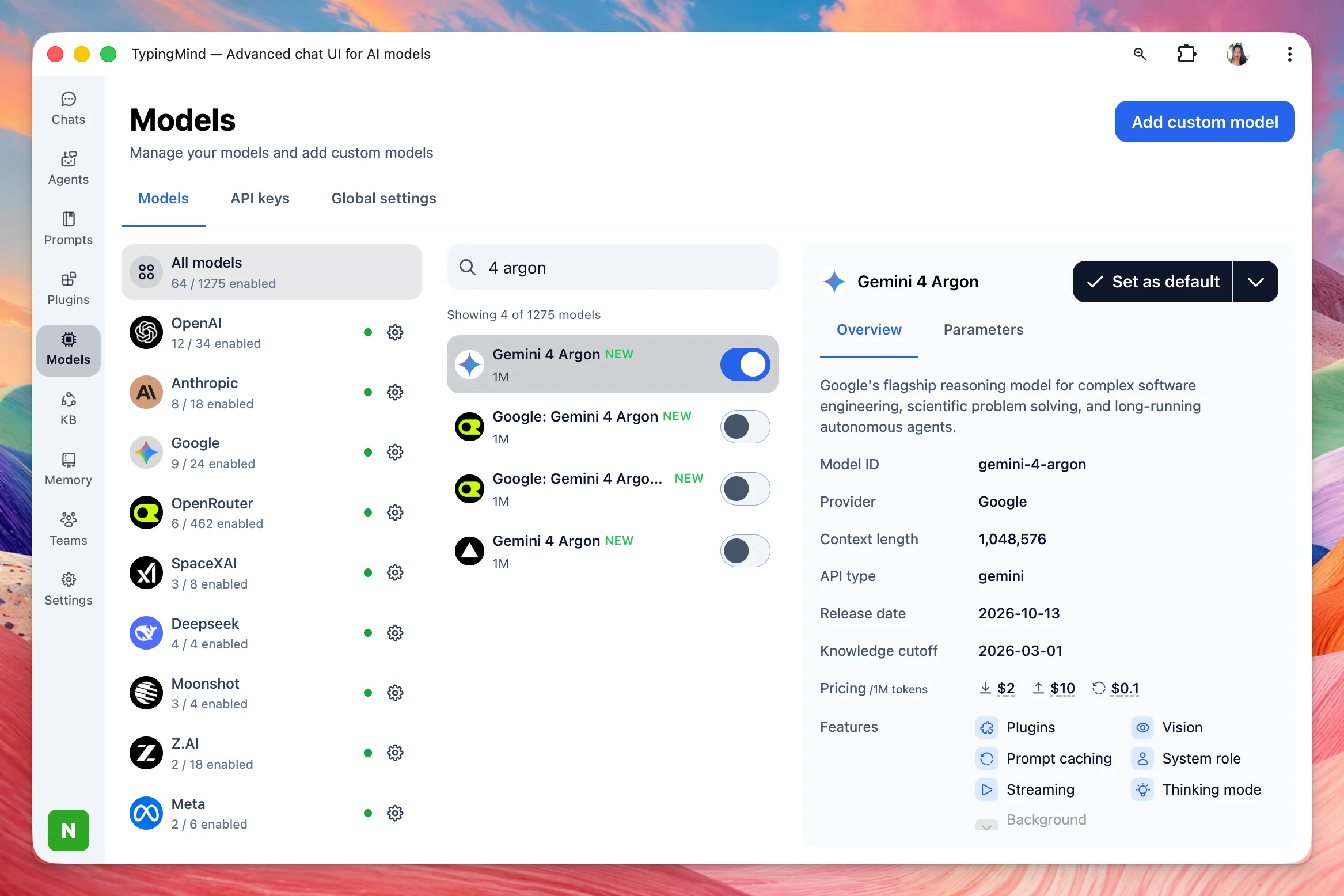
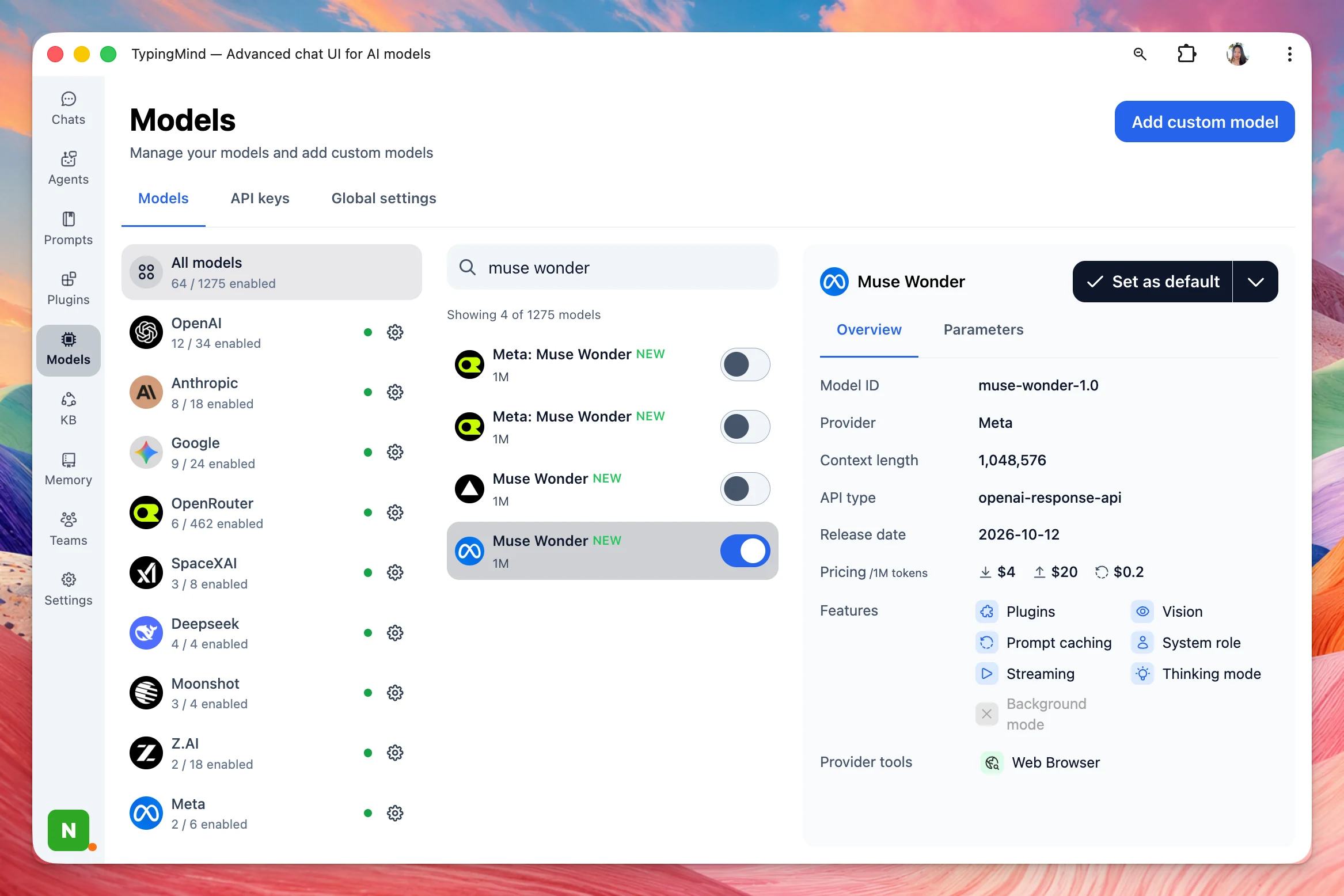
2 new AI models are now available on TypingMind:
Gemini 4 Argon: Google’s flagship reasoning model for complex software engineering, scientific problem solving, and long-running autonomous agents.
Muse Wonder: Meta’s Muse Wonder (muse-wonder-1.0) is now available, with a 1M context window.
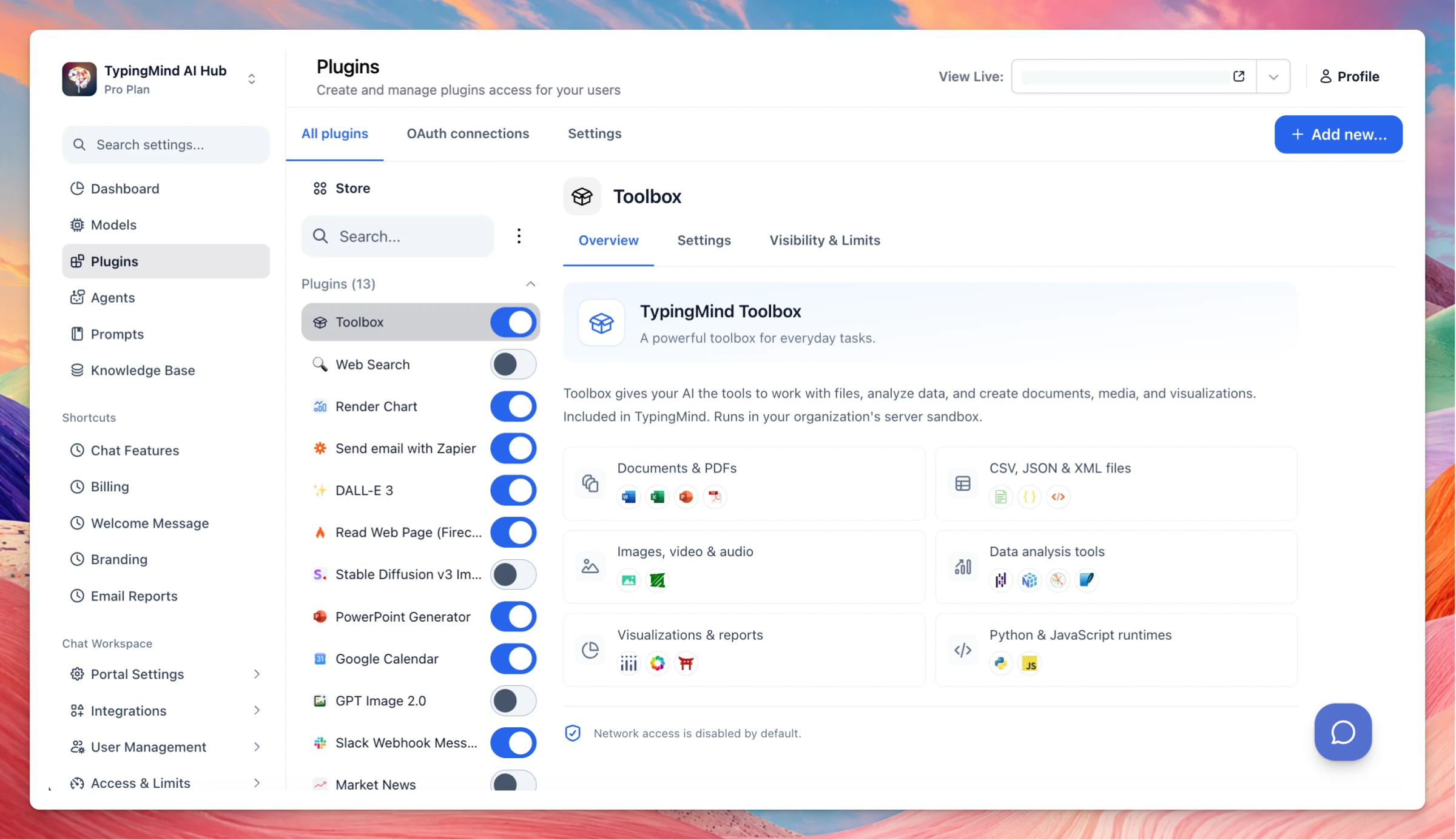
Toolbox is a free, built-in plugin that lets your AI analyze files, run code in your browser, and return finished documents, charts, and media. Turn it on under Plugins → Toolbox, attach a file, and ask for the output you want. Documents and PDFs: Read, edit,…
New
Integrations
Show detailsHide details
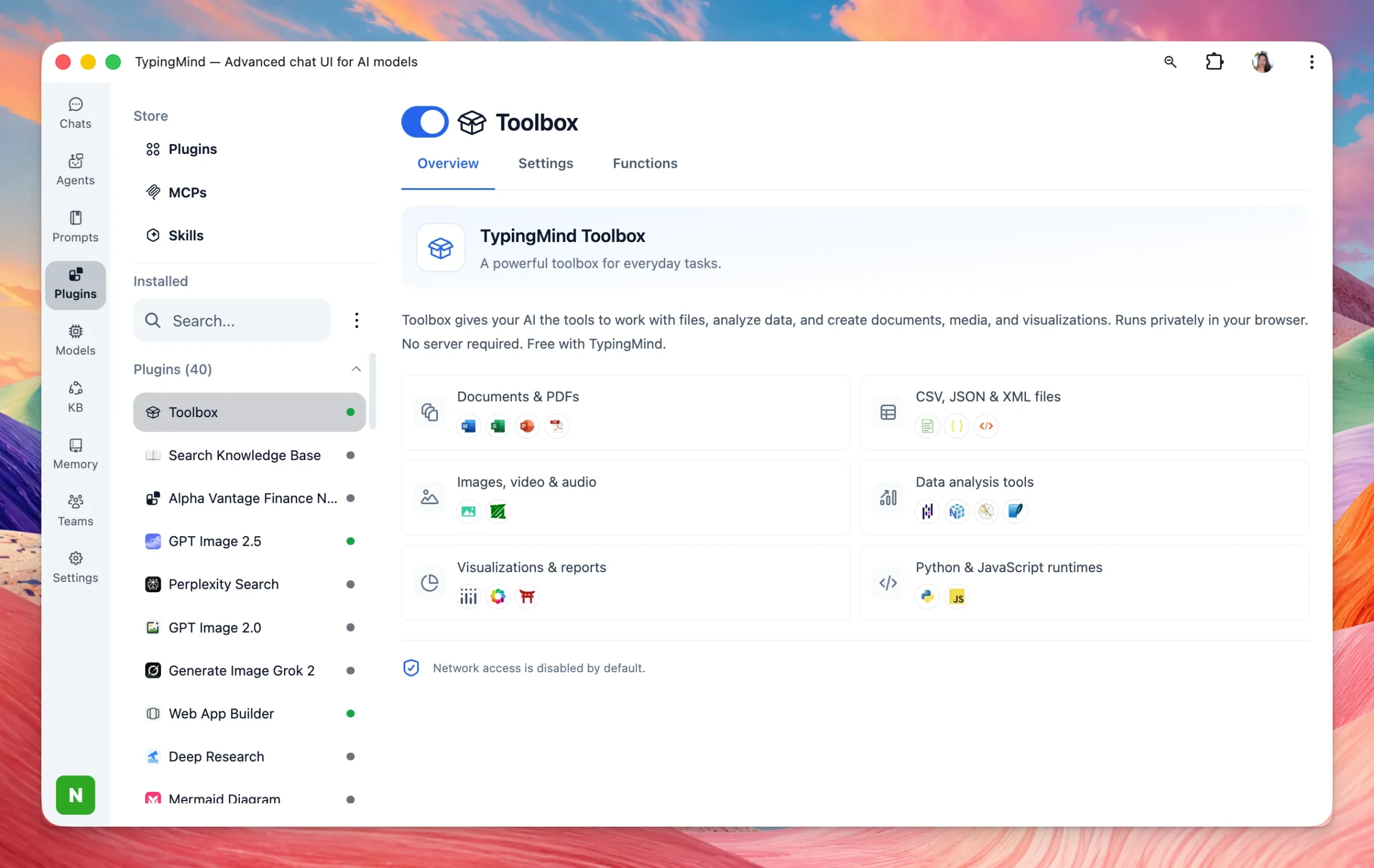
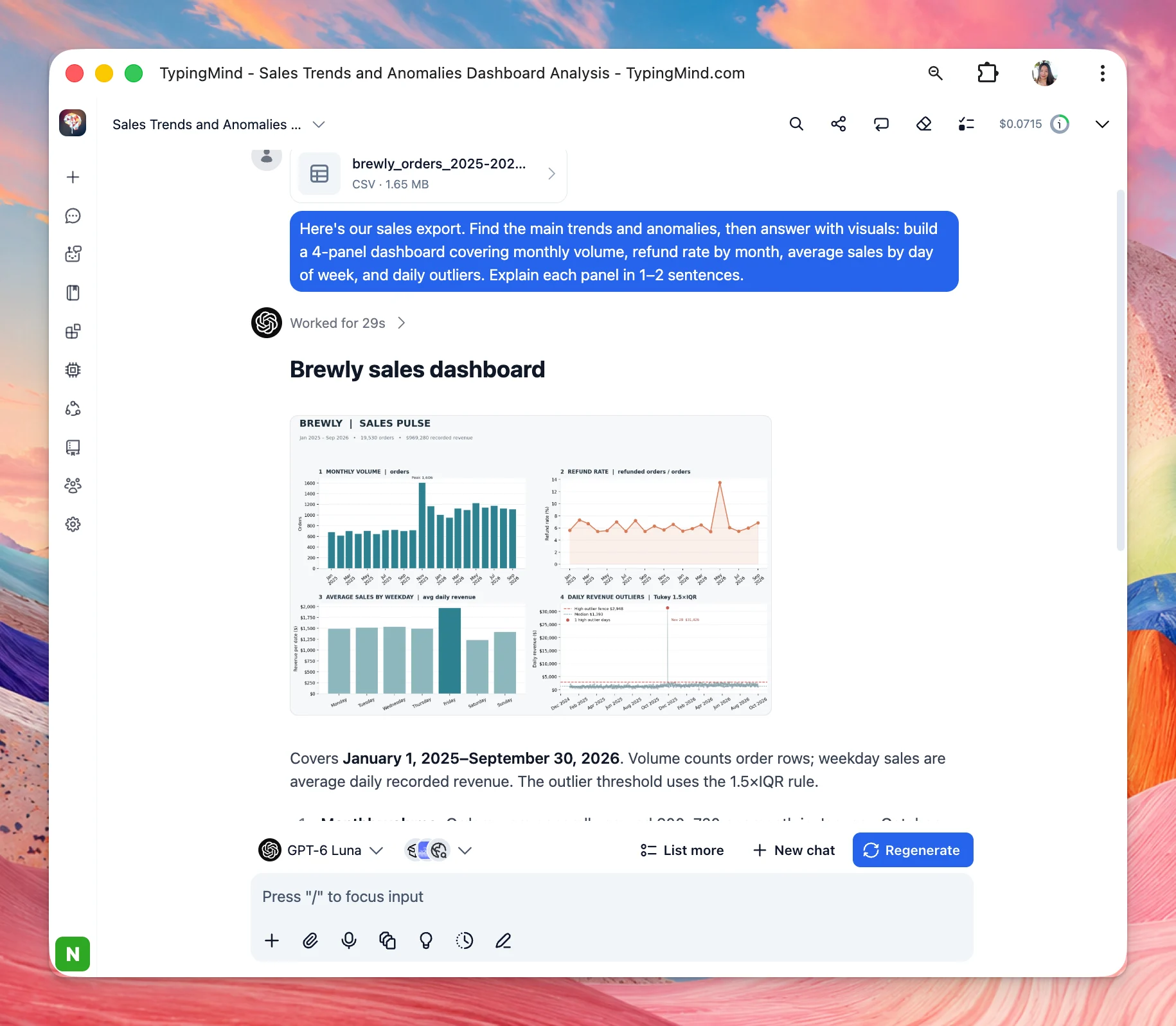
Toolbox is a free, built-in plugin that lets your AI analyze files, run code in your browser, and return finished documents, charts, and media.
Turn it on under Plugins → Toolbox, attach a file, and ask for the output you want.
Documents and PDFs: Read, edit, merge, or generate Word, Excel, PowerPoint, and PDF files. You can also match the style of a template you upload.
Data: Clean, reshape, and combine CSV, JSON, and XML. Filter, join, and run statistics, then chart the result.
Reports: Build charts, dashboards, and HTML reports you can preview and download.
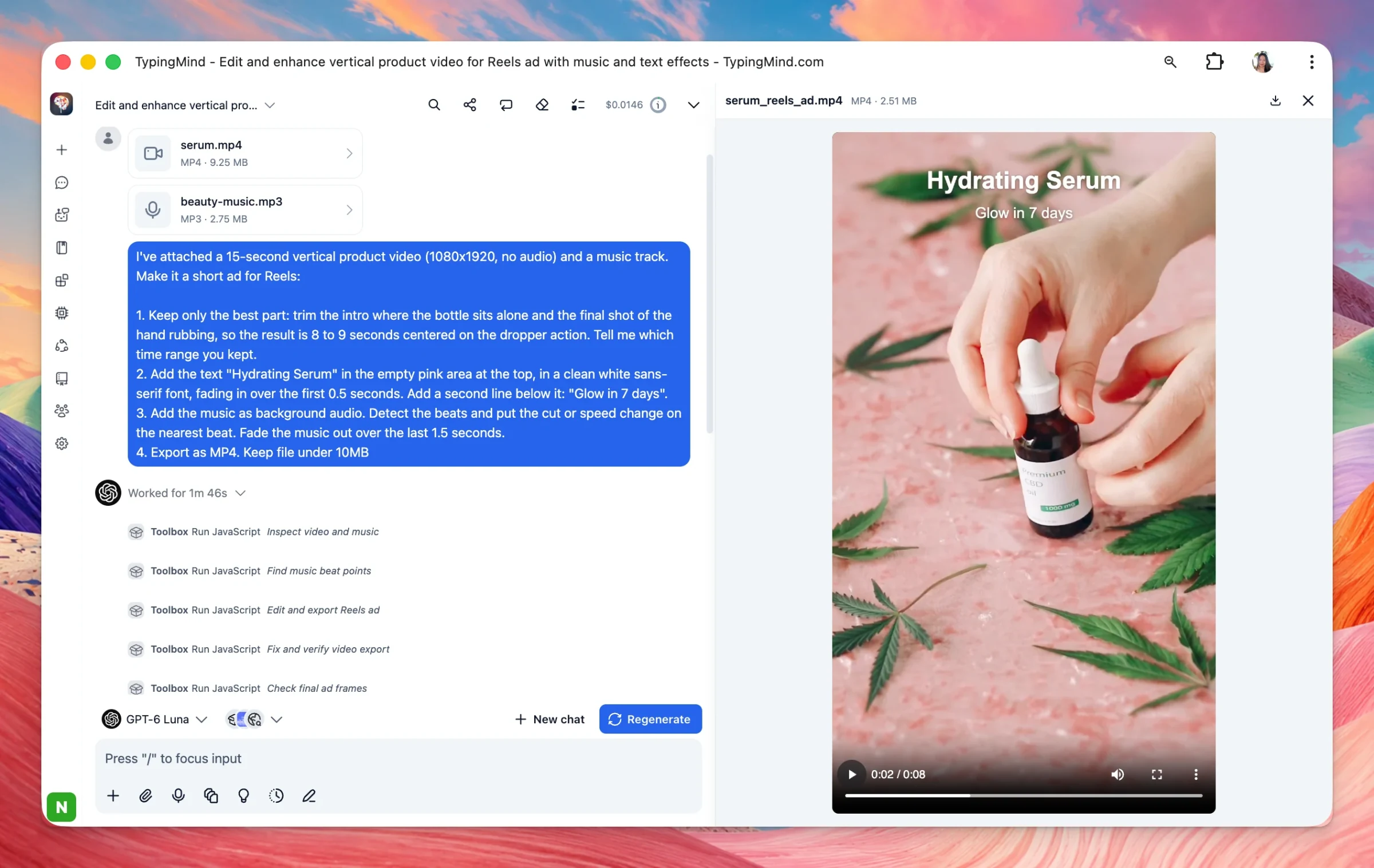
Images, video, and audio: Resize, watermark, and convert images. Clip, crop, and compress video. Make GIFs. Extract and convert audio.
Added a full screen editor for chat input so your can open full screen editor so you can edit text more easily when your prompt gets too long. Preview attachments: now you can click to attachments/images to preview them directly in the app, including text,…
Improved
Chat Management
Show detailsHide details
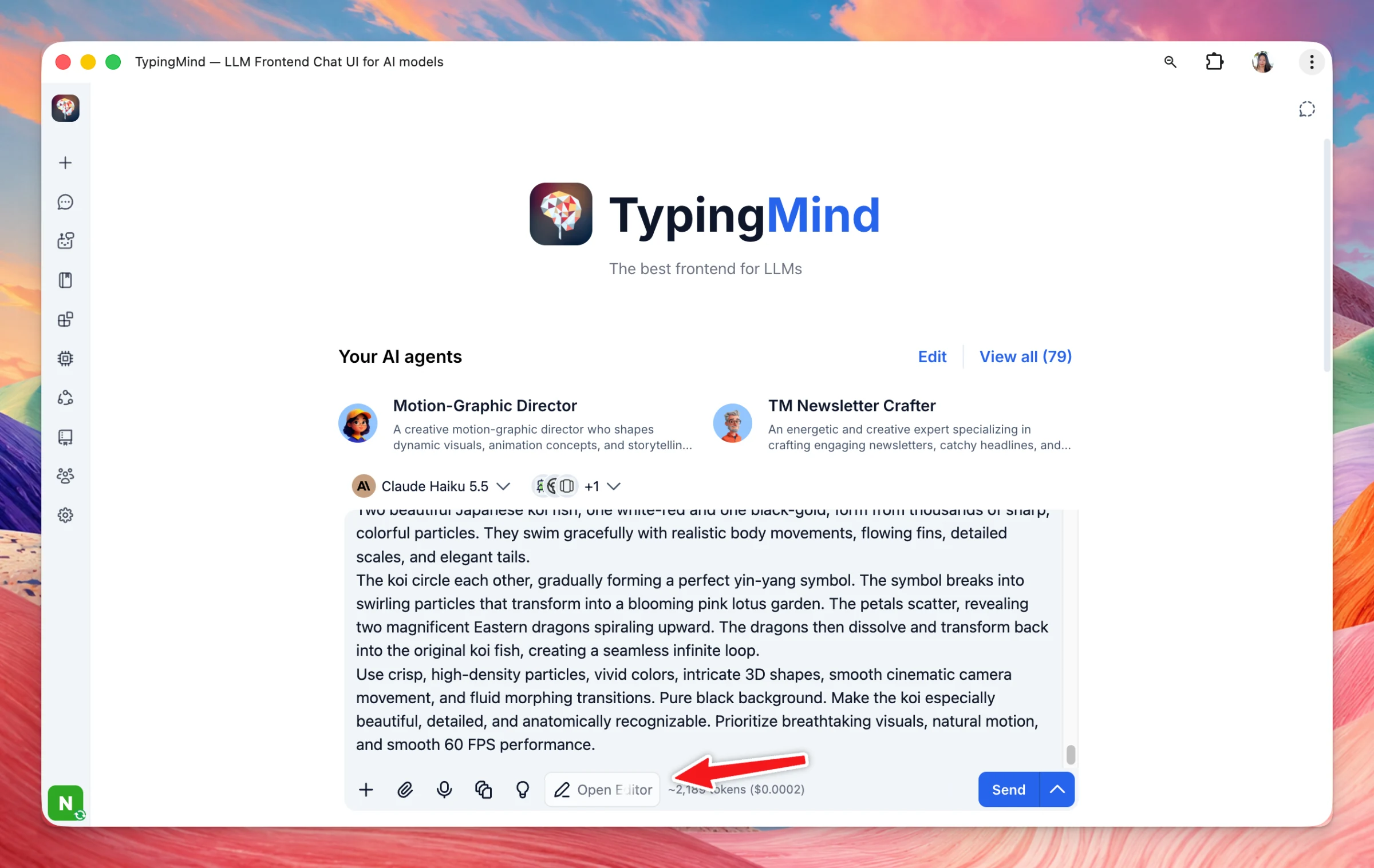
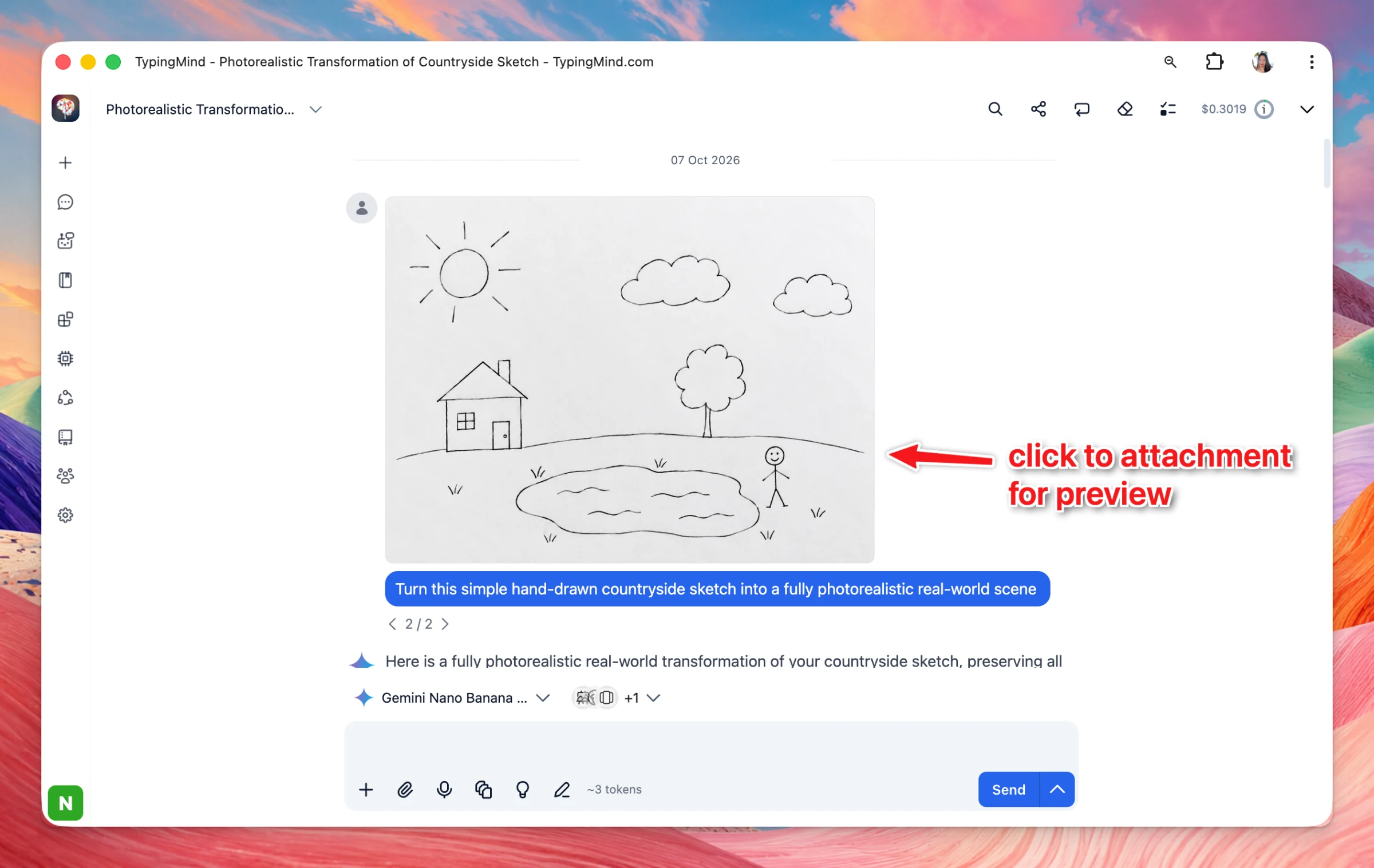
Added a full screen editor for chat input so your can open full screen editor so you can edit text more easily when your prompt gets too long.
Preview attachments: now you can click to attachments/images to preview them directly in the app, including text, code, CSV, Excel, Word, PDF, and other popular file formats.
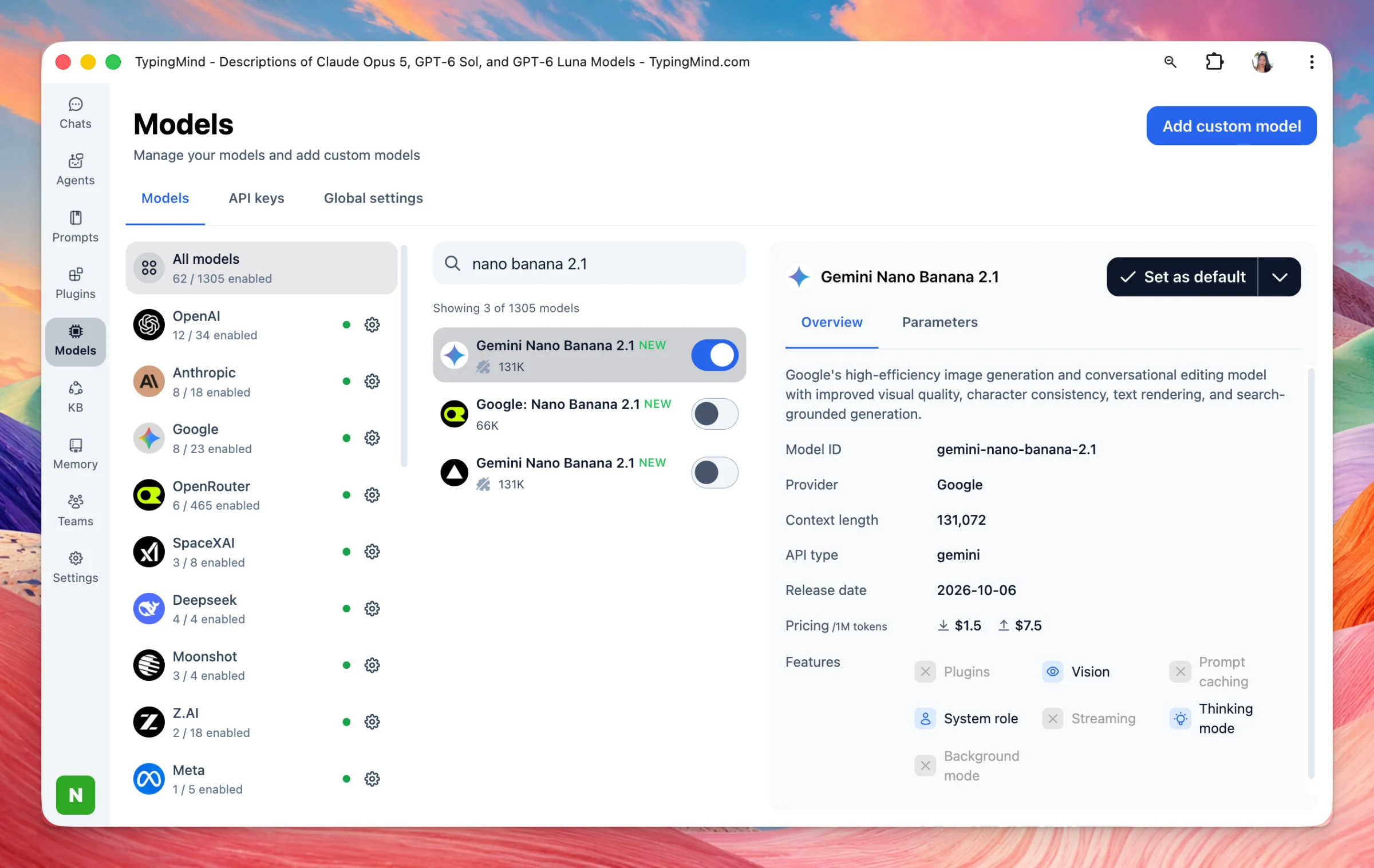
Claude Haiku 5.5, Mistral Large 4 and Nano Banana 2.1 are now available on TypingMind! Haiku 5.5 — fastest, cheapest Claude 5.5. Best for high-volume work: summaries, classification, routing, subagents, live support. Mistral Large 4 — Mistral’s new flagship…
New
AI Models
Show detailsHide details
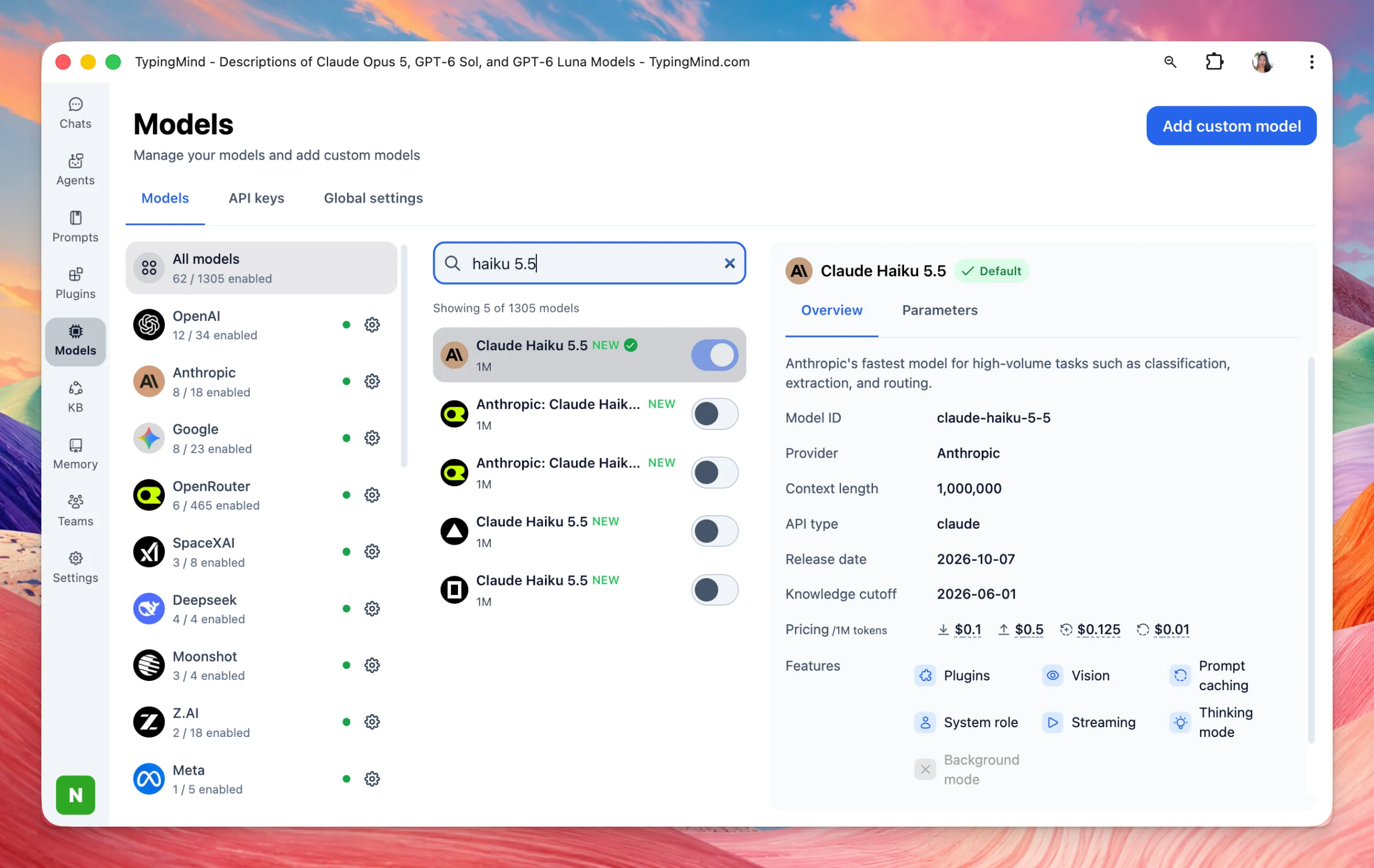
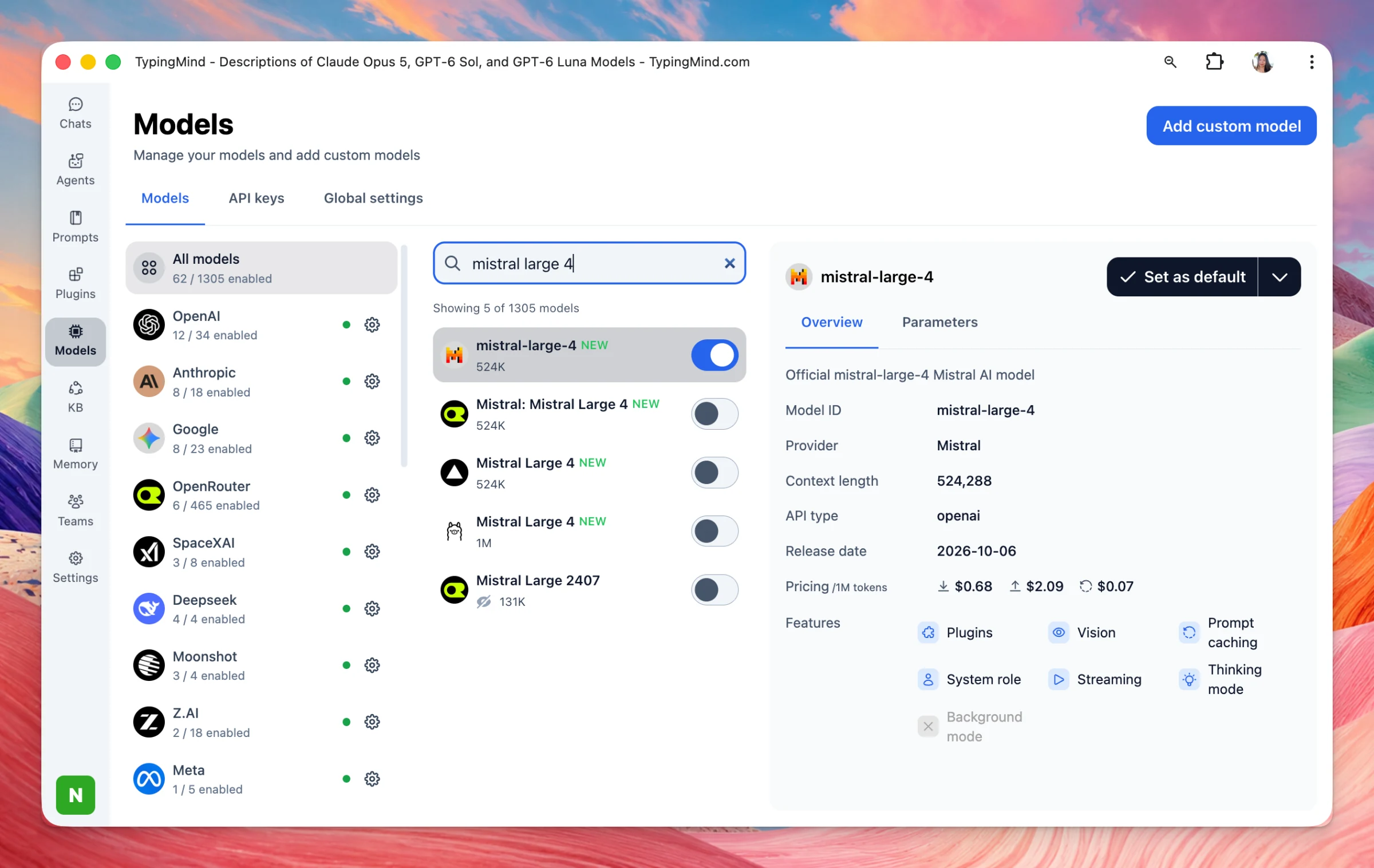
Claude Haiku 5.5, Mistral Large 4 and Nano Banana 2.1 are now available on TypingMind!
Haiku 5.5 — fastest, cheapest Claude 5.5. Best for high-volume work: summaries, classification, routing, subagents, live support.
Mistral Large 4 — Mistral’s new flagship (aka Le Chonk). Strong coding, agents, and images; open weights coming soon.
Nano Banana 2.1 — Google’s faster, cheaper image model. Better text, character consistency, and panoramas.
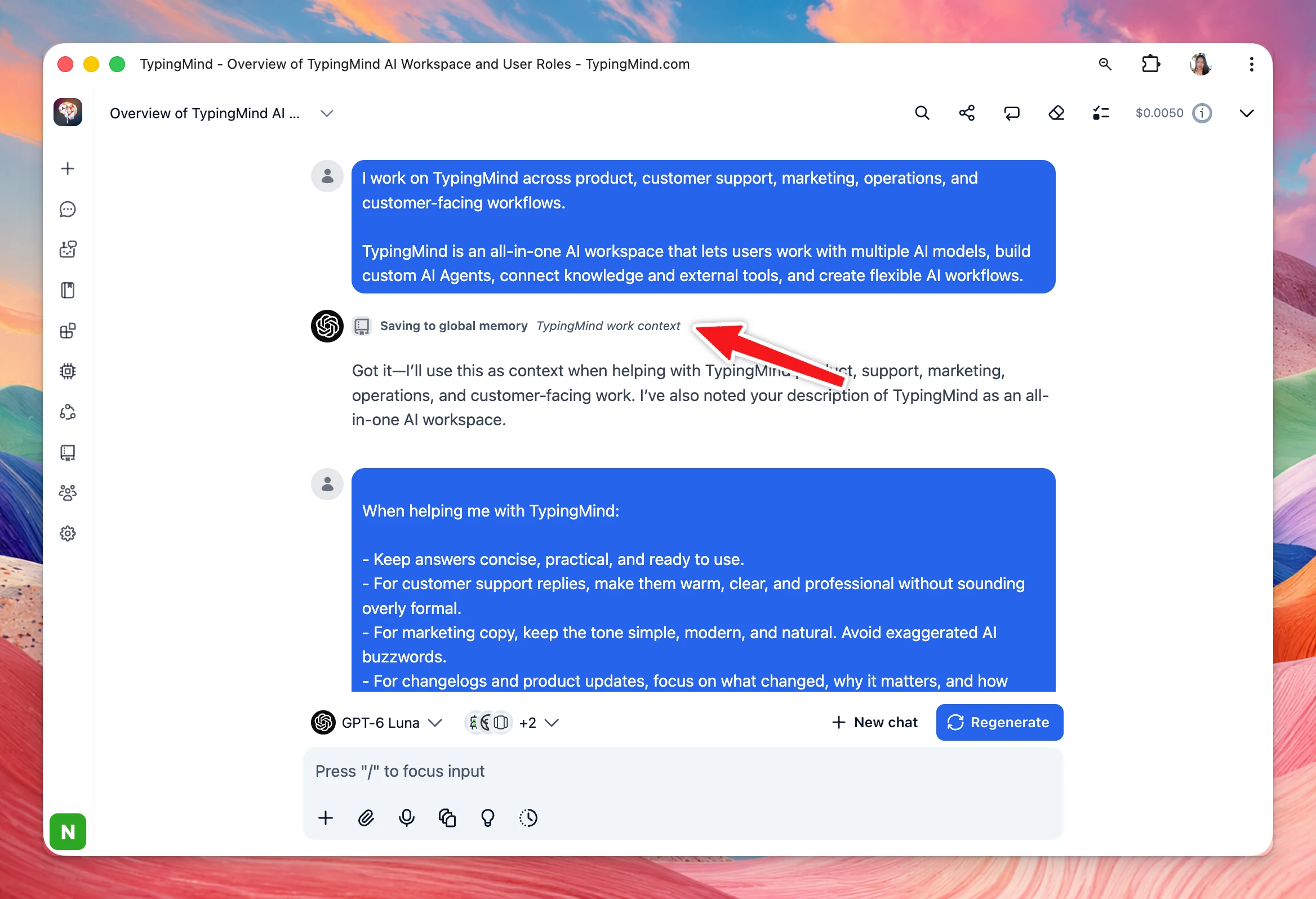
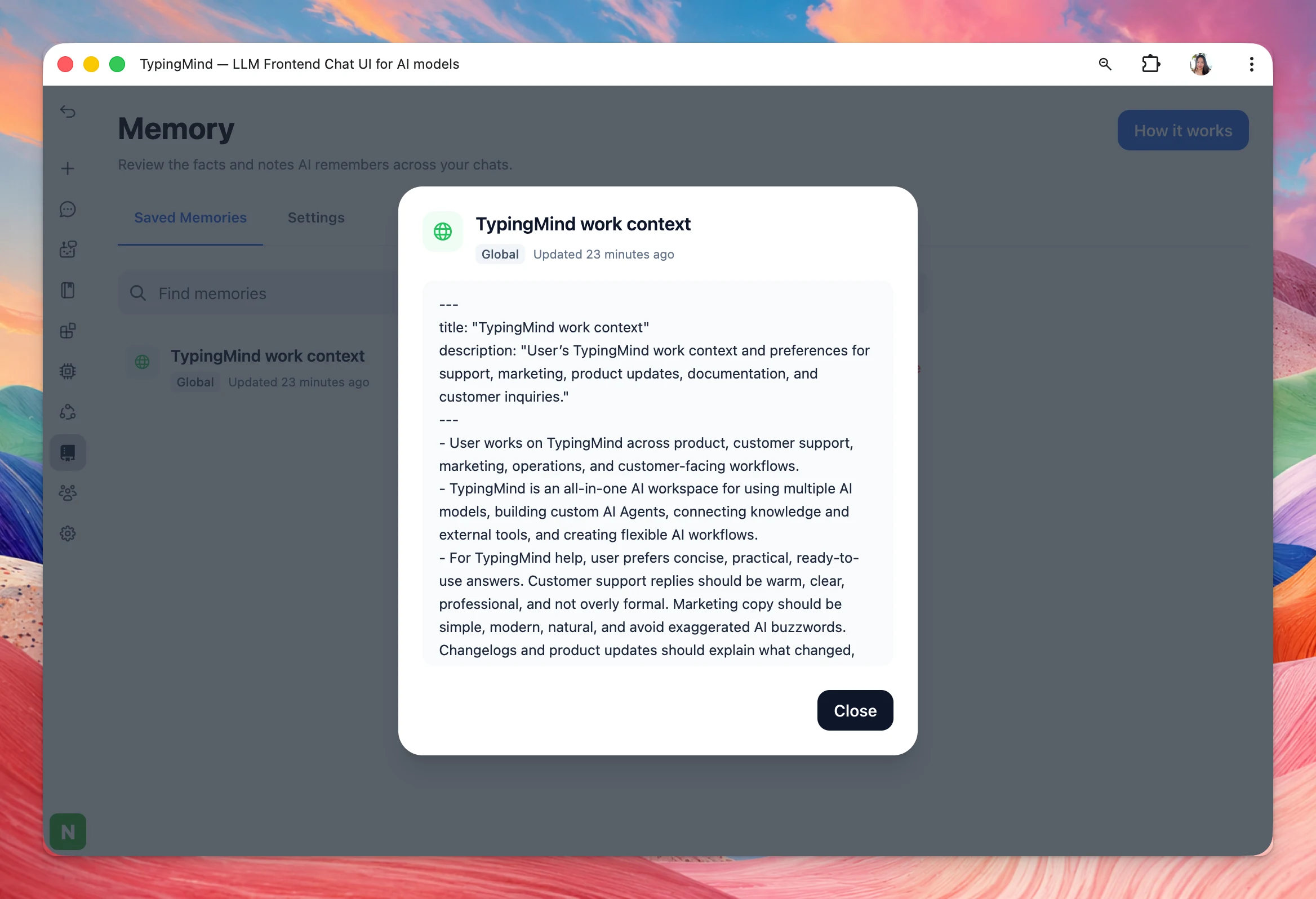
Memory is now supported on TypingMind 👀 Your AI can remember context about you, your preferences, and the way you work - so you don’t have to repeat yourself in every new chat.
Show detailsHide details
Memory is now supported on TypingMind 👀
Your AI can remember context about you, your preferences, and the way you work - so you don’t have to repeat yourself in every new chat.
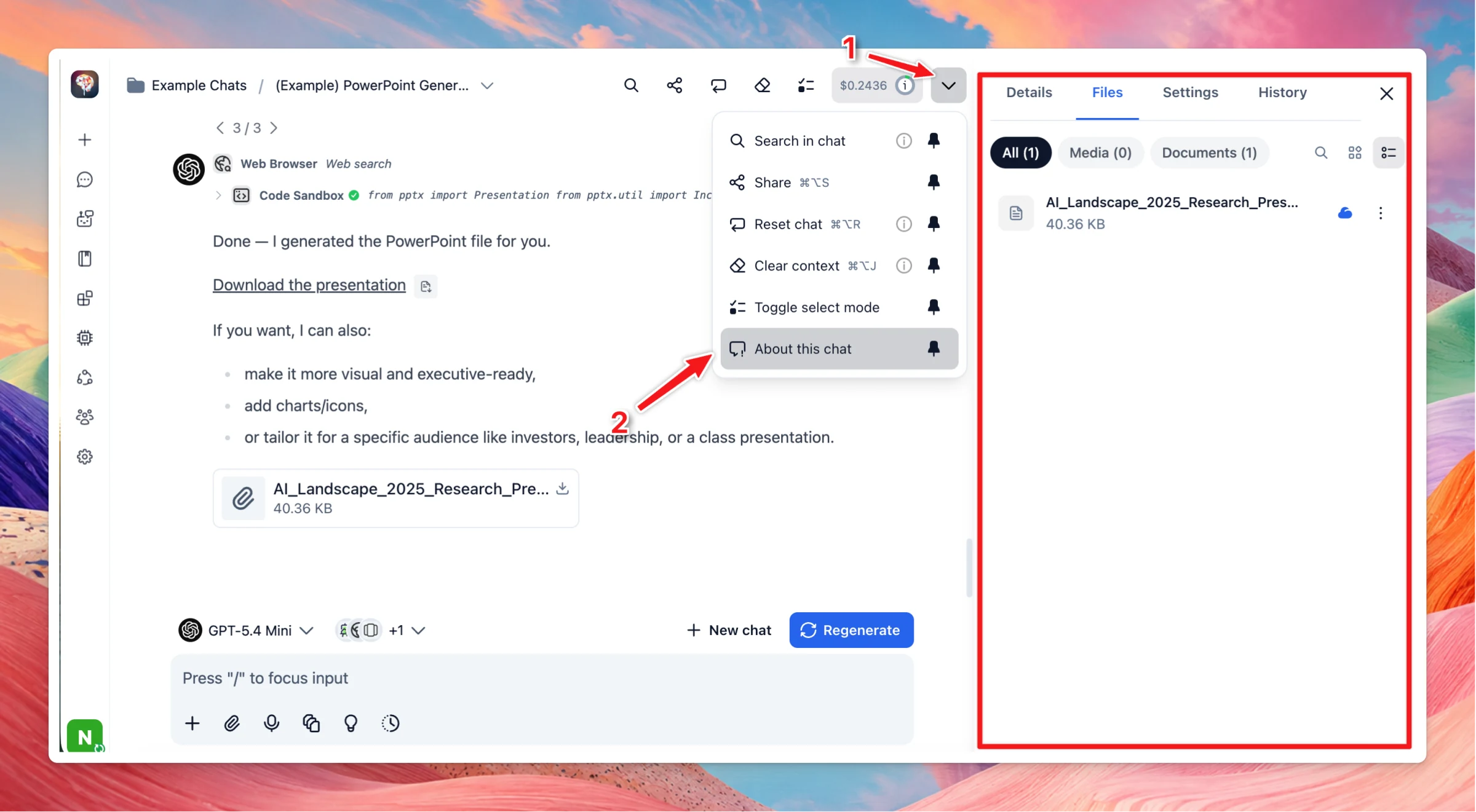
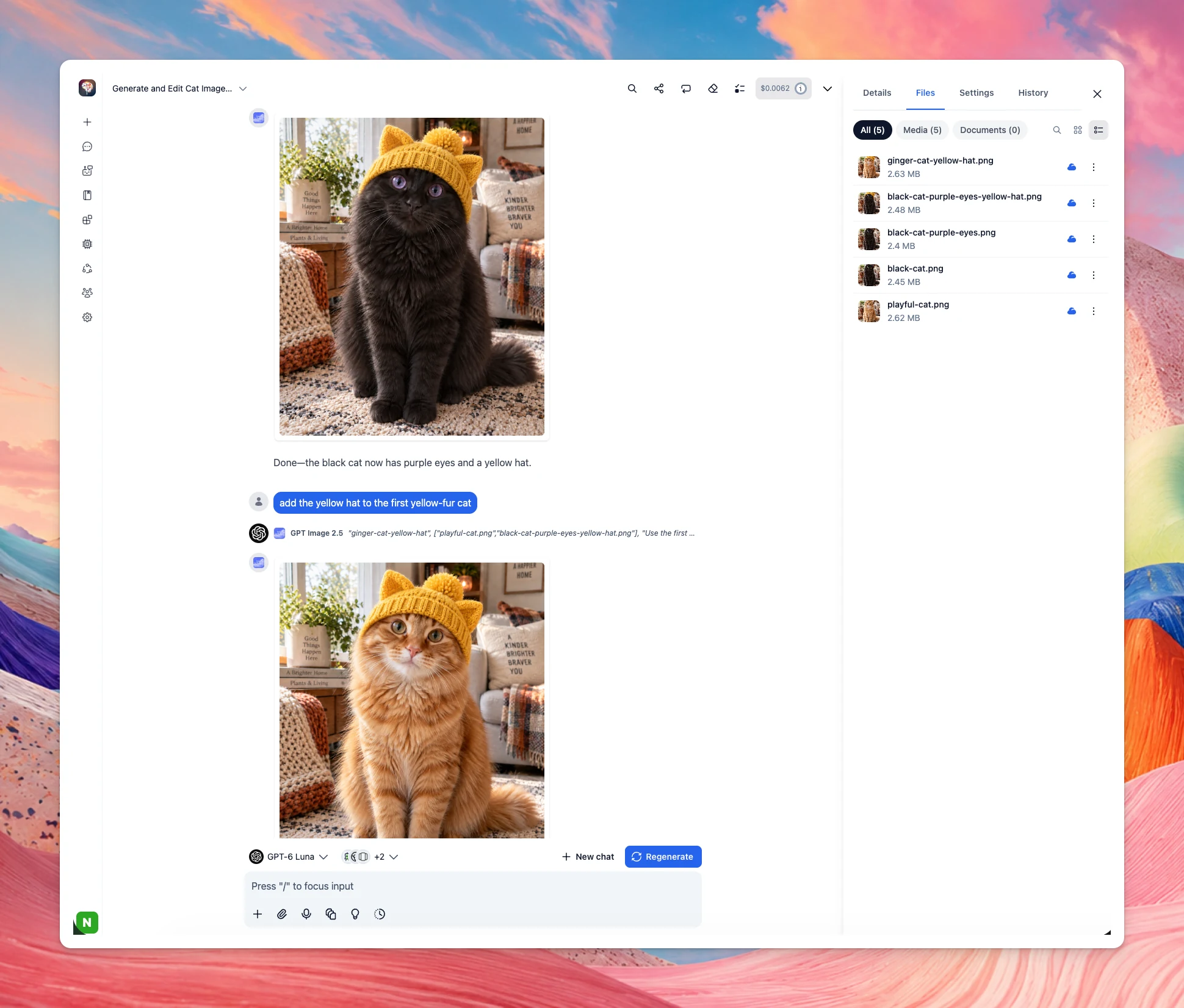
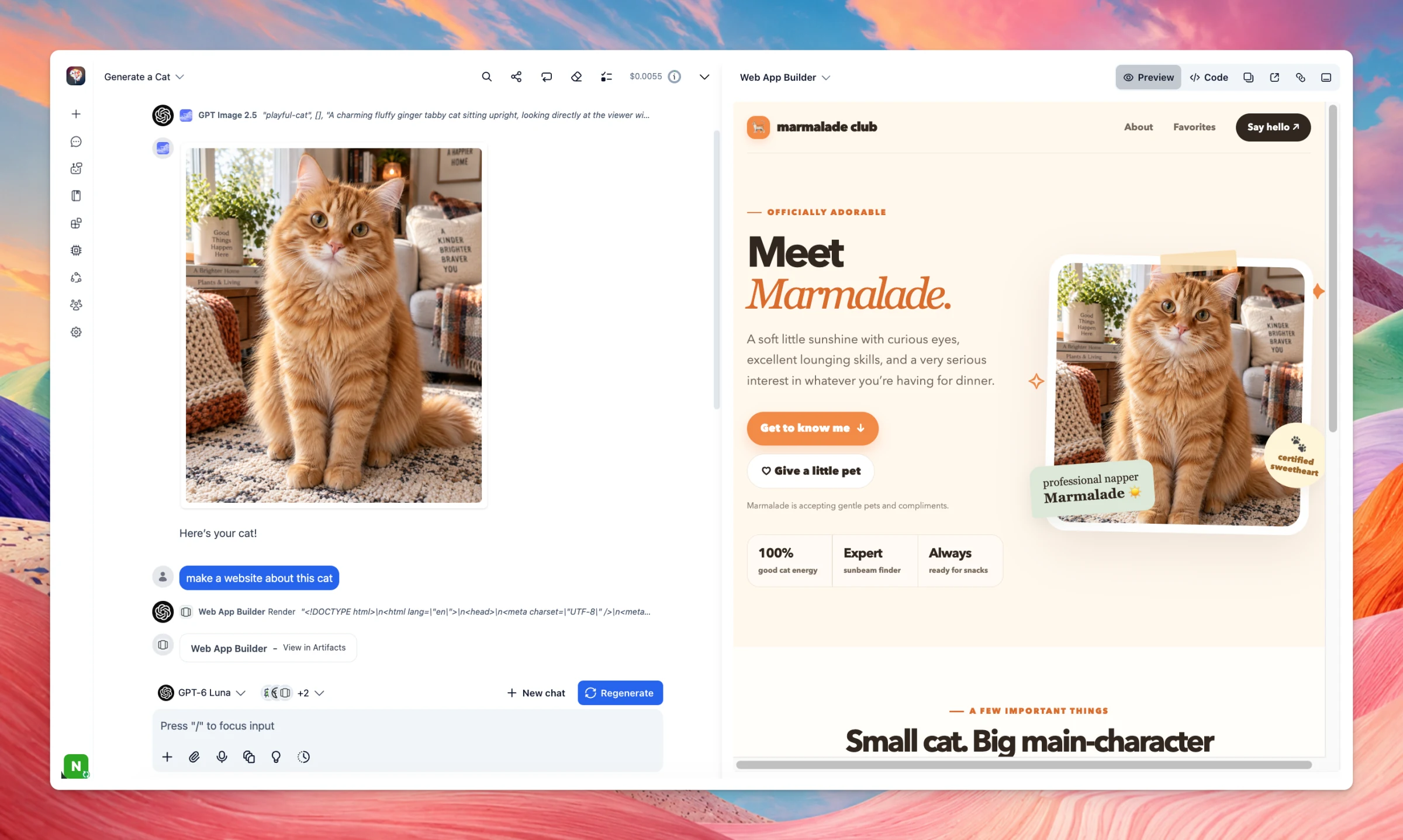
TypingMind now handles generated images and chat files more seamlessly across Plugins, MCP tools, GPT Image plugin, and Artifacts. For users Attachment/Generated files are now managed under About this chat → Files. GPT Image 2.5 can now edit any image…
New
Integrations
Show detailsHide details
TypingMind now handles generated images and chat files more seamlessly across Plugins, MCP tools, GPT Image plugin, and Artifacts.
For users
Attachment/Generated files are now managed under About this chat → Files.
GPT Image 2.5 can now edit any image available in the current chat, instead of being limited to images from your latest message. The AI will automatically select the relevant images to use.
Interactive Canvas and Web App Builder can now use images directly from the chat. When you share an artifact, the images displayed inside it and are included as part of the shared artifact.
For plugin developers
Plugins can now receive files directly from the chat using the new typingmind-attachment parameter type together with the read_chat_attachments permission. Learn more
Image cards now support a new image.filename field. Base64 images returned by cards are also automatically saved as chat files. Learn more
Chat files can now be referenced directly in plugin output:
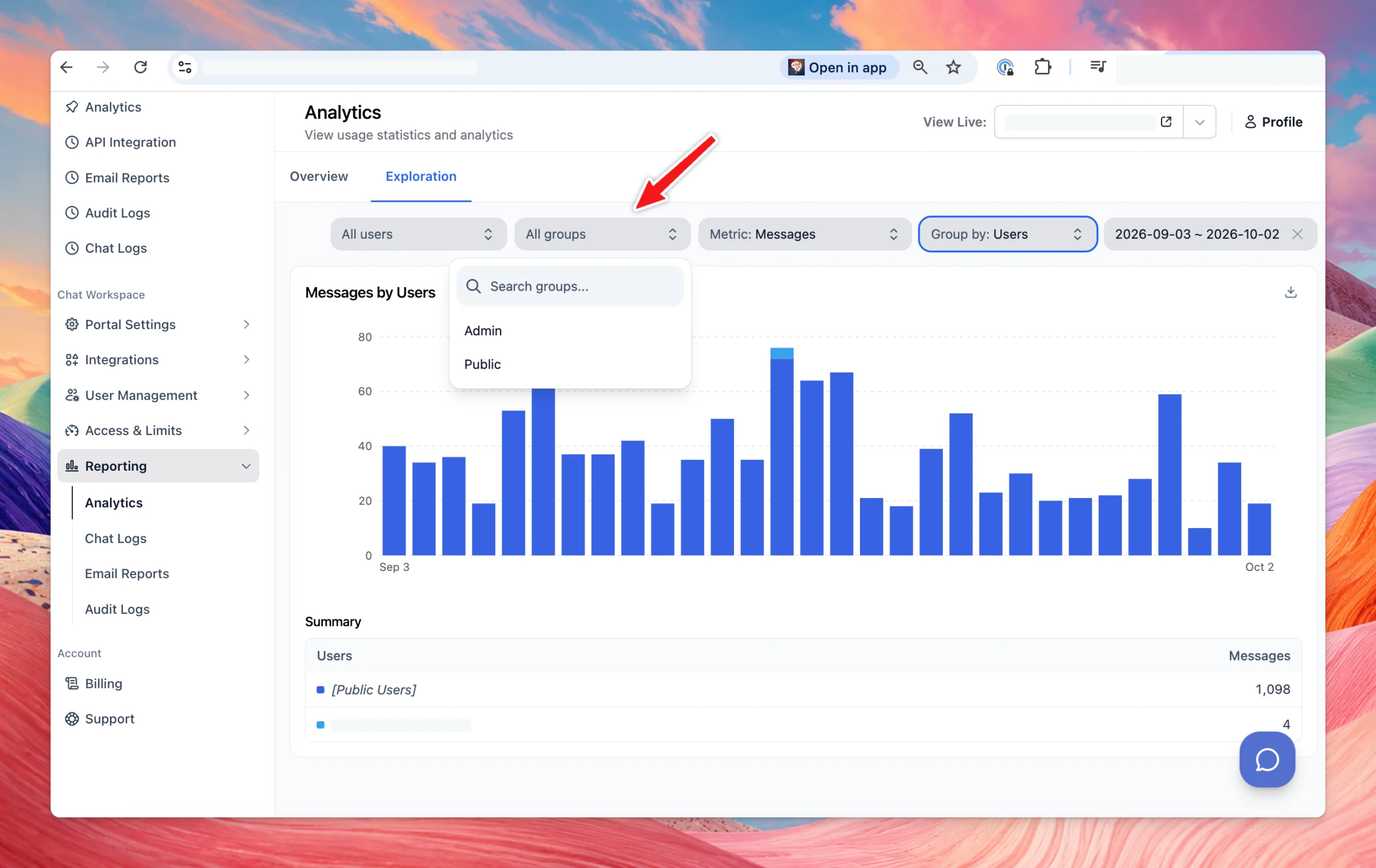
Teams Updates: Added user group filtering to org analytics, allowing users to view tokens and messages broken down by user group, plus a new "User Groups" option when exploring analytics data. Integration API key generation is now restricted to account owners…
Improved
Chat Management
Team Version
Show detailsHide details
Teams Updates:
Added user group filtering to org analytics, allowing users to view tokens and messages broken down by user group, plus a new "User Groups" option when exploring analytics data.
Integration API key generation is now restricted to account owners and admins; other roles can still view and revoke existing keys.
UXUI Improvements:
Open "About this chat" in a convenient side panel, better view artifacts on both desktop and mobile.
Improved the button UI in rendering results for artifacts, HTML, and code.
Improved support for reading PowerPoint (.pptx) attachments.
You can now share an artifact with a public link. Open the share button on the artifact. Set a name, and add a description if you want. The description is shown on the public page. Create shareable link publishes a snapshot. Later edits in the chat do not…
New
Chat Management
Show detailsHide details
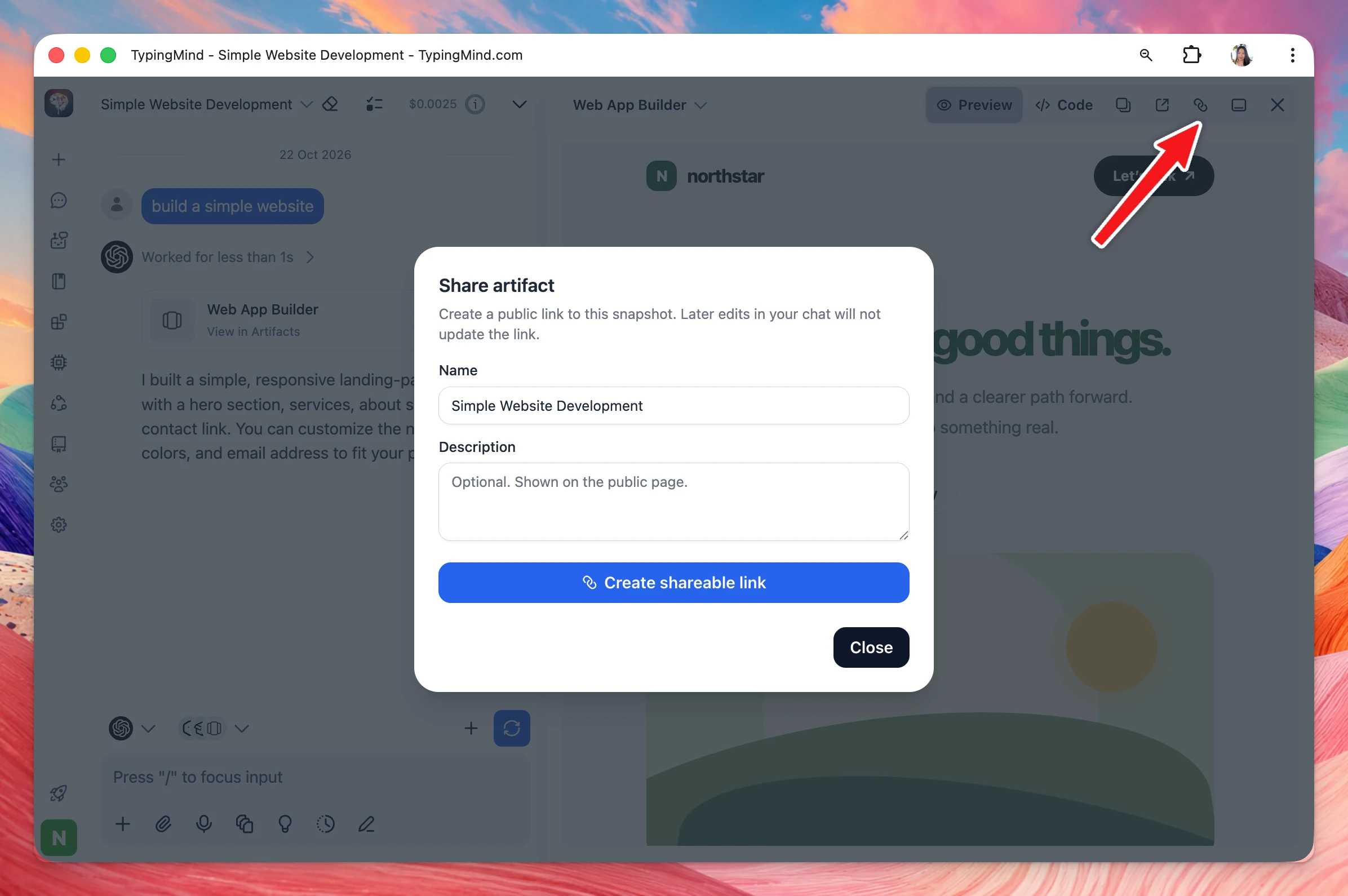
You can now share an artifact with a public link.
Open the share button on the artifact. Set a name, and add a description if you want. The description is shown on the public page. Create shareable link publishes a snapshot. Later edits in the chat do not change that link.
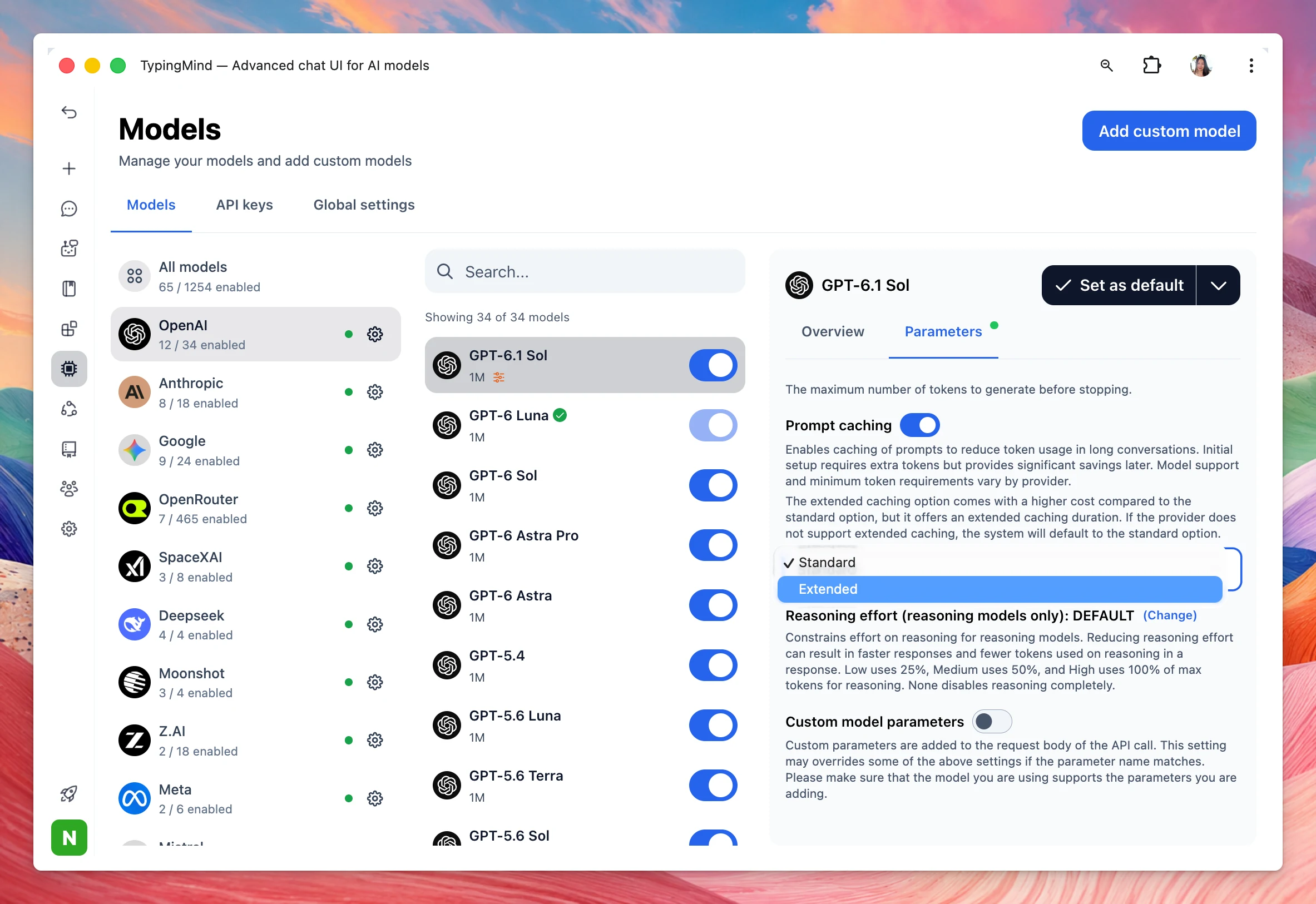
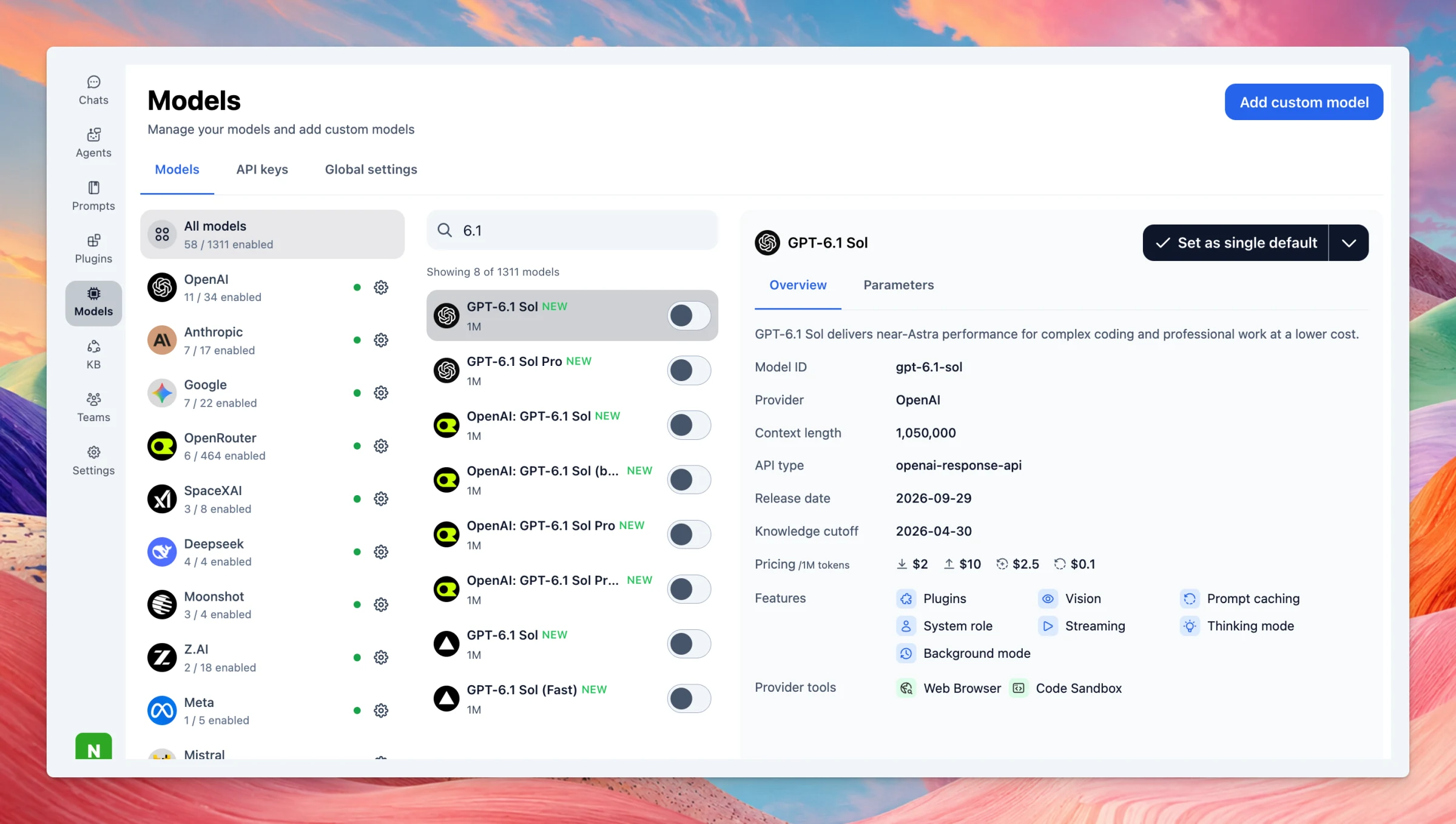
Added GPT-6.1 Sol and GPT-6.1 Sol Pro to TypingMind — OpenAI mid-tier upgrade (Sept 29, 2026, DevDay). Near-Astra on coding, computer use, and pro work at ~1/5 Astra’s token price. Same $2 / $10 as GPT-6 Sol; cached input now $0.10. 1.05M context.
New
AI Models
Show detailsHide details
Added GPT-6.1 Soland GPT-6.1 Sol Pro to TypingMind — OpenAI mid-tier upgrade (Sept 29, 2026, DevDay). Near-Astra on coding, computer use, and pro work at ~1/5 Astra’s token price. Same $2 / $10 as GPT-6 Sol; cached input now $0.10. 1.05M context.
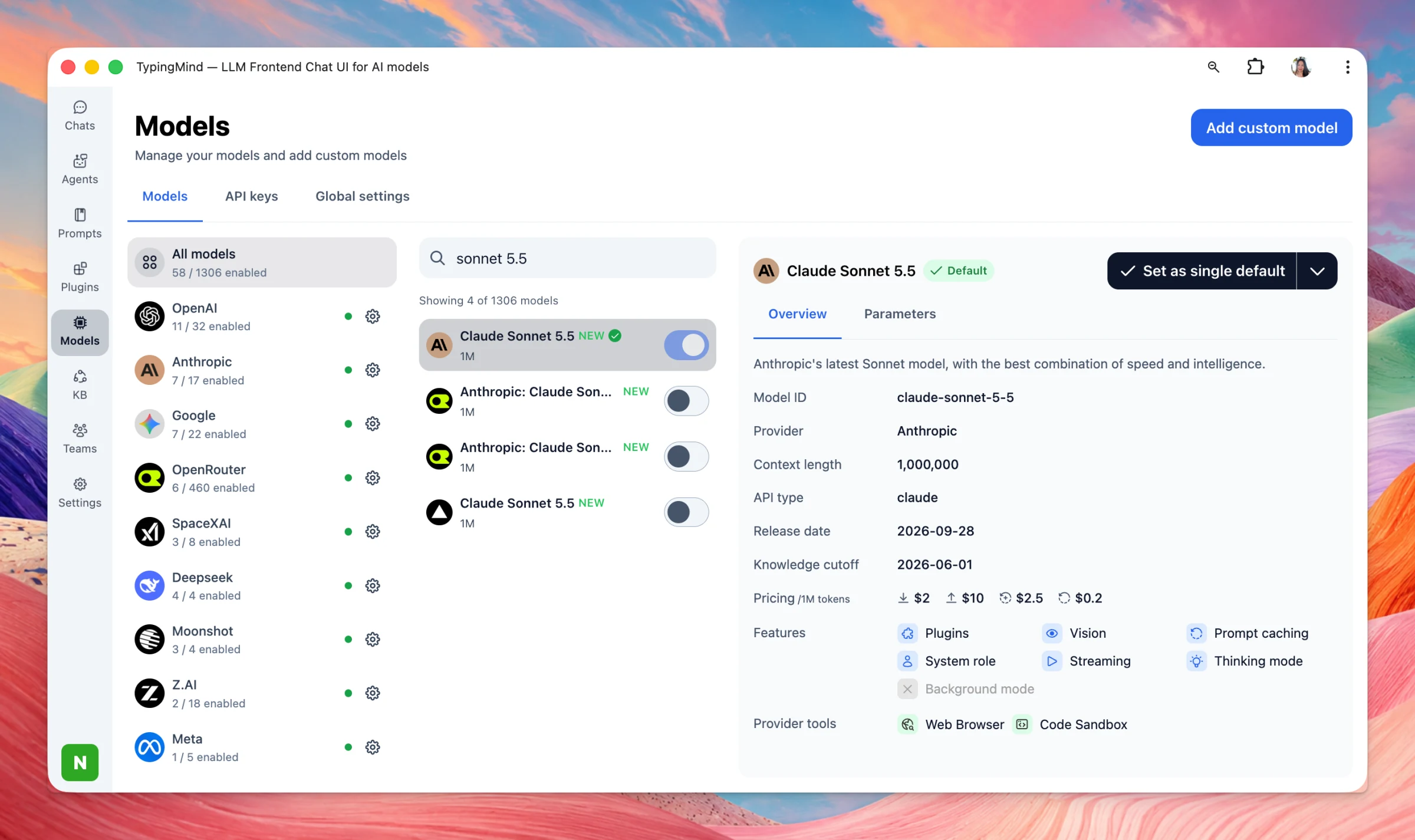
You can now use Claude Sonnet 5.5 — Anthropic mid-tier (Sept 28, 2026). Faster, cheaper complement to Opus 5.5 for everyday coding, docs, and agents. ~30% faster than Sonnet 5, up to 30% less per task. Same list price: $2 / $10 per M tokens. 1M context.
New
AI Models
Show detailsHide details
You can now use Claude Sonnet 5.5 — Anthropic mid-tier (Sept 28, 2026). Faster, cheaper complement to Opus 5.5 for everyday coding, docs, and agents. ~30% faster than Sonnet 5, up to 30% less per task. Same list price: $2 / $10 per M tokens. 1M context.
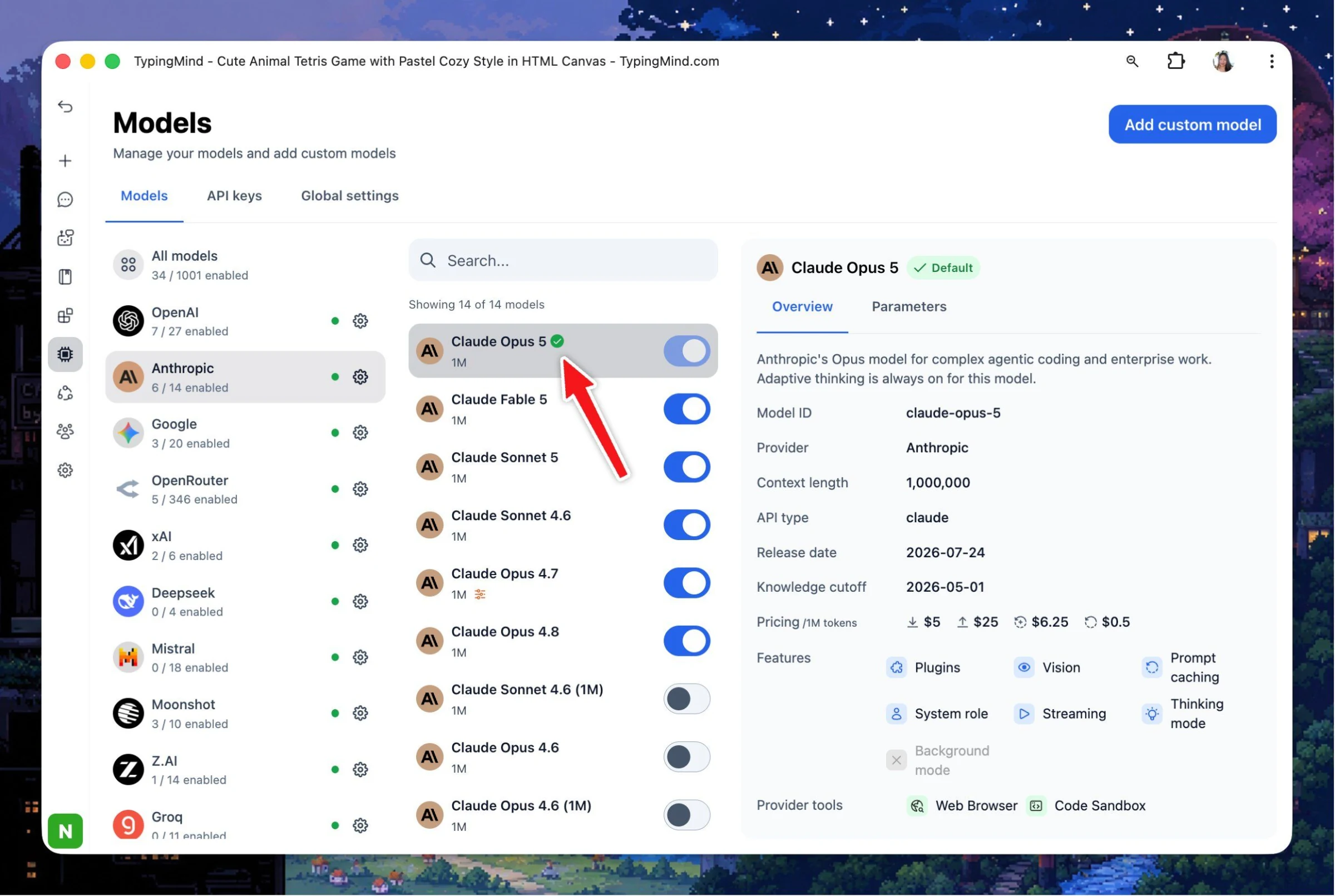
Claude Opus 5.5 — Anthropic’s Sept 2026 flagship for agentic coding and long knowledge work. Fable 5.1–level on most tasks, ~40% cheaper to run than Opus 5. $4 / $20 per M tokens. GPT-6 Sol — OpenAI’s mid-tier GPT-6 (below Astra). Complex coding and agents,…
New
AI Models
Show detailsHide details
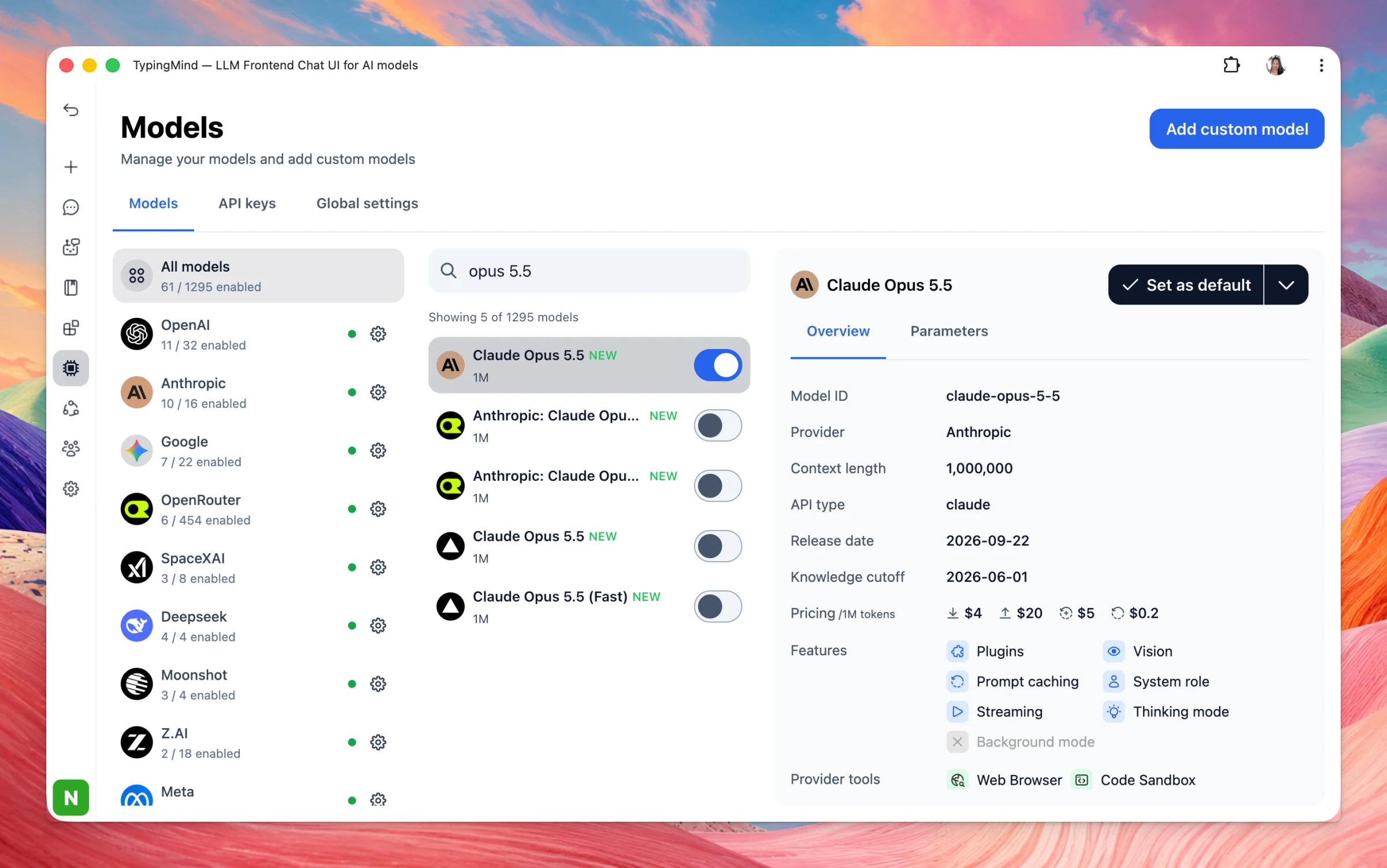
Claude Opus 5.5 — Anthropic’s Sept 2026 flagship for agentic coding and long knowledge work. Fable 5.1–level on most tasks, ~40% cheaper to run than Opus 5. $4 / $20 per M tokens.
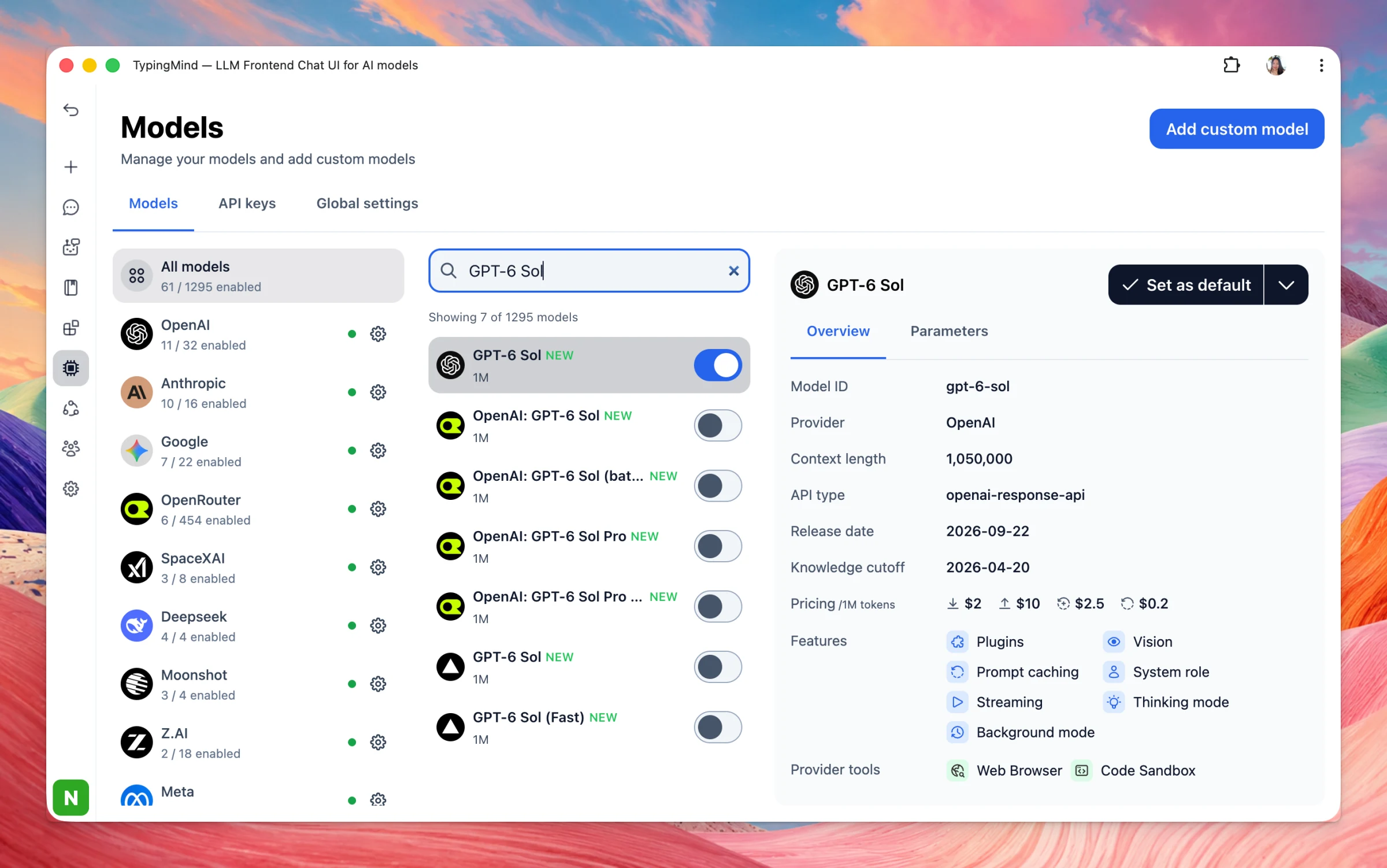
GPT-6 Sol — OpenAI’s mid-tier GPT-6 (below Astra). Complex coding and agents, much of Astra’s strength at half GPT-5.6 Sol’s price. $2 / $10 per M tokens.
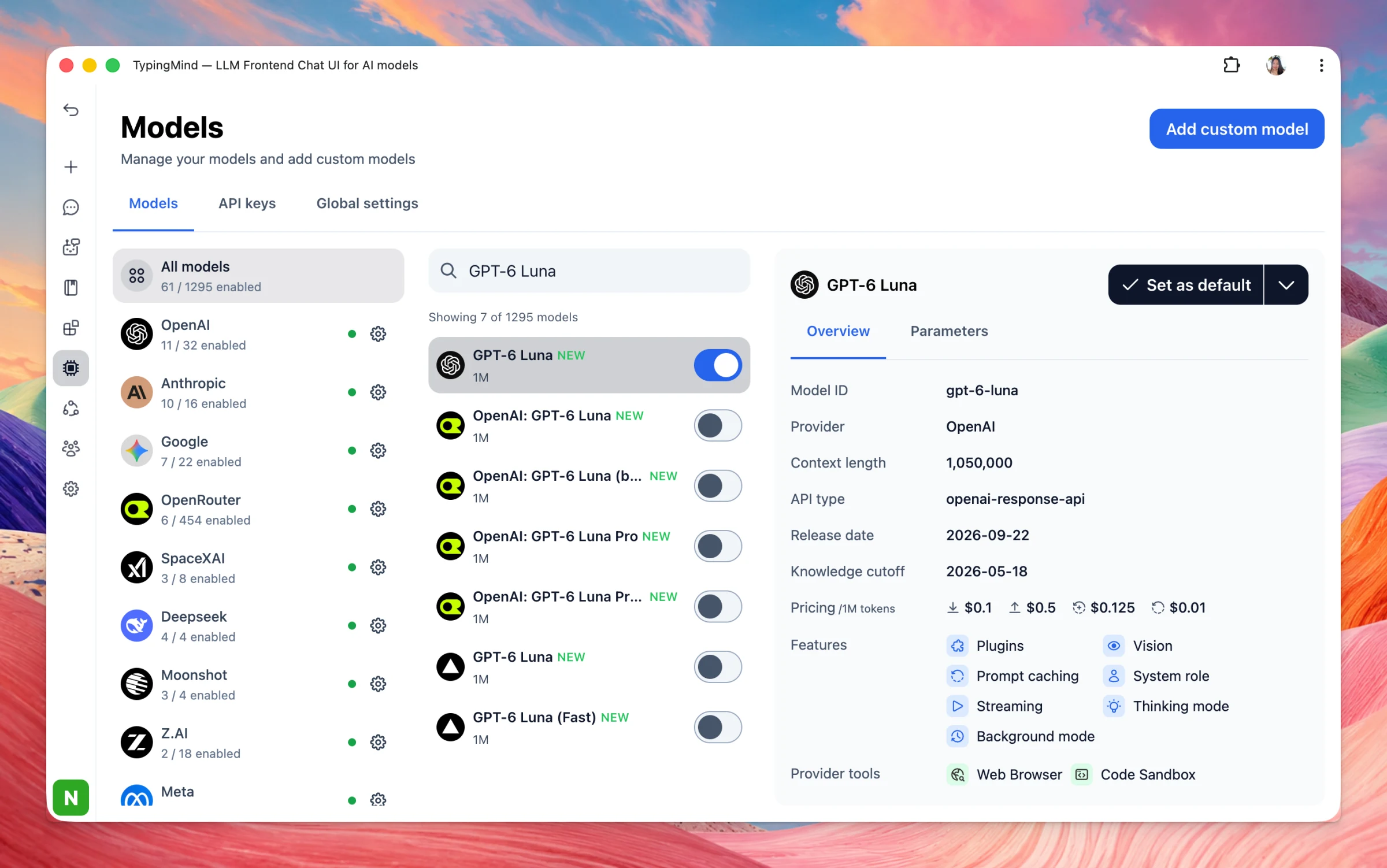
GPT-6 Luna — Cheapest/fastest GPT-6. High-volume focused tasks (extract, classify, summarize, simple code). $0.10 / $0.50 per M tokens.
Grok 4.7 — xAI flagship (Sept 21, 2026) for coding and knowledge work. Larger than 4.6, better on long tasks and self-checks, same price/speed. $2 / $6 per M tokens. MiMo-V2.6-Pro — Xiaomi open-weight flagship (MIT). 1.02T MoE / 42B active, 1M context,…
New
AI Models
Show detailsHide details
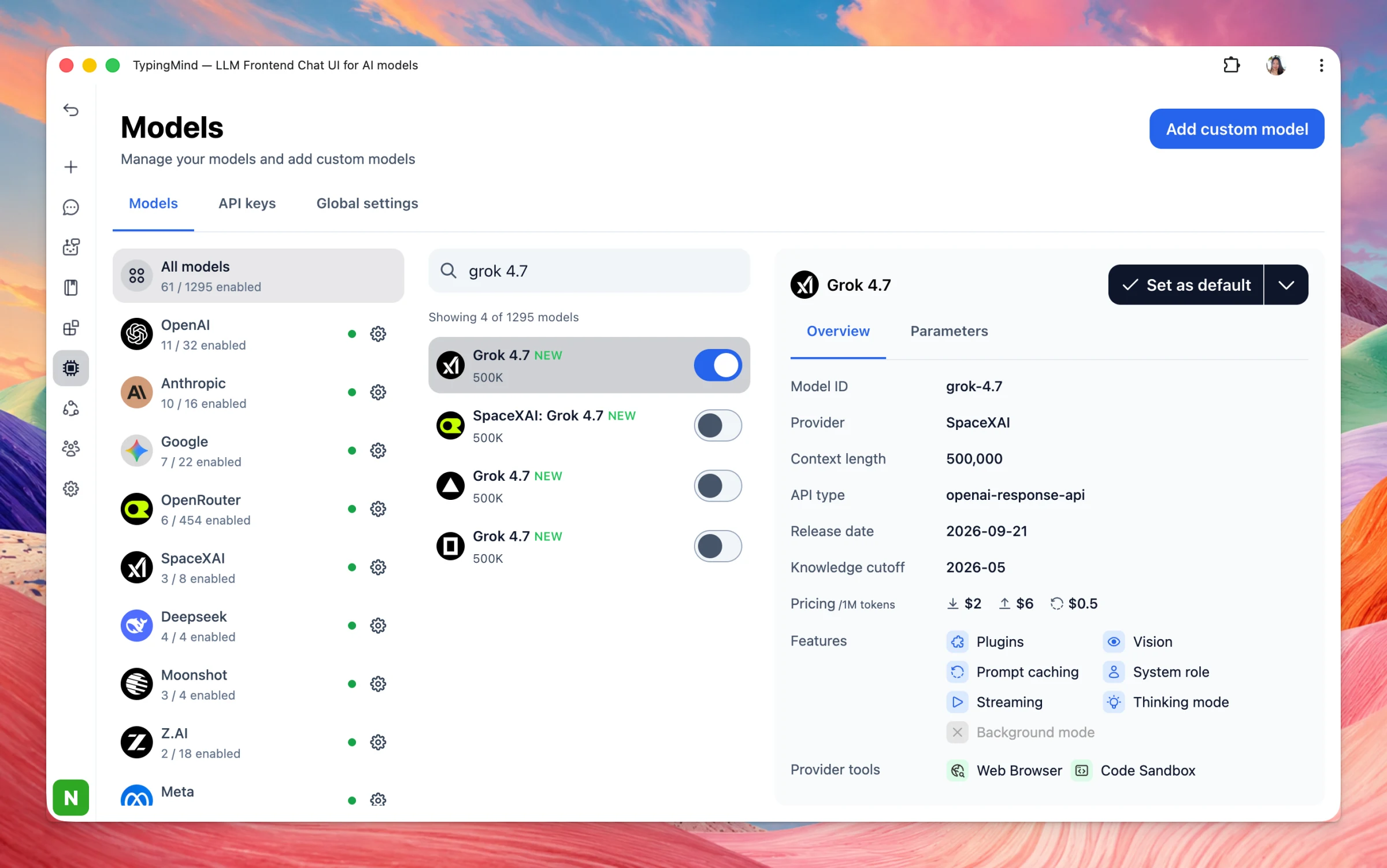
Grok 4.7 — xAI flagship (Sept 21, 2026) for coding and knowledge work. Larger than 4.6, better on long tasks and self-checks, same price/speed. $2 / $6 per M tokens.
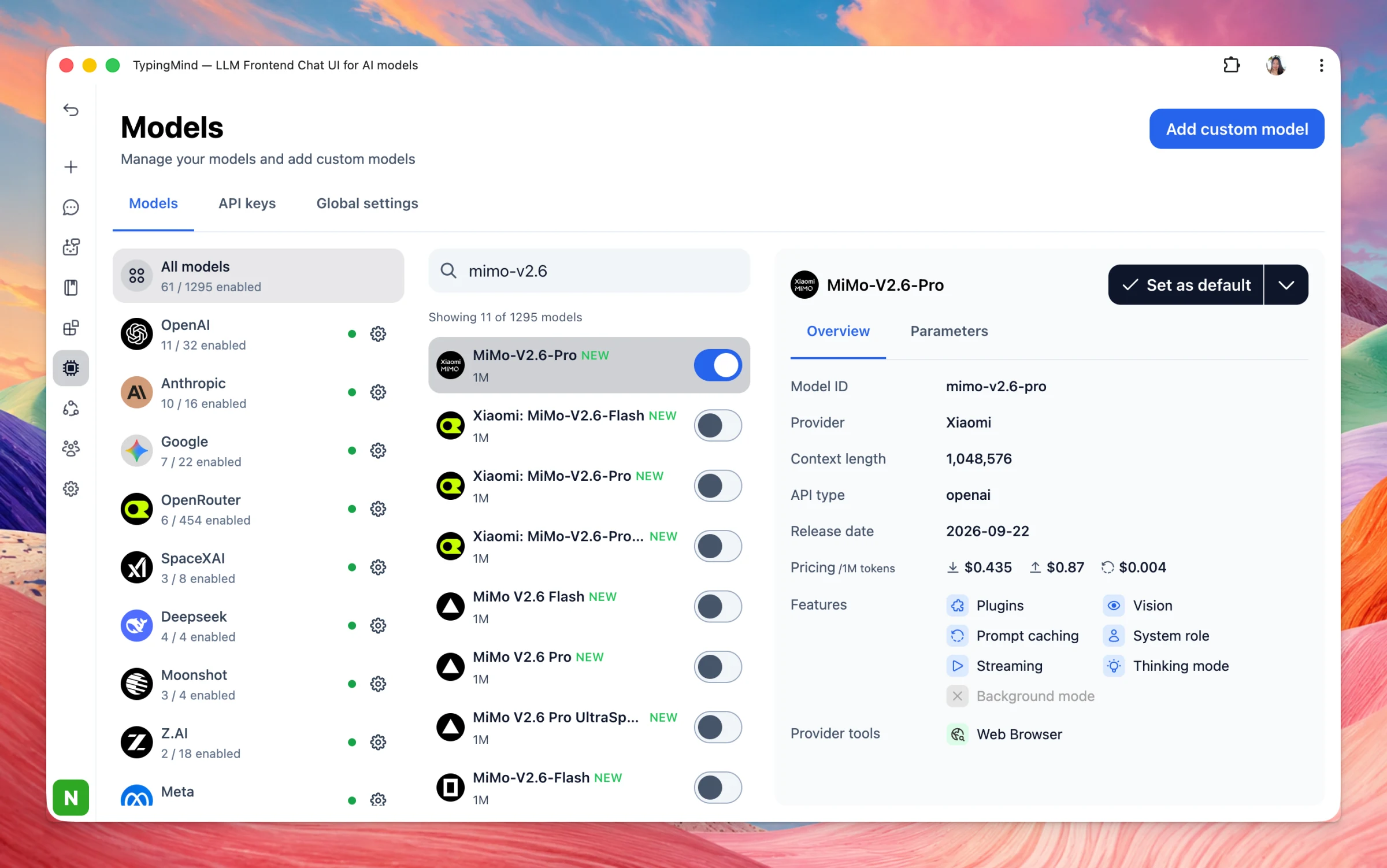
MiMo-V2.6-Pro — Xiaomi open-weight flagship (MIT). 1.02T MoE / 42B active, 1M context, text+image+video+audio. Top-tier open model. API ~$0.44 / $0.87 per M tokens.
MiMo-V2.6-Flash — Cheaper Xiaomi twin. 309B / 15B active, same 1M context and modalities. Close to Pro on many agent tasks. API $0.14 / $0.28 per M tokens.
Introducing Plugin Presets in TypingMind 🎉 You can now save your favorite plugins, skills, and MCP servers into named presets and switch between them with a single click. Create presets for different workflows like Frequently Used, Coding, Support, Sales, or…
New
Integrations
Show detailsHide details
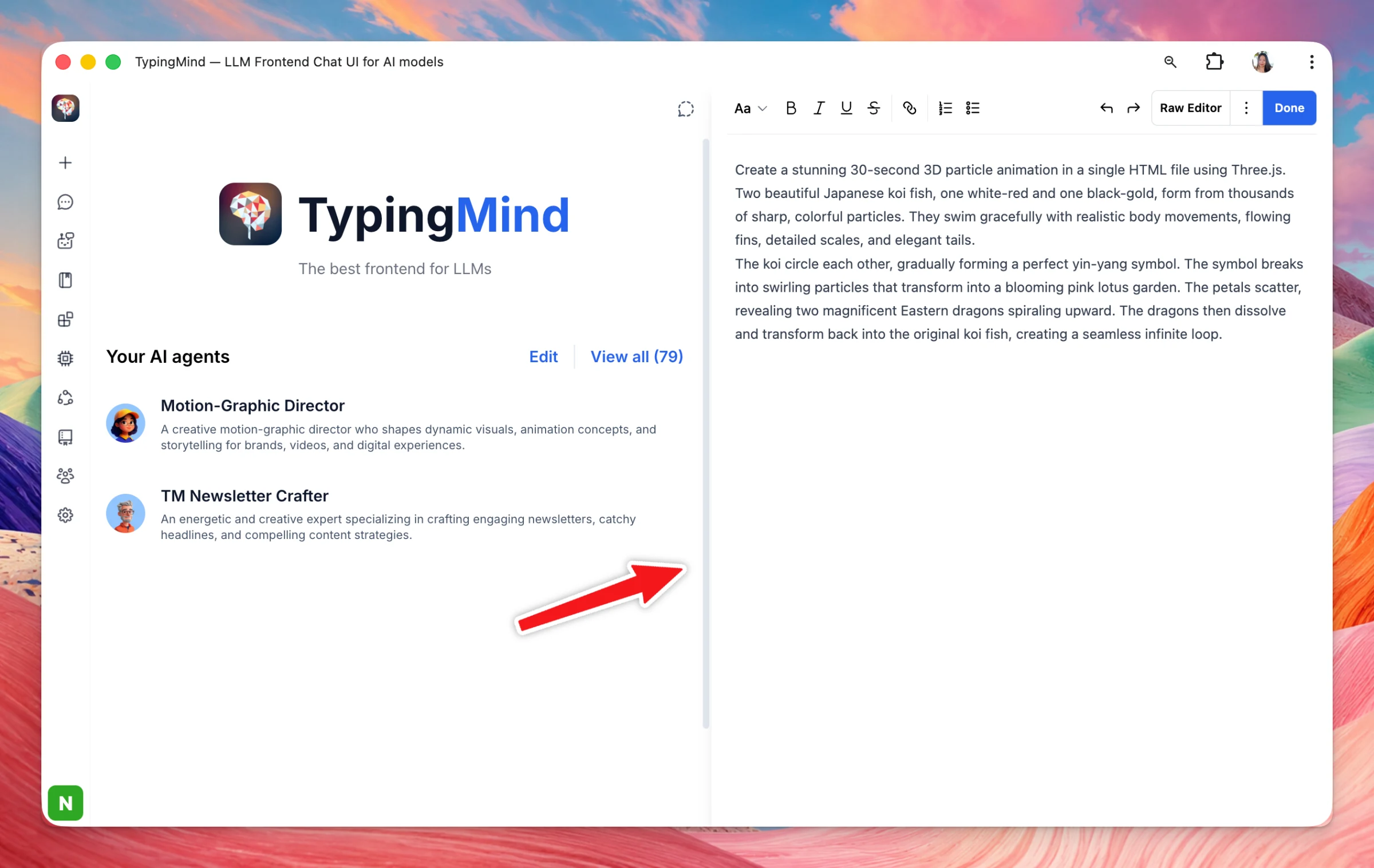
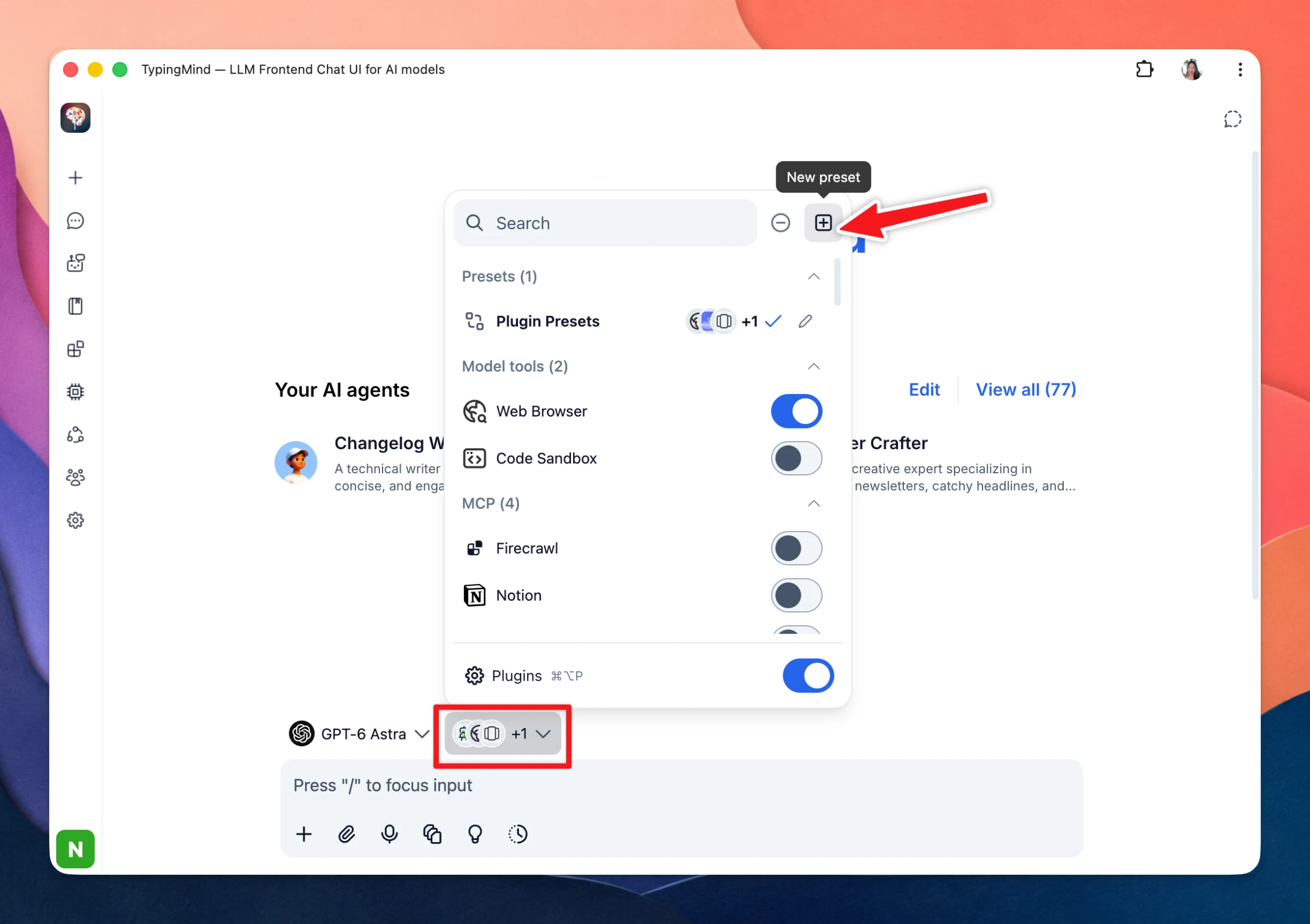
Introducing Plugin Presets in TypingMind 🎉
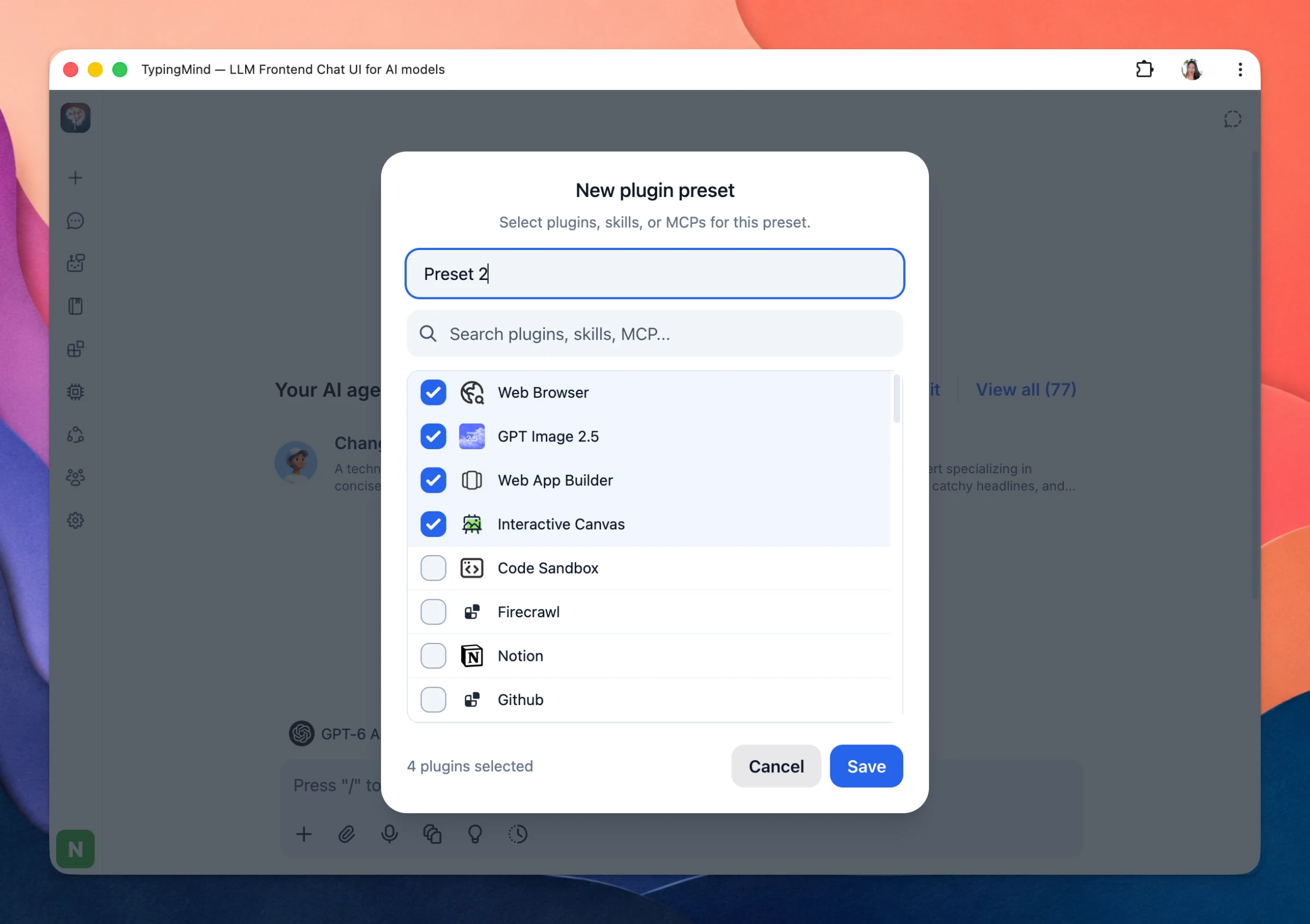
You can now save your favorite plugins, skills, and MCP servers into named presets and switch between them with a single click.
Create presets for different workflows like Frequently Used, Coding, Support, Sales, or Research — so you always have the right tools enabled for the task at hand.
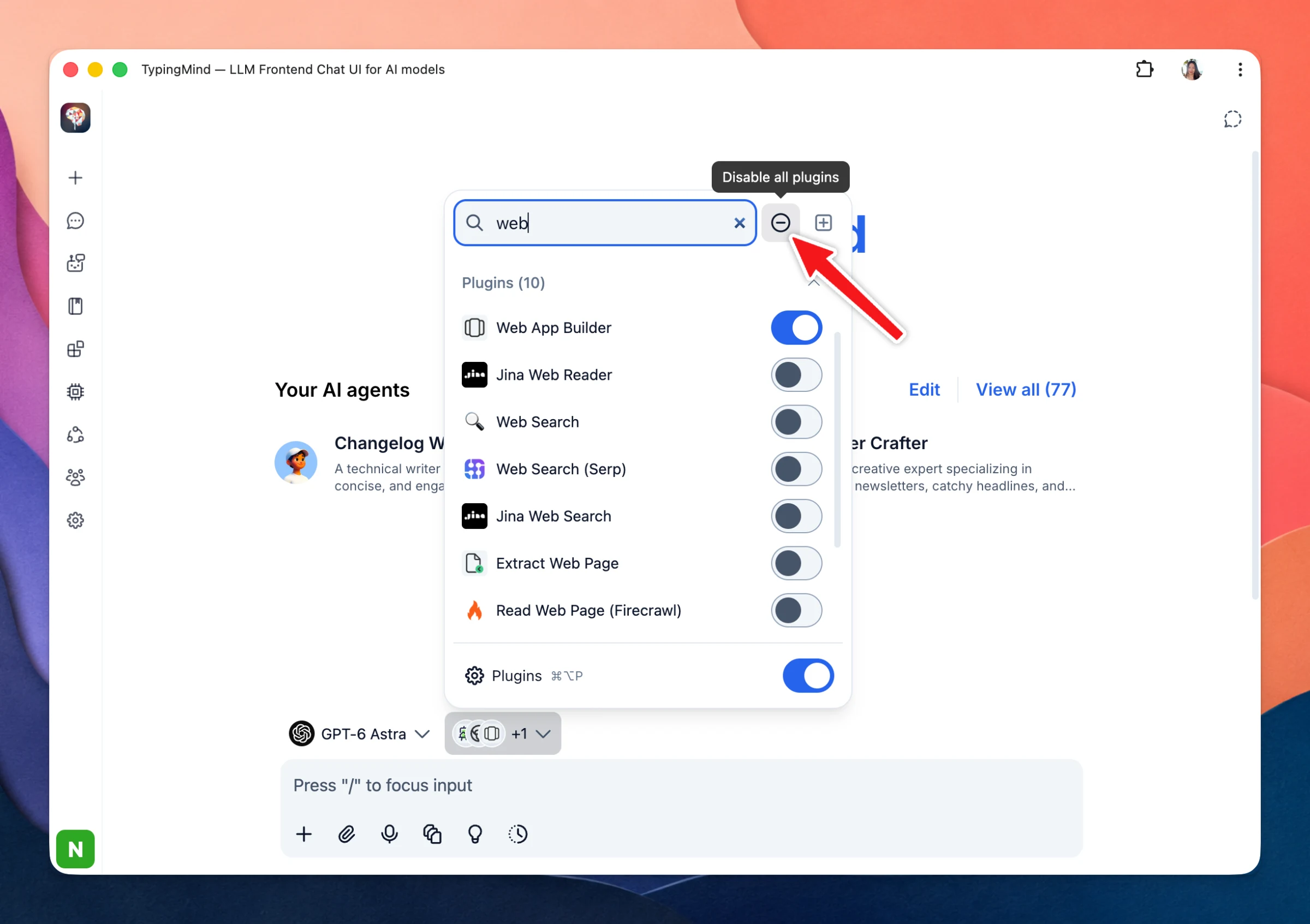
Also in this update, you can search plugins, disable all plugins instantly, and export/import presets across devices.
Added xhigh and max quality options, plus 4K landscape (3840x2160) and portrait (2160x3840) resolutions for GPT Image 2.5. Also reordered resolution and quality options for easier selection. Side Chat Model Selection: Users can now choose which model powers…
New
Show detailsHide details
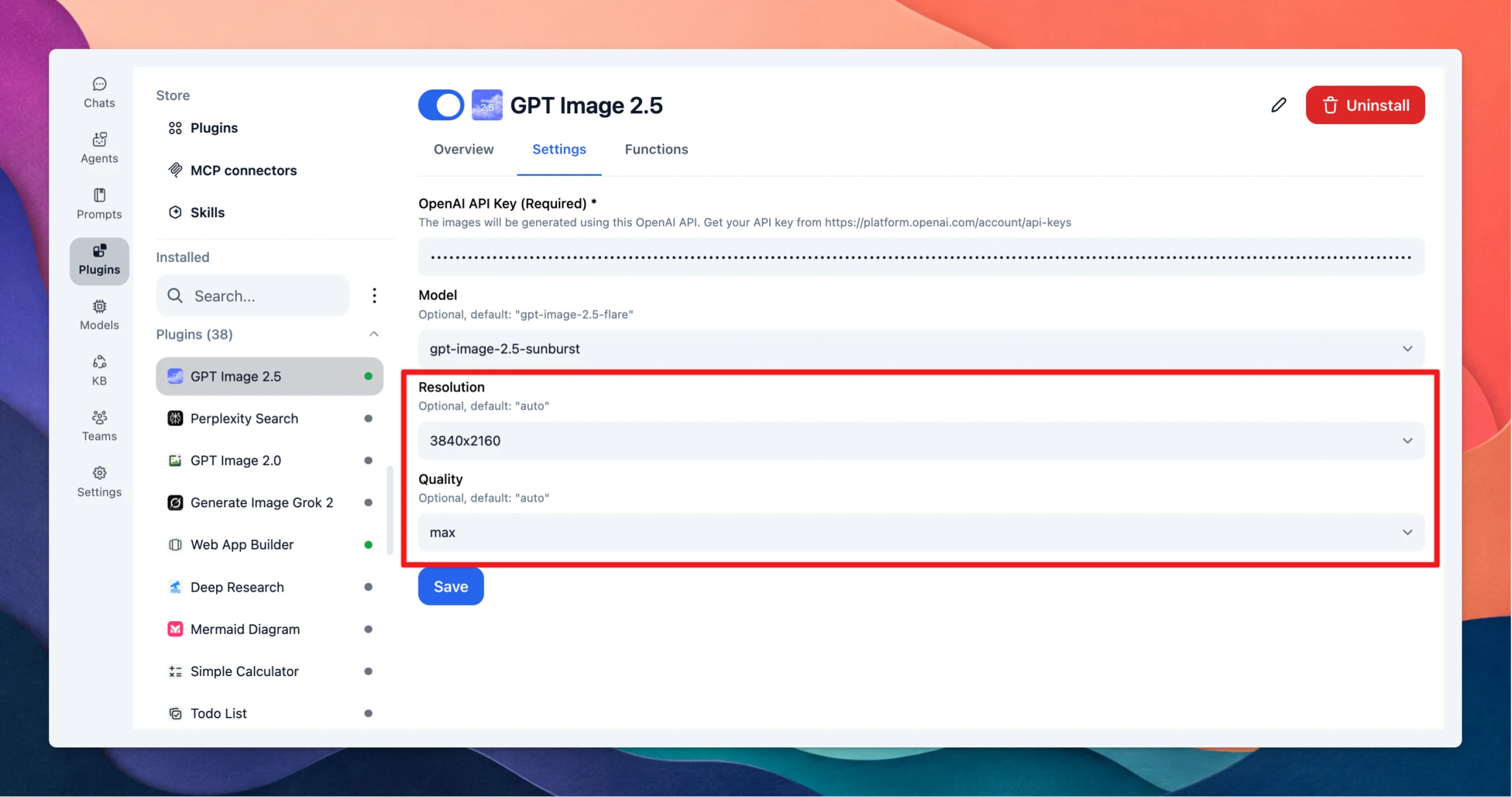
Added xhigh and max quality options, plus 4K landscape (3840x2160) and portrait (2160x3840) resolutions for GPT Image 2.5. Also reordered resolution and quality options for easier selection.
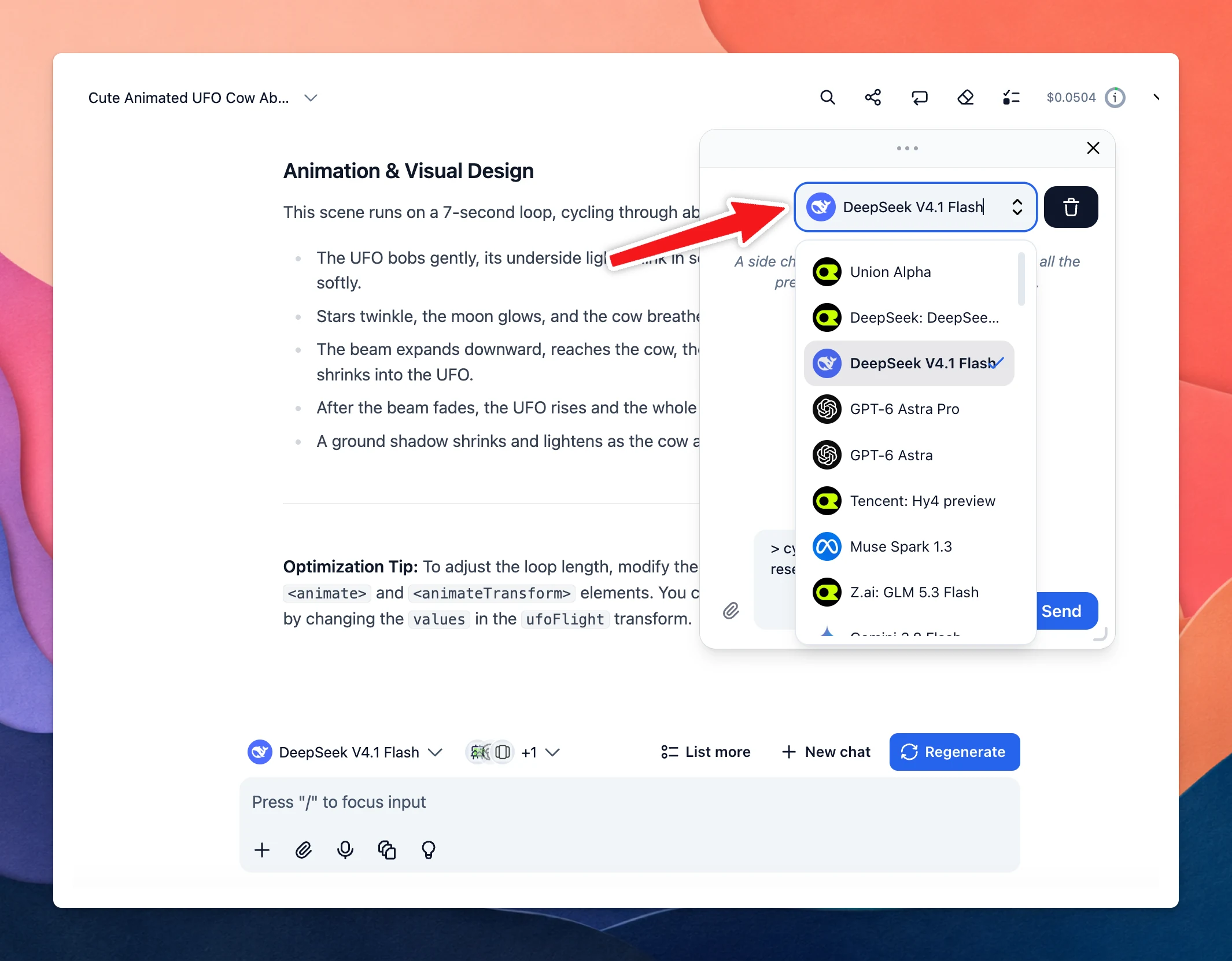
Side Chat Model Selection: Users can now choose which model powers the side chat "Ask..." feature (highlight text in a chat → select Ask...), either via a new setting or directly from the side chat popup.
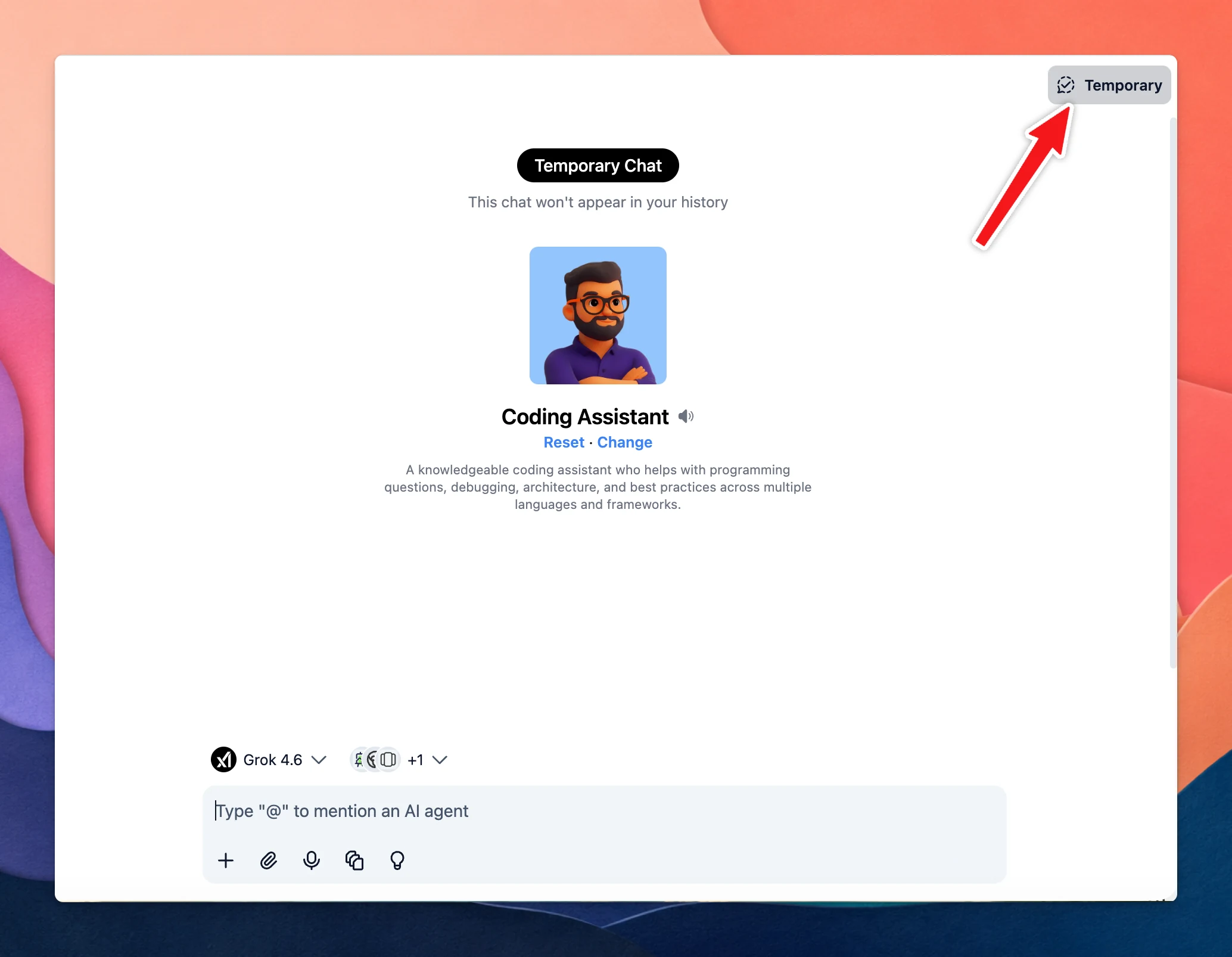
Temporary Chat for Agents: Added support for temporary chat when using agents.
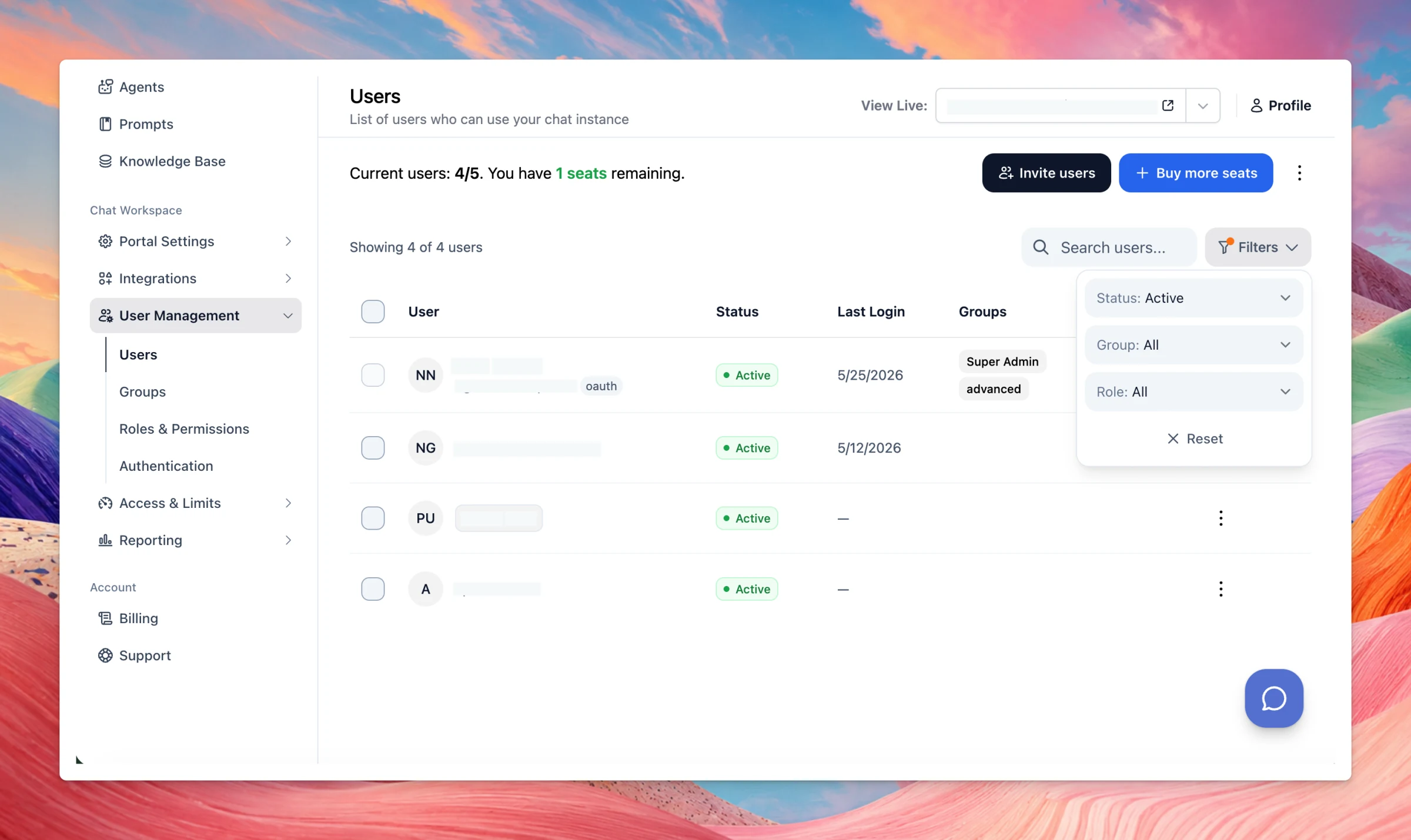
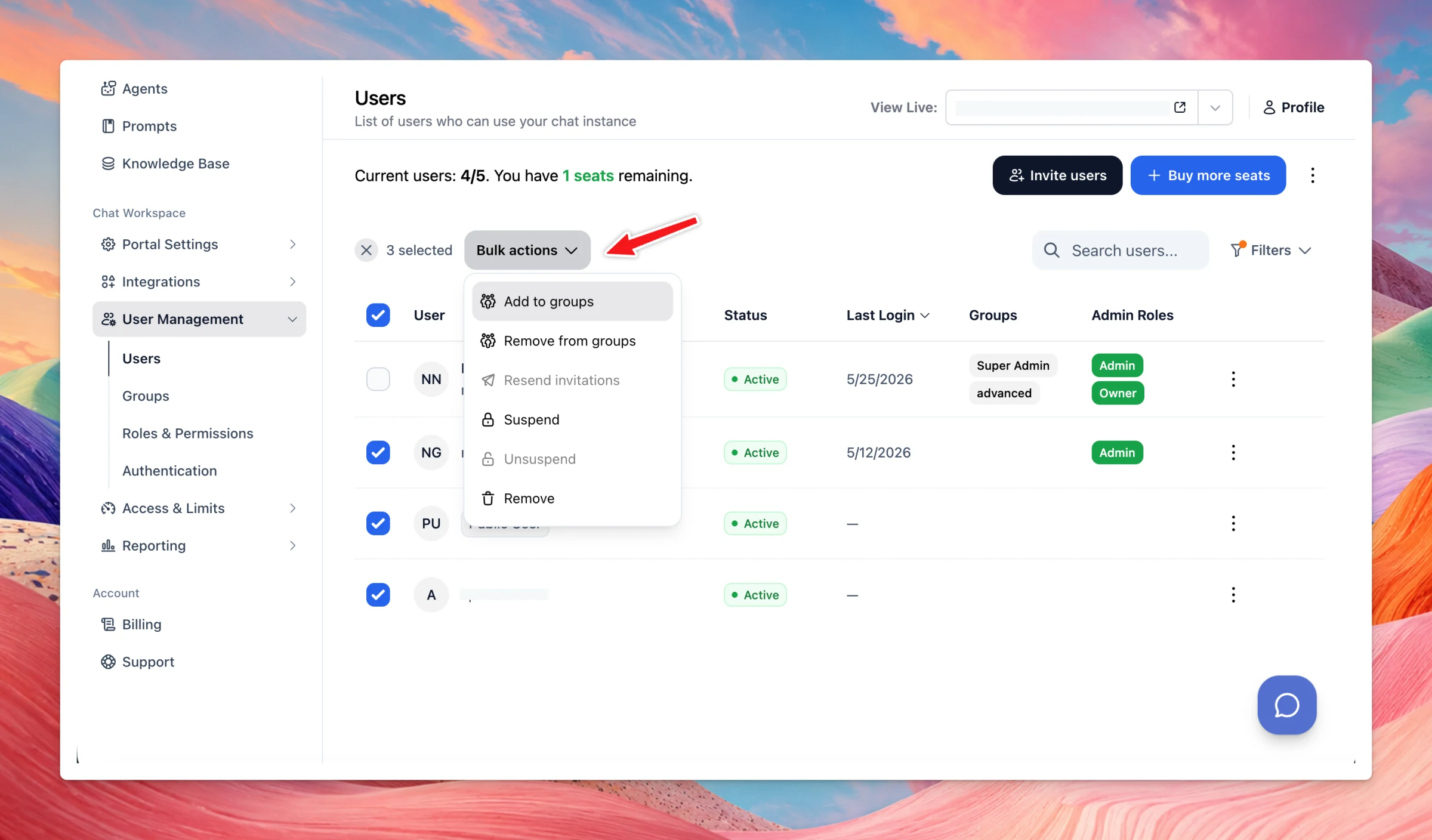
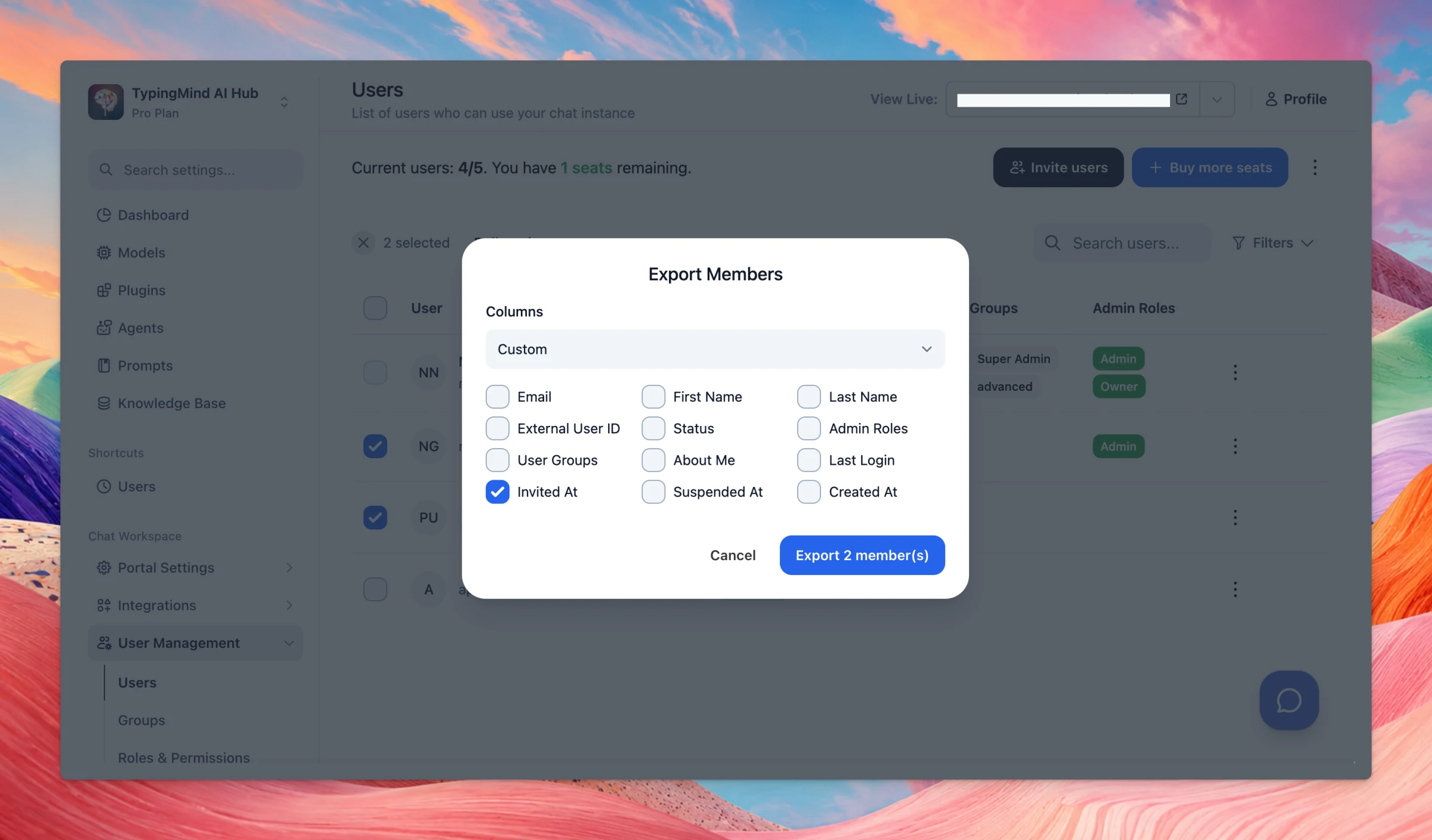
Users & Groups pages just got a few QoL improvements: New filters and sorting on the Users page, including Last Login More bulk actions for managing users and groups Smarter exports based on your selection or active filters Search and sorting for Groups Safer…
Improved
Team Version
Show detailsHide details
Users & Groups pages just got a few QoL improvements:
New filters and sorting on the Users page, including Last Login
More bulk actions for managing users and groups
Smarter exports based on your selection or active filters
Search and sorting for Groups
Safer “Select all” behavior when adding group members
Smoother import previews for large user lists
We’ve also improved performance and scalability for organizations with large numbers of users.
We’ve improved the multi-model experience: Support stopping and regenerating messages in multi-model responses Support pasting files and large text as file attachments when replying in multi-model threads. Show statistics such as token usage and estimated…
Improved
AI Models
Show detailsHide details
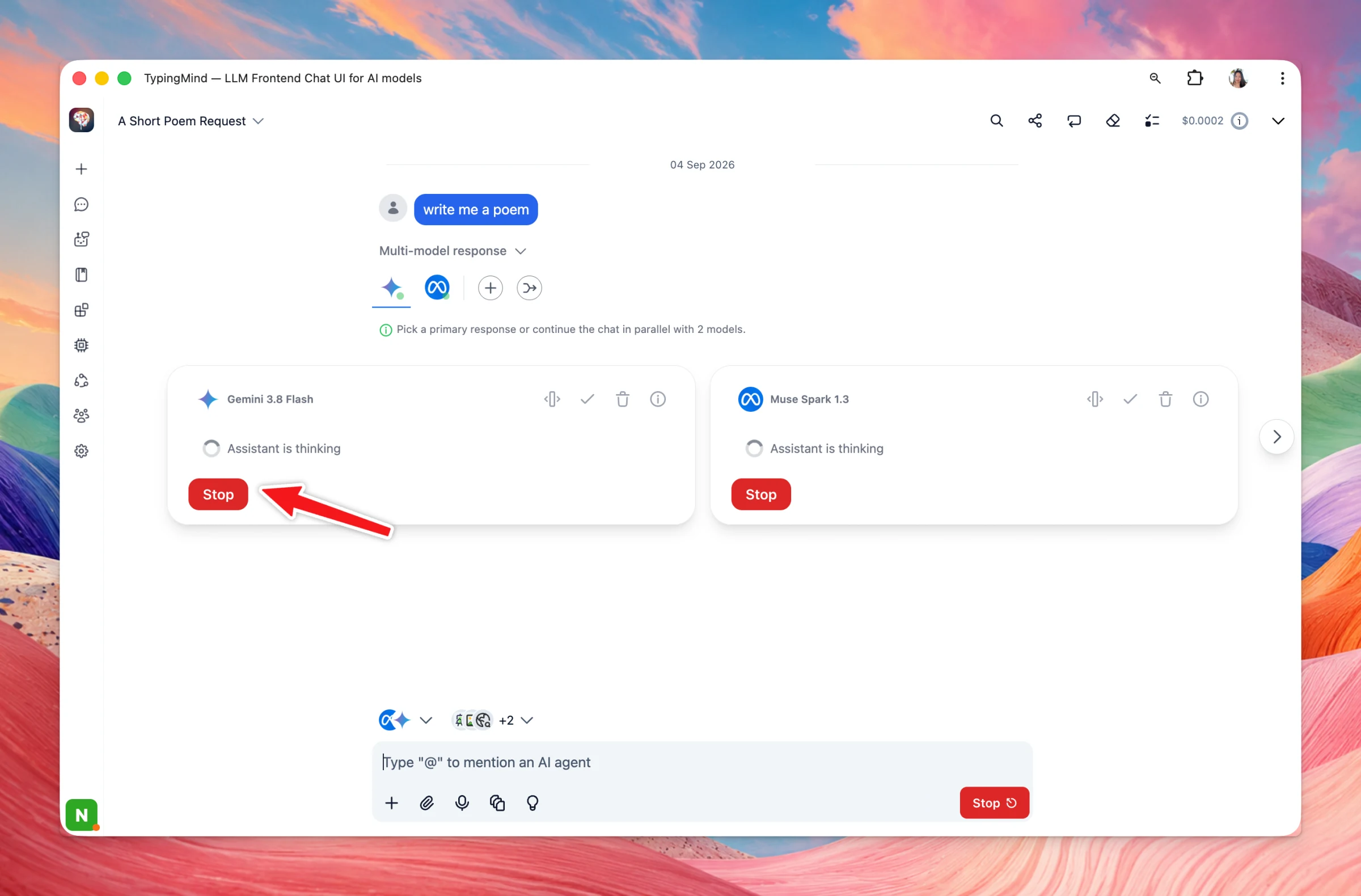
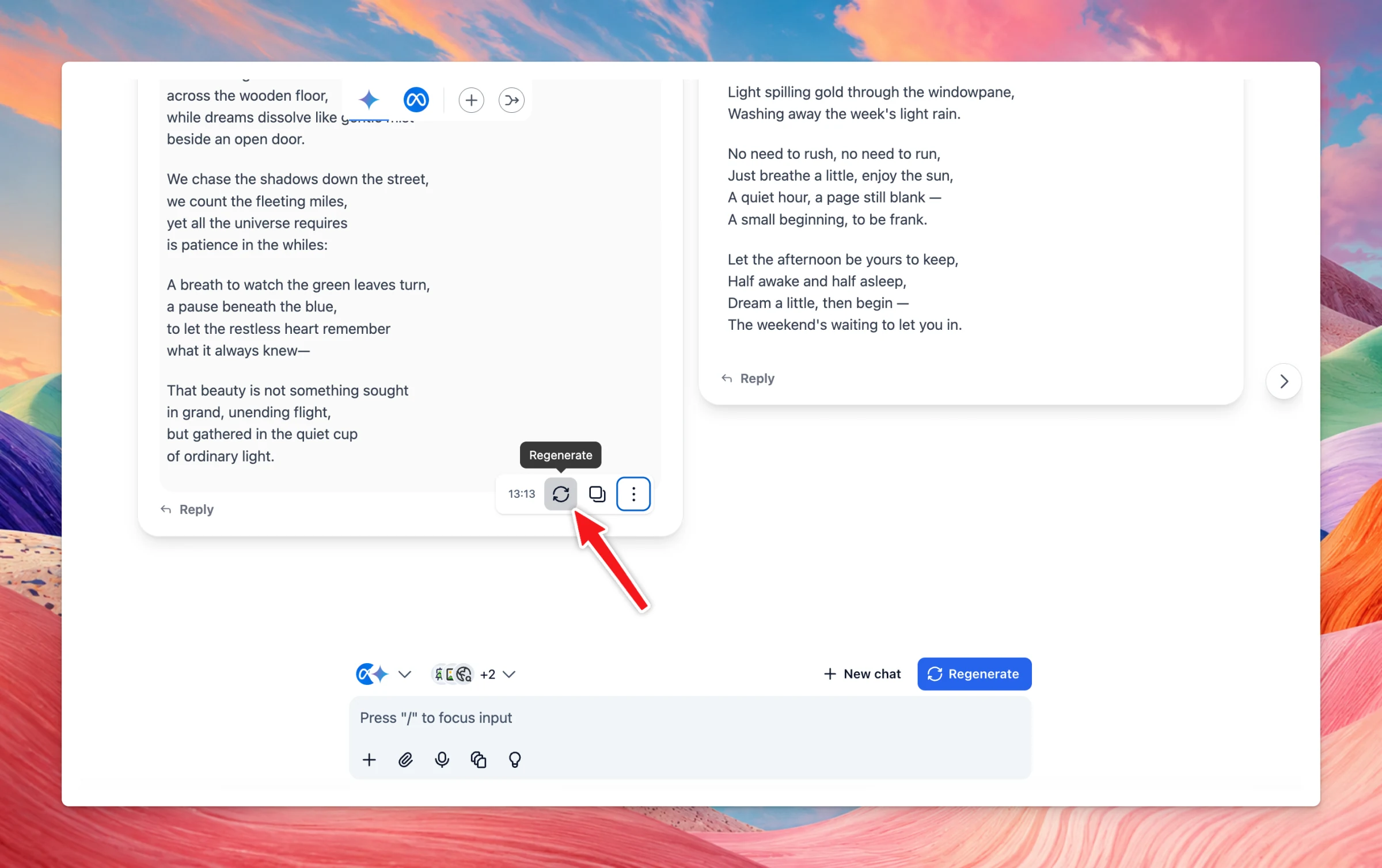
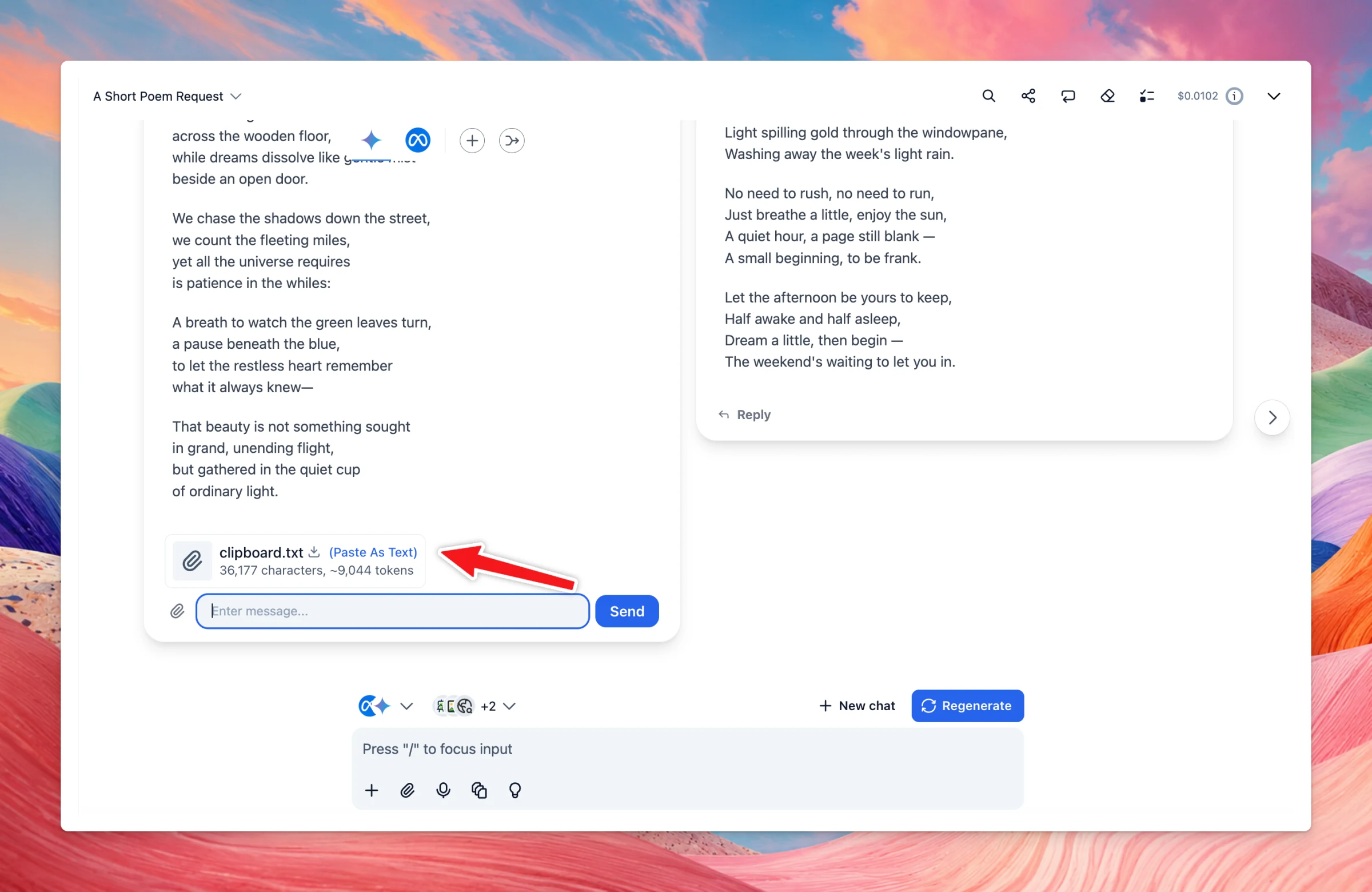
We’ve improved the multi-model experience:
Support stopping and regenerating messages in multi-model responses
Support pasting files and large text as file attachments when replying in multi-model threads.
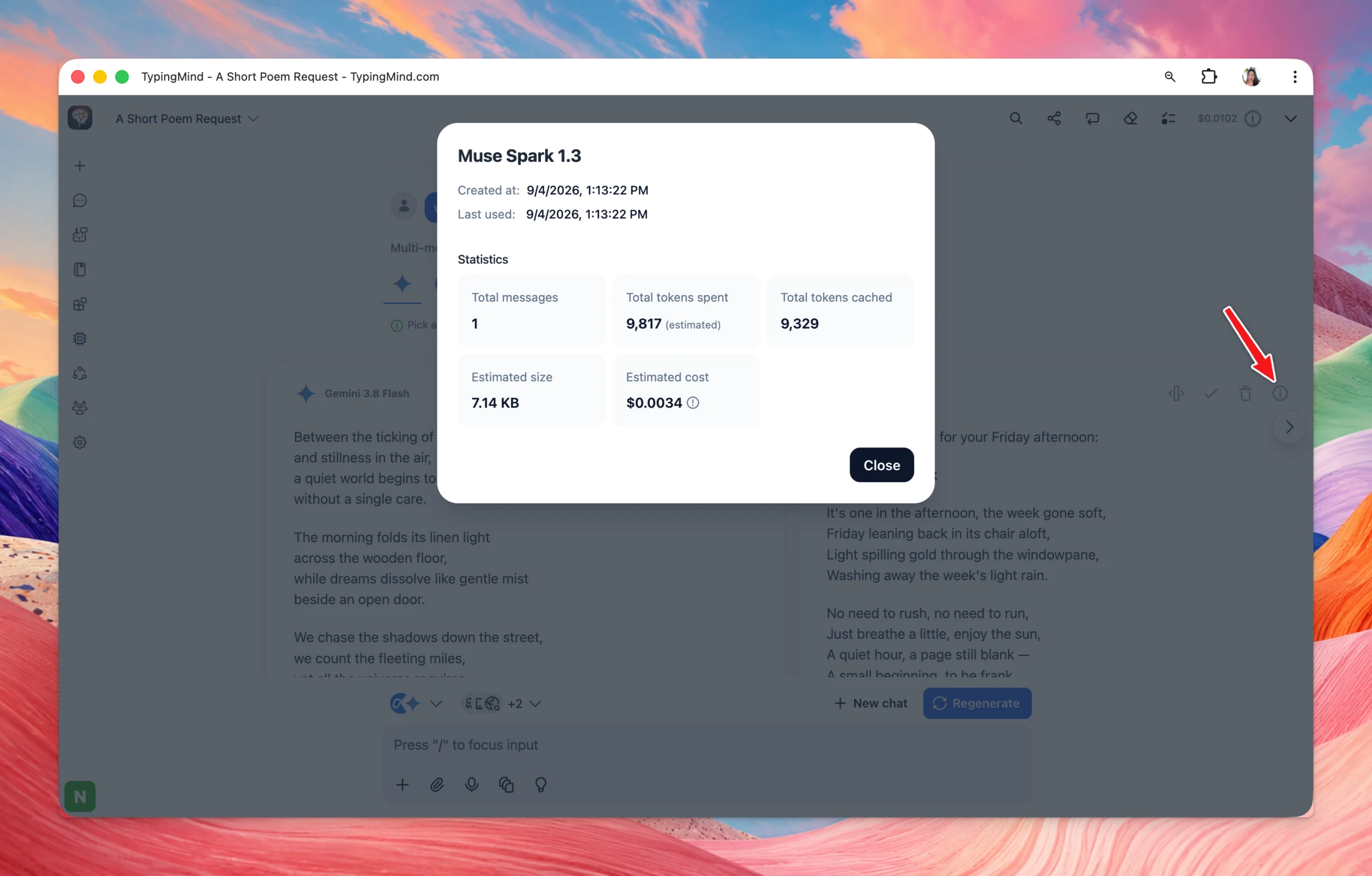
Show statistics such as token usage and estimated cost for each model.
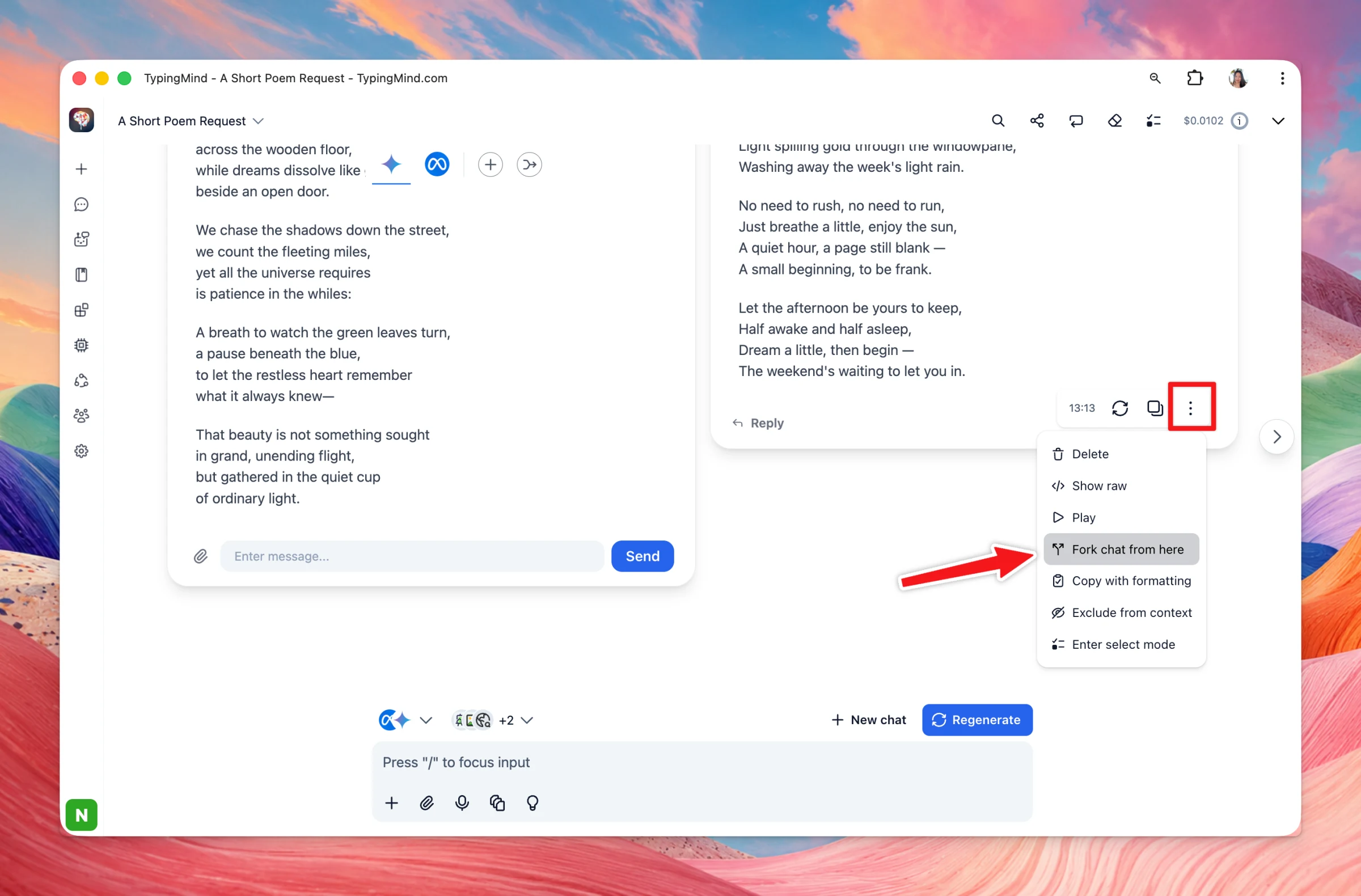
Fork a chat directly from a multi-model response message.
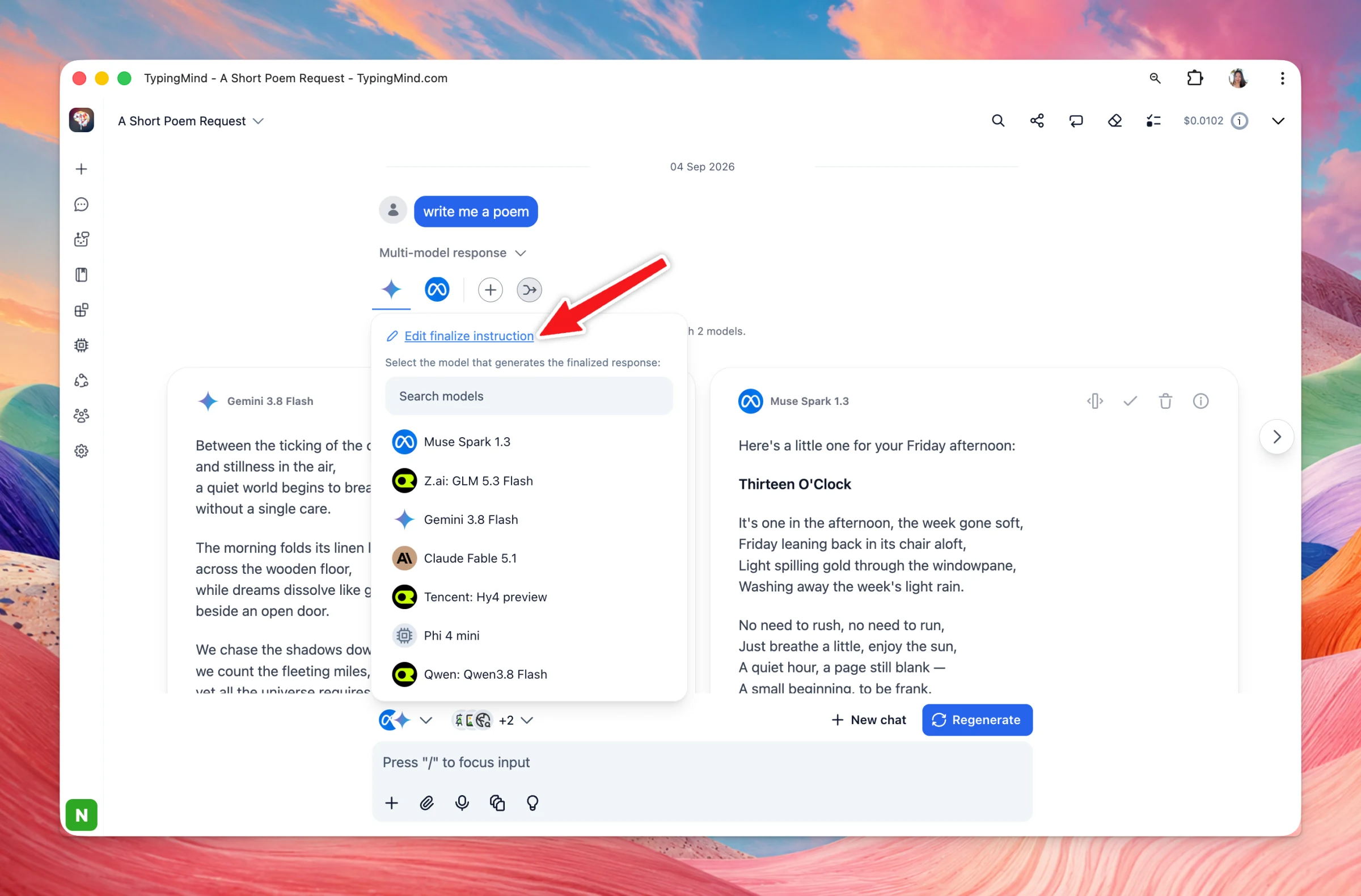
When finalizing a multi-model response, you can now click Edit finalize instruction to customize the prompt used for that specific finalize request before picking the model to generate it.
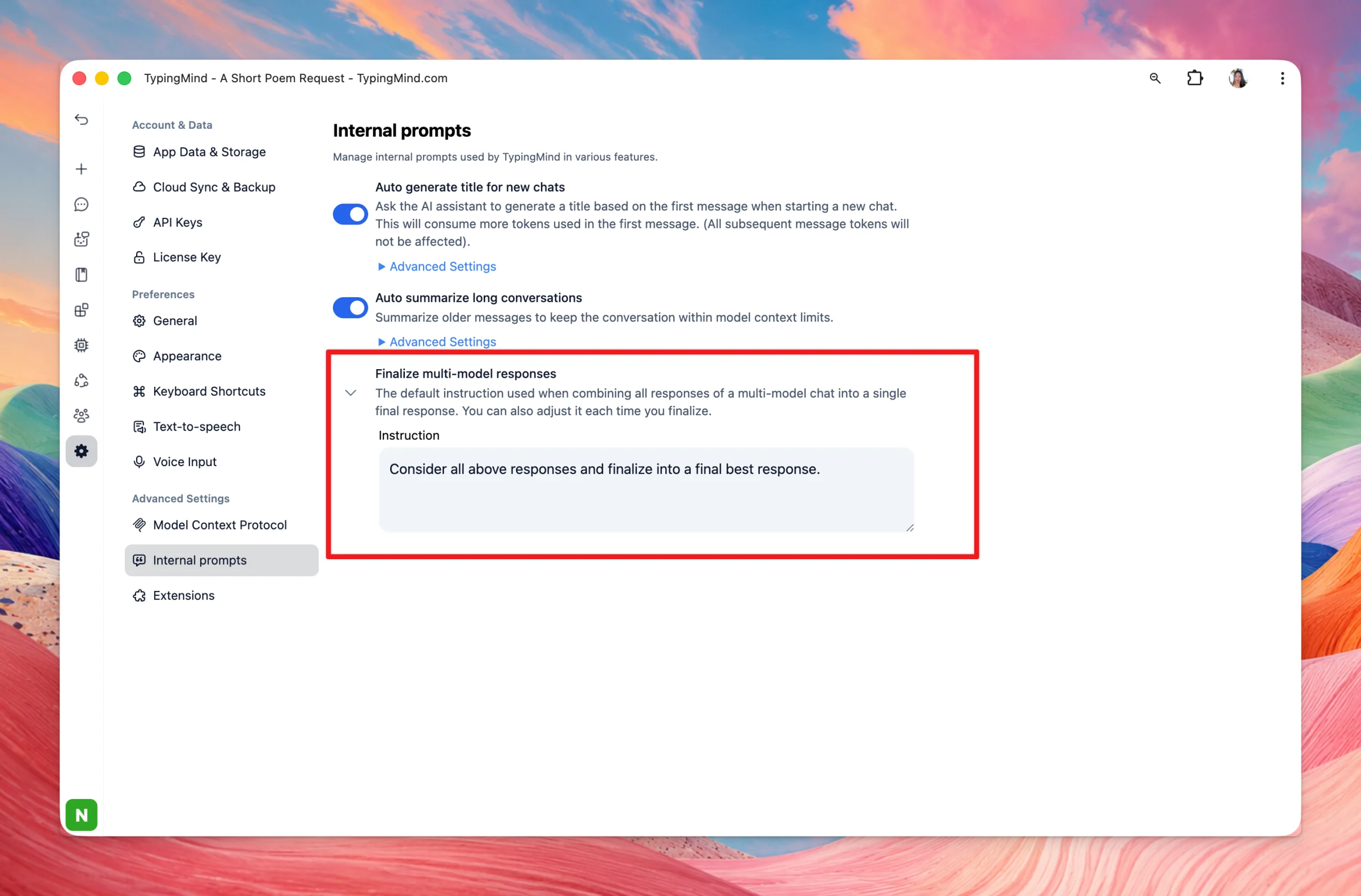
Note: The default finalize instruction can now be customized in Settings → Advanced Settings → Internal Prompts under a new "Finalize multi-model responses" section (with a "Reset to default" option), synced across your devices via cloud sync.
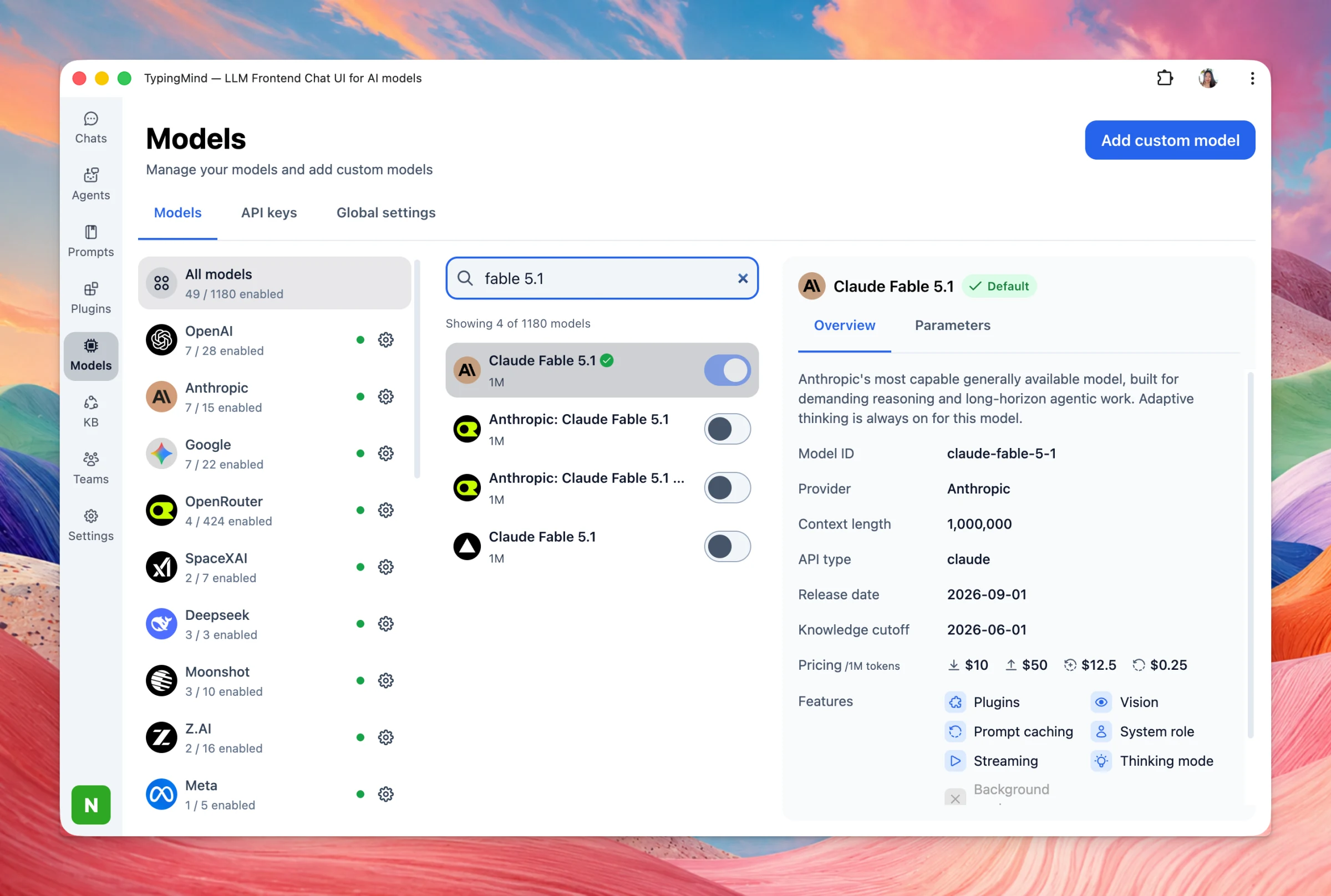
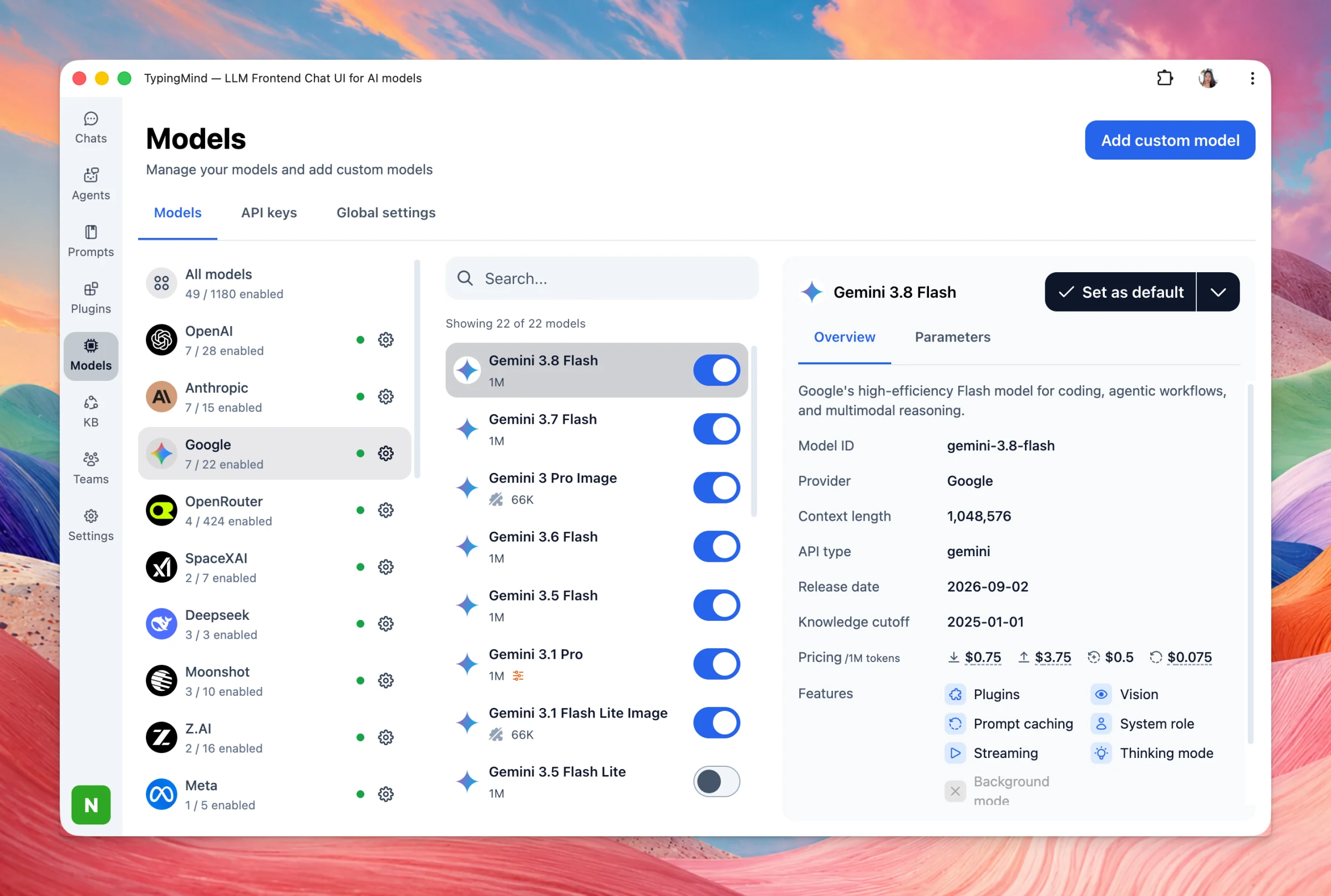
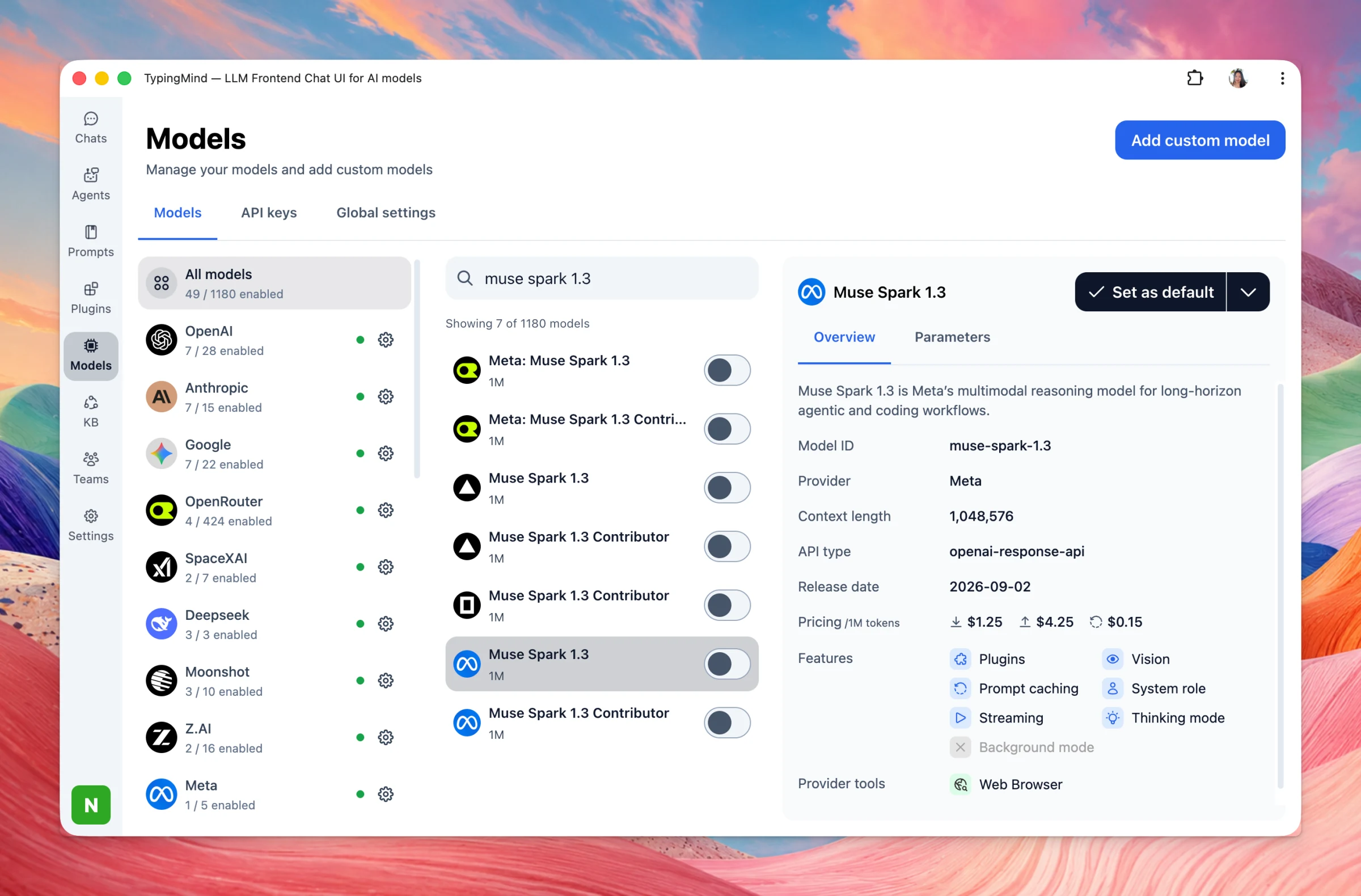
3 new AI models are now available on TypingMind: Claude Fable 5.1: Anthropic’s most advanced model for demanding reasoning, long-horizon coding, deep research, and complex knowledge work. Gemini 3.8 Flash: Google’s newest high-speed workhorse, built for…
New
AI Models
Show detailsHide details
3 new AI models are now available on TypingMind:
Claude Fable 5.1: Anthropic’s most advanced model for demanding reasoning, long-horizon coding, deep research, and complex knowledge work.
Gemini 3.8 Flash: Google’s newest high-speed workhorse, built for powerful reasoning, coding, autonomous agents, and complex workflows—while keeping Flash-level speed and efficiency.
Muse Spark 1.3: Meta’s latest Muse model, improved for agentic workflows and coding, with a stronger ability to handle long-running tasks and multiple workflows in one conversation.
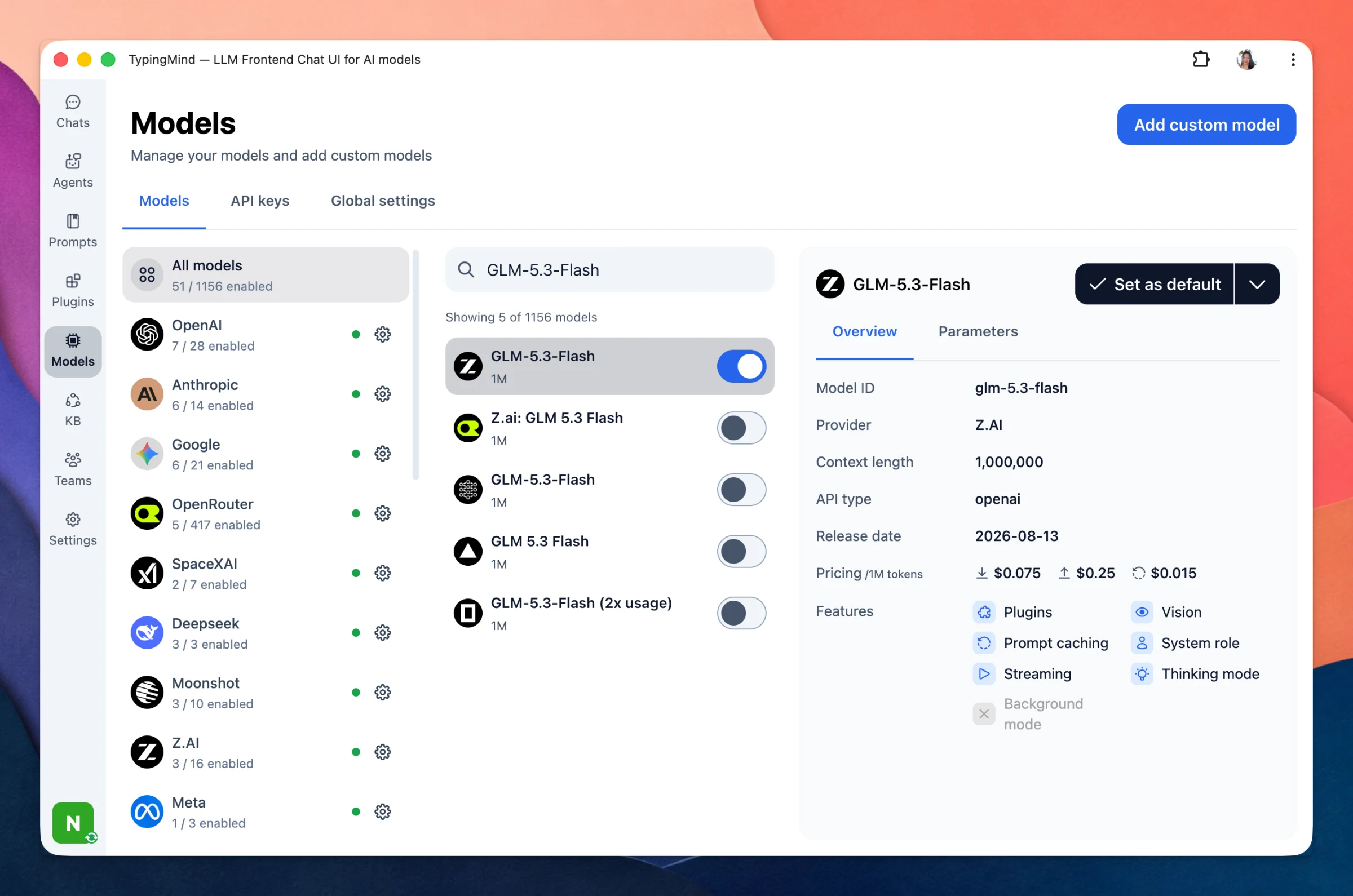
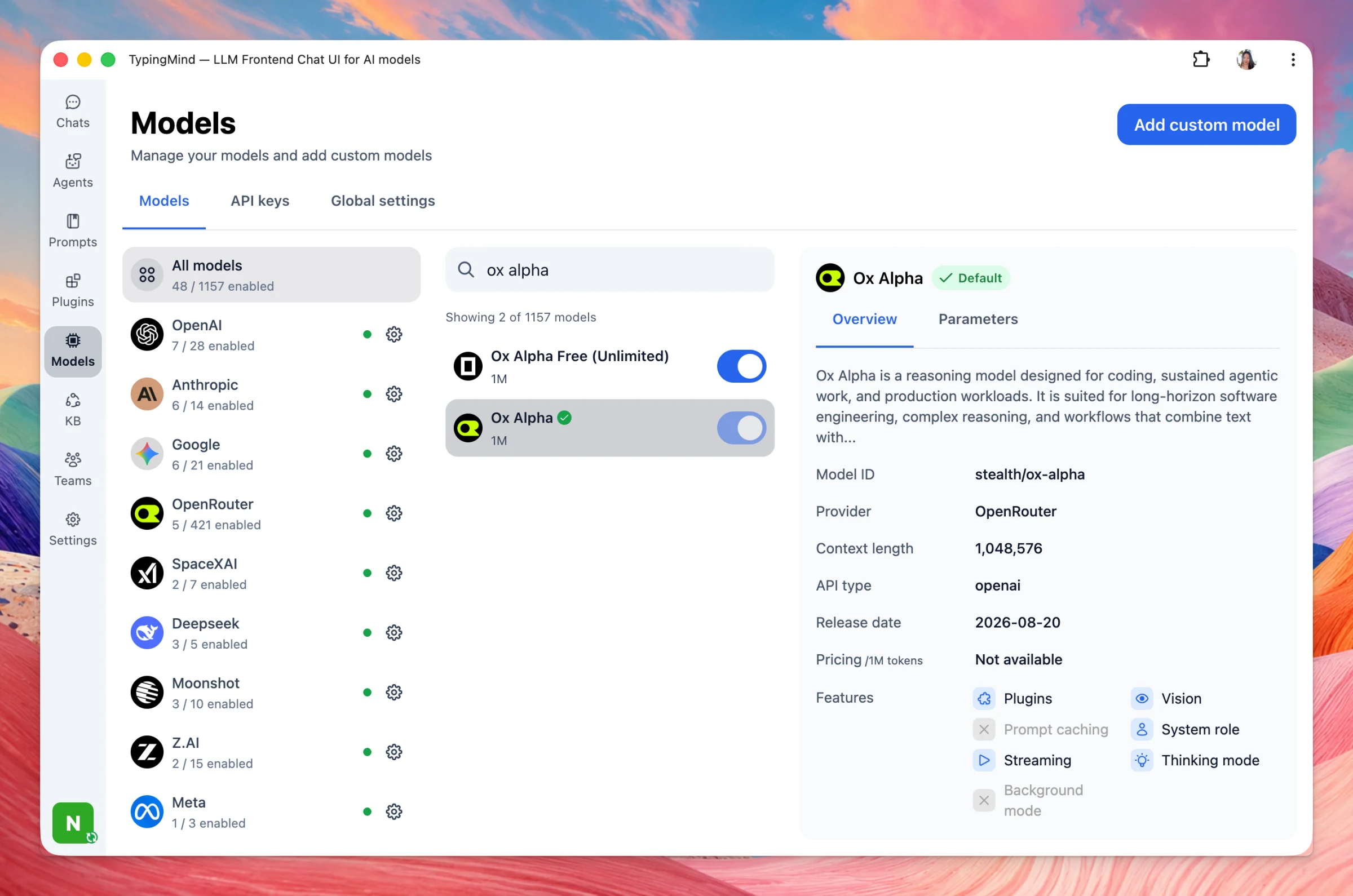
Ox Alpha turns out to be Z.ai’s model — GLM-3.5 Flash! And it’s now officially available on TypingMind. We also added Qwen3.8 Flash - latest model from Alibaba: Bug Fixes and Improvements: Added native PDF capability detection with a new "Support PDF Input"…
New
AI Models
Show detailsHide details
Ox Alpha turns out to be Z.ai’s model — GLM-3.5 Flash! And it’s now officially available on TypingMind.
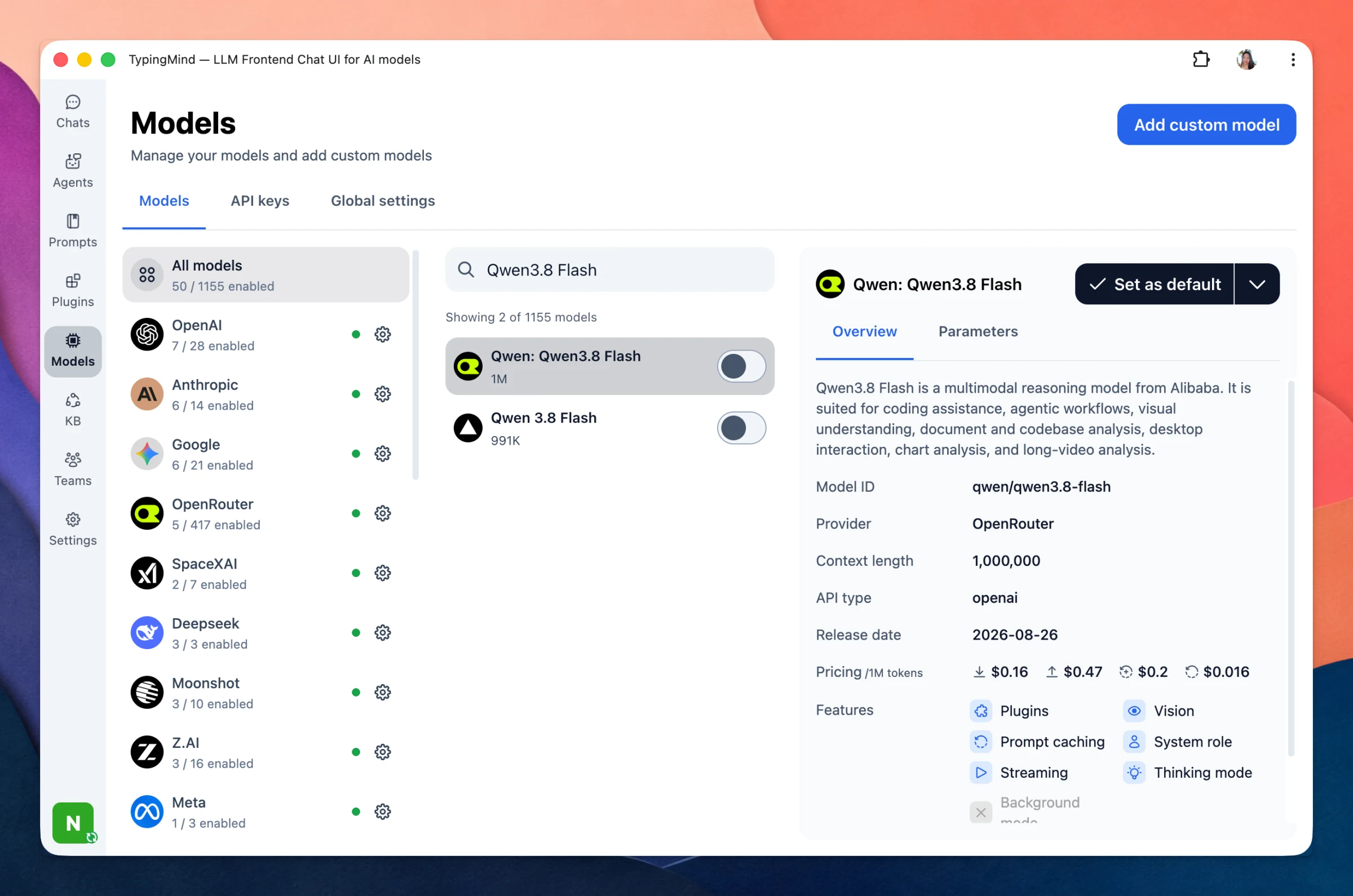
We also added Qwen3.8 Flash - latest model from Alibaba:
Bug Fixes and Improvements:
Added native PDF capability detection with a new "Support PDF Input" toggle when manually importing custom models.
Fixed an issue where synced images could not be used with the DeepSeek provider.
Fixed an issue where attachments were not accessible in forked chats.
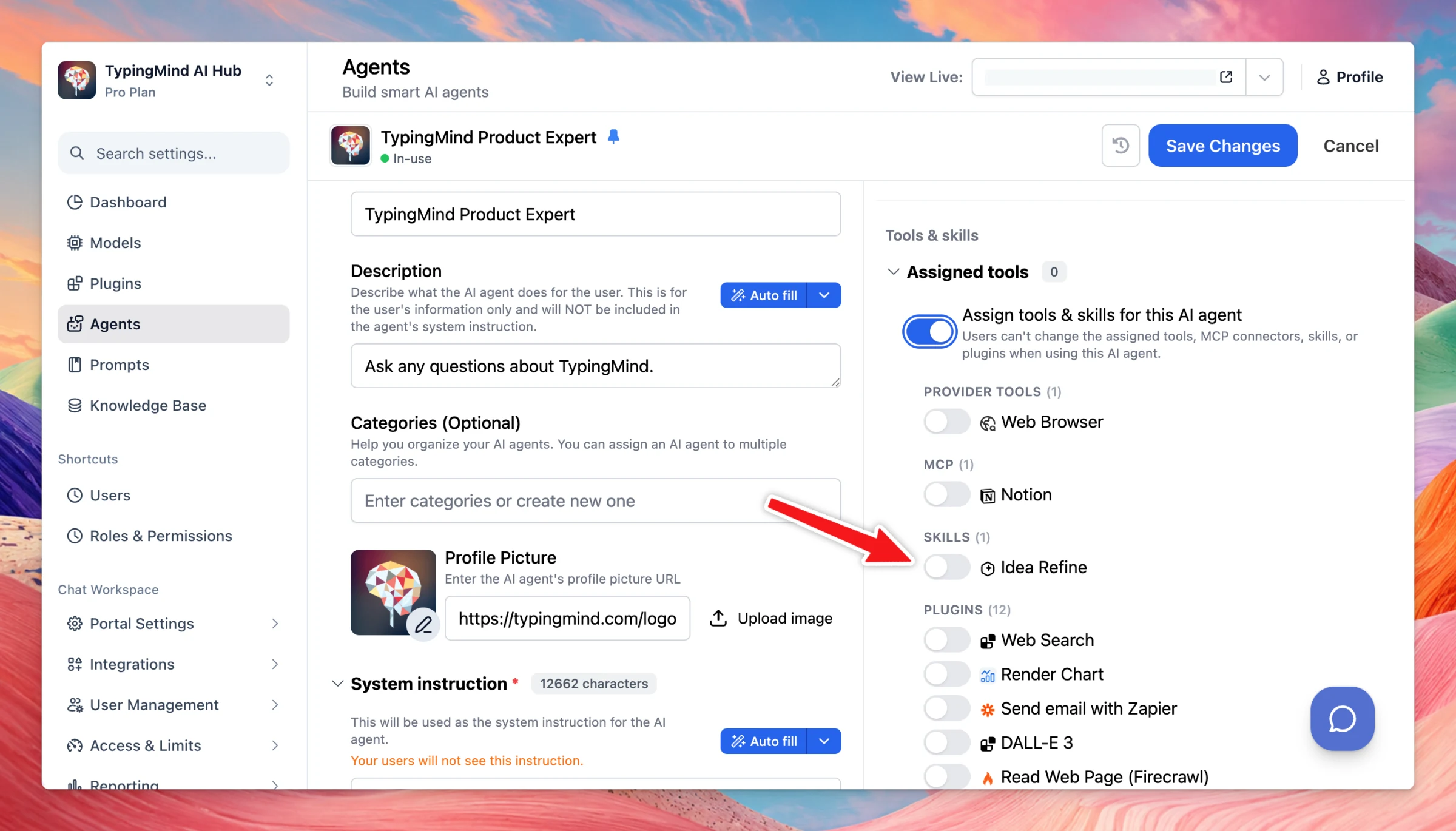
Admins now can add/enable skills for your team members: Add skills: Enable skills / control skill visibility to specific user groups: Assign skills to Agents:
New
Team Version
Show detailsHide details
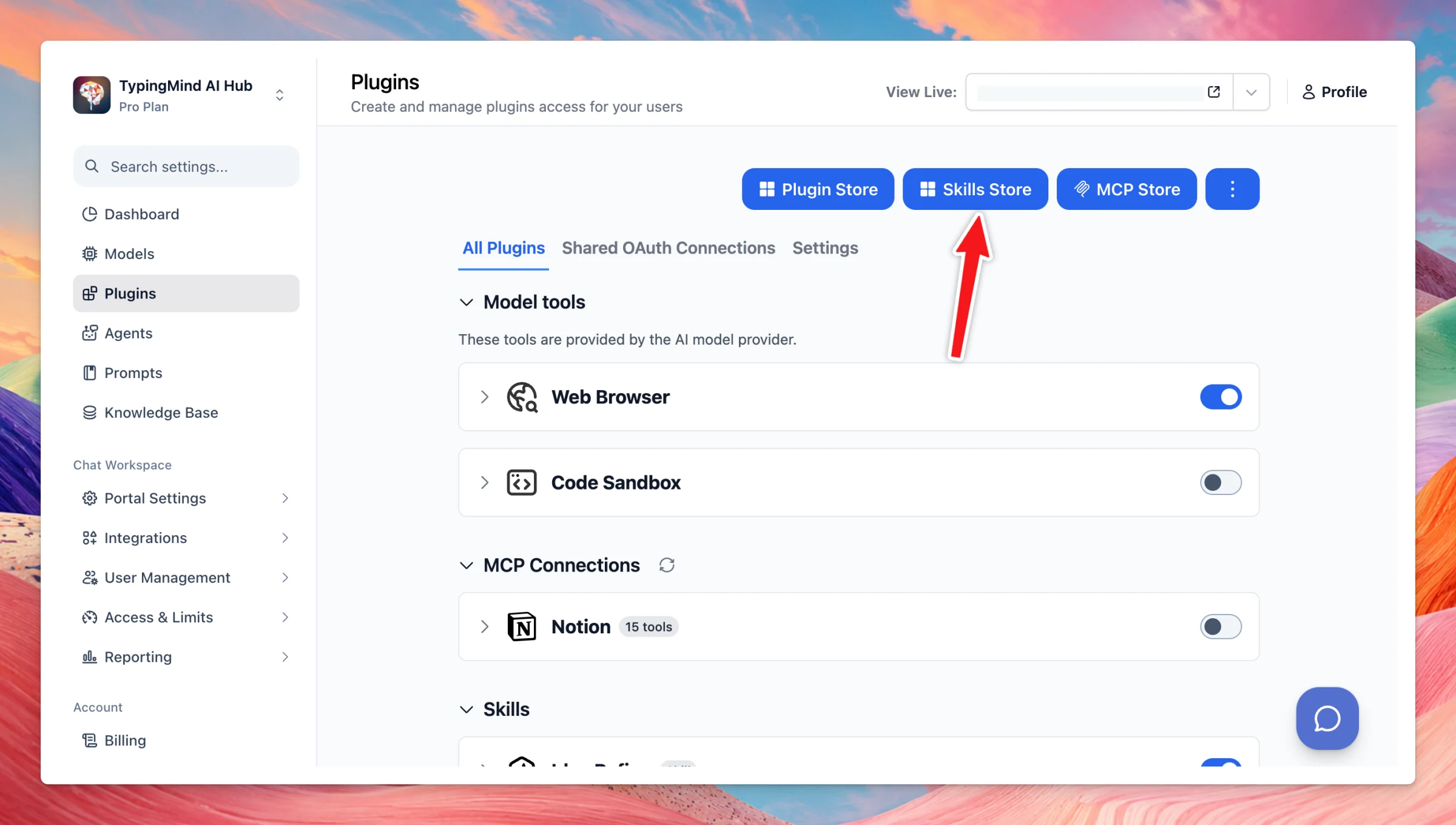
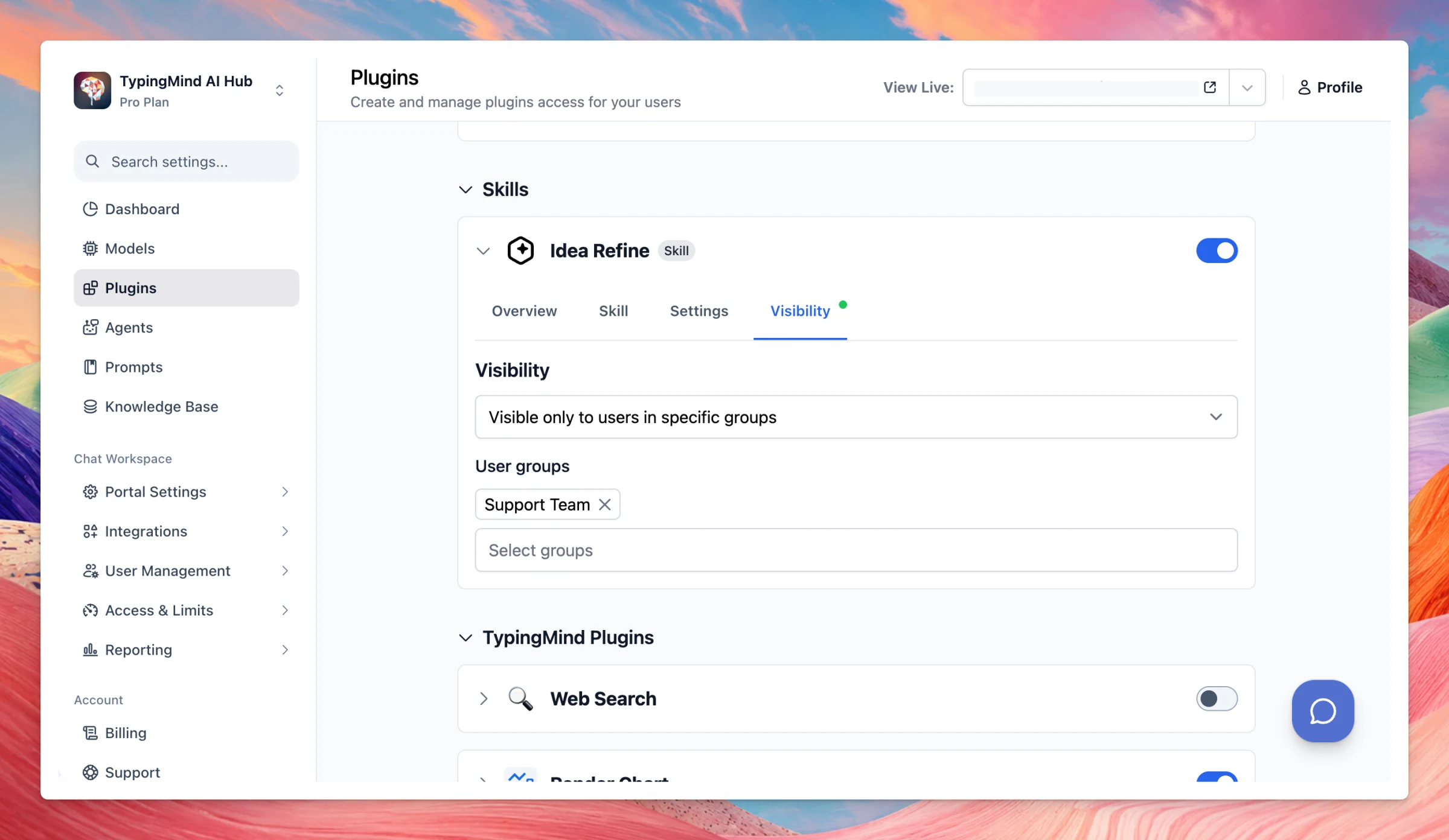
Admins now can add/enable skills for your team members:
Add skills:
Enable skills / control skill visibility to specific user groups:
Added GLM-5.3 across multiple providers on TypingMind. Bug fixes and improvements: Fixed an issue where new multi-model chats would revert to a single model after switching chats. Added support for the Responses API type for OpenCode Go. Added support for…
New
Improved
Fixed
AI Models
Show detailsHide details
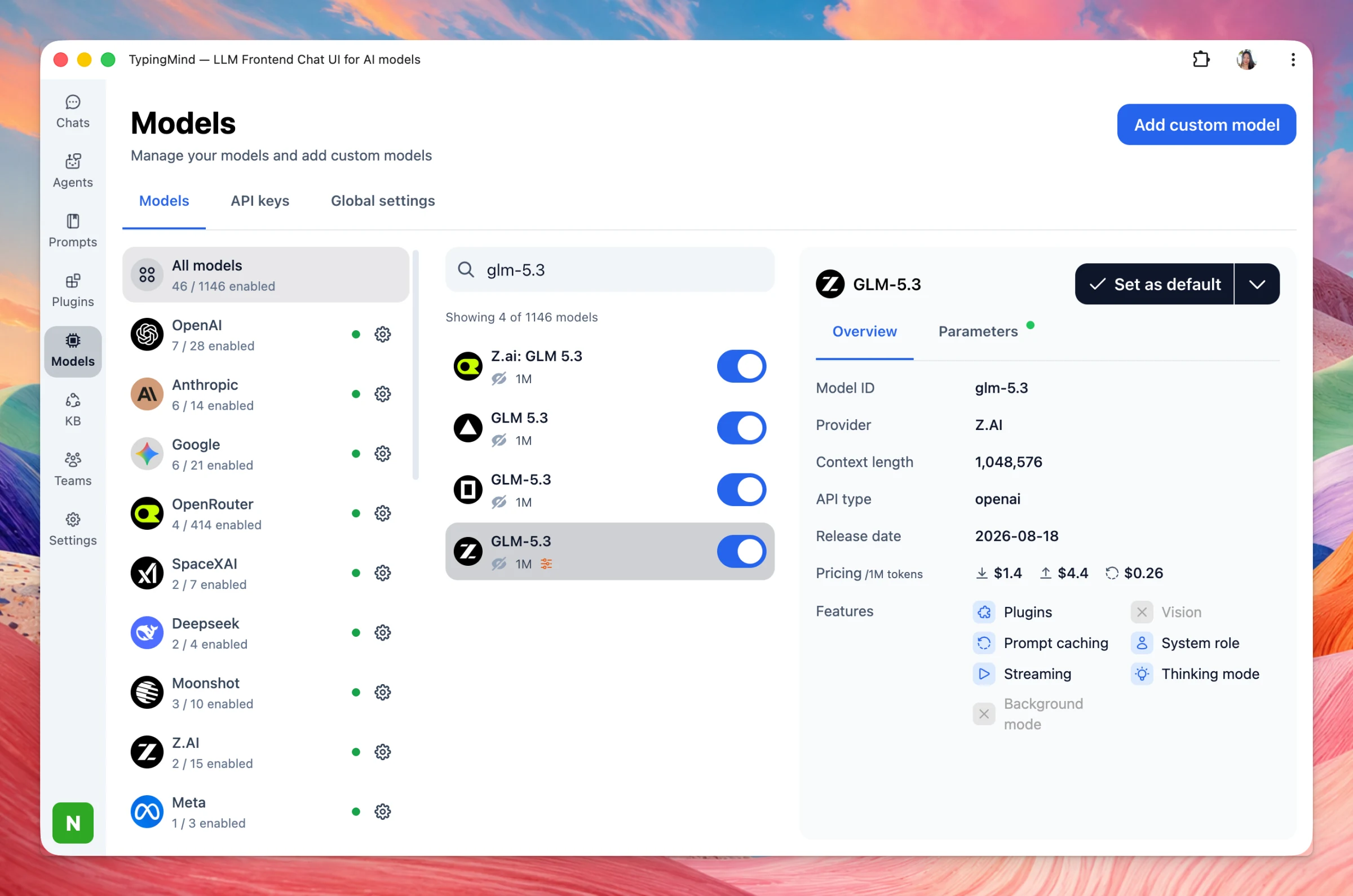
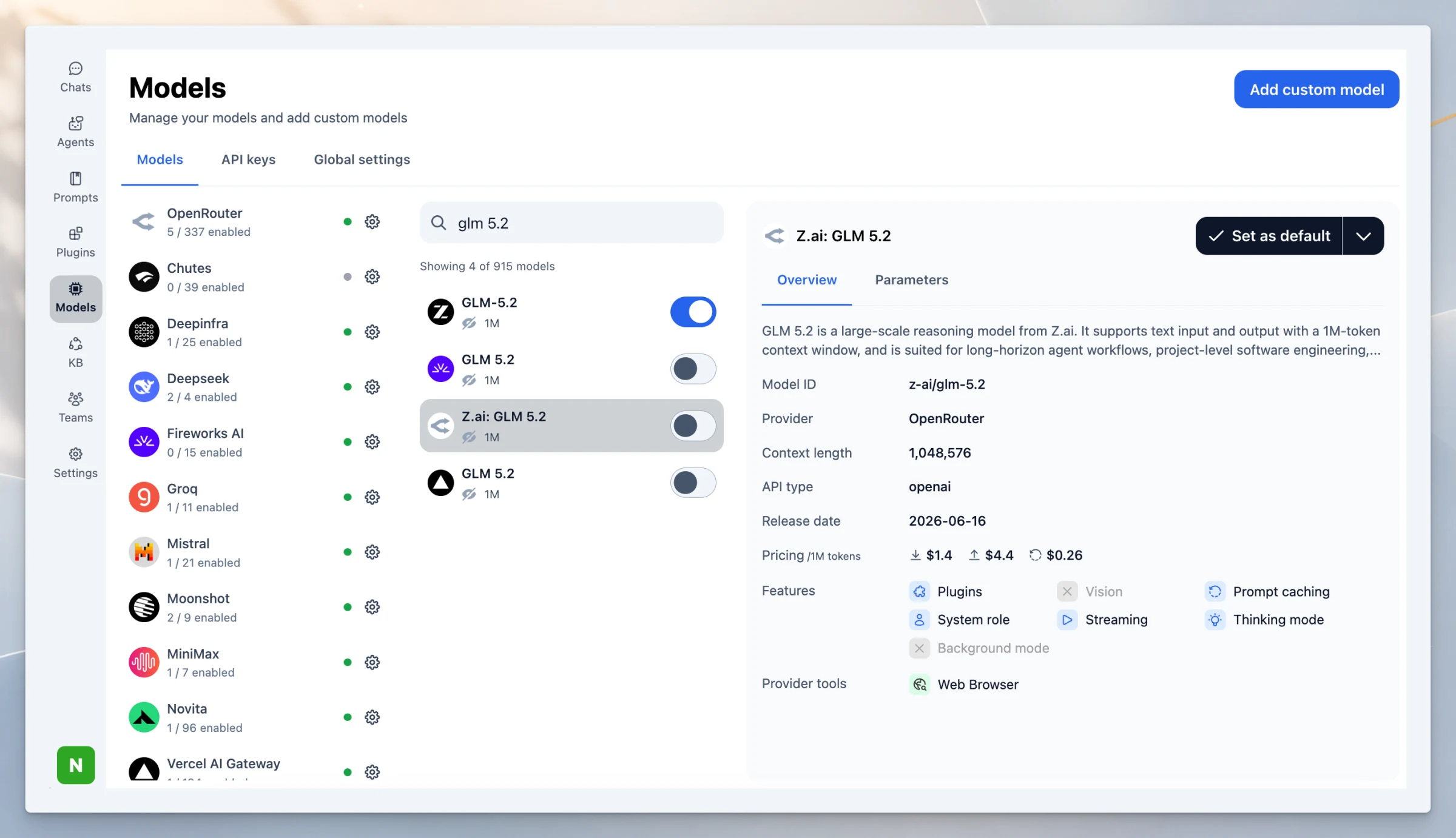
Added GLM-5.3 across multiple providers on TypingMind.
Bug fixes and improvements:
Fixed an issue where new multi-model chats would revert to a single model after switching chats.
Added support for the Responses API type for OpenCode Go.
Added support for external image URLs when using OpenAI Responses models.
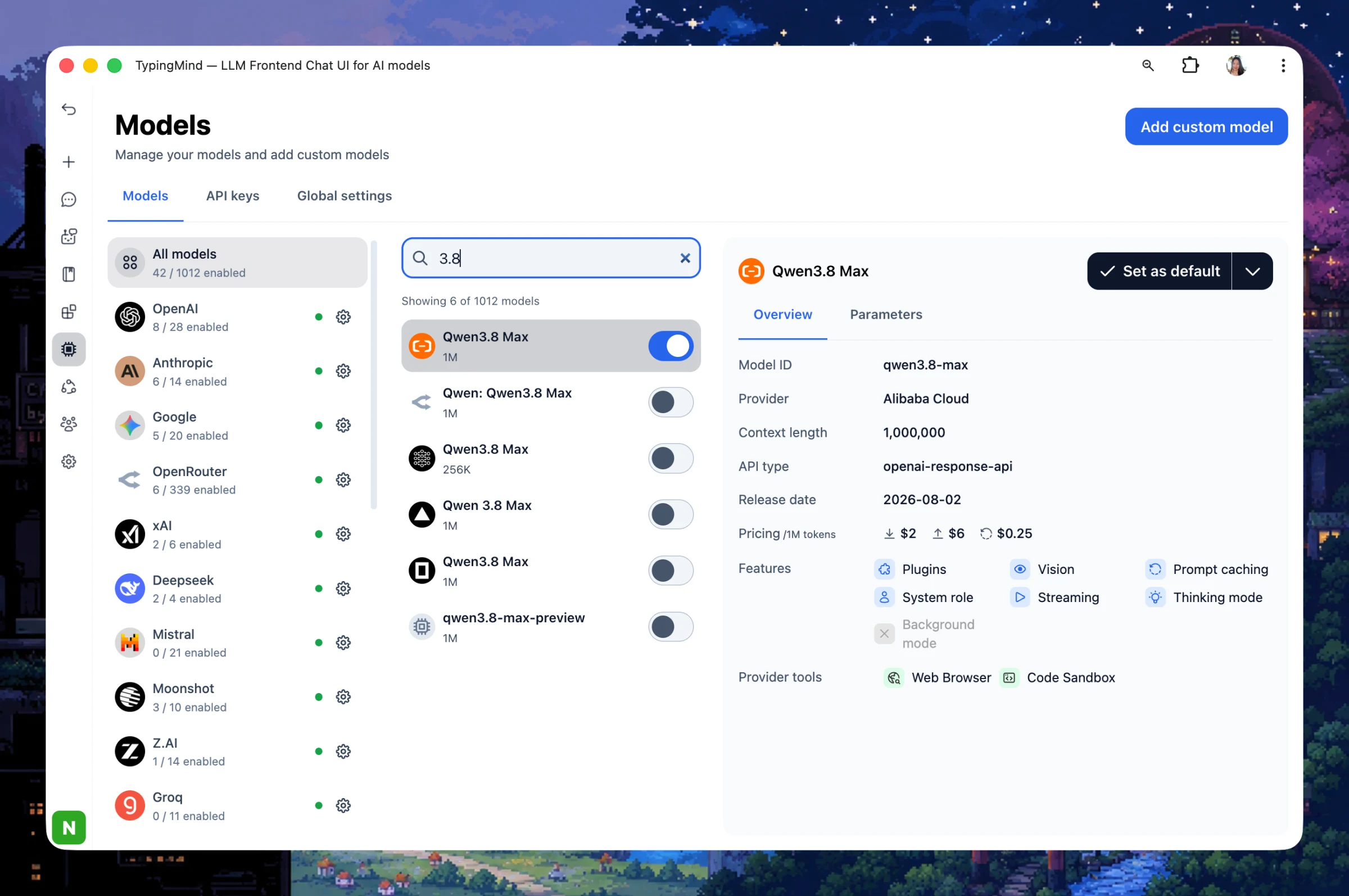
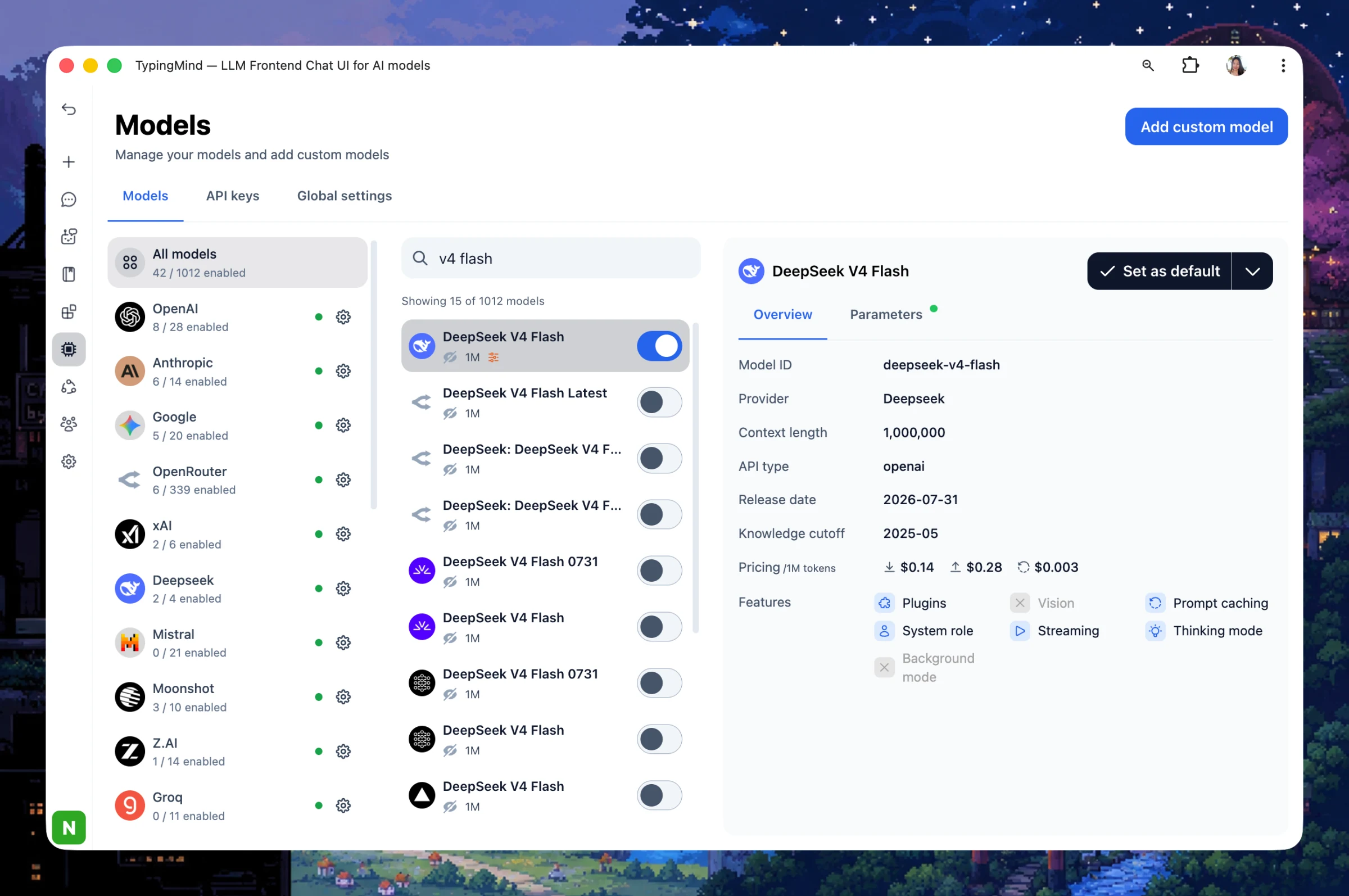
Added Qwen 3.8 Max from multiple providers on TypingMind: Update DeepSeek V4 Flash 0731 - the latest version across providers: App improvements: Shared chats now support displaying multiple responses. Your device will now stay awake while a response is being…
New
Improved
AI Models
Show detailsHide details
Added Qwen 3.8 Max from multiple providers on TypingMind:
Update DeepSeek V4 Flash 0731 - the latest version across providers:
App improvements:
Shared chats now support displaying multiple responses.
Your device will now stay awake while a response is being generated, preventing long responses from failing due to the screen turning off.
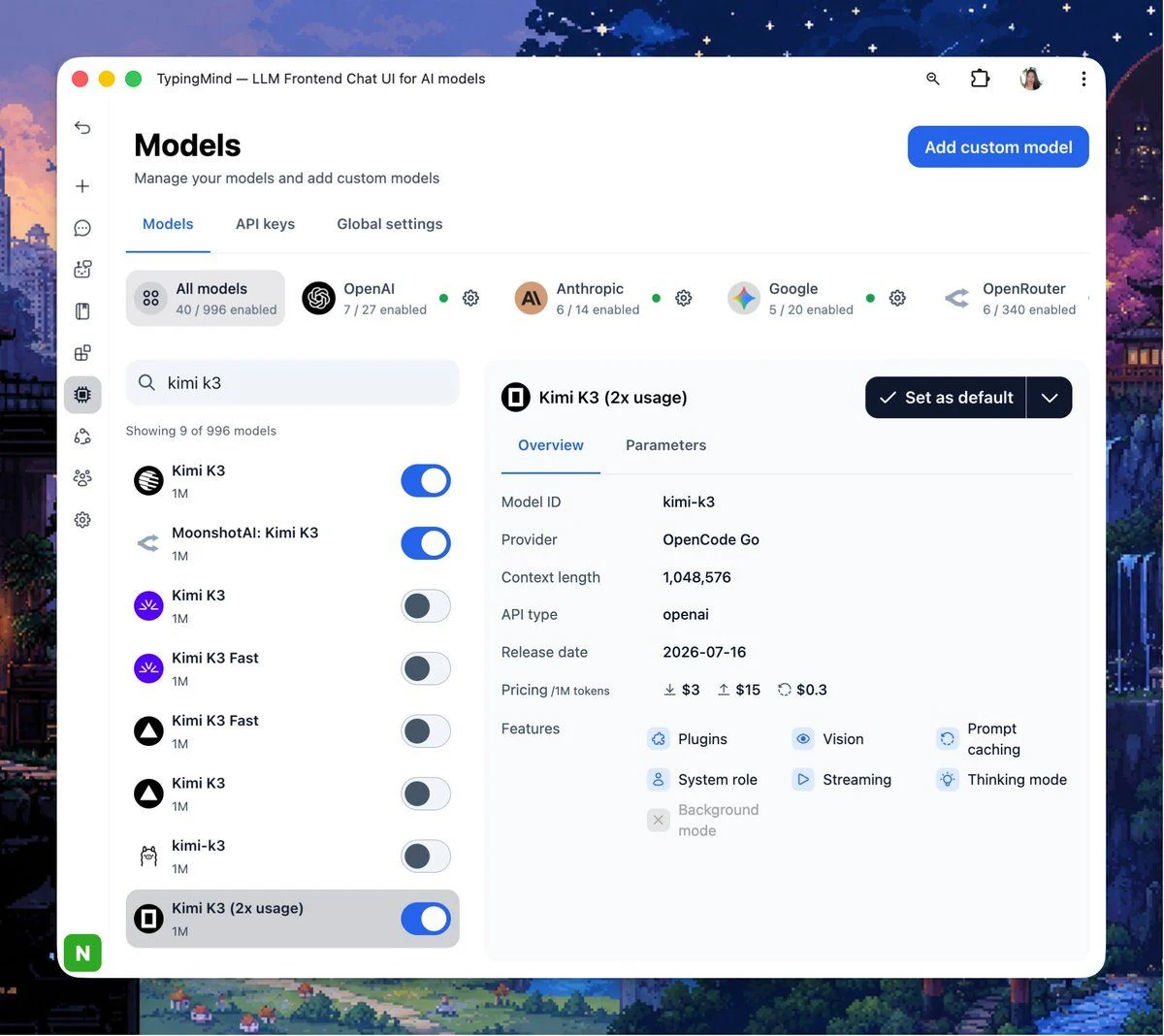
We have just added Kimi K3 via multiple AI providers such as OpenCode Go, Fireworks, Ollama Cloud. Bug Fixes and Improvements: Bug fixes: Fixed an issue where plugins couldn't properly access synced blobs. Fixed an issue where images attached to shared chat…
New
Improved
Fixed
Show detailsHide details
We have just added Kimi K3 via multiple AI providers such as OpenCode Go, Fireworks, Ollama Cloud.
Bug Fixes and Improvements:
Bug fixes:
Fixed an issue where plugins couldn't properly access synced blobs.
Fixed an issue where images attached to shared chat links appeared broken for people viewing the link without an account.
Fixed an issue where generated images would disappear after the streaming response finished.
Improvements:
Added support for using external PDF URLs with OpenRouter models, instead of requiring inline file data.
Removed the redundant "TypingMind AI Gateway & Org ID" entry from Settings → Advanced Settings, since these settings have already moved to the Models tab.
Uninstalling a plugin now also clears its saved settings and enabled/disabled state, so reinstalling it starts fresh instead of restoring stale values.
TypingMind now supports OpenAI’s new GPT-5.6 model family, giving users three options for different workloads: GPT-5.6 Sol — the flagship model, designed for complex reasoning, advanced coding, long-running agent workflows, scientific research, and…
New
AI Models
Show detailsHide details
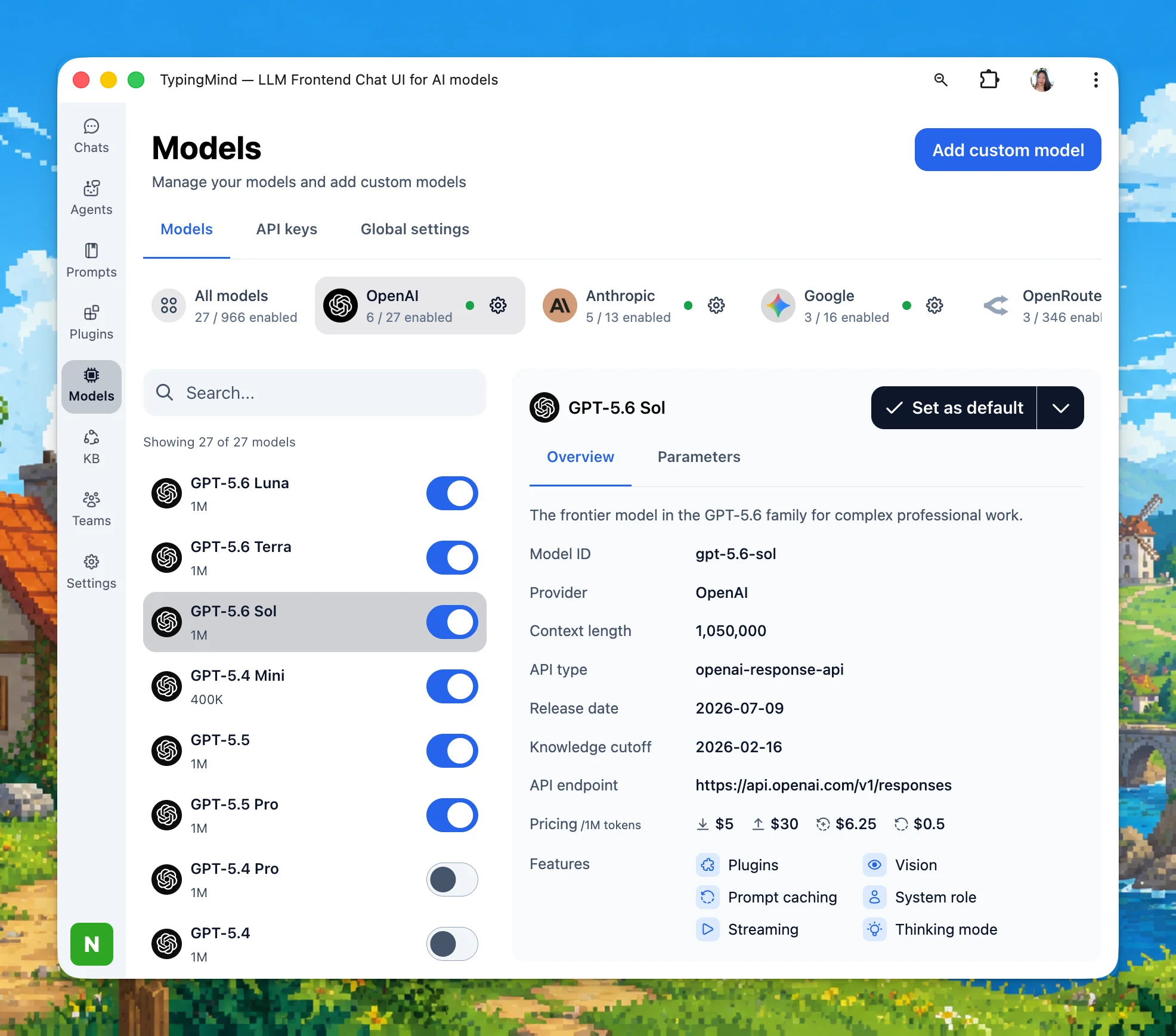
TypingMind now supports OpenAI’s new GPT-5.6 model family, giving users three options for different workloads:
GPT-5.6 Sol — the flagship model, designed for complex reasoning, advanced coding, long-running agent workflows, scientific research, and cybersecurity tasks.
GPT-5.6 Terra — a balanced, lower-cost model for everyday professional work, offering strong capability at approximately half Sol’s price.
GPT-5.6 Luna — the fastest and most cost-efficient option, ideal for high-volume requests, quick answers, lightweight coding, summarization, and routine automation.
New Models: Grok 4.5 (xAI) — A blazing-fast, highly efficient model optimized for coding and complex agentic tasks. Tencent Hy3 (Hunyuan 3) — A powerful, cost-effective model with a massive 260K context window, perfect for everyday productivity. (free API via…
New
AI Models
Show detailsHide details
New Models:
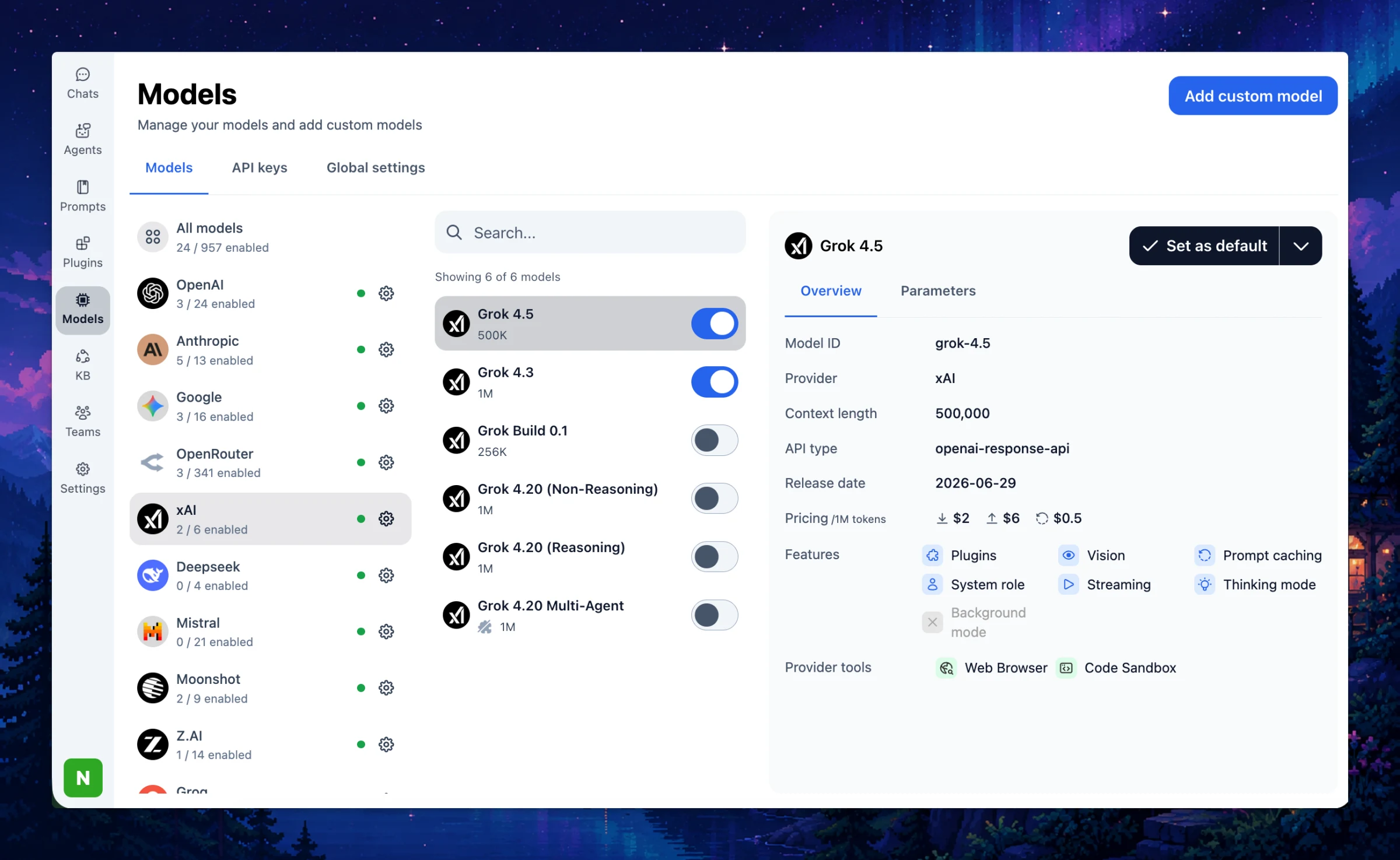
Grok 4.5 (xAI) — A blazing-fast, highly efficient model optimized for coding and complex agentic tasks.
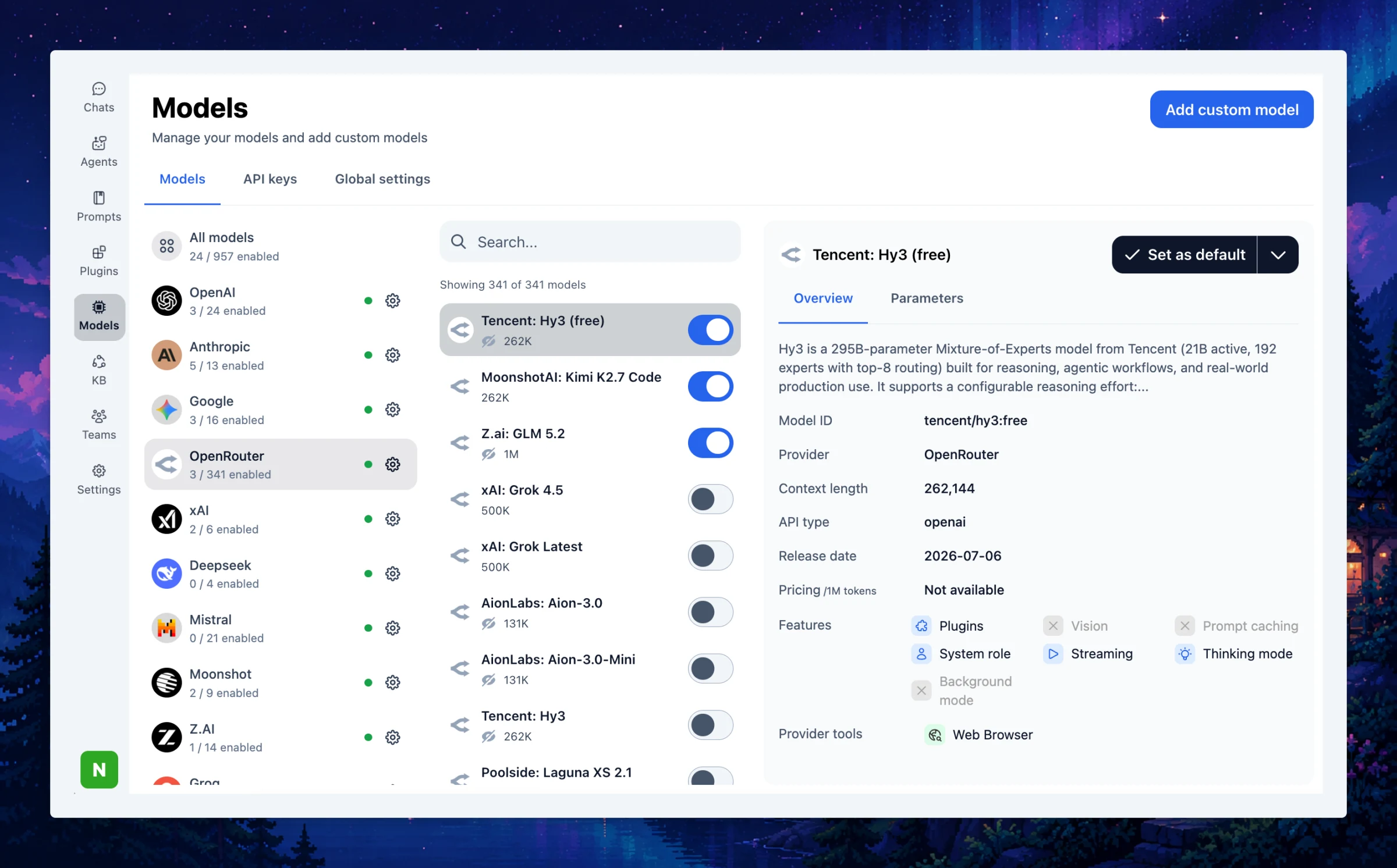
Tencent Hy3 (Hunyuan 3) — A powerful, cost-effective model with a massive 260K context window, perfect for everyday productivity. (free API via OpenRouter for 2 weeks)
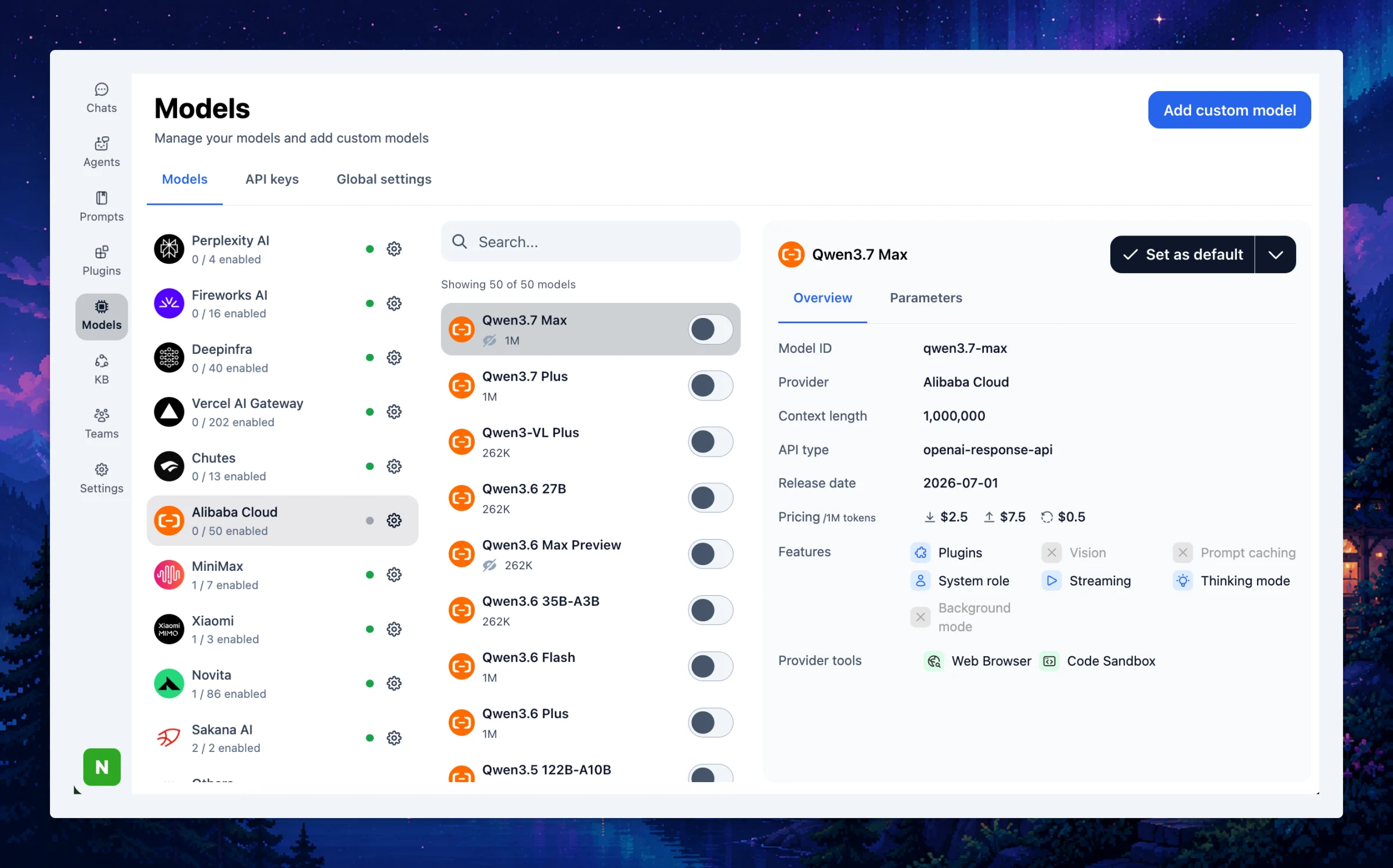
New Provider: Alibaba Cloud — You can now connect directly to Alibaba Cloud to access their Qwen models.
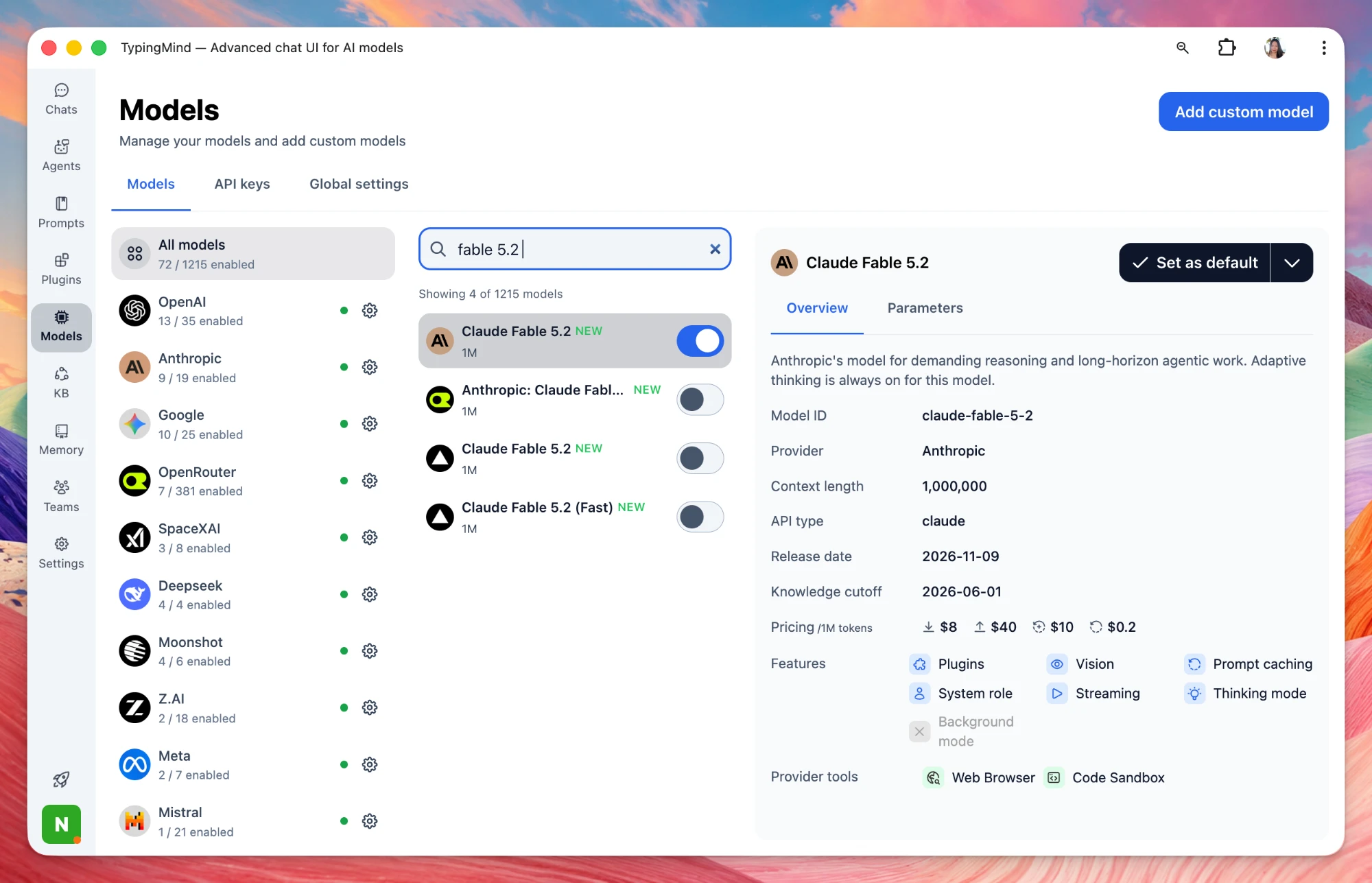
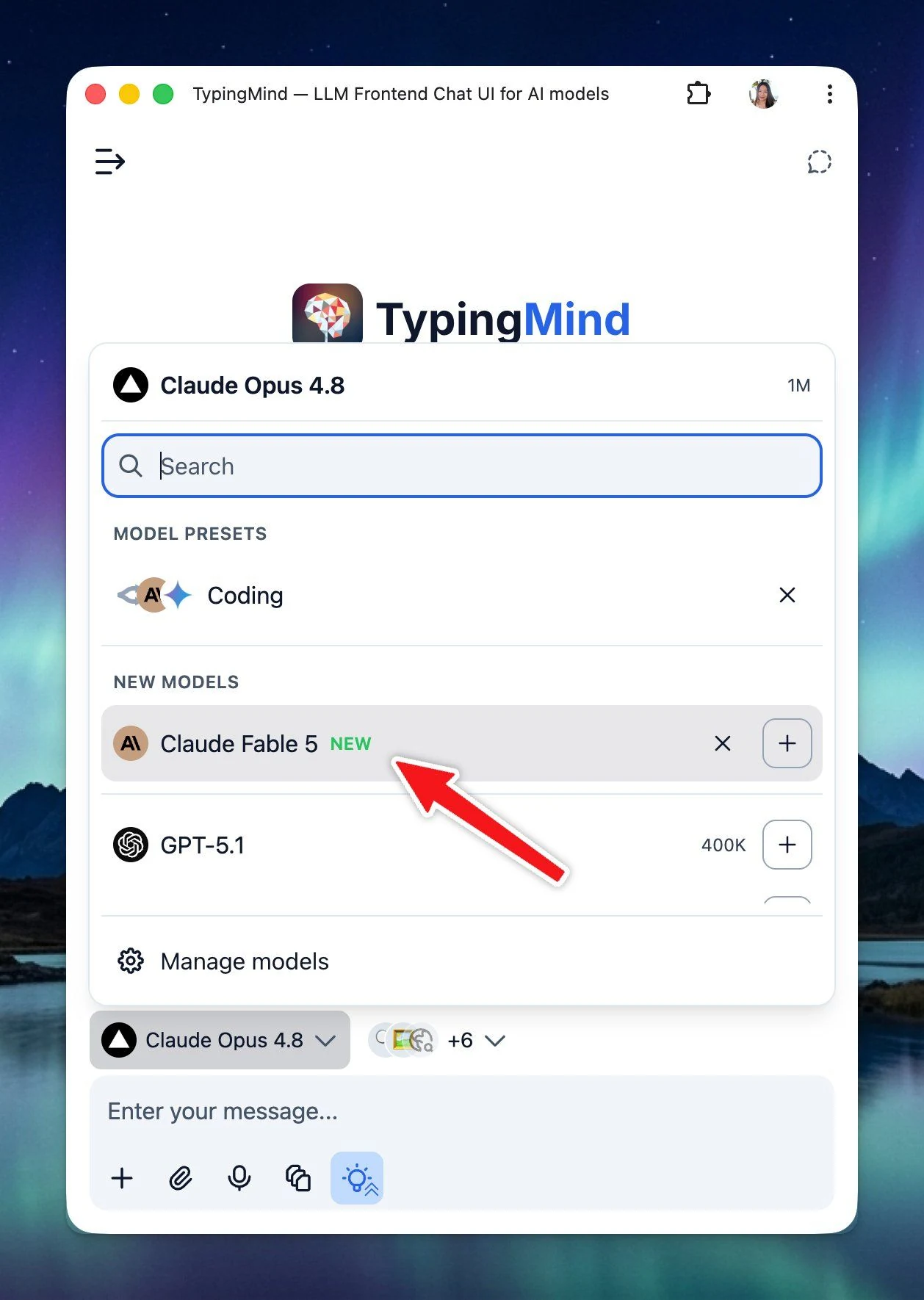
Claude Fable 5 is back! Enable and use it on TypingMind now! Bug Fixes and Improvements: Issue with Temporary Chat still being saved within folders: now Temporary Chat can no longer be turned on when the current chat belongs to a project/chat folder. Replaced…
New
AI Models
Show detailsHide details
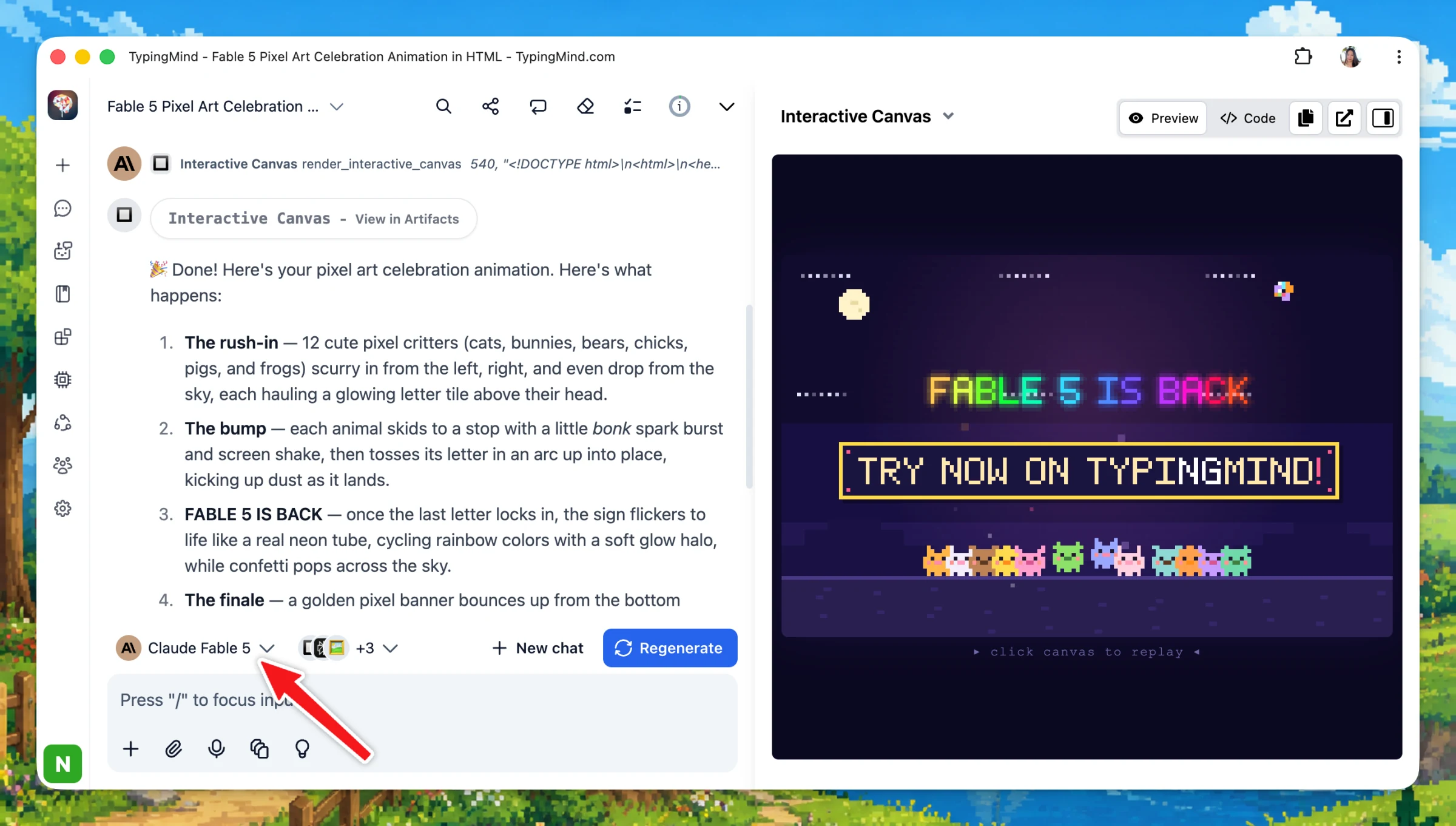
Claude Fable 5 is back!
Enable and use it on TypingMind now!
Bug Fixes and Improvements:
Issue with Temporary Chat still being saved within folders: now Temporary Chat can no longer be turned on when the current chat belongs to a project/chat folder.
Replaced DALL-E plugin access with GPT Image Editor for all plans.
Claude Sonnet 5 and Nano Banana 2 Lite are now live on TypingMind! Claude Sonnet 5: Anthropic’s most agentic Sonnet model yet. Nano Banana 2 Lite (Gemini 3.1 Flash Lite Image): Google’s fastest and most cost-efficient image model. New models have also been…
New
AI Models
Show detailsHide details
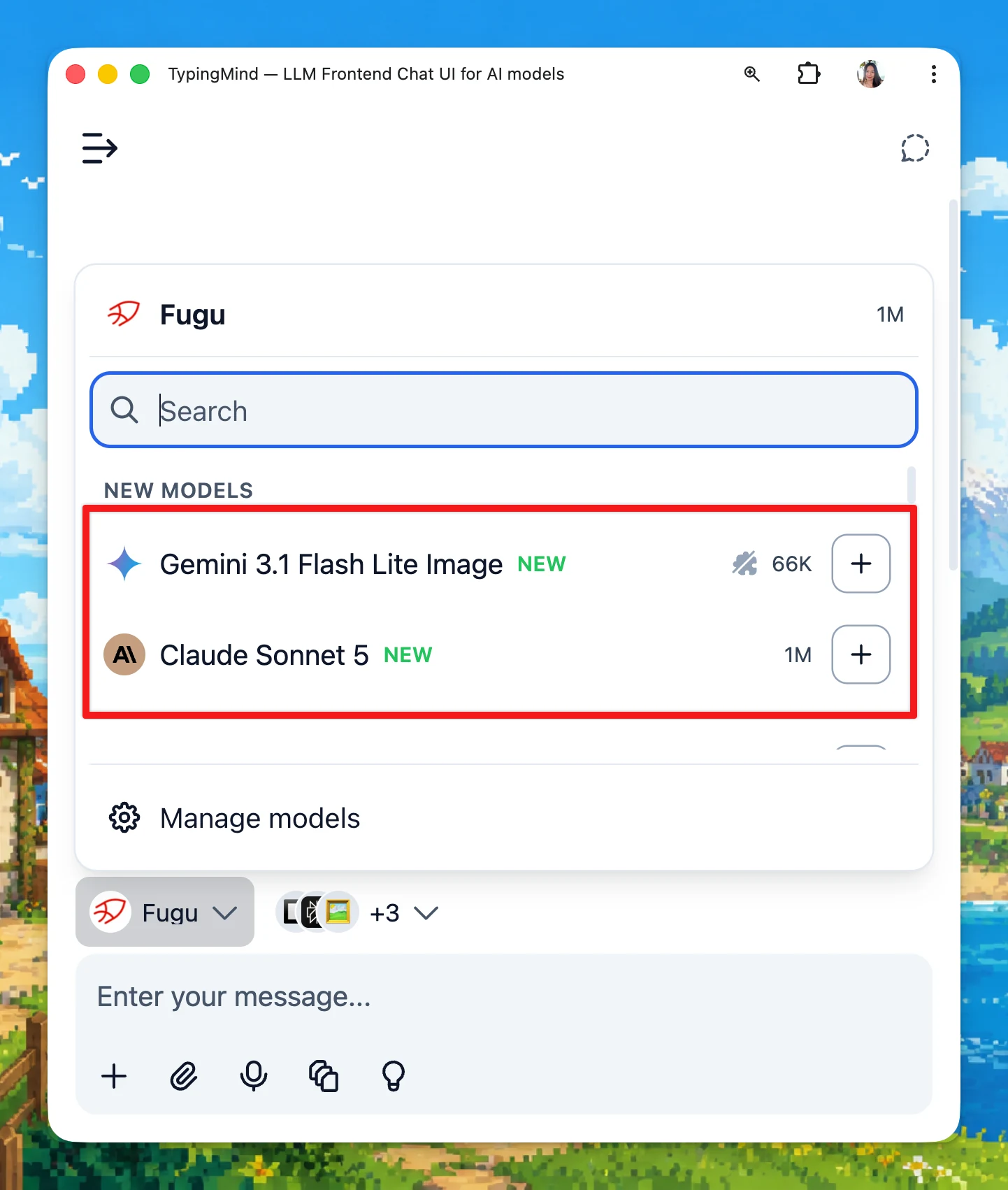
Claude Sonnet 5 and Nano Banana 2 Lite are now live on TypingMind!
Claude Sonnet 5: Anthropic’s most agentic Sonnet model yet.
Nano Banana 2 Lite (Gemini 3.1 Flash Lite Image): Google’s fastest and most cost-efficient image model.
New models have also been updated across providers such as OpenRouter and Vercel AI Gateway.
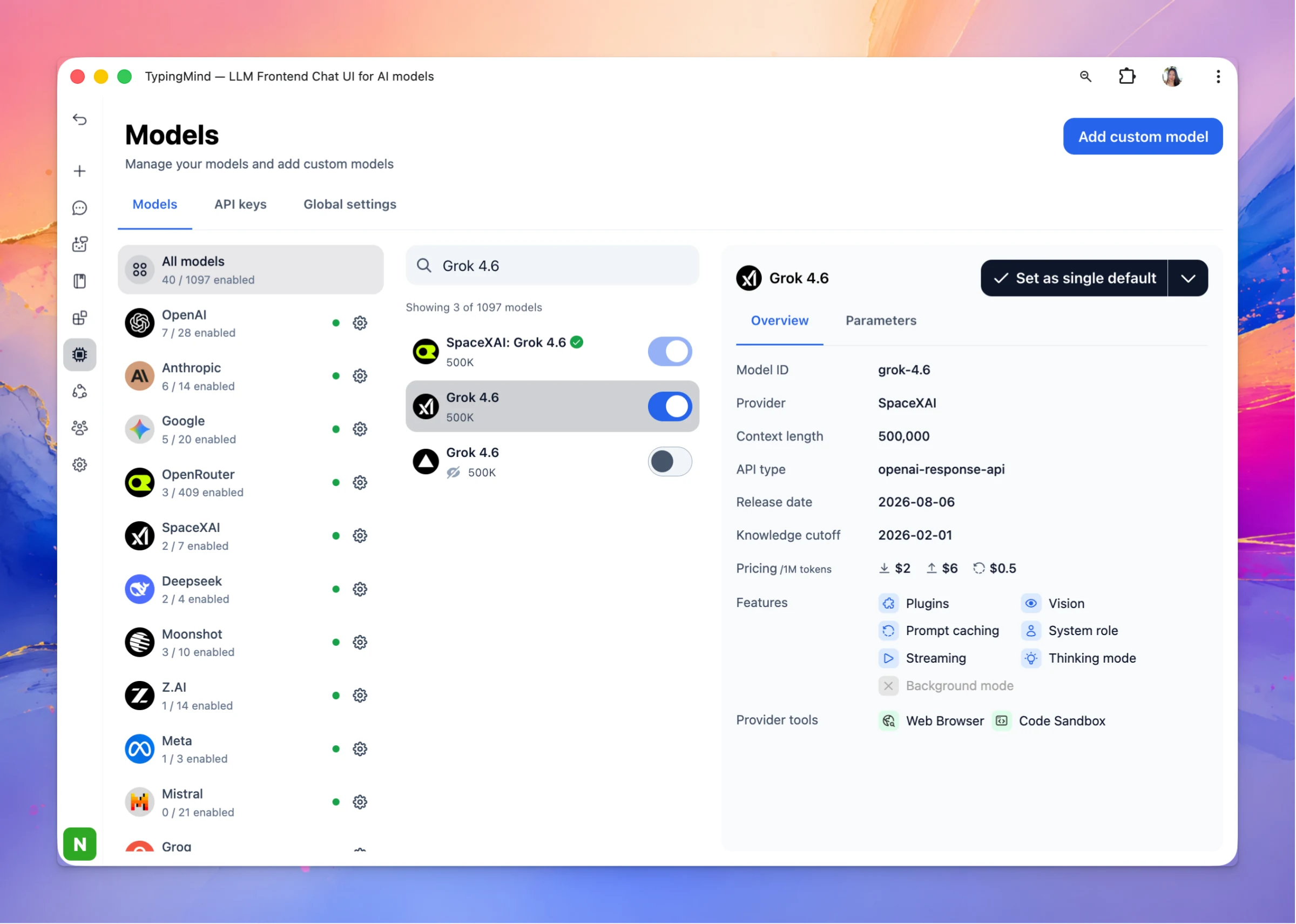
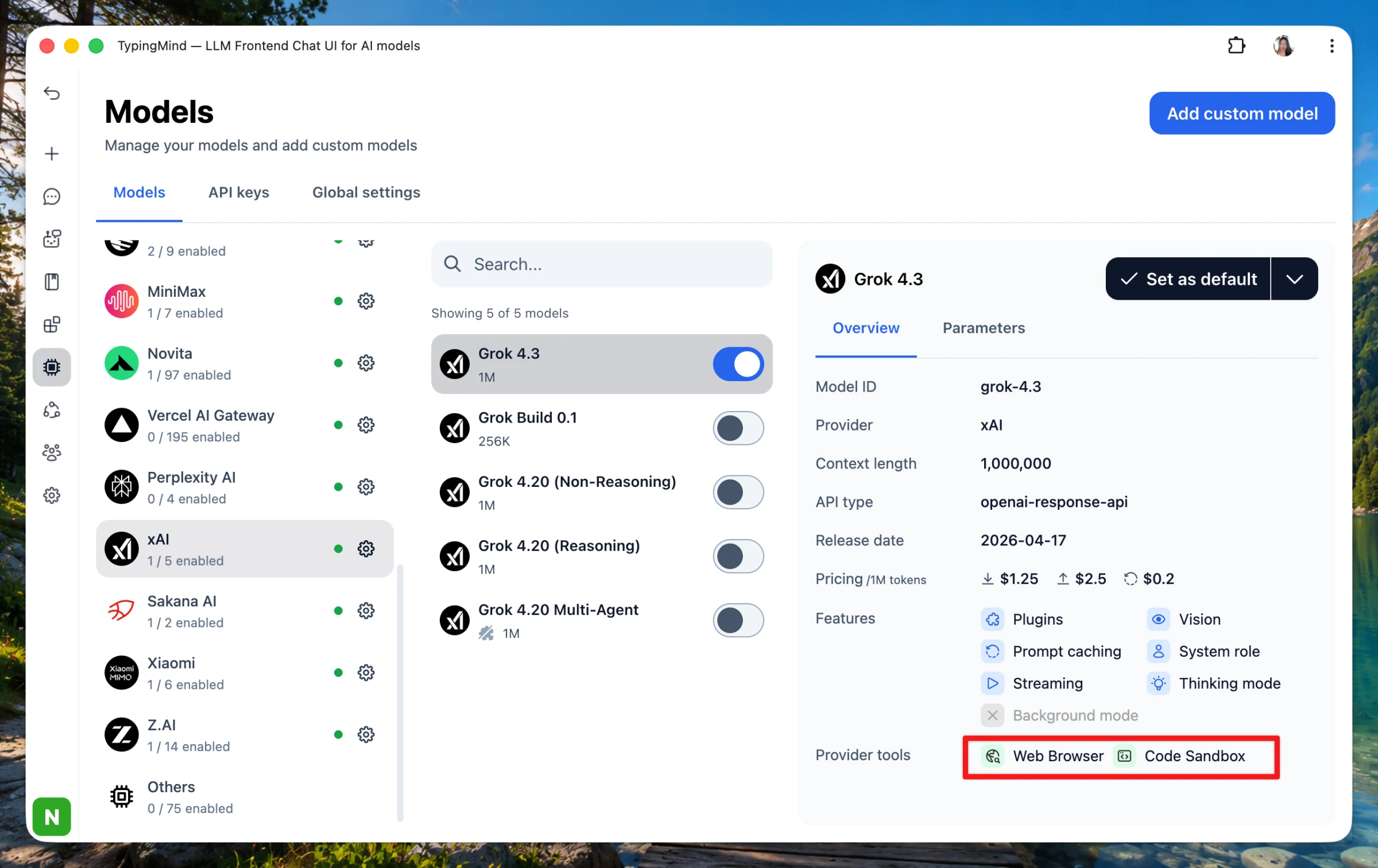
We’ve just added provider tool support for xAI models. You can now use Web Browser and Code Sandbox with Grok models. In this update, we also added a temporary fix for the CORS issue affecting the Perplexity Search plugin and Perplexity models.
Improved
Fixed
Show detailsHide details
We’ve just added provider tool support for xAI models. You can now use Web Browser and Code Sandbox with Grok models.
In this update, we also added a temporary fix for the CORS issue affecting the Perplexity Search plugin and Perplexity models.
Fixed Disable drag-and-drop uploads on Admin Panel when Upload Documents option is disabled. Now, uploaded documents are also counted toward usage limits. Fixed image uploads for AWS Bedrock Claude models by properly resolving URL-based images and showing…
Improved
Show detailsHide details
Fixed
Disable drag-and-drop uploads on Admin Panel when Upload Documents option is disabled. Now, uploaded documents are also counted toward usage limits.
Fixed image uploads for AWS Bedrock Claude models by properly resolving URL-based images and showing clearer re-upload errors.
Fixed PDF/image issues for Fireworks and Novita by disabling unsupported PDF support.
Improved
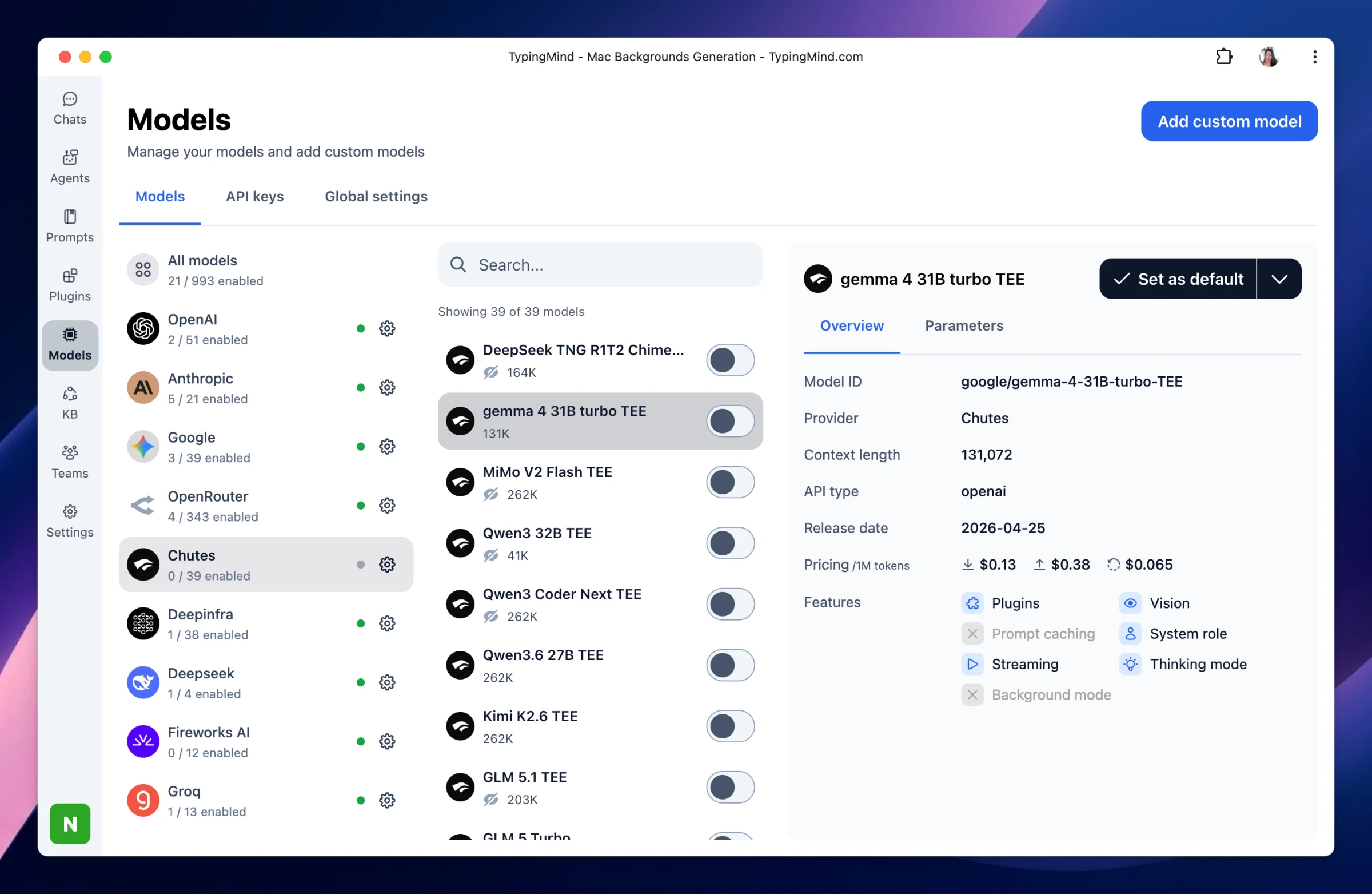
Refreshed model catalogs and metadata across Chutes, DeepInfra, Fireworks, Mistral, Moonshot, Novita, OpenRouter, and Vercel.
Improved OpenRouter API key verification and model search/import messaging.
Improved MCP server display and connection reliability, including device-specific server filtering, better initialization, SSE timeout handling, and OAuth URL generation.
Added / Deprecated
Added/promoted new models including GLM 5.2, Kimi K2.7 Code, MiniMax-M3, Qwen 3.7 Plus, and Fireworks fast-router variants and more.
We’ve refreshed the Add/Edit Custom Model form with a cleaner layout! Added automatic model capability checks before saving a custom model. TypingMind can now test model connectivity and detect support for features such as system role, streaming, tools,…
Improved
Show detailsHide details
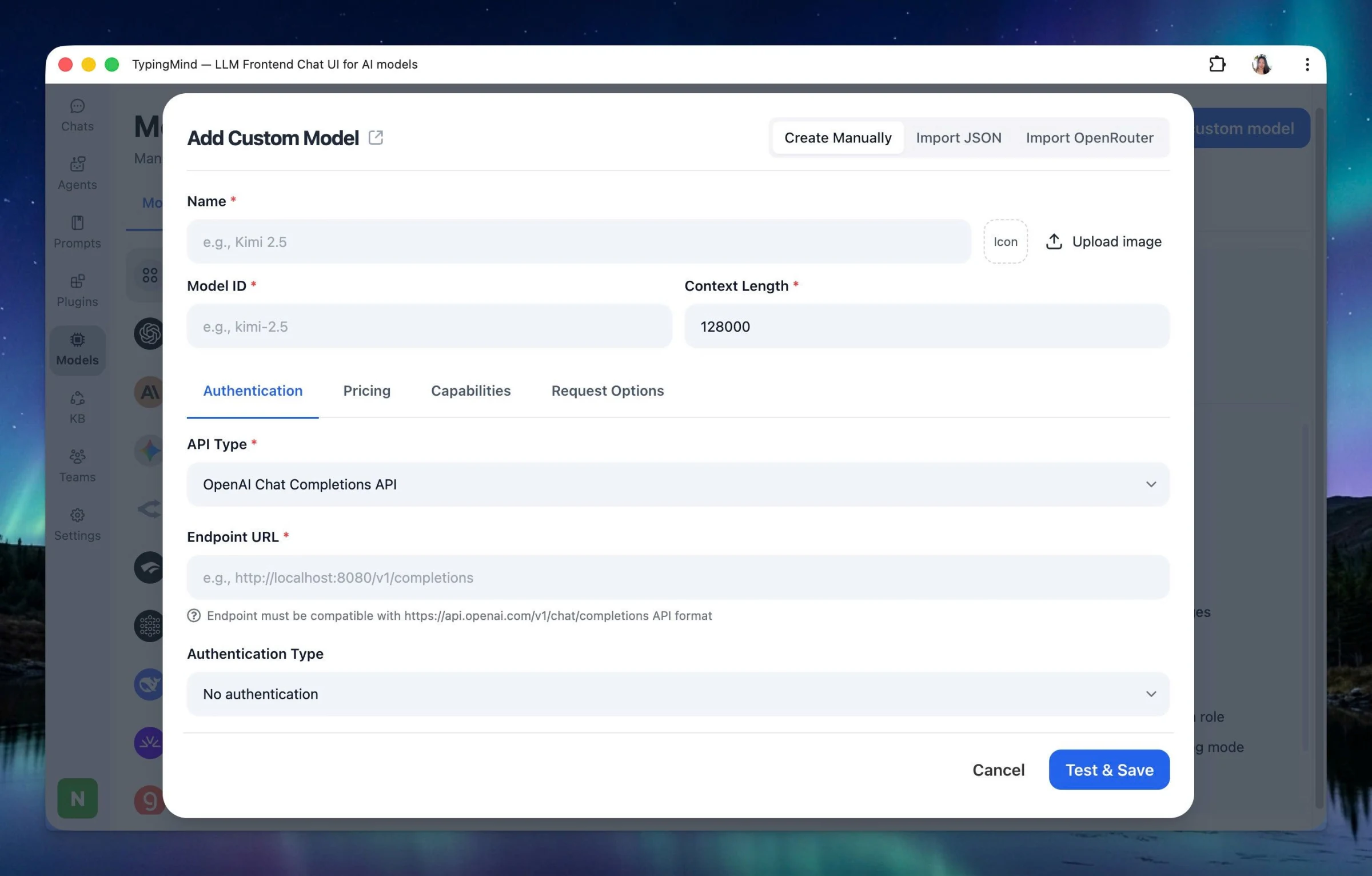
We’ve refreshed the Add/Edit Custom Model form with a cleaner layout!
Added automatic model capability checks before saving a custom model. TypingMind can now test model connectivity and detect support for features such as system role, streaming, tools, vision, thinking, prompt caching, supported parameters, and provider tools.
Added support for storing cache read/write pricing fields for custom models.
We have just added support for more AI providers, including Fireworks AI, Chutes AI, Novita AI, Minimax, Vercel Gateway and Xiaomi. You can now connect your API keys and use models from these providers directly in TypingMind. Go to Models → API Keys to set up…
AI Models
Show detailsHide details
We have just added support for more AI providers, including Fireworks AI, Chutes AI, Novita AI, Minimax, Vercel Gateway and Xiaomi.
You can now connect your API keys and use models from these providers directly in TypingMind.
Go to Models → API Keys to set up your preferred provider and start using the available models.
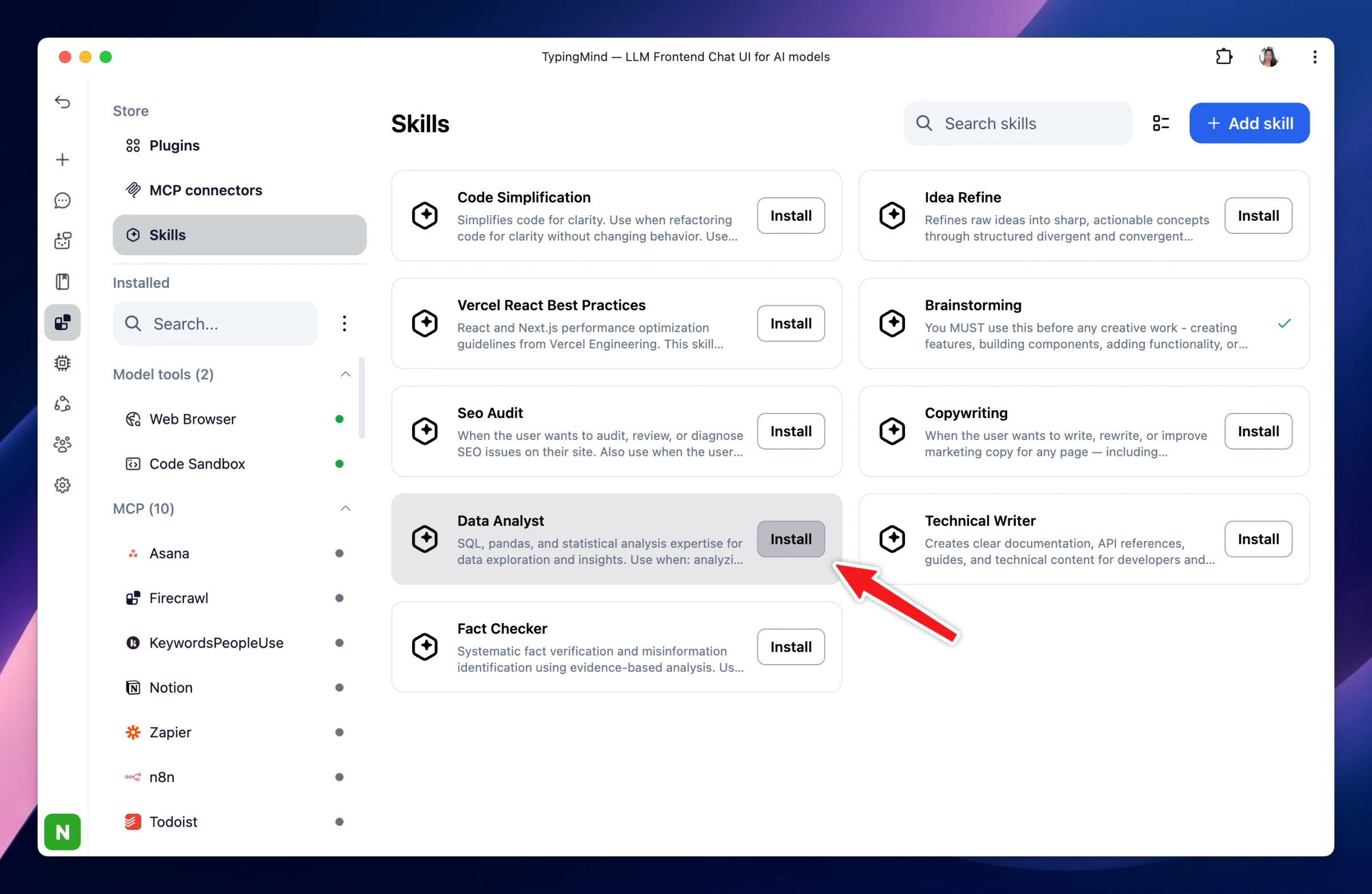
Agent Skills are now supported on TypingMind! TypingMind now supports Agent Skills — bundled procedural knowledge that helps AI perform specific tasks more effectively, such as SEO audits, copywriting, code reviews, brainstorming, and more. Each Skill is…
New
Show detailsHide details
Agent Skills are now supported on TypingMind!
TypingMind now supports Agent Skills — bundled procedural knowledge that helps AI perform specific tasks more effectively, such as SEO audits, copywriting, code reviews, brainstorming, and more.
Each Skill is packaged around a SKILL.md file, which contains task-specific instructions and optional reference files, following the open Agent Skills standard.
How to install Skills on TypingMind:
Go to Plugins.
Under the Store section, select Skills.
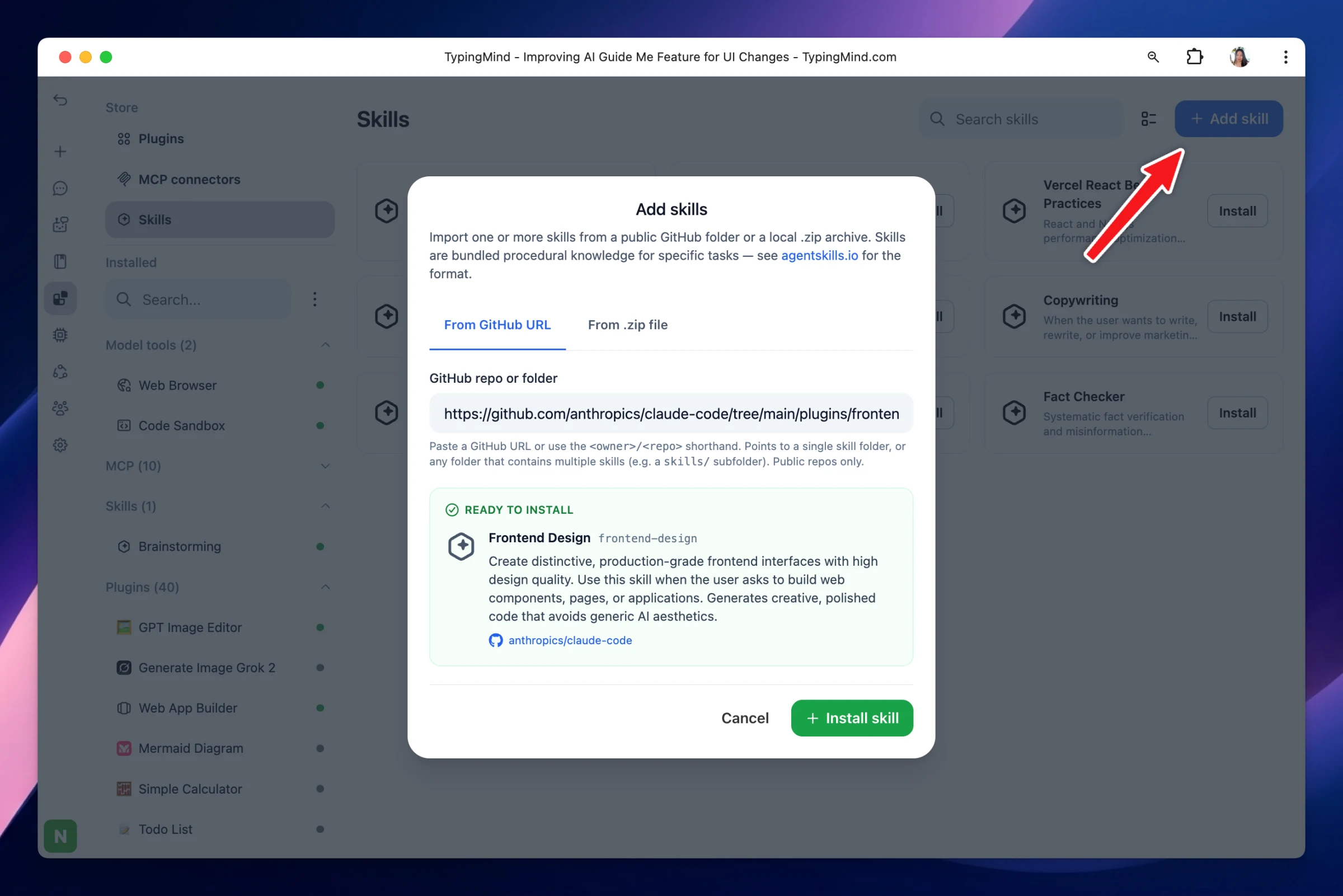
Install available Skills from the Store, or import your own Skill using a GitHub URL or ZIP file.
Install skills from storeImport from GitHub URL or .zip file
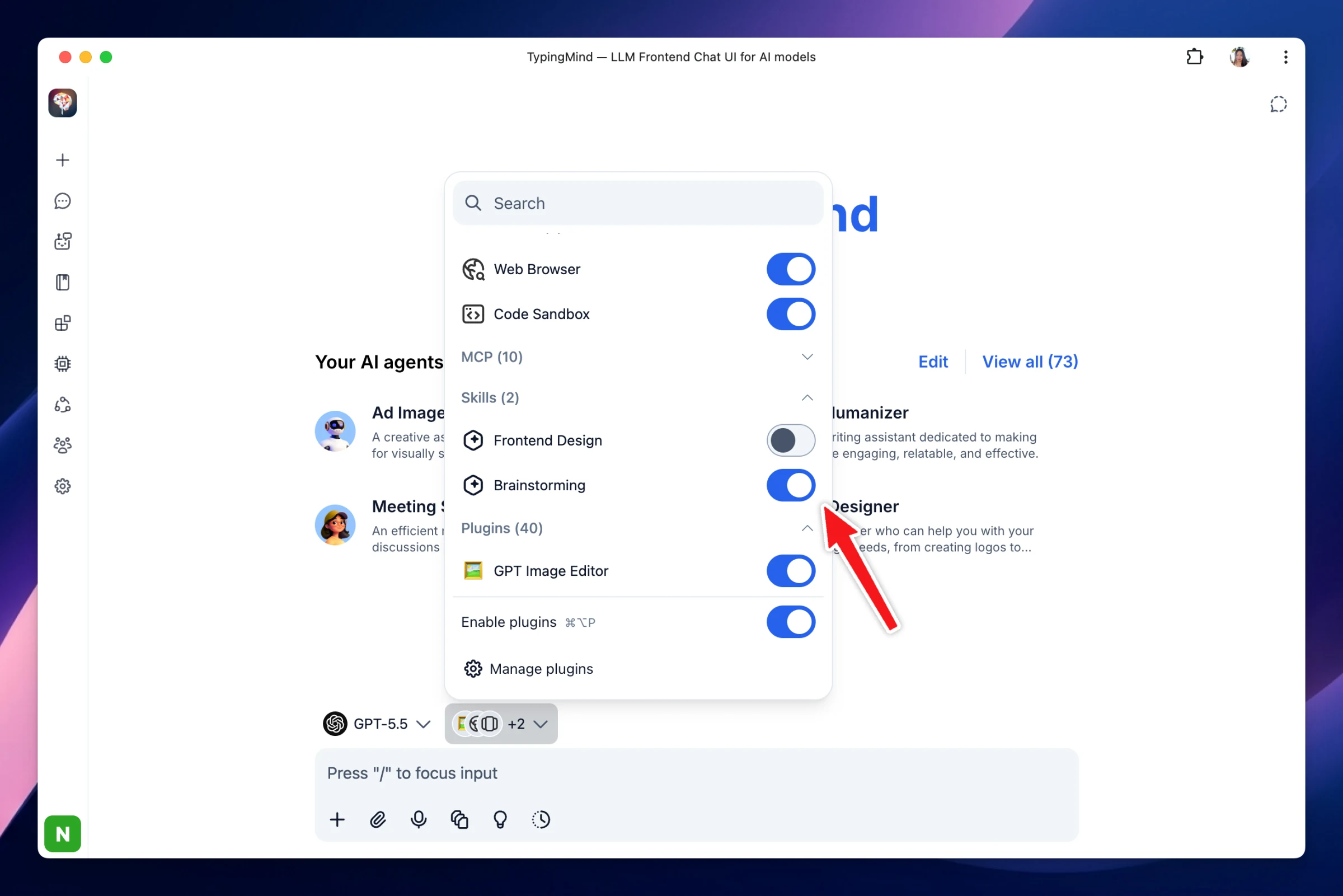
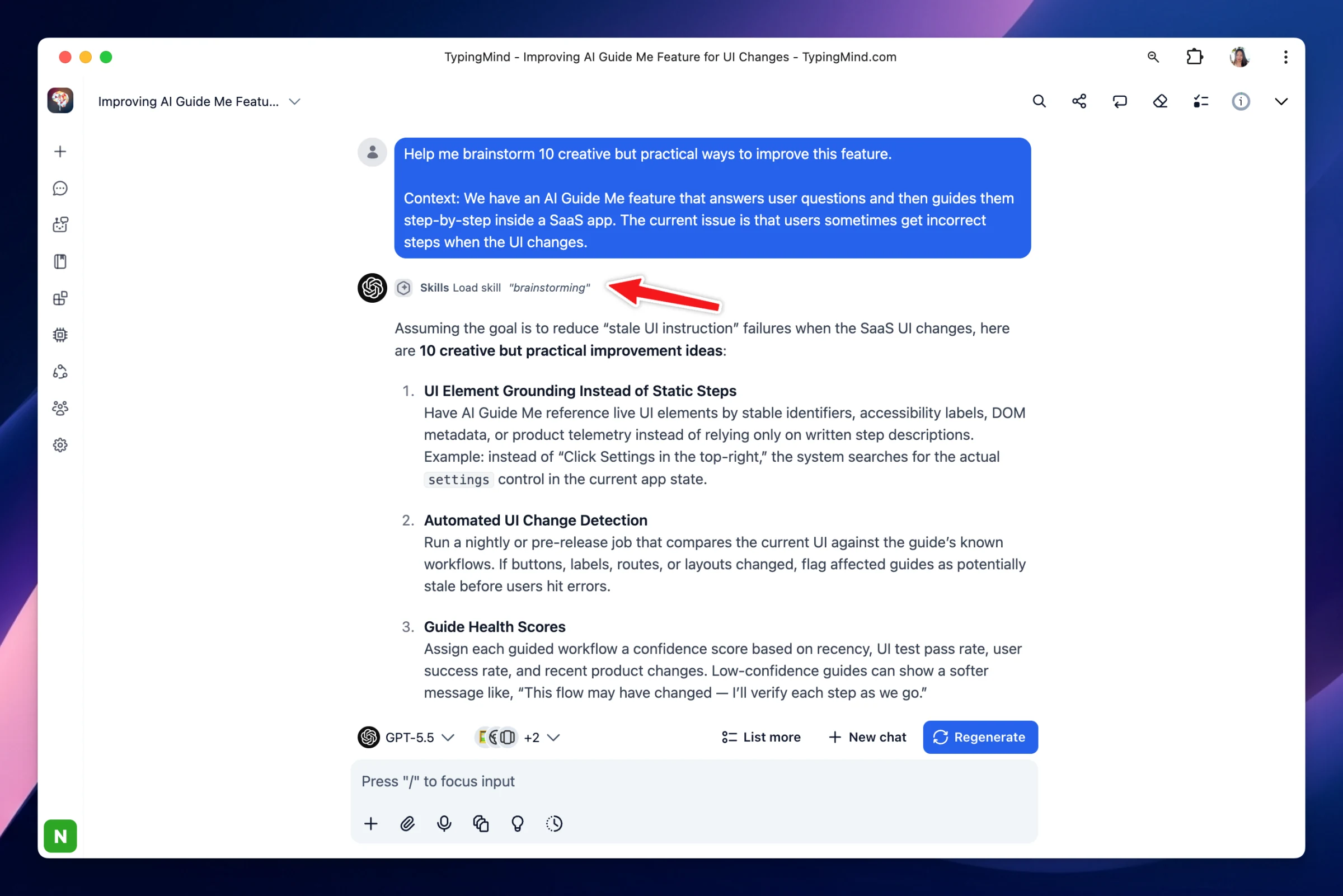
How to use Skills on TypingMind:
Enable the Skills you want to use, then start chatting. TypingMind will use the selected Skills to provide more specialized and task-focused responses.
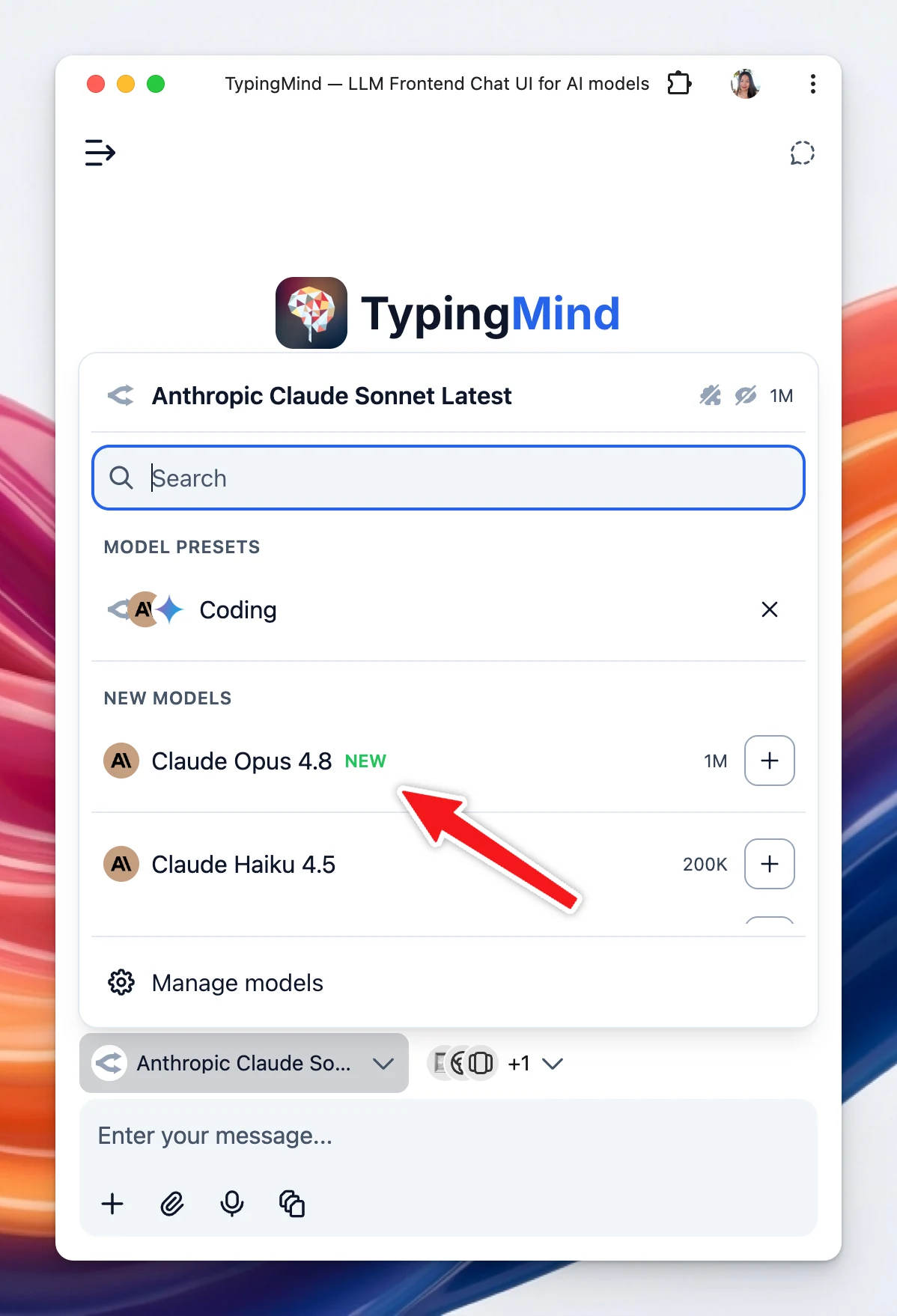
We have just added Claude Opus 4.8 on TypingMind! ✨ Also in this update: Added Claude Opus 4.8 and Opus 4.8 (Fast) via OpenRouter. Updated model provider pricing/metadata for several catalogs, including DeepSeek, Deepinfra, Groq, Mistral, and OpenRouter…
AI Models
Show detailsHide details
We have just added Claude Opus 4.8 on TypingMind!
✨ Also in this update:
Added Claude Opus 4.8 and Opus 4.8 (Fast) via OpenRouter.
Updated model provider pricing/metadata for several catalogs, including DeepSeek, Deepinfra, Groq, Mistral, and OpenRouter models.
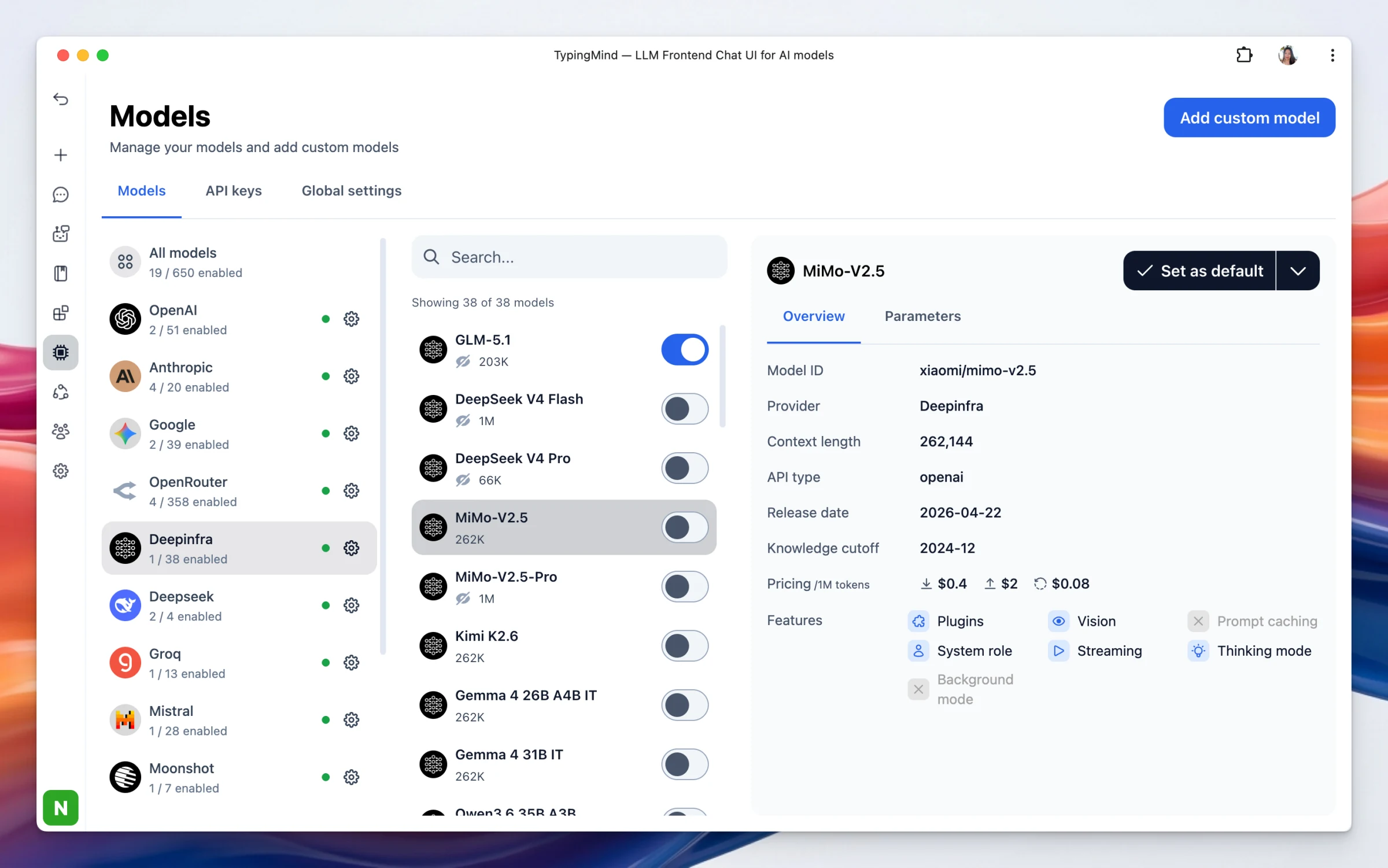
✨ New Added new Deepinfra models and OpenRouter models. Deprecated/deleted models are now kept as deprecated so old chats can show model status more clearly. Improvements Updated OpenRouter and Deepinfra model metadata to reflect latest limits, pricing, and…
AI Models
Show detailsHide details
✨ New
Added new Deepinfra models and OpenRouter models.
Deprecated/deleted models are now kept as deprecated so old chats can show model status more clearly.
Improvements
Updated OpenRouter and Deepinfra model metadata to reflect latest limits, pricing, and supported capabilities, including context/output limits, pricing, PDF support, and prompt caching support.
Updated OpenRouter Anthropic latest aliases to use Claude-specific settings for better reasoning effort and prompt caching support.
Removed deprecated DALL-E 3 builtin plugin as this image model is deprecated by OpenAI. Please switch to GPT Image Editor for image generation.
Fixed
Fixed Fireworks provider issue where previous user input or stale/duplicated assistant content could be echoed when using the OpenAI Responses API format.
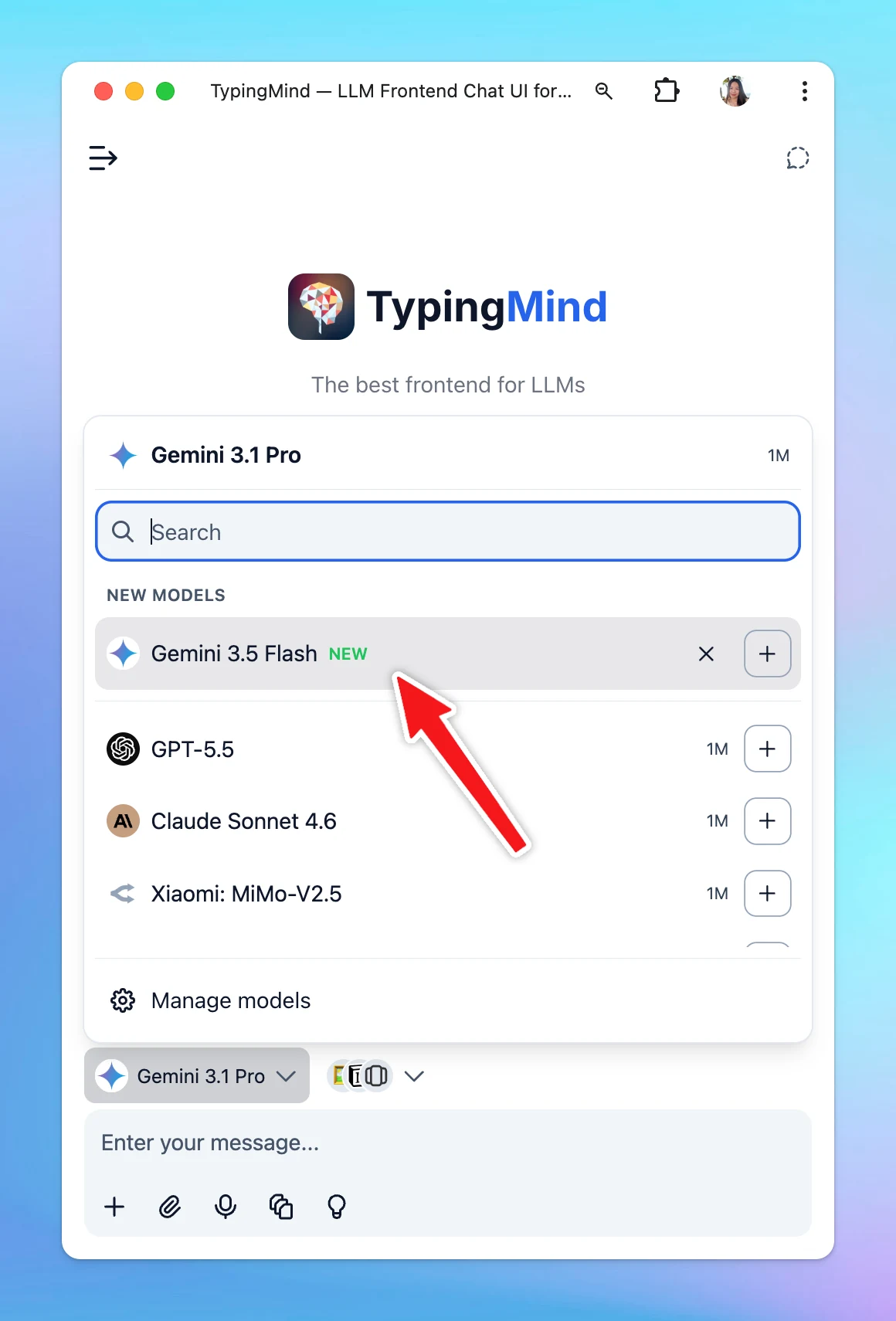
Gemini 3.5 Flash, Google’s latest Flash-tier model, is now available on TypingMind! This models is optimized for coding proficiency and parallel agentic execution loops.
New
AI Models
Show detailsHide details
Gemini 3.5 Flash, Google’s latest Flash-tier model, is now available on TypingMind!
This models is optimized for coding proficiency and parallel agentic execution loops.
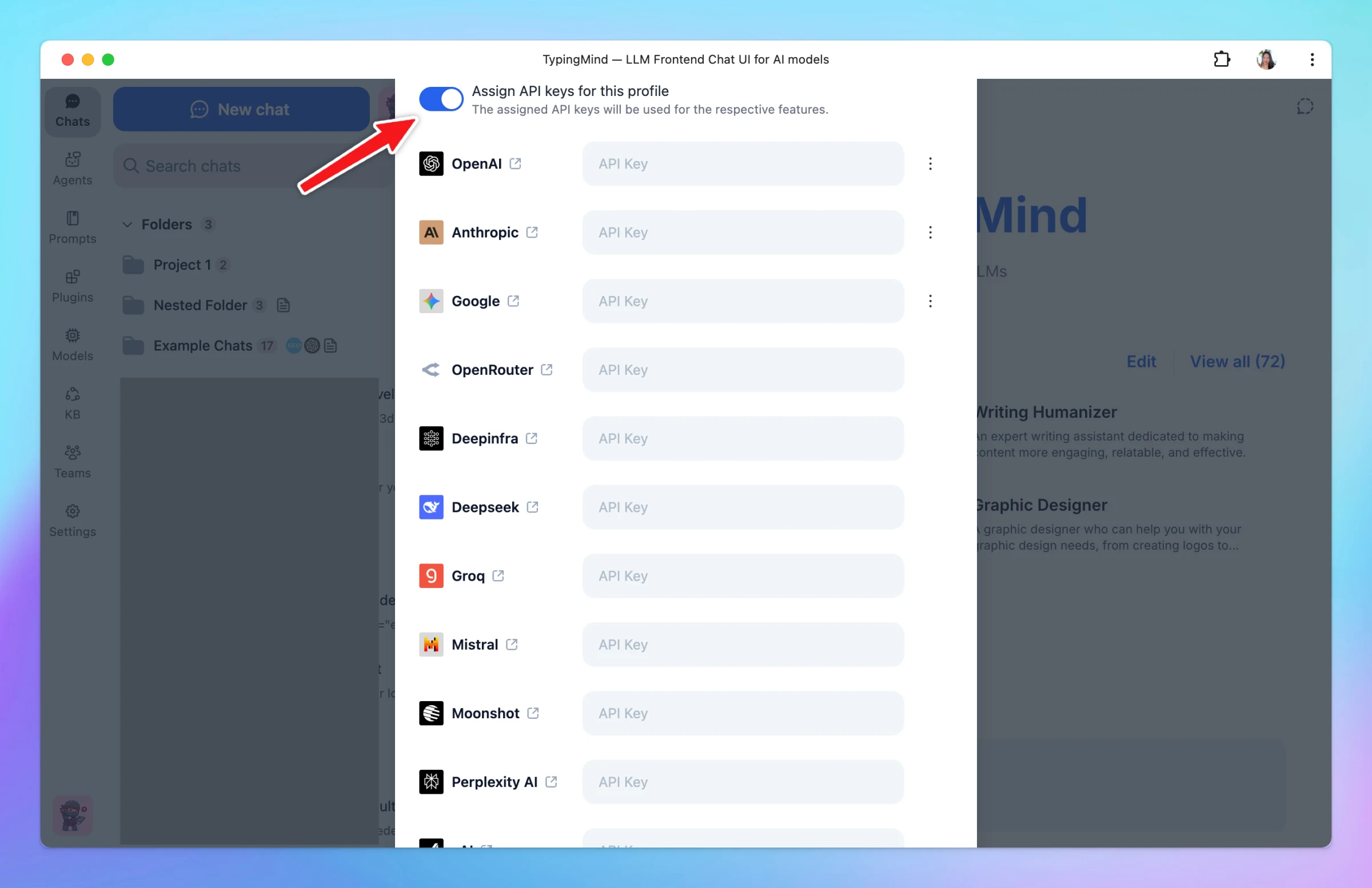
✨ What’s New Support all provider settings for profiles You can now set up API keys for different profiles from all available providers Older profile API key assignments are automatically migrated to the new provider settings format. ⚙️ Bug fixes and…
New
Fixed
Show detailsHide details
✨ What’s New
Support all provider settings for profiles
You can now set up API keys for different profiles from all available providers
Older profile API key assignments are automatically migrated to the new provider settings format.
⚙️ Bug fixes and improvements
In multi-model chats, clicking a model header/tab now scrolls directly to that model’s latest assistant message. This makes it easier to continue reading the newest response without scrolling through earlier replies.
Fixed an issue where switching model tabs on mobile could fail to scroll to the latest message if the response card had not mounted yet.
Removed unsupported metadata fields from tool calls before sending requests to OpenAI-compatible providers.
Fixed provider API errors caused by extra tool call fields such as output_item_id, call_id, and annotations.
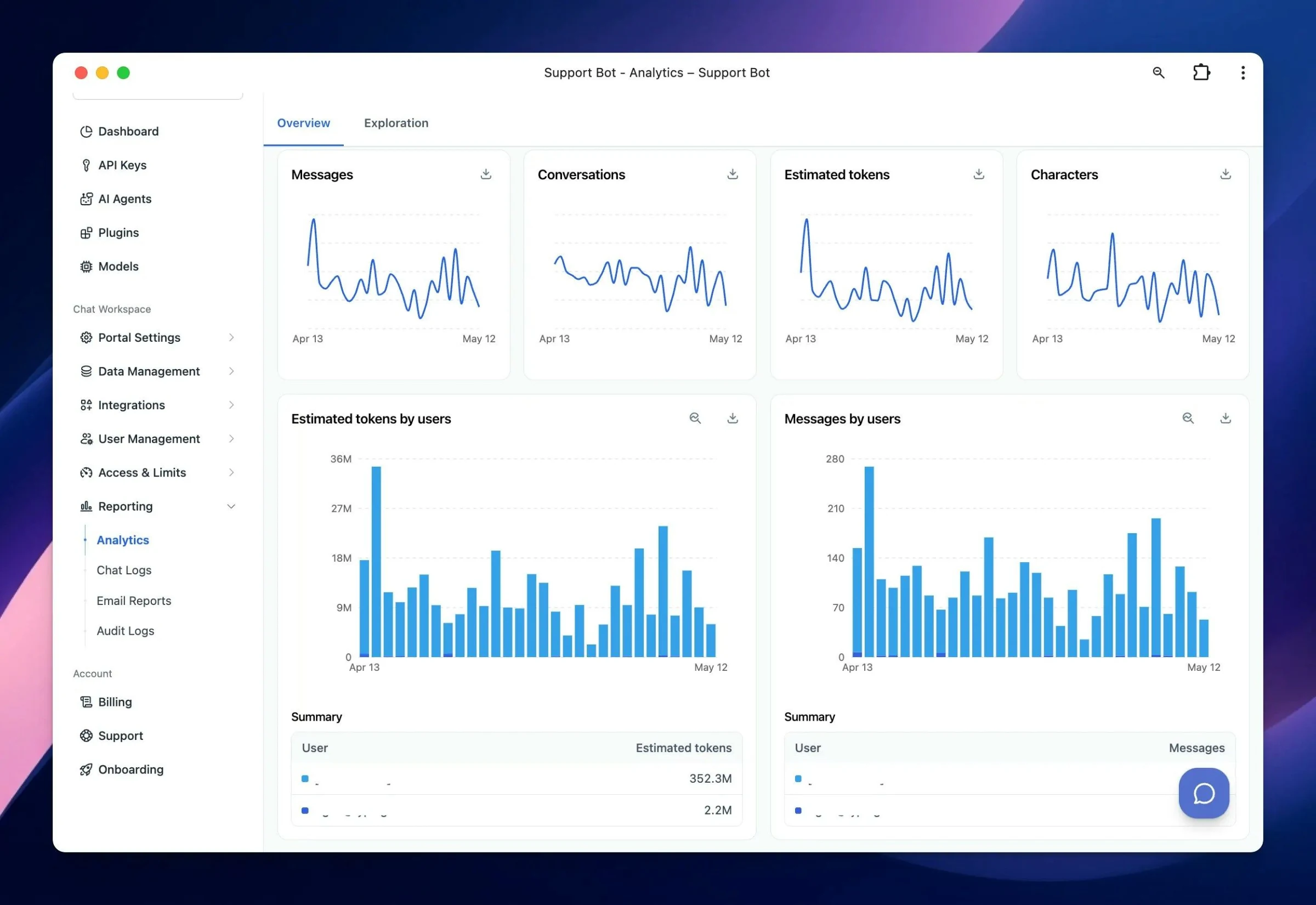
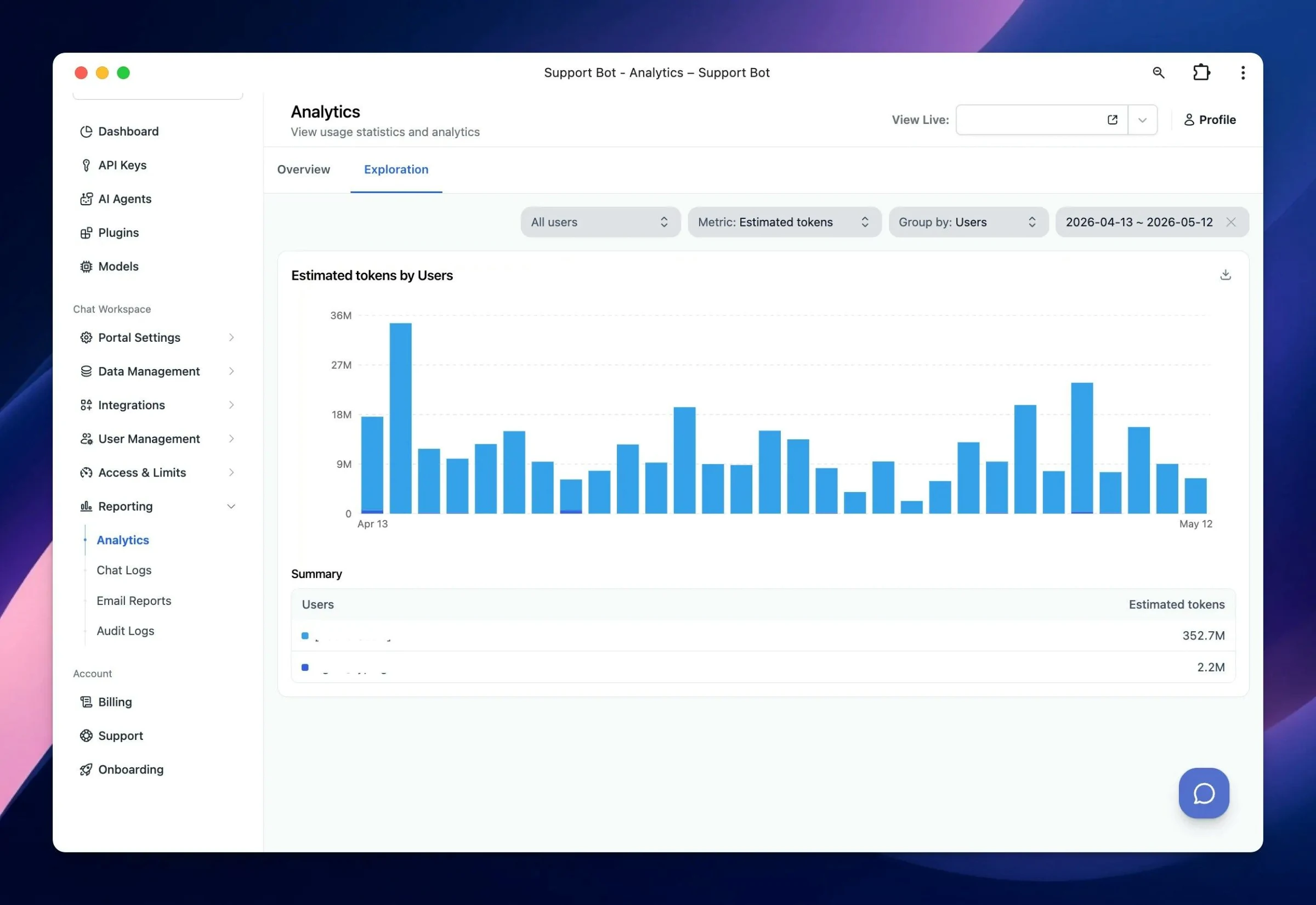
Here's what's new in this update: ✨ New Redesigned Admin Analytics The analytics dashboard now has two tabs: Overview for high-level insights and Exploration for deeper analysis. New metrics have been added, including Characters, plus breakdowns by users,…
New
Improved
Fixed
Show detailsHide details
Here's what's new in this update:
✨ New
Redesigned Admin Analytics
The analytics dashboard now has two tabs: Overview for high-level insights and Exploration for deeper analysis.
New metrics have been added, including Characters, plus breakdowns by users, models, and agents, with improved charts, styling, and tooltips.
CSV export for analytics data has been centralized for a more consistent experience.
Date ranges are now inclusive, normalized to UTC day boundaries, and consistently limited to 1 year.
Exploration mode now supports filtering by metric, including user-level filtering where permitted.
🛠 Improvements
Web App Builder & Interactive Canvas:
AI can now update existing HTML using small patch-style edits instead of regenerating the full document, making follow-up edits faster and more token-efficient.
Artifacts side panel — version labels:
When a plugin has multiple tool functions, artifact versions are now correctly grouped into one continuous stack and no longer display "undefined - Version N".
⚙️ Bug Fixes
Fixed DeepSeek API handling so reasoning_content is preserved for supported models.
Fixed an issue where MCPs/tools did not work with some providers, including Mistral.
Improved cross-provider tool/function calling compatibility by removing unsupported annotations from function specs before sending tool definitions.
Improved the Organization dashboard Recent Activity feed with clearer audit log formatting, names, and layout.
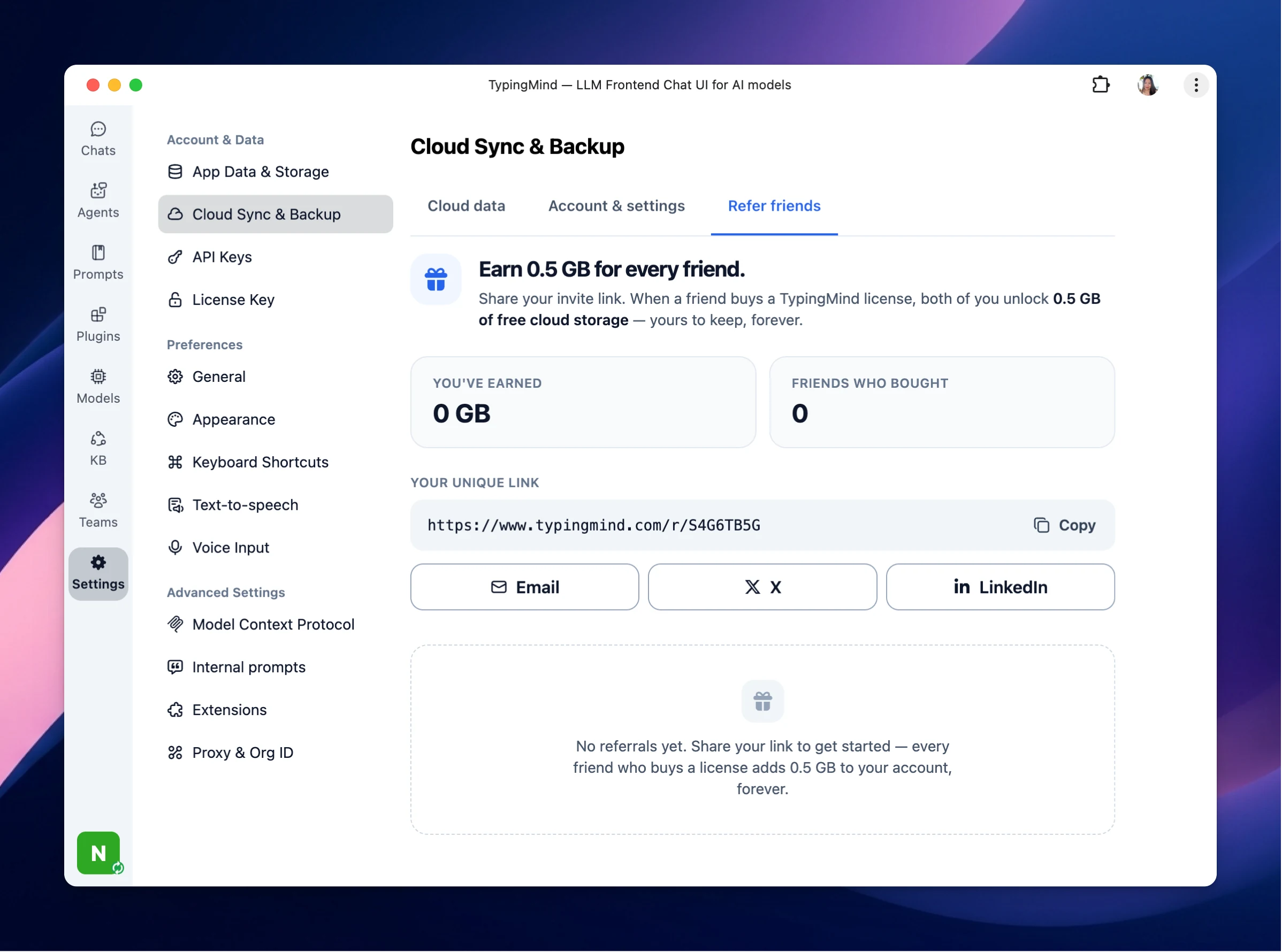
We're excited to introduce the TypingMind Referral Program. Starting today, every time you refer a friend who buys a TypingMind license, you both unlock 0.5 GB of free cloud storage — forever. Here's how it works Go to Settings → Cloud Sync & Backup → Refer…
New
Show detailsHide details
We're excited to introduce the TypingMind Referral Program. Starting today, every time you refer a friend who buys a TypingMind license, you both unlock 0.5 GB of free cloud storage — forever.
Here's how it works
Go to Settings → Cloud Sync & Backup → Refer friends
Copy your personal referral link (typingmind.com/r/<code>). For example:
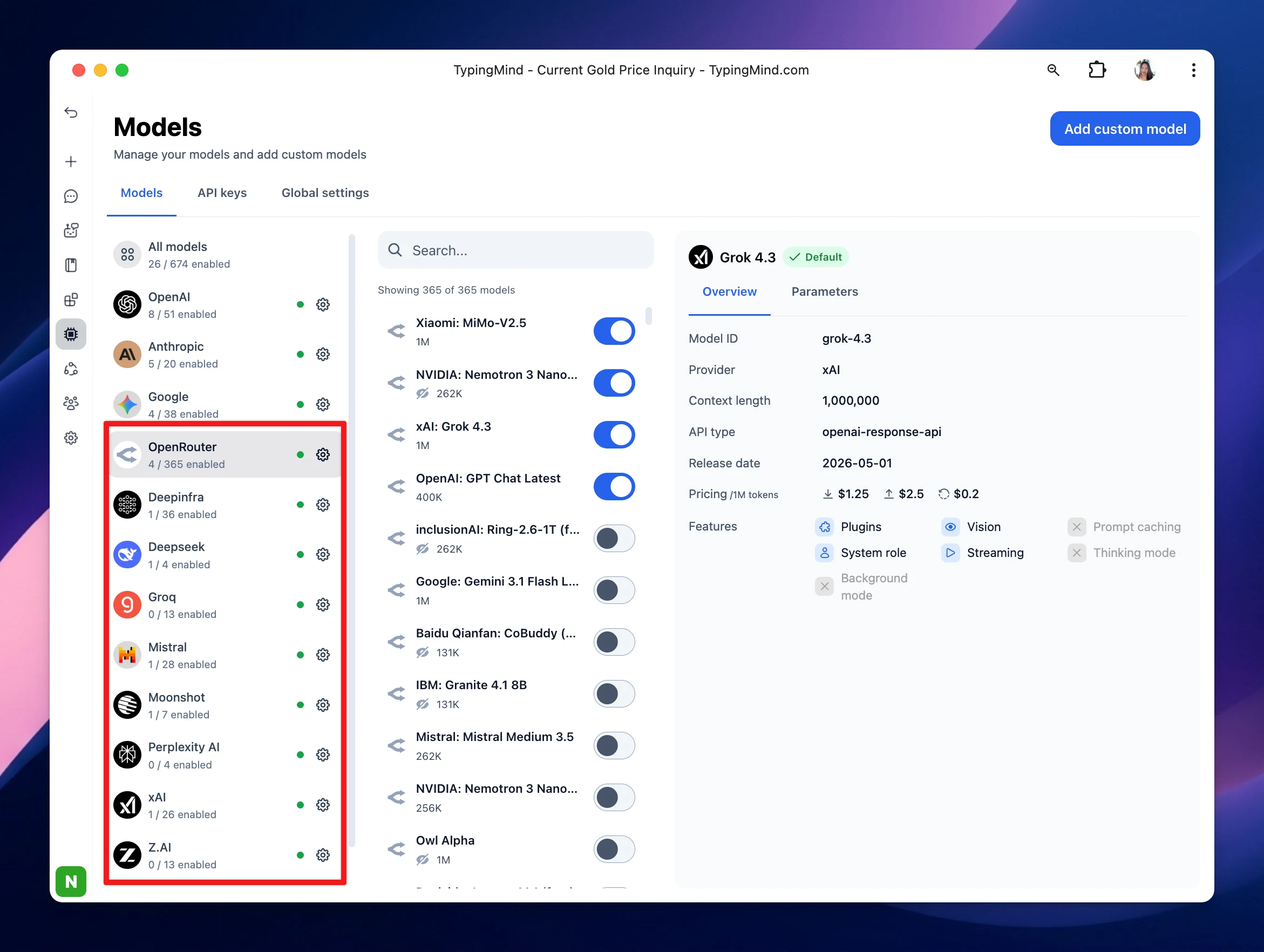
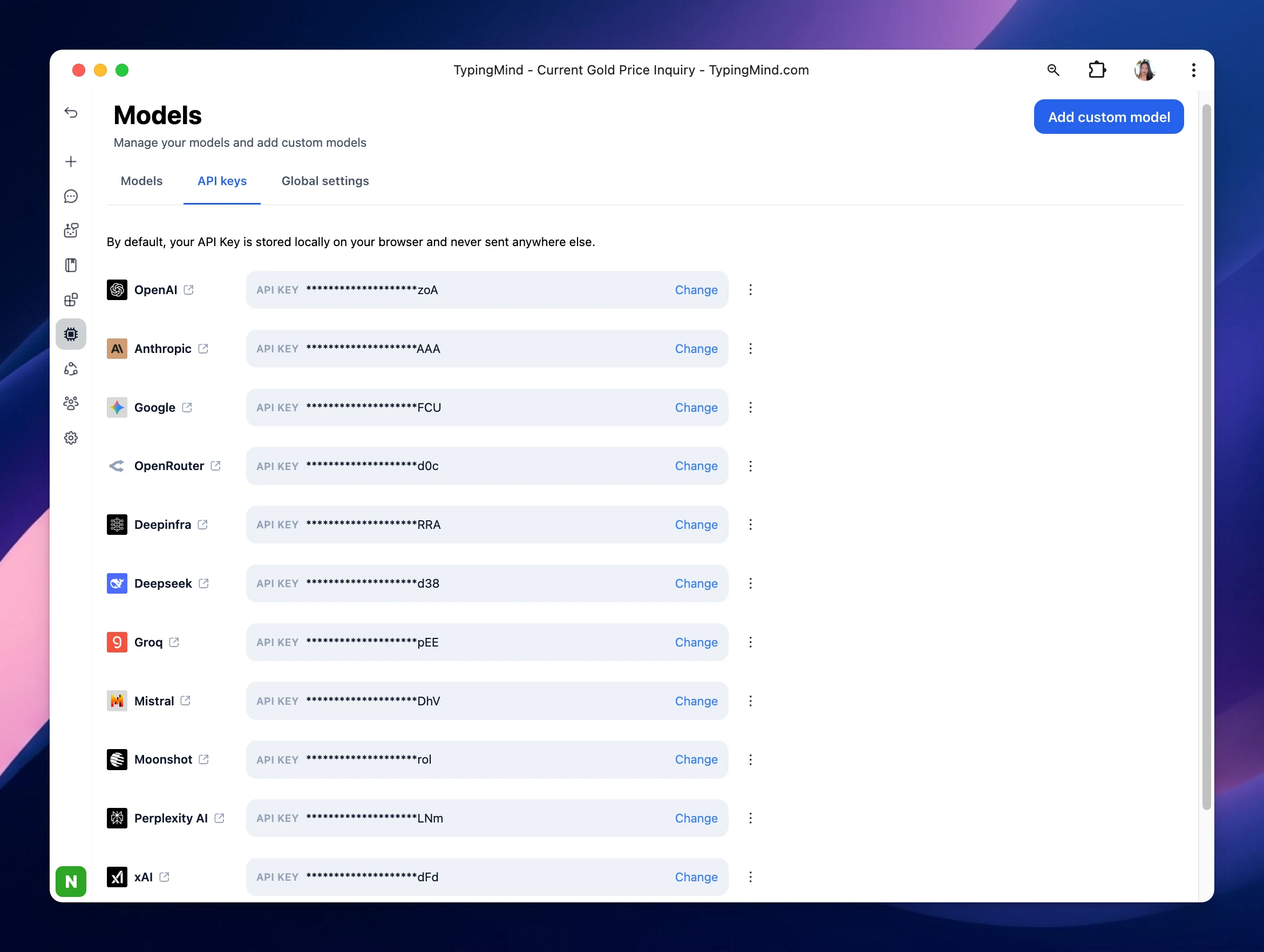
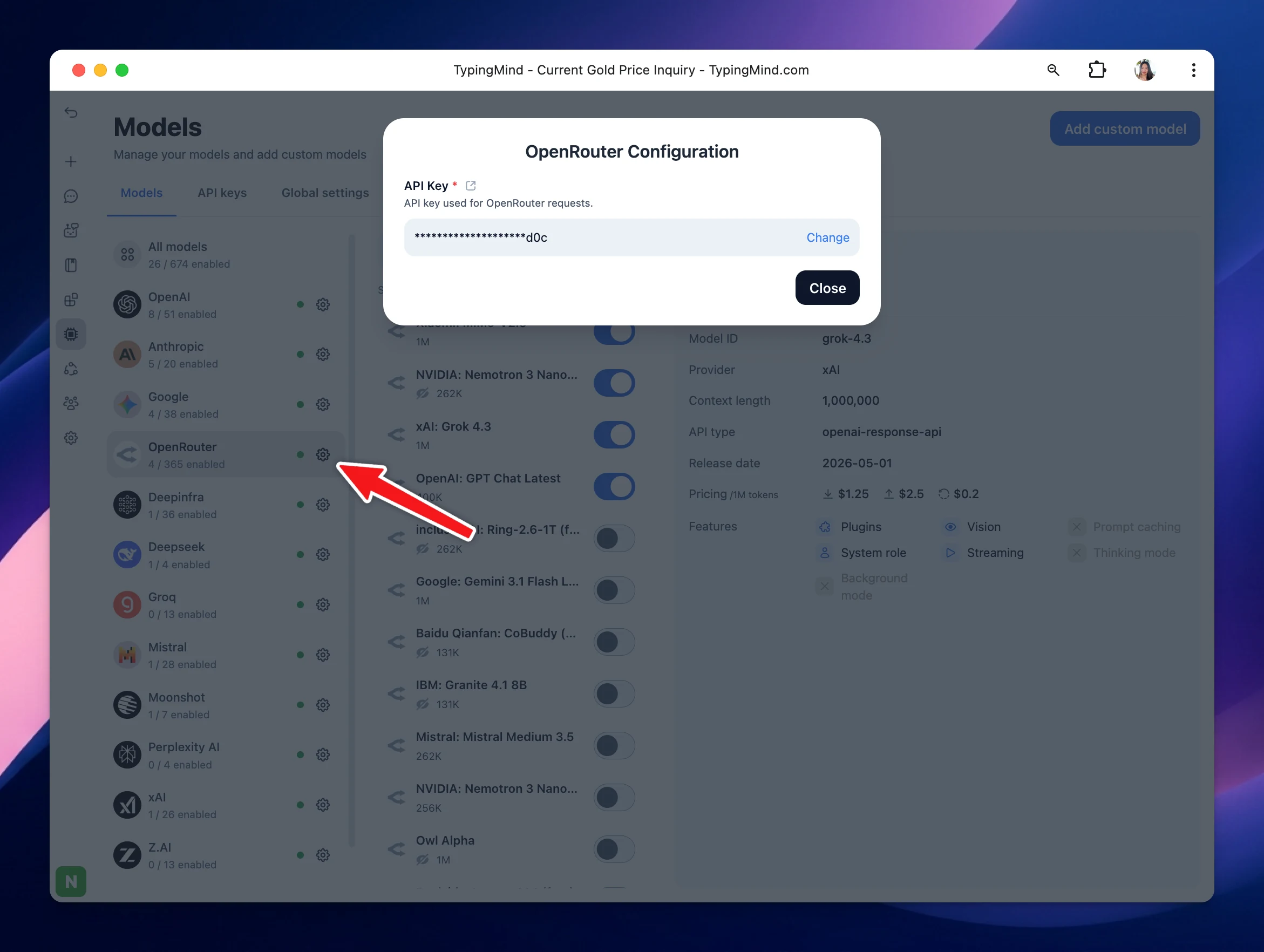
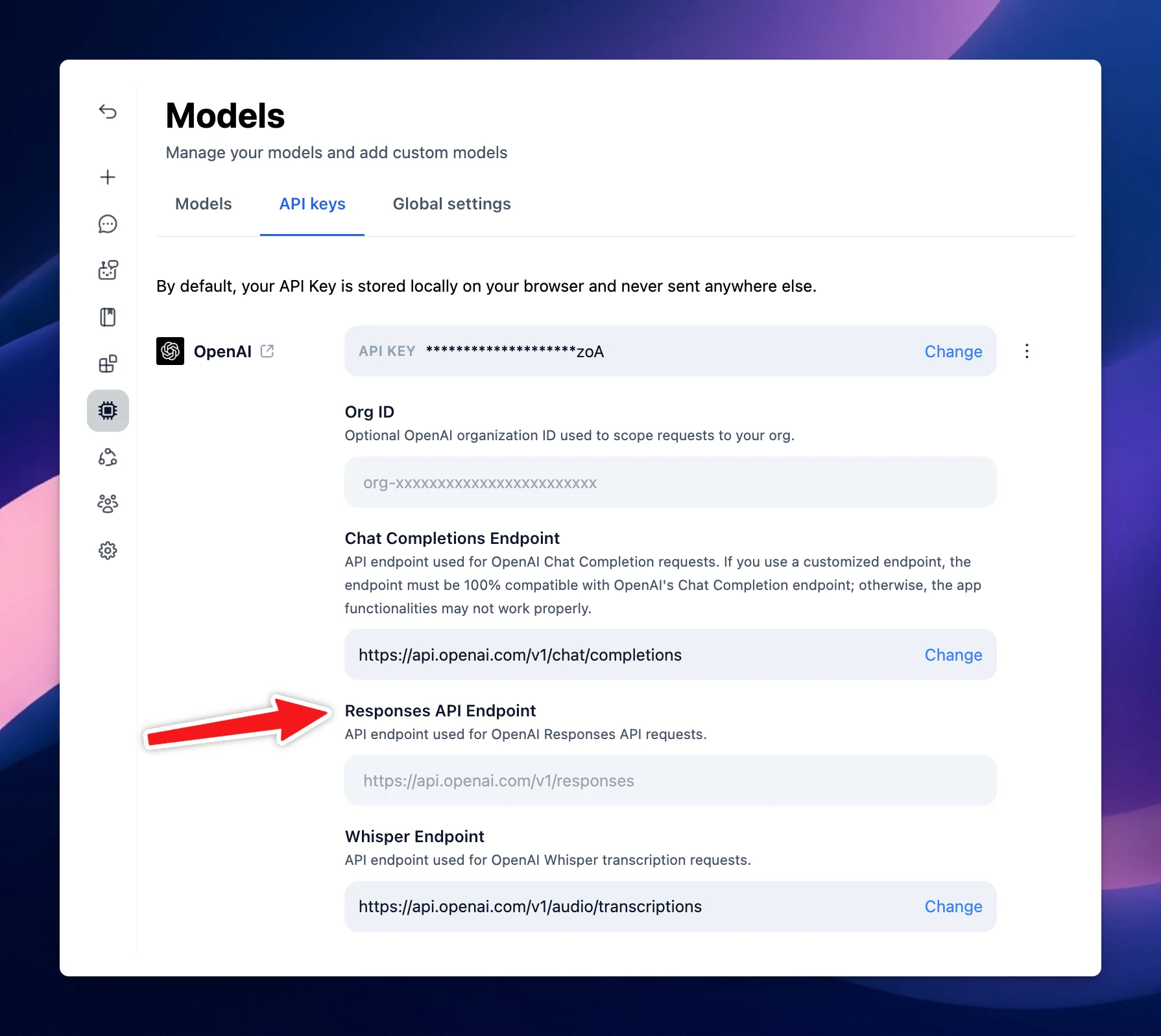
We’ve expanded official model support beyond OpenAI, Anthropic, and Google. You can now easily add models from: OpenRouter DeepInfra DeepSeek Groq Mistral Moonshot Perplexity xAI Z.ai More providers and models will be added soon. We also moved API keys…
AI Models
Show detailsHide details
We’ve expanded official model support beyond OpenAI, Anthropic, and Google.
What’s new: Added token limit: Admins can now set up token limit per time period for specific models, AI Agents, users/user groups. Go to Admin panel → Under the Access & Limits section, select Usage Limit. Added admin toggle for ElevenLabs: Admins can now…
New
Improved
Fixed
Team Version
Show detailsHide details
What’s new:
Added token limit: Admins can now set up token limit per time period for specific models, AI Agents, users/user groups.
Go to Admin panel → Under the Access & Limits section, select Usage Limit.
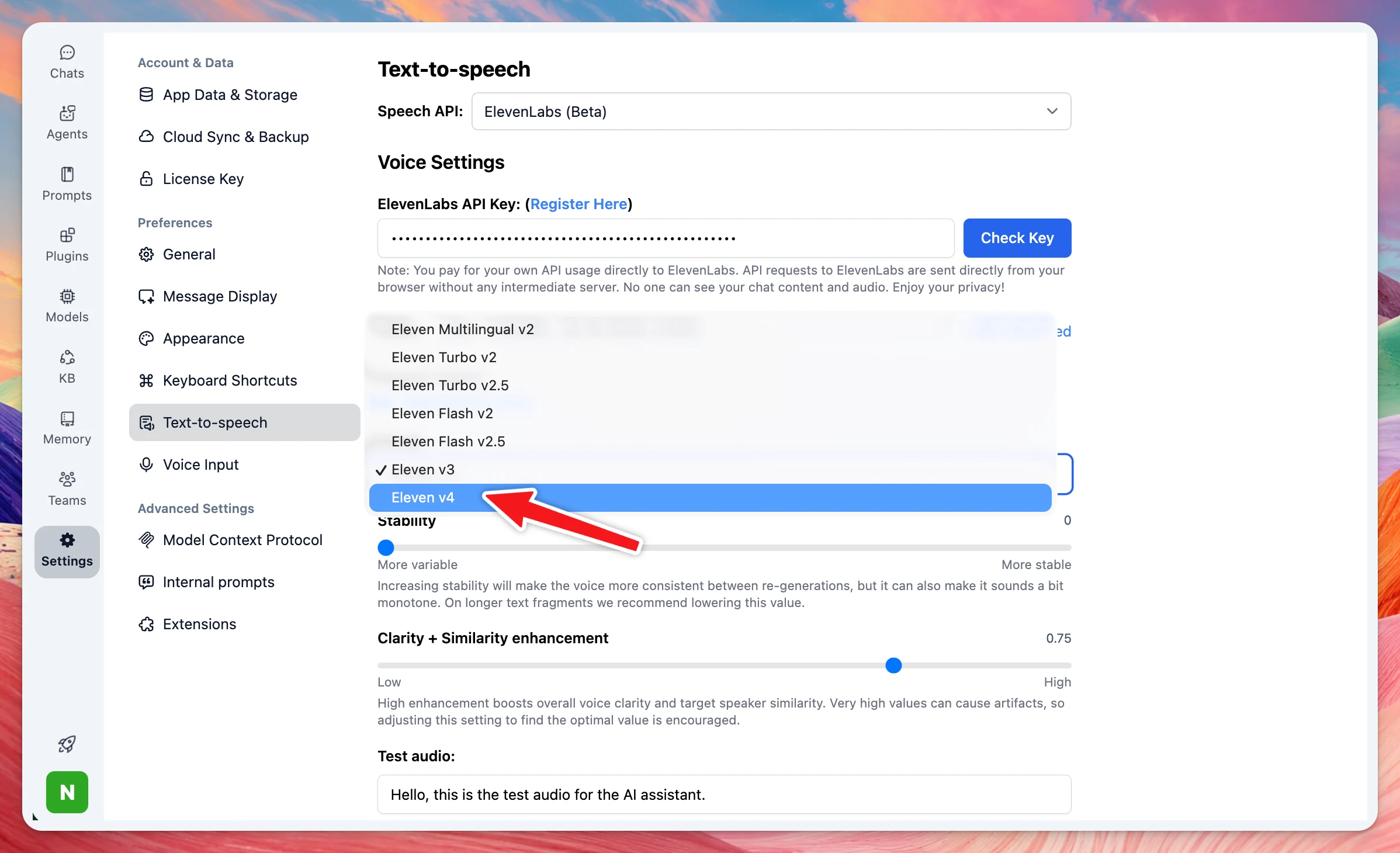
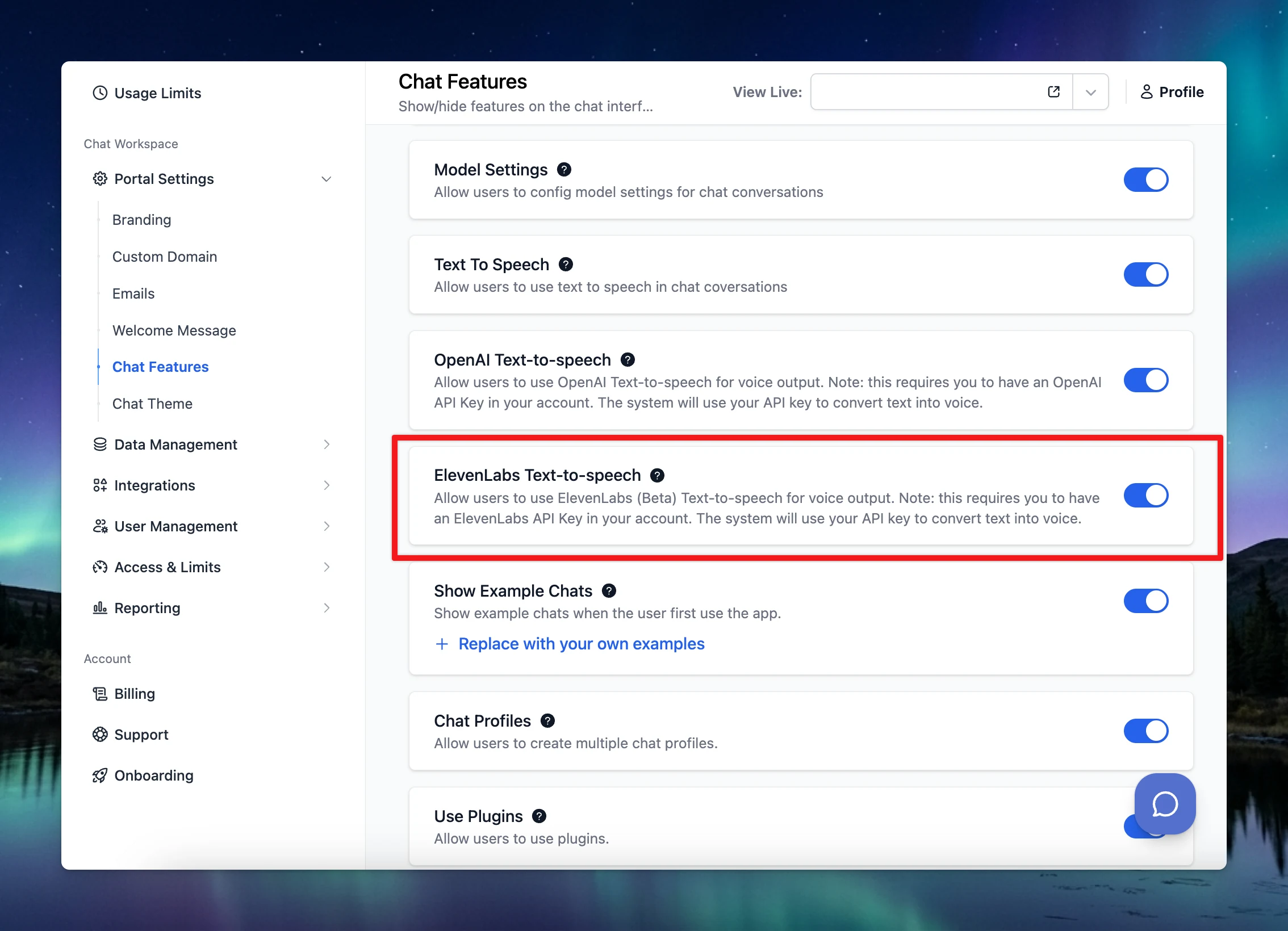
Added admin toggle for ElevenLabs: Admins can now show or hide the ElevenLabs integration directly from the admin panel settings.
🛠 Improvements & Bug Fixes
Fixed a flashing issue during the close transition by freezing content to prevent flicker.
Fixed an overflow issue in attachment and file layouts. Flex layout constraints (min-width + flex-shrink) have been added to keep attachments properly contained.
Fixed an issue where inline agents could incorrectly search the wrong Knowledge Base tags.
Fixed artifact dimensions so artifacts now display with the correct height in the UI.
Here's what's new in this update: GPT Image 2 model support: The GPT Image Editor plugin now supports the gpt-image-2 model, giving you access to OpenAI's latest image generation capabilities directly within the plugin. Resizable sidebar: You can now drag to…
New
AI Models
Integrations
Show detailsHide details
Here's what's new in this update:
GPT Image 2 model support: The GPT Image Editor plugin now supports the gpt-image-2 model, giving you access to OpenAI's latest image generation capabilities directly within the plugin.
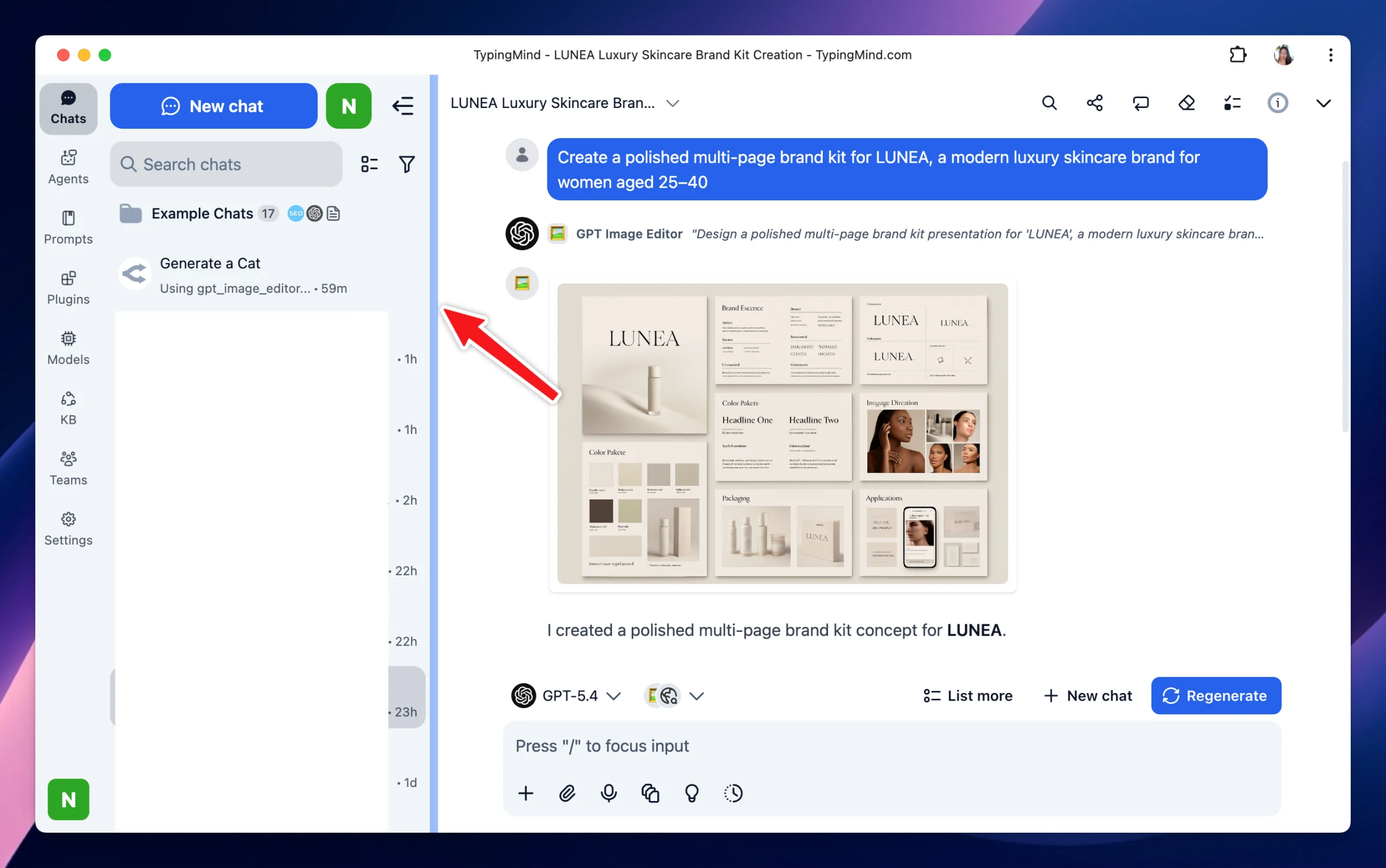
Resizable sidebar: You can now drag to resize the sidebar to your preferred width. The size is saved and persists across app reloads.
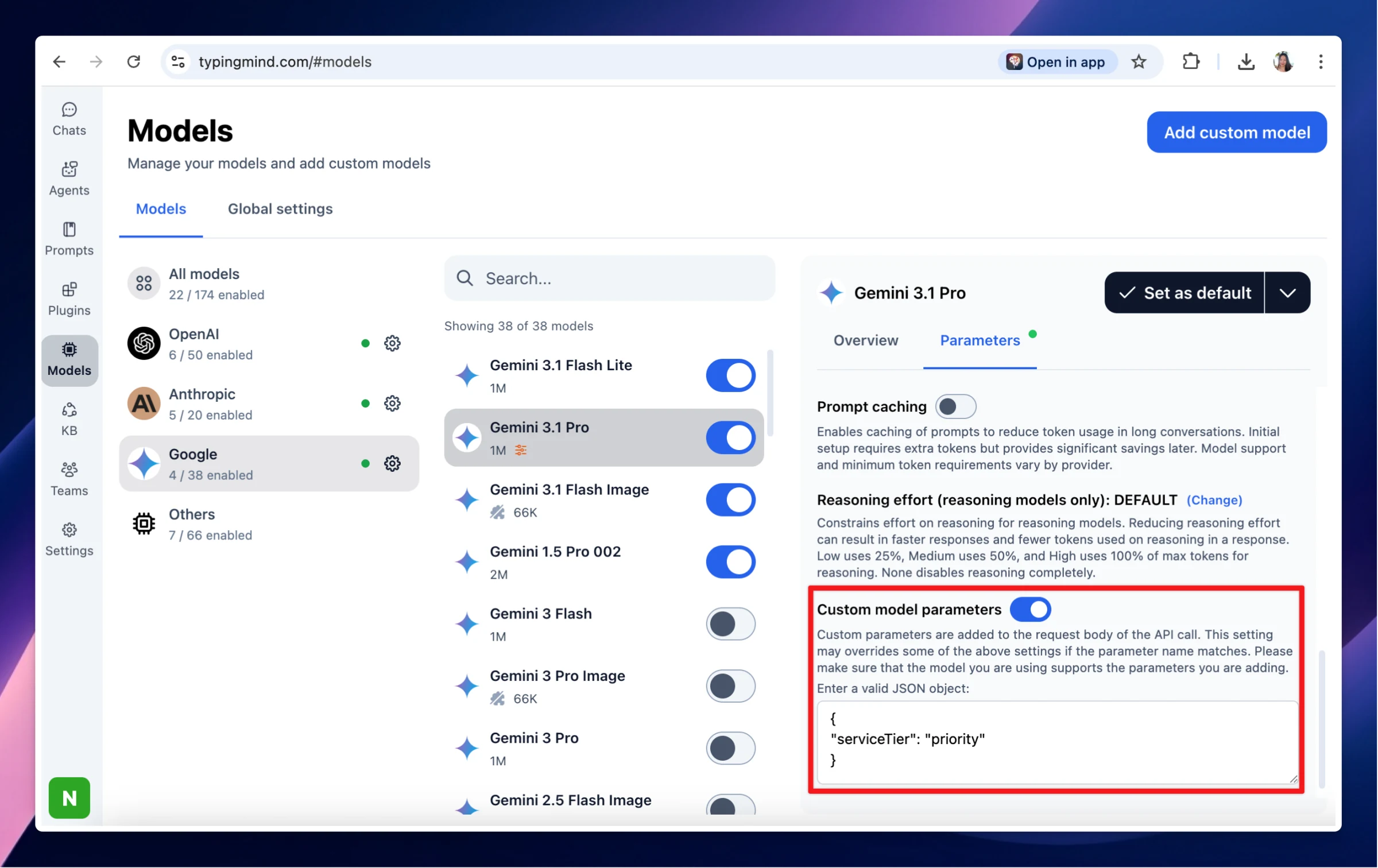
Custom body parameters in model settings: You can now add custom request body parameters directly in a model's settings. This enables use cases such as setting service_tier: "priority" to help reduce 429 rate-limit errors on models like Gemini 3.1 Pro.
Claude Opus 4.7 is now available on TypingMind! Better at complex coding work More reliable on long tasks Check its own work before answering Produce more polished professional outputs like UIs, slides, and documents. Try now! Other updates: - Added support…
New
AI Models
Show detailsHide details
Claude Opus 4.7 is now available on TypingMind!
Better at complex coding work
More reliable on long tasks
Check its own work before answering
Produce more polished professional outputs like UIs, slides, and documents.
Try now!
Other updates:
- Added support for xhigh thinking effort for Claude Opus 4.7 - Treated xhigh as max thinking effort for other Claude models
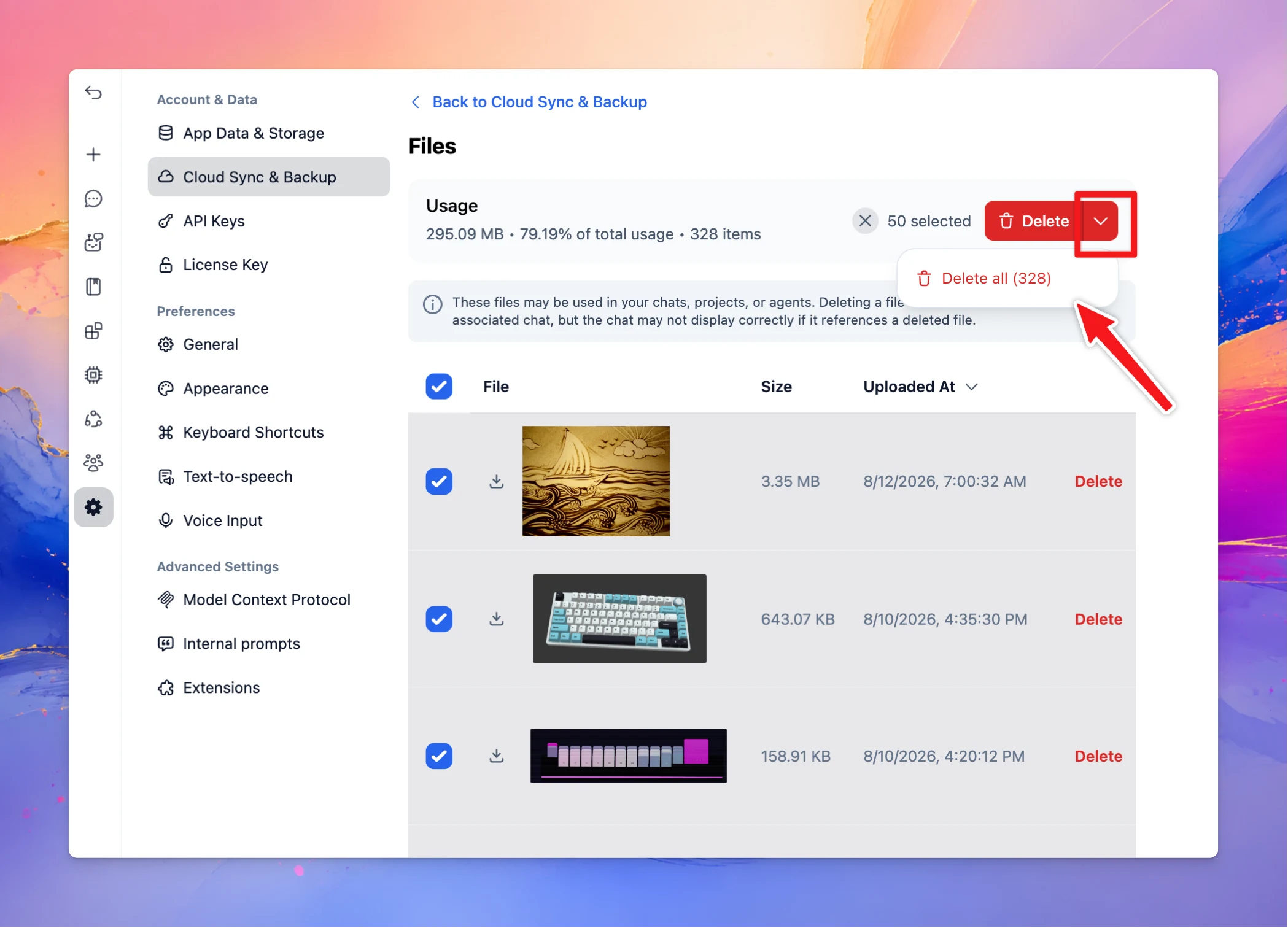
New Users can now permanently delete files stored in cloud storage. Fixes and Improvements Fix “Request exceeds the maximum size” errors when sending large PDF files to Claude models by lowering the PDF size limit to preserve request headroom. Added support…
New
Improved
Fixed
Show detailsHide details
New
Users can now permanently delete files stored in cloud storage.
Fixes and Improvements
Fix “Request exceeds the maximum size” errors when sending large PDF files to Claude models by lowering the PDF size limit to preserve request headroom.
Added support for welcome/prefill messages for Gemini image models.
You can now assign provider tools for AI Agents (TypingMind Team)
Provider code execution now reuses the active Claude container for improved execution efficiency.
Here’s what’s new in this update: External URL Support for Gemini: Gemini now supports external URLs for file handling, with optimized uploads that use less bandwidth and improve response speed. Unify Reasoning Controls: The thinking level button is now…
New
Improved
Fixed
Show detailsHide details
Here’s what’s new in this update:
External URL Support for Gemini: Gemini now supports external URLs for file handling, with optimized uploads that use less bandwidth and improve response speed.
Unify Reasoning Controls: The thinking level button is now synced with the Reasoning effort setting in Chat Settings for a more consistent reasoning control experience.
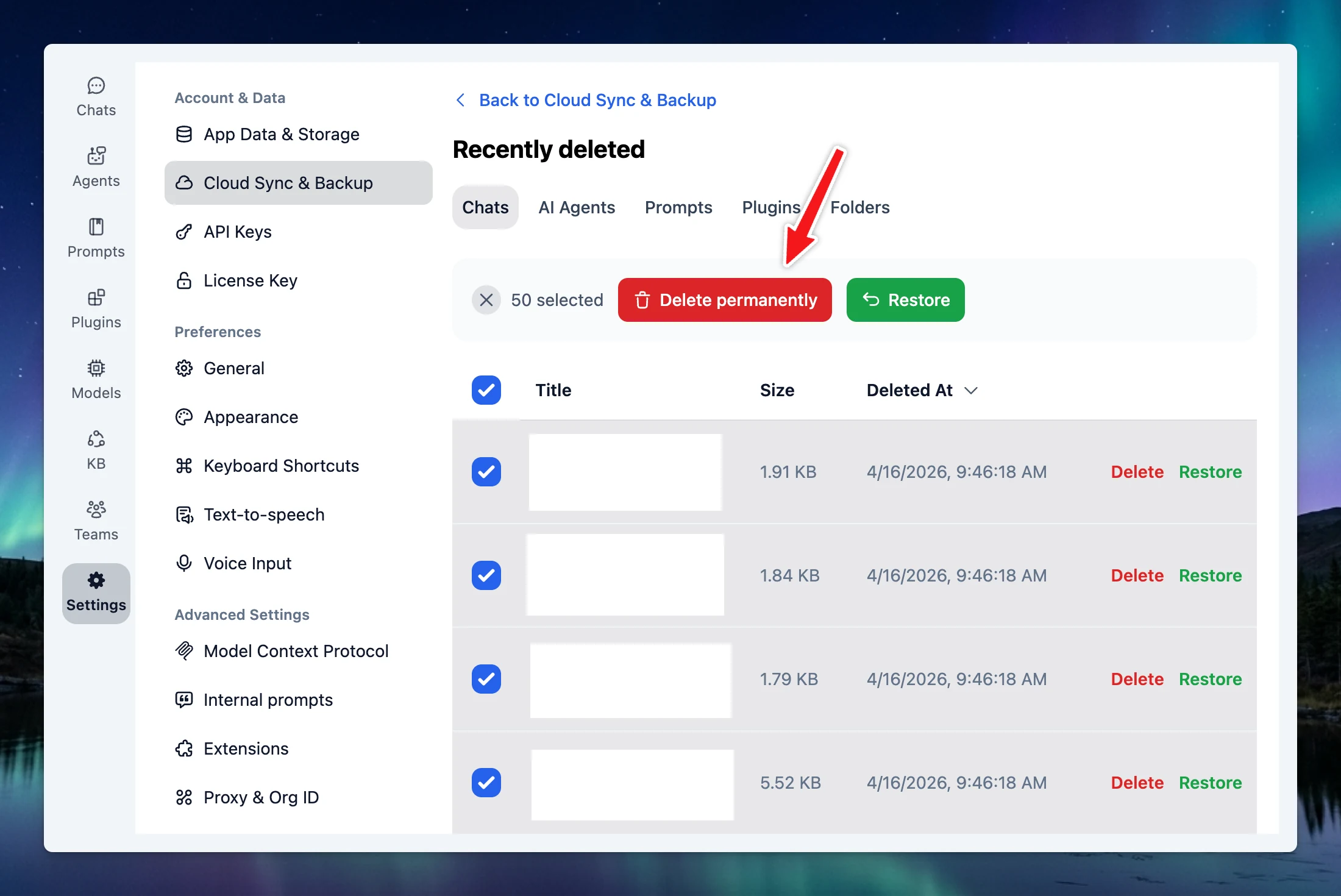
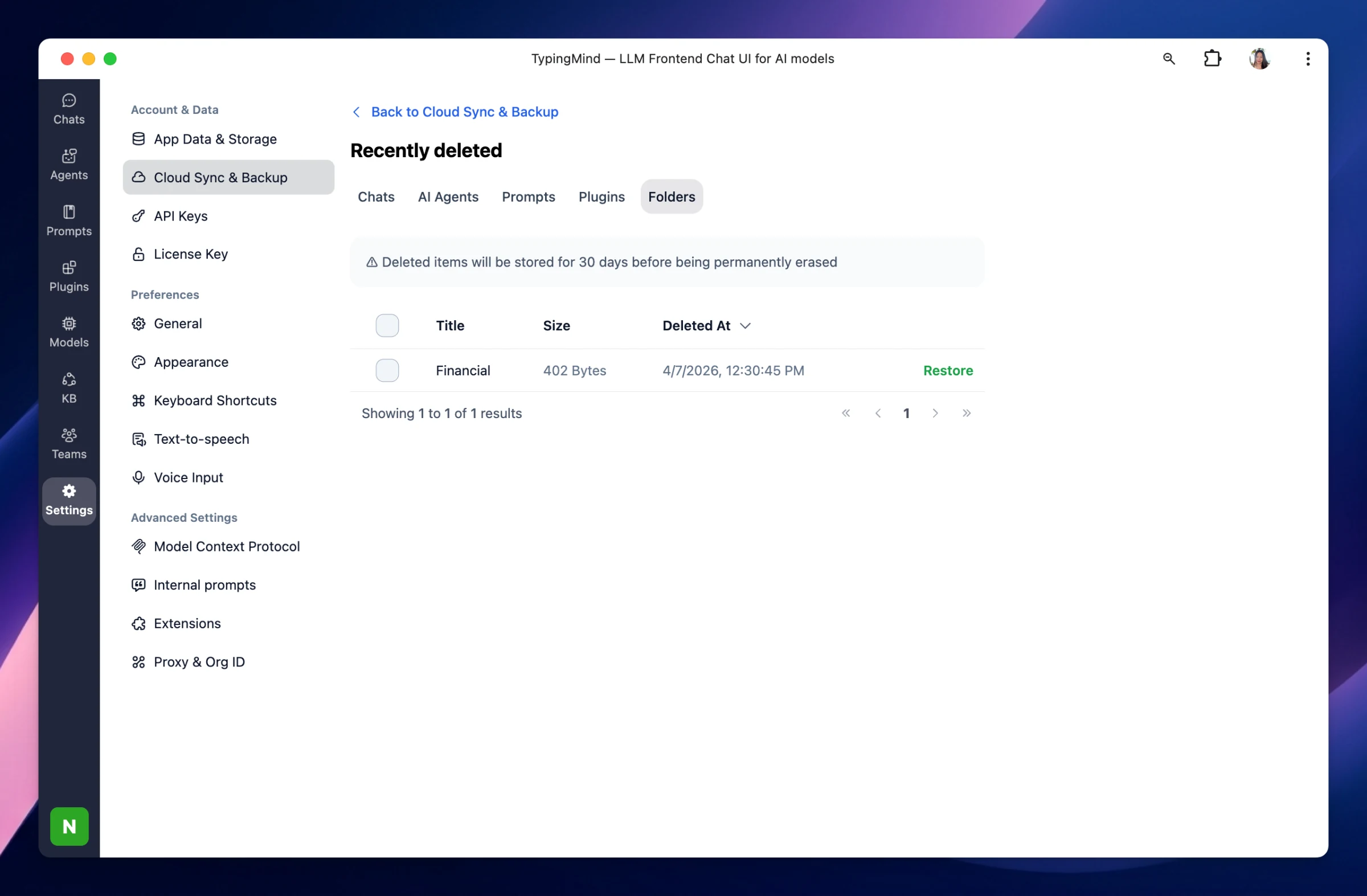
Restore Deleted Items: You can now restore more recently deleted items, including agents, plugins, prompts, and folders.
Improvements & Bug Fixes
Gemini large file handling: Fixed an issue where Gemini could fail when processing large files via external URLs because documents were incorrectly detected as having no pages.
User’s last login for OAuth & SSO tracking: Fixed an issue where the user’s last login wasn’t being tracked for OAuth and SSO authentication.
Here's what's new in this update: Prompt Library (Teams) — New UI: The Team Prompt Library has been redesigned with a refreshed interface and new capabilities: Duplicate & Share as JSON: Quickly duplicate any prompt or export it as JSON for easy sharing. Bulk…
New
Improved
Fixed
Show detailsHide details
Here's what's new in this update:
Prompt Library (Teams) — New UI: The Team Prompt Library has been redesigned with a refreshed interface and new capabilities:
Duplicate & Share as JSON: Quickly duplicate any prompt or export it as JSON for easy sharing.
Bulk Delete: Select and remove multiple prompts at once.
Sorting Options: Sort prompts by title, date created, or date modified.
DeprecatingChat Widget (Teams): The Chat Widget feature is being deprecated. Existing embeds will remain available until June 01, 2026, with a new widget system coming soon. The per-agent "Embed the chat widget" snippet has been removed (direct URL and public API guidance remain available).
Improvements & Bug Fixes
Shared Links (Teams self-hosted): Fixed an issue where Shared Links didn't appear in the Cloud Sync screen on the self-hosted version.
OpenRouter streaming: Prevents the format field from being incorrectly repeated when using OpenRouter in streaming mode.
Model/Plugin limits (Teams): Fixed an issue where model and plugin limits were being incorrectly overridden.
OpenAI reasoning: Messages are now kept as stateless as possible to prevent caching errors.
Chat Share button (Teams): Fixed the Share button displaying incorrectly in the UI.
Here's what's new in this update: ✨ New GPT-5.4 Mini & GPT-5.4 Nano are now available in TypingMind. 🛠 Improvements & Bug Fixes Large chat performance: Optimized performance for large chats by removing unused OpenRouter annotations data that could be very…
New
Improved
Fixed
Show detailsHide details
Here's what's new in this update:
✨ New
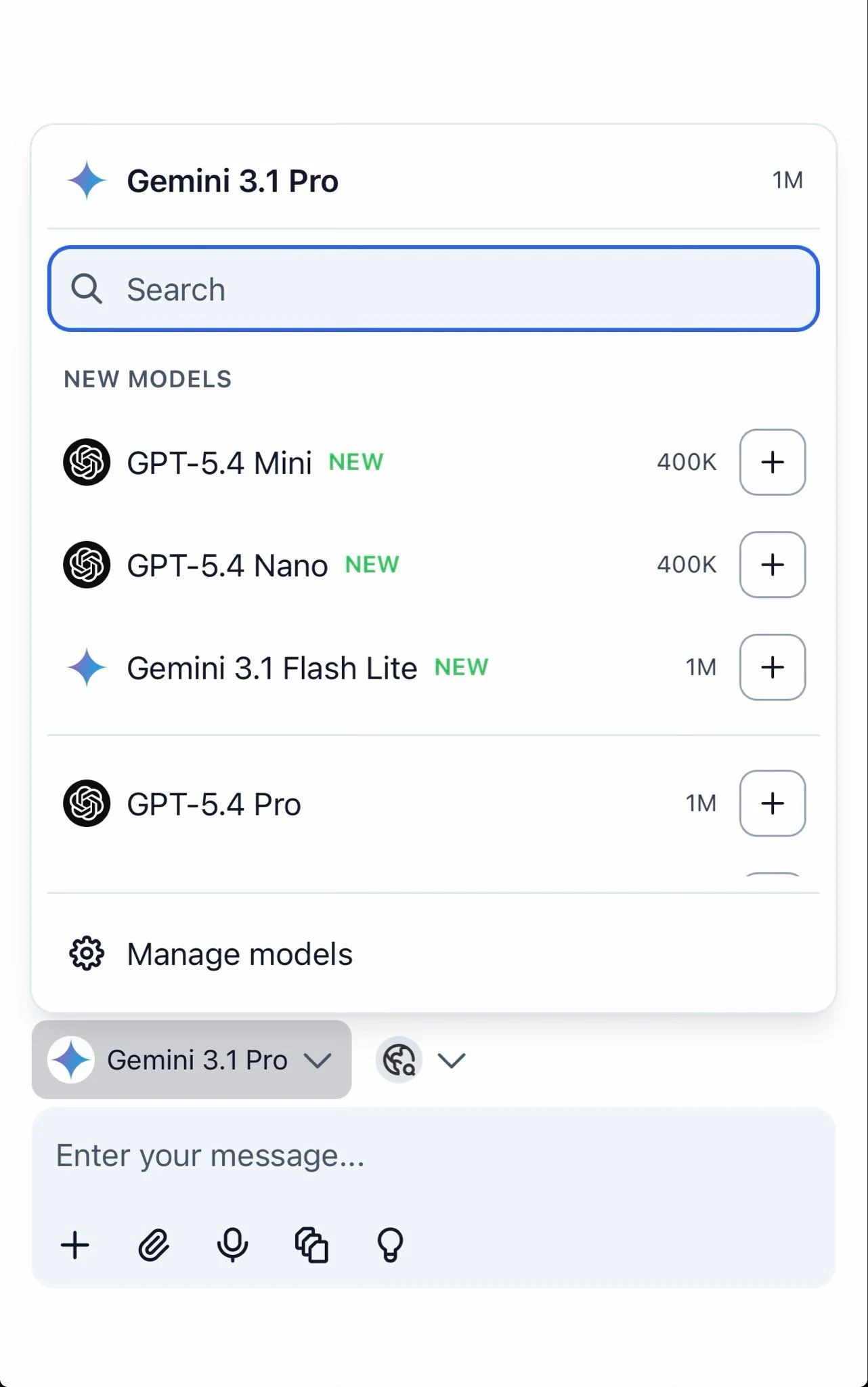
GPT-5.4 Mini & GPT-5.4 Nano are now available in TypingMind.
🛠 Improvements & Bug Fixes
Large chat performance: Optimized performance for large chats by removing unused OpenRouter annotations data that could be very large.
Claude Opus 4.6 pricing: Fixed estimated cost so pricing now shows correctly for Claude Opus 4.6 and Claude Opus 4.6 1M models.
Here's what's new in this update: ✨ New A new Provider UI A new UI has been added for configuring providers and their API keys, with unified Enter API Key widgets across all providers. Read specific files in Knowledge Base (KB) You can now read specific files…
New
Improved
Fixed
Show detailsHide details
Here's what's new in this update:
✨ New
A new Provider UI
A new UI has been added for configuring providers and their API keys, with unified Enter API Key widgets across all providers.
Read specific files in Knowledge Base (KB) You can now read specific files in your Knowledge Base directly.
🛠 Improvements & Bug Fixes
OpenRouter API streaming: Improved handling of OpenRouter response API streaming.
Fixed an issue where redundant newline characters caused invalid Claude prompt cache entries.
Here's what's new in this update: ✨ New Claude automatic prompt caching: TypingMind now applies Claude's new automatic prompt caching, improving response efficiency for repeated or similar prompts. Plugin Execution Timeout (Self-Hosted Teams): Admins can now…
Show detailsHide details
Here's what's new in this update:
✨ New
Claude automatic prompt caching: TypingMind now applies Claude's new automatic prompt caching, improving response efficiency for repeated or similar prompts.
Plugin Execution Timeout (Self-Hosted Teams): Admins can now set a custom timeout limit for plugin execution via an environment variable. The value should be specified in milliseconds.
🛠 Improvements & Bug Fixes
Agents/MCPs avatars: Fixed an issue where agents/MCPs avatars could not load.
Custom params in multi-model responses: Fixed an issue where custom params were not applied in some multi-model response generation cases.
Here's what's new in this update: GPT-5.4 and GPT-5.4 Pro models: OpenAI's latest models — GPT-5.4 and GPT-5.4 Pro — are now available to use in TypingMind. 🛠 Improvements & Bug Fixes Granular permission for role assignment in the team version: Admins now…
New
Improved
Fixed
Show detailsHide details
Here's what's new in this update:
GPT-5.4 and GPT-5.4 Pro models: OpenAI's latest models — GPT-5.4 and GPT-5.4 Pro — are now available to use in TypingMind.
🛠 Improvements & Bug Fixes
Granular permission for role assignment in the team version: Admins now have finer control over who can assign roles to members in the organization.
GPT O-series models formatting: Formatting instructions in the system prompt are now only applied to o-series models, keeping other models clean and unaffected.
Audio recording for org users: Fixed an error that occurred when recording or transcribing large audio files — audio is now uploaded before transcription to prevent the issue.
Inline agent in chat: Your pinned inline agent is now remembered when you switch between chats and come back — it will no longer disappear unexpectedly.
Gemini cost calculation: Fixed an incorrect cost calculation for Gemini — image prompt pricing has been removed to reflect the correct usage cost.
Grok endpoints: Enabled CORS proxy support for Grok endpoints, improving connectivity and compatibility.
We've added two new models to TypingMind: Gemini 3.1 Flash Lite: Google's latest lightweight model, offering fast and efficient responses. GPT-5.3 Chat: OpenAI's newest Chat model, bringing improved capabilities to your conversations.
New
Show detailsHide details
We've added two new models to TypingMind:
Gemini 3.1 Flash Lite: Google's latest lightweight model, offering fast and efficient responses.
GPT-5.3 Chat: OpenAI's newest Chat model, bringing improved capabilities to your conversations.
Generate images with Gemini 3 Pro Image + Other models You can now use Gemini 3 Pro Image alongside other AI models in the same chat, get text responses from your preferred model and generate images, all in one place. Fixes & Improvements Fixed: Shared chat…
New
Improved
Fixed
Show detailsHide details
Generate images with Gemini 3 Pro Image + Other models
You can now use Gemini 3 Pro Image alongside other AI models in the same chat, get text responses from your preferred model and generate images, all in one place.
Fixes & Improvements
Fixed: Shared chat links were not accessible in TypingMind Teams. Shared chats can now be opened correctly.
Improved: The old Google Search plugin has been removed for new users. Existing users will see a deprecation warning. Please switch to the Web Search or Web Search (Serp) plugin instead.
Here's what's new in this update: ✨ New Nano Banana 2 model: Google's latest image generation model that combines the advanced capabilities of Nano Banana Pro with the speed of Gemini Flash. The new Nano Banana 2 (Gemini 3.1 Flash Image) model is now…
New
Improved
Fixed
Show detailsHide details
Here's what's new in this update:
✨ New
Nano Banana 2 model: Google's latest image generation model that combines the advanced capabilities of Nano Banana Pro with the speed of Gemini Flash. The new Nano Banana 2 (Gemini 3.1 Flash Image) model is now available in TypingMind.
🛠 Improvements & Bug Fixes
Perplexity plugin: You'll now see a clear error message when something goes wrong.
Custom OpenAI models: Reasoning now works correctly for custom OpenAI models.
Gemini search tool: Knowledge Base is automatically turned off when using the Gemini search tool to avoid conflicts.
Self-hosted Docker: Support better compatibility for more container environments.
Remove member button: The button no longer gets stuck on loading after removing a member.
Deprecation: Google Search Plugin The Google Search plugin on TypingMind is being deprecated. Google has announced that all Programmable Search Engines will stop working on January 1, 2027, so this plugin will no longer function after that date. We recommend…
Improved
Fixed
Show detailsHide details
Deprecation: Google Search Plugin
The Google Search plugin on TypingMind is being deprecated. Google has announced that all Programmable Search Engines will stop working on January 1, 2027, so this plugin will no longer function after that date.
We recommend switching to one of these alternatives:
Use the default Web Browser tool provided by your model provider
Gemini 3.1 Pro is now available in TypingMind! Google's latest model brings stronger reasoning, better coding, and improved multimodal understanding, all with a 1M token context window. Why use it? Smarter reasoning, scores 77.1% on ARC-AGI-2 (2x better than…
New
Show detailsHide details
Gemini 3.1 Pro is now available in TypingMind!
Google's latest model brings stronger reasoning, better coding, and improved multimodal understanding, all with a 1M token context window.
Why use it?
Smarter reasoning, scores 77.1% on ARC-AGI-2 (2x better than Gemini 3 Pro)
Better at coding and agentic tasks
Handles text, images, audio, video, and code with a 1M token context window
Select Gemini 3.1 Pro from the model picker to get started.
What's new: Added support for Claude Sonnet 4.6 and Claude Sonnet 4.6 (1M) (1 million token context window variant). They’re smarter than Sonnet 4.5, at the same price. Support deleting unused Knowledge Base tags Bug fixes & improvements: Fixed the "Use now"…
New
Improved
Fixed
Show detailsHide details
What's new:
Added support for Claude Sonnet 4.6 and Claude Sonnet 4.6 (1M) (1 million token context window variant). They’re smarter than Sonnet 4.5, at the same price.
Support deleting unused Knowledge Base tags
Bug fixes & improvements:
Fixed the "Use now" button in the Prompts Library page not working on the first click.
Fixed attachment rendering for clipboard-pasted/legacy attachments, preventing "No valid blob source" errors.
Fixed the copy button under messages not working correctly in some cases; text extraction now includes all text blocks instead of only the first match, preventing incomplete/empty copied content.
Fixed errors caused by empty content: [] arrays in assistant messages during OpenAI response transformation/streaming.
Support for Claude Adaptive Thinking API Added support for Claude’s new adaptive thinking API Fixes & Improvements Fixed GPT-5.2-Pro so it is now affected by the reasoning effort configuration. Fixed OpenAI reasoning issue for provider tools. Support for Code…
New
Improved
Fixed
Show detailsHide details
Support for Claude Adaptive Thinking API
Added support for Claude’s new adaptive thinking API
Fixes & Improvements
Fixed GPT-5.2-Pro so it is now affected by the reasoning effort configuration.
Fixed OpenAI reasoning issue for provider tools.
Support for Code Sandbox and Web browser together with thinking.
Provider tools are now filtered out for unsupported models (no more showing tools for models that can't use them).
🎉 New Features & Improvements Internal Prompts & Context Summarization Added a new Internal Prompts settings page for better prompt management Introduced context summary settings that allow you to disable context summarization or customize the summarization…
New
Improved
Fixed
Show detailsHide details
🎉 New Features & Improvements
Internal Prompts & Context Summarization
Added a new Internal Prompts settings page for better prompt management
Introduced context summary settings that allow you to disable context summarization or customize the summarization prompt
For Team version users, context summary settings are now available in Admin Panel → Chat Features
Enhanced Message Controls
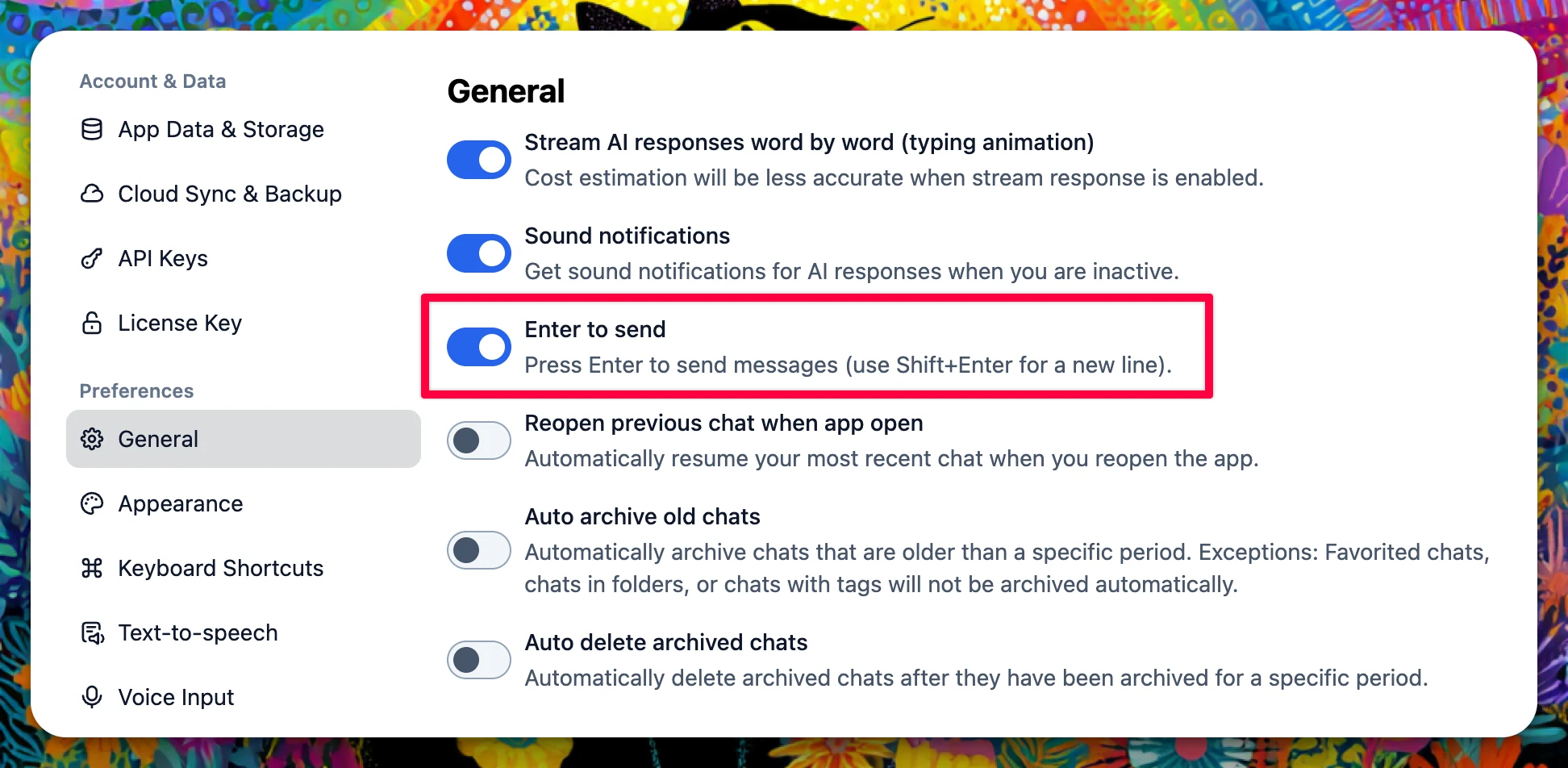
Added a new "Enter to send" toggle in General Settings, giving you control over whether pressing Enter sends messages or creates new lines
Proxy Support for Claude Models
Added proxy support for Claude models to improve connectivity and reliability
🐛 Bug Fixes
Fixed audio recording and transcription issues with OpenAI Whisper for organization users
Fixed web search source annotations not rendering correctly in markdown tables
We've added support for the latest AI models from Anthropic and OpenAI! What's new: Added new selectable models: Anthropic claude-opus-4-6 and claude-opus-4-6-1m (1M context) Added OpenAI gpt-5.3-codex Go try the models on TypingMind now!
New
Show detailsHide details
We've added support for the latest AI models from Anthropic and OpenAI!
What's new:
Added new selectable models: Anthropic claude-opus-4-6 and claude-opus-4-6-1m (1M context)
We've just released several fixes and improvements to enhance your experience: Fixed: Cloud sync files size calculation now displays the correct storage usage in the cloud sync panel Citation annotations no longer cause incorrect output rendering formats…
Improved
Fixed
Show detailsHide details
We've just released several fixes and improvements to enhance your experience:
Fixed:
Cloud sync files size calculation now displays the correct storage usage in the cloud sync panel
Citation annotations no longer cause incorrect output rendering formats
Improved:
Thinking mode now supports new reasoning detail formats for more custom model providers, such as OpenRouter, Moonshot AI, etc.
These updates should make your workflow smoother. Let us know if you encounter any issues!
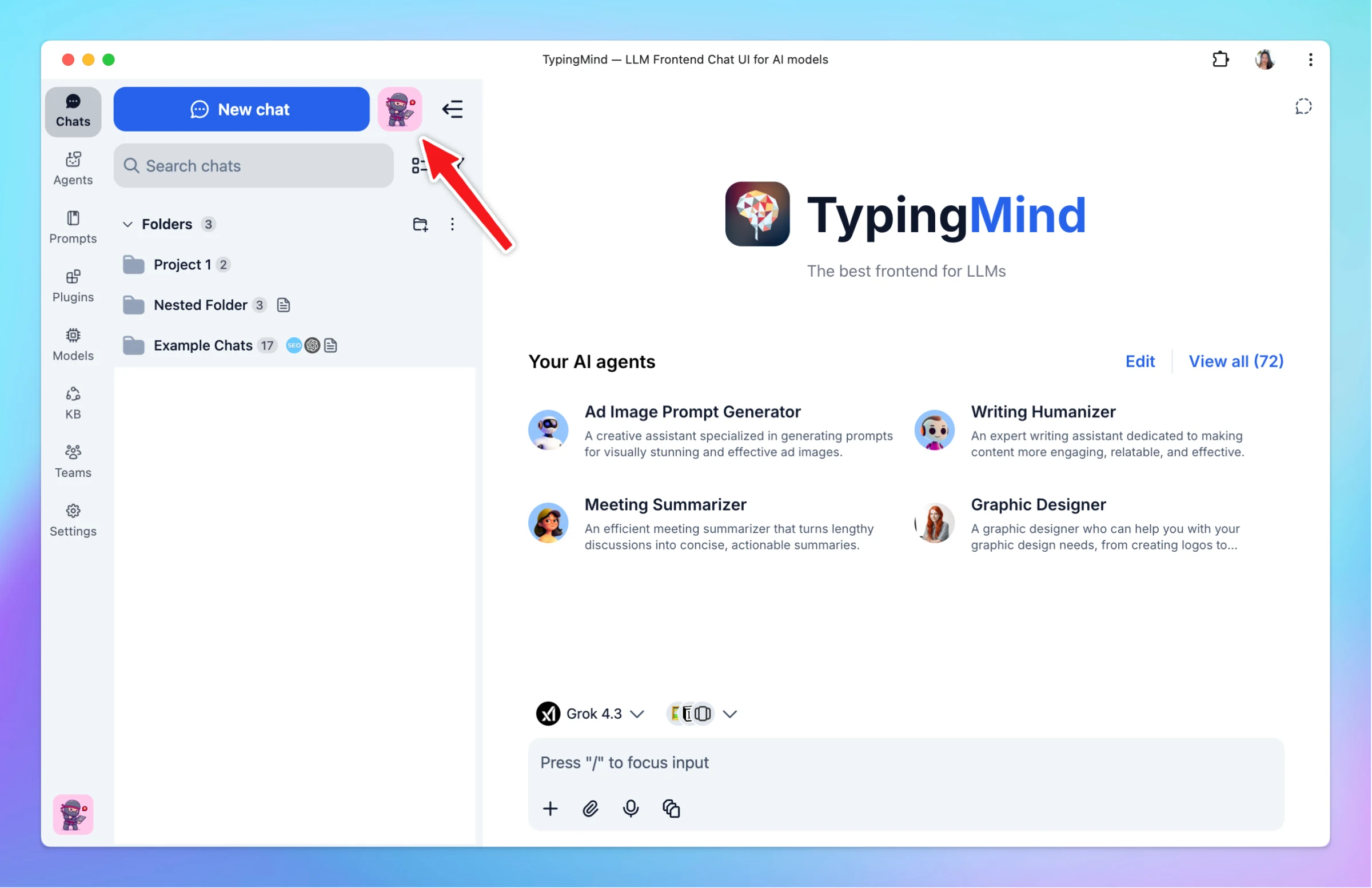
We've added a powerful new way to manage your AI models with Model Presets! What's new: Multi-model presets in the model menu - Save your favorite model configurations with all their settings and switch between them instantly Save, rename, and remove presets…
New
Fixed
Show detailsHide details
We've added a powerful new way to manage your AI models with Model Presets!
What's new:
Multi-model presets in the model menu - Save your favorite model configurations with all their settings and switch between them instantly
Save, rename, and remove presets with inline editing
Quick apply to switch between presets seamlessly
Sync model presets across devices - Your presets follow you everywhere
Bug fix:
Fixed an issue where custom model parameters in Agent settings were applied incorrectly when no default model was set. Agent parameters are now only applied when default model enforcement is enabled (matches UI behavior)
We've rolled out several updates and improvements to enhance your TypingMind Teams experience! New Features Access & Limits Tab for Org Plugins We've added a new Access & Limits tab for organization plugins, giving admins better control over plugin usage. New…
New
Improved
Fixed
Show detailsHide details
We've rolled out several updates and improvements to enhance your TypingMind Teams experience!
New Features
Access & Limits Tab for Org Plugins
We've added a new Access & Limits tab for organization plugins, giving admins better control over plugin usage.
New Access & Limits tab in organization plugin settings
Admins can now configure access controls and usage limits for plugins at the organization level
Improvements
Thinking Options UI Improvement
When admins disable the thinking process, the related thinking options are now automatically hidden from the UI of the end users.
Bug Fixes
Fixed SSO Login Limit Issue
We've resolved an issue where existing users were encountering reaching limit errors when logging in via SSO.
Existing users can now log in via SSO without hitting false limit restrictions
We've rolled out several improvements to enhance your experience: New AI Model Available Added GPT-5.2-codex model as a new model option Better Plugin Interface Interactive plugin groups now expand by default for easier access Improved Tool Compatibility…
New
Improved
Show detailsHide details
We've rolled out several improvements to enhance your experience:
New AI Model Available
Added GPT-5.2-codex model as a new model option
Better Plugin Interface
Interactive plugin groups now expand by default for easier access
Improved Tool Compatibility
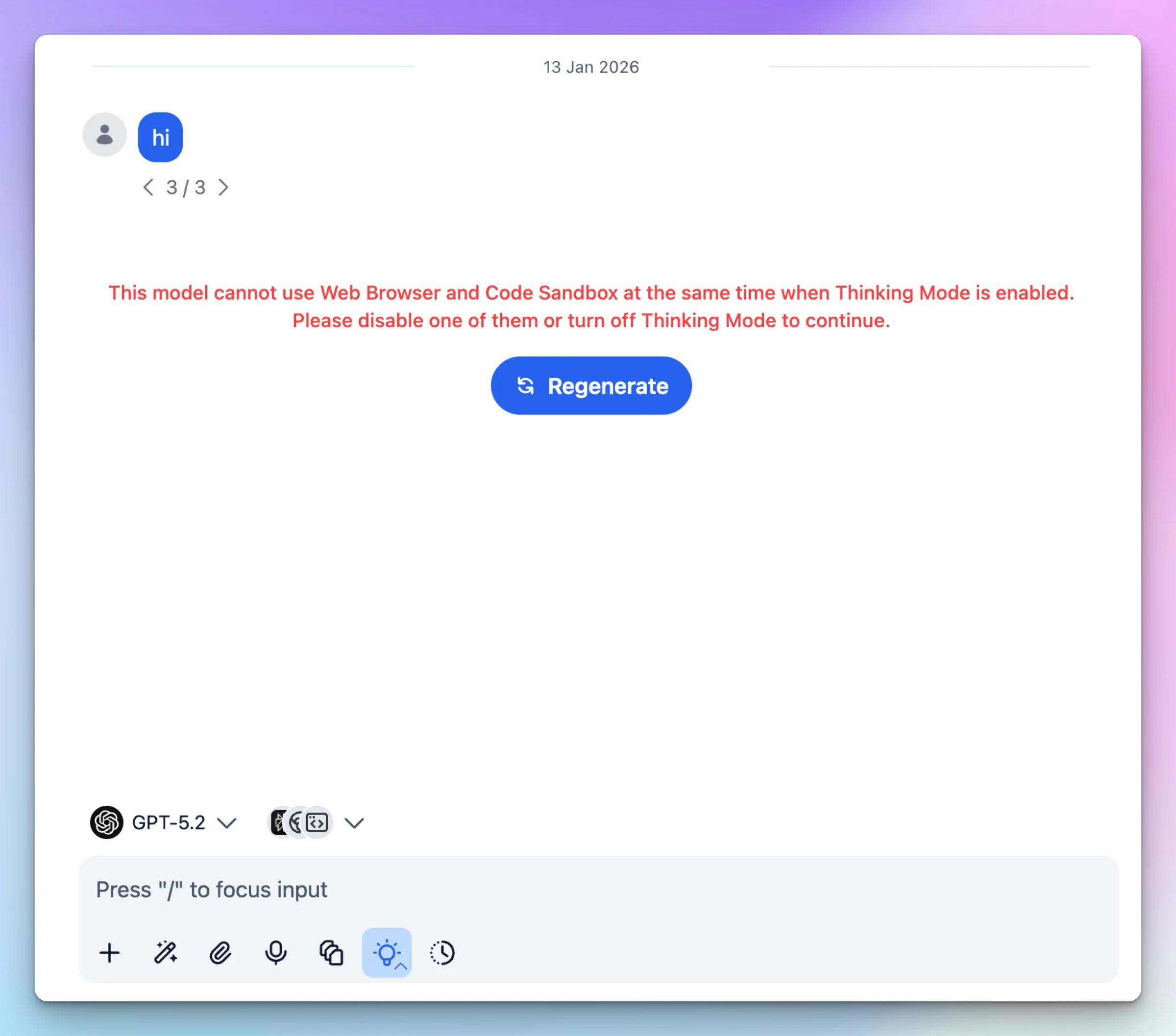
Fixed tool compatibility handling between Thinking Mode, Web Browser, and Code Sandbox (OpenAI) to prevent conflicts when Thinking Mode is enabled
Plugin Usage Limits You can now set usage limits for plugins to better control how they're used in your workspace. What's new: Set limits for individual plugins or Model Context Protocols (MCPs) Limits are currently shared across all functions within a plugin…
New
Improved
Show detailsHide details
Plugin Usage Limits
You can now set usage limits for plugins to better control how they're used in your workspace.
What's new:
Set limits for individual plugins or Model Context Protocols (MCPs)
Limits are currently shared across all functions within a plugin
Watch the demo:
Smart Default Model Selection
TypingMind now remembers your model preferences when you start new chats.
How it works:
When you select a model (or models) before starting a new chat, TypingMind will save that as your default for future chats — no need to keep selecting the same model every time.
What this means for you:
Works with both single model selection and multiple models
Your preference is remembered automatically
Only applies when you haven't set a folder-level default model
This makes starting new chats faster and more convenient!
Floating Menu Hide Option Added a ... button to the floating toolbar. Use the dropdown to Hide menu easily. Clipboard Paste File Rename You can now rename a text file attachment after pasting it from your clipboard into the chat input. Added an inline rename…
New
Improved
Fixed
Show detailsHide details
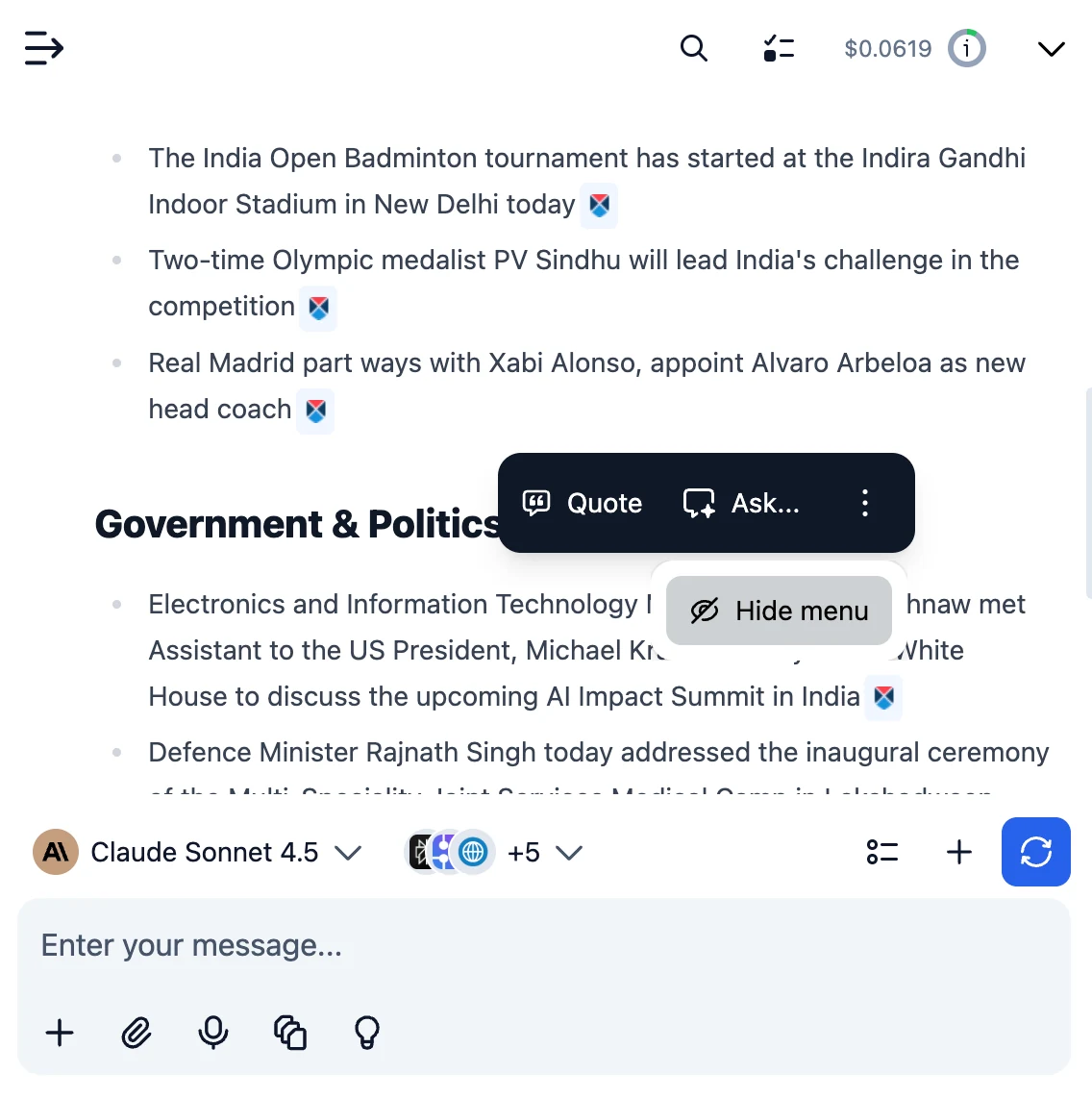
Floating Menu Hide Option
Added a ... button to the floating toolbar. Use the dropdown to Hide menu easily.
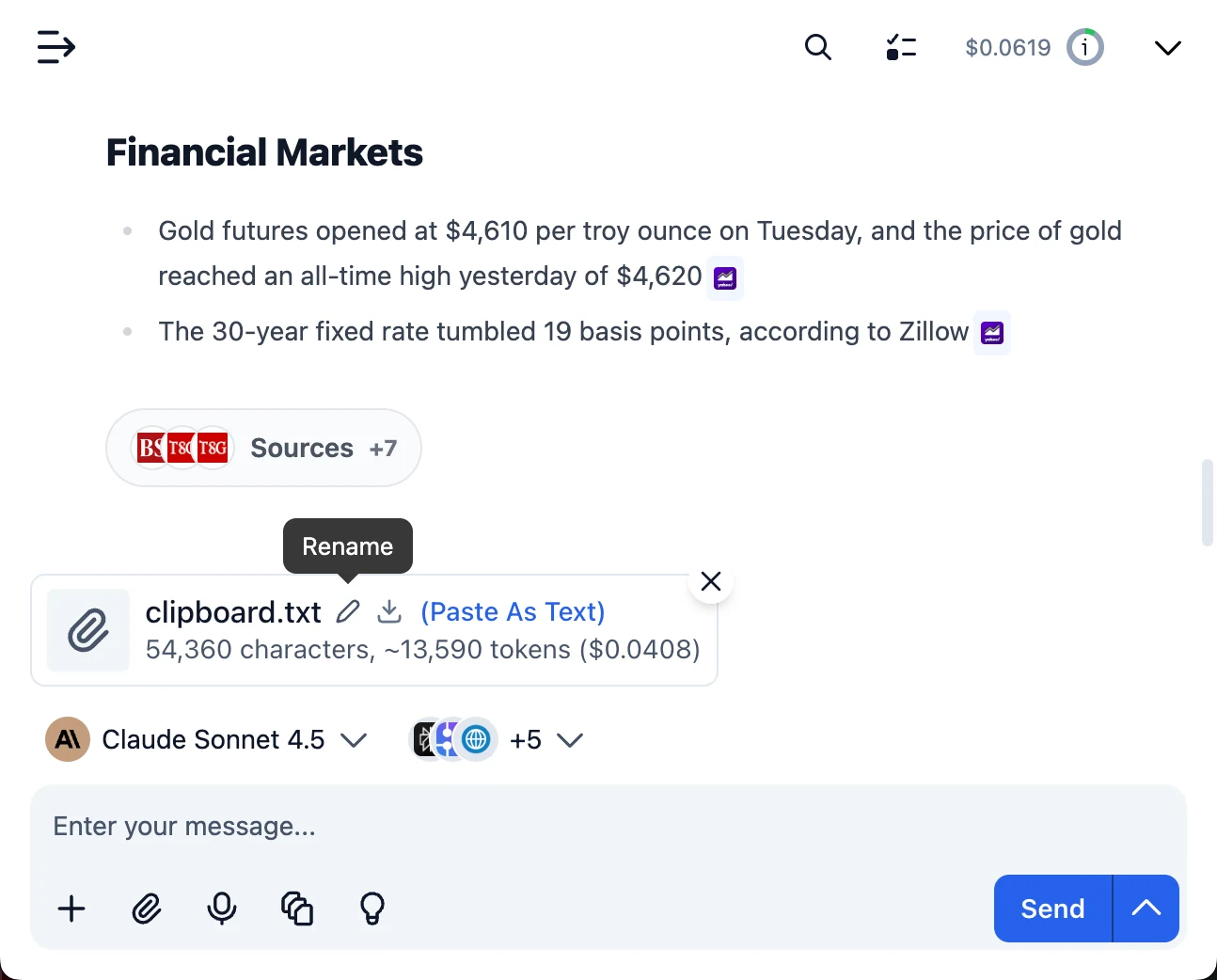
Clipboard Paste File Rename
You can now rename a text file attachment after pasting it from your clipboard into the chat input.
Added an inline rename UI (edit the name, Enter to save, Escape to cancel) with a pen icon.
Renaming updates the attachment name directly in chat.
Fix: New Lines Not Rendered in Tables
Fixed an issue where new lines (<br>) were not shown properly inside tables.
Code Interpreter You can now run code securely in a sandbox using the new Code Interpreter plugin (supported providers: OpenAI, Anthropic, Google Gemini). We’ve updated the tool interface: you can now see code status, expand code, copy results, and check…
New
Improved
Fixed
Show detailsHide details
Code Interpreter
You can now run code securely in a sandbox using the new Code Interpreter plugin (supported providers: OpenAI, Anthropic, Google Gemini).
We’ve updated the tool interface: you can now see code status, expand code, copy results, and check program output more easily.
Attachment previews are better; file chips and downloads work for more file types.
Response Block Layout Fix
Fixed an issue where buttons sometimes covered the message text.
Summarizer ProviderInfo Fix
Fixed a bug causing the “No target API endpoint found” error for the context
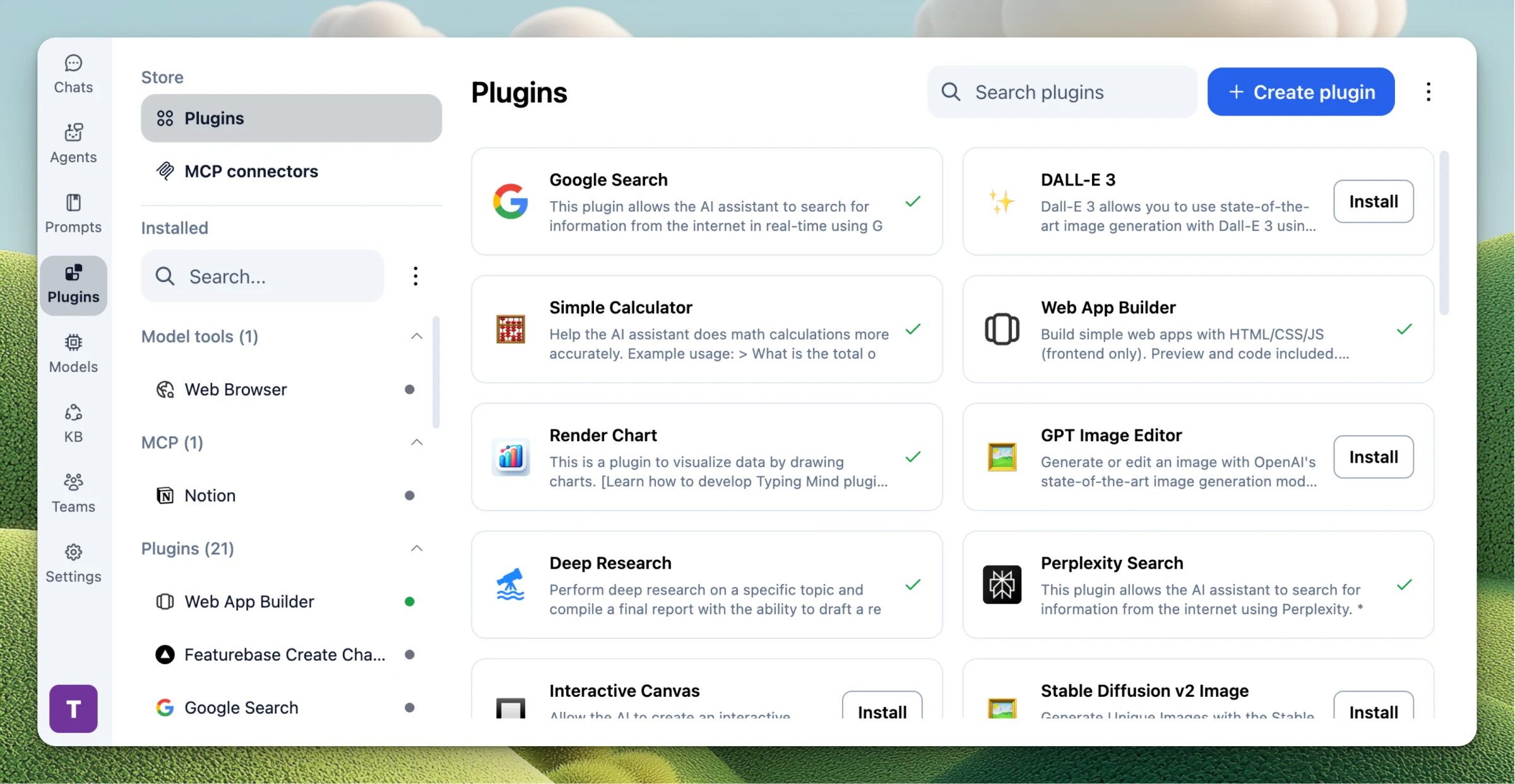
We've improved the Plugins tab experience and fixed several issues to make TypingMind more stable and reliable. What's improved: Plugins Tab Enhancements: Installed items + store sections are now scrollable in a split layout Enable/disable toggle moved to the…
Improved
Fixed
Show detailsHide details
We've improved the Plugins tab experience and fixed several issues to make TypingMind more stable and reliable.
What's improved:
Plugins Tab Enhancements:
Installed items + store sections are now scrollable in a split layout
Enable/disable toggle moved to the header for quicker access
MCP-related panels polished: improved connection status UI, tool control layout, and new/updated connection form UX
Bug Fixes:
Fixed background mode issues including inability to abort requests, and improper closing.
Fixed an issue where OpenAI response streams could be aborted unexpectedly
Improved "plugin not found" error message when the selected model doesn't support plugins