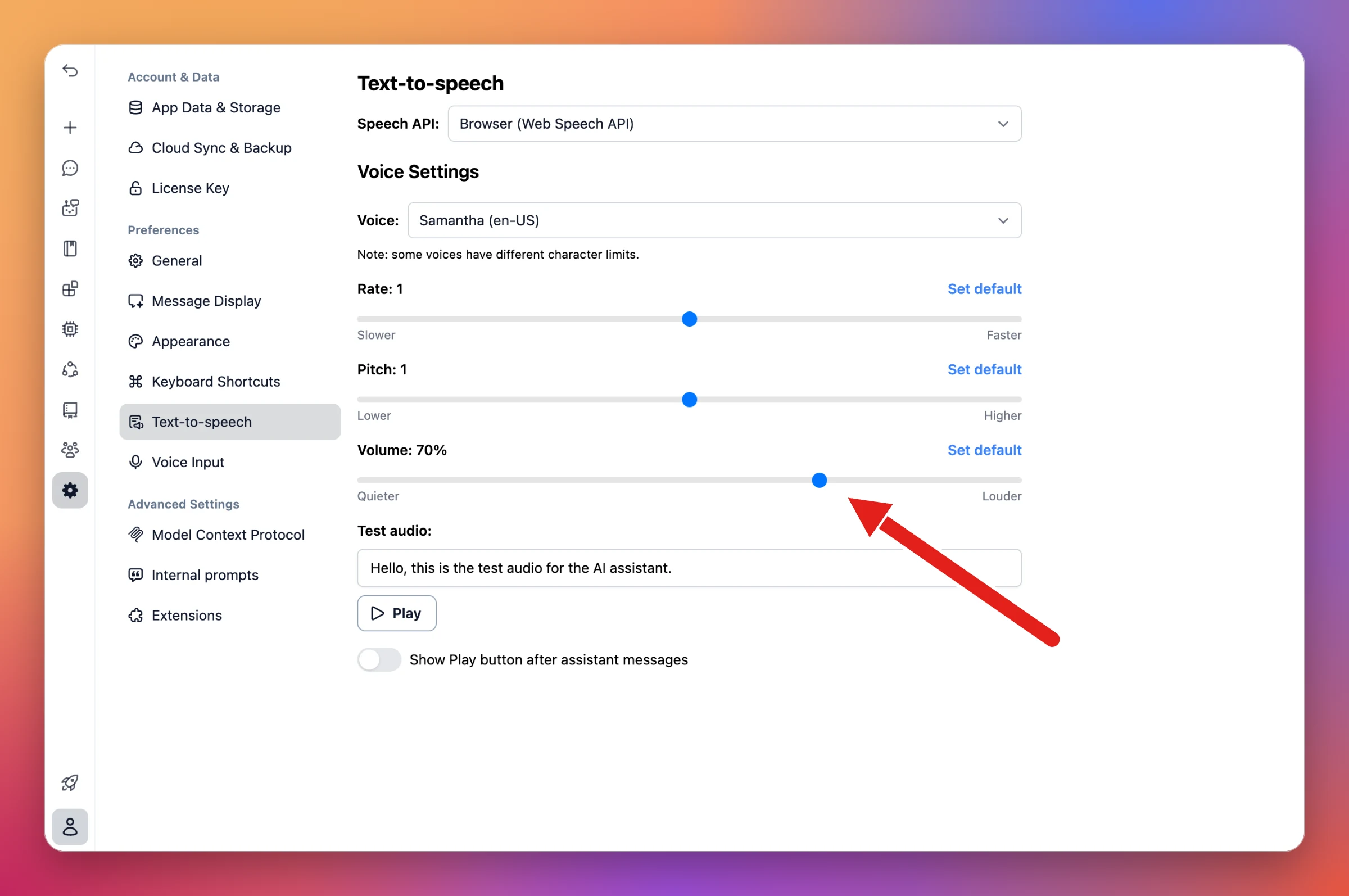
Text-to-speech volume control
Settings → Text-to-speech now has a Volume slider, so you can set how loud spoken replies play.
Per device: The volume is saved on each device separately, so you can keep it lower on your laptop and higher on your phone.
Every speech API: Works with ElevenLabs, OpenAI Text-to-speech, and the browser's Web Speech API. Click Set default to go back to 100%.