
Plugin System update: Improve image and file handling in chat
TypingMind now handles generated images and chat files more seamlessly across Plugins, MCP tools, GPT Image plugin, and Artifacts.
For users
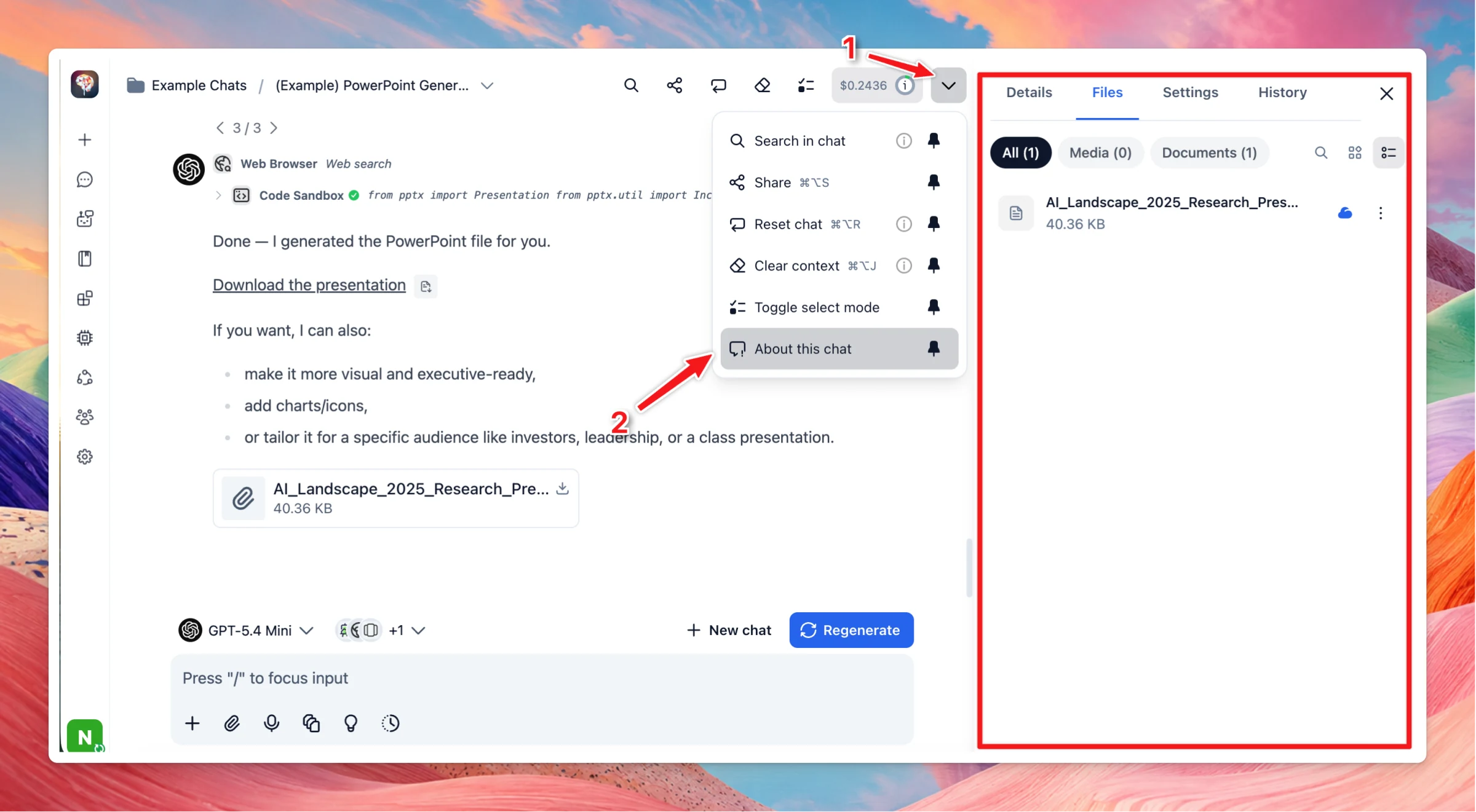
Attachment/Generated files are now managed under About this chat → Files.
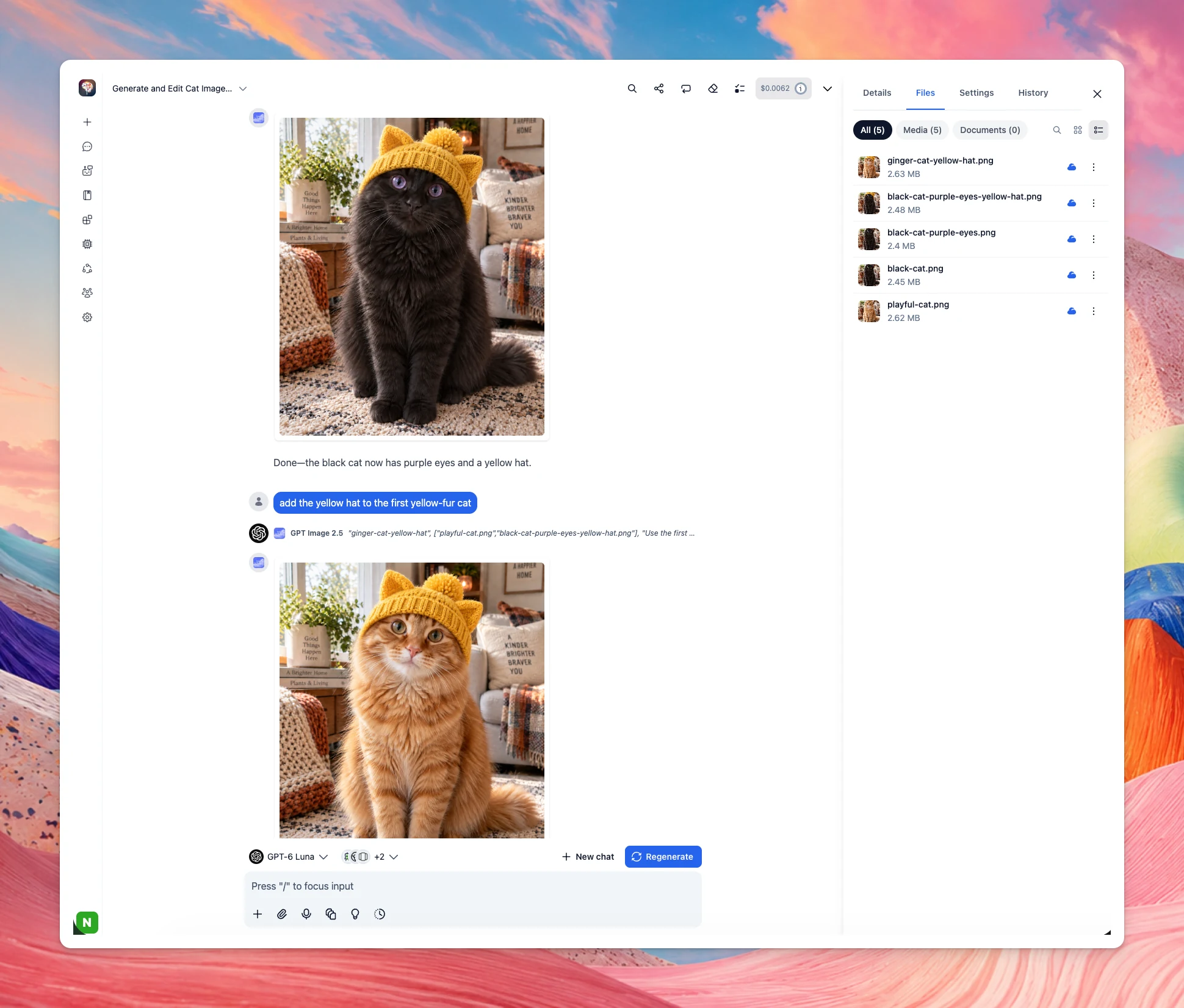
GPT Image 2.5 can now edit any image available in the current chat, instead of being limited to images from your latest message. The AI will automatically select the relevant images to use.
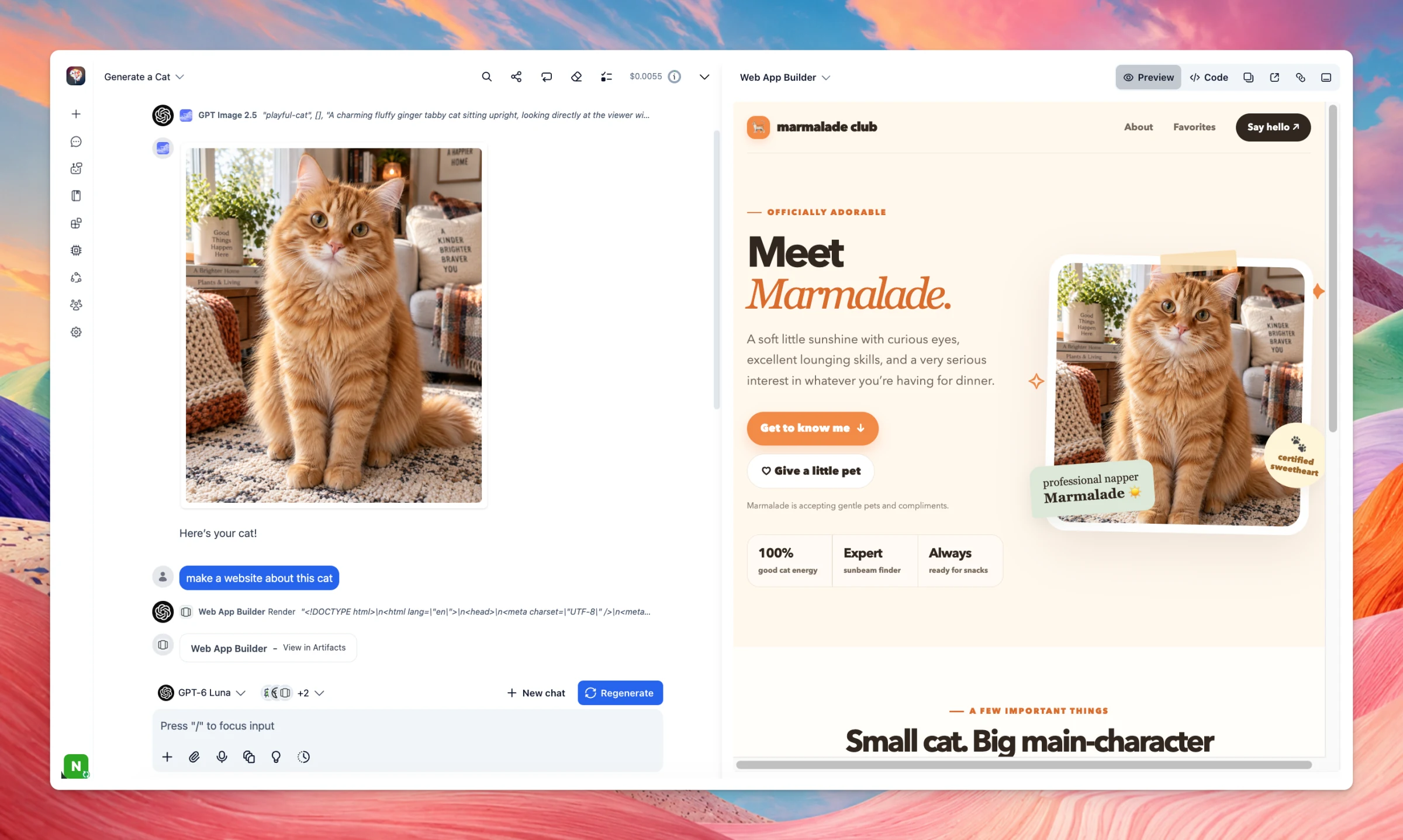
Interactive Canvas and Web App Builder can now use images directly from the chat. When you share an artifact, the images displayed inside it and are included as part of the shared artifact.
For plugin developers
Plugins can now receive files directly from the chat using the new typingmind-attachment parameter type together with the read_chat_attachments permission. Learn more
Image cards now support a new image.filename field. Base64 images returned by cards are also automatically saved as chat files. Learn more
Chat files can now be referenced directly in plugin output:
HTML:
tm-attachment://<id>Markdown:
#tm-attachment:<id>
For GitHub-hosted plugins, JavaScript functions can now be stored in separate files using the new codeFile field. Learn more
Behavior changes
previousRunOutput no longer includes output from respond_to_ai. Learn more
When importing a plugin from a private GitHub repository, TypingMind now uses the main branch by default. To import from another branch, add **`