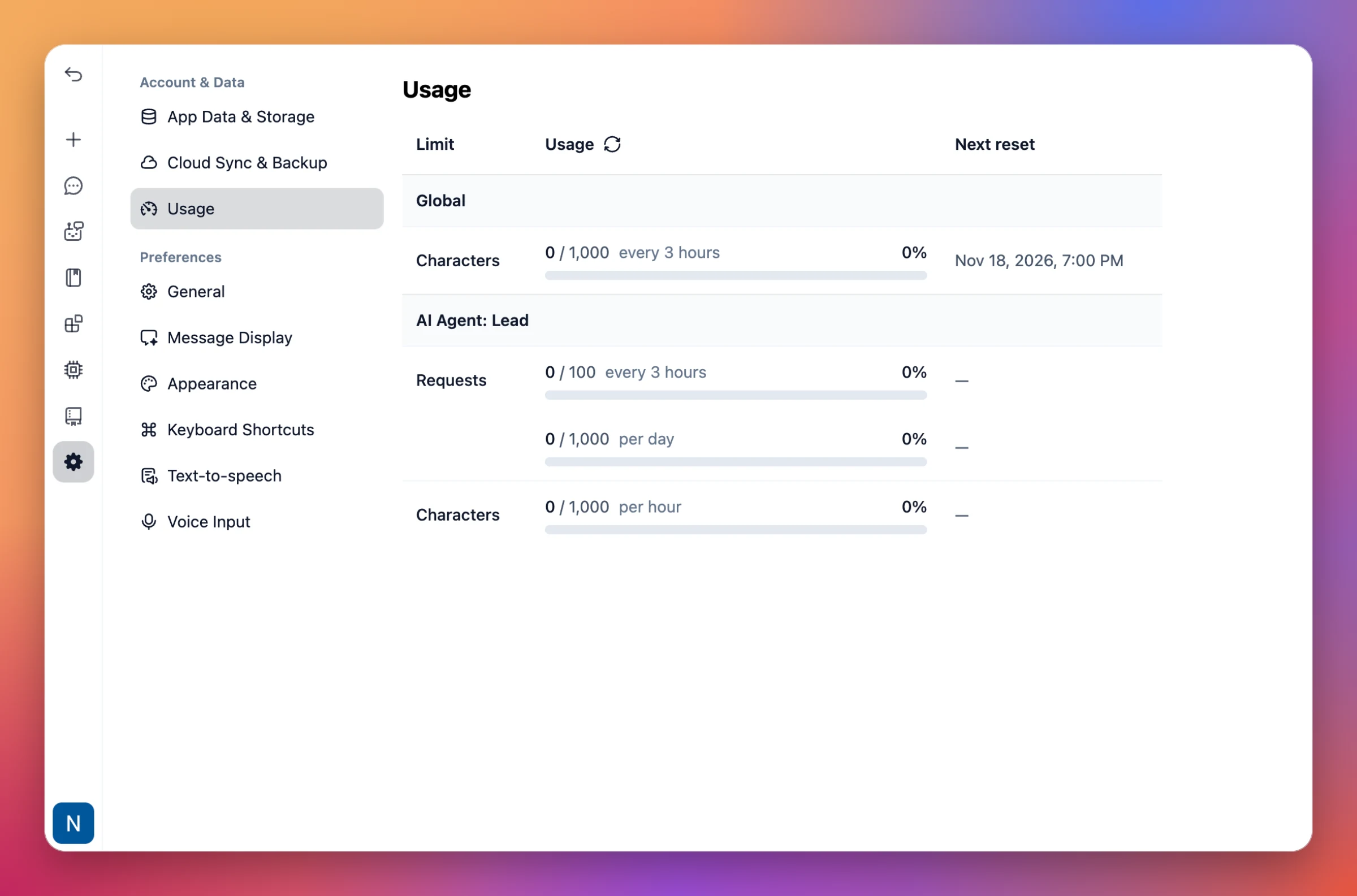
Usage limit progress
Members can now see their current usage against the limits that apply to them, in Settings → Usage.
Per limit: Each limit shows how much has been used, the cap and period (for example, 0 / 1,000 characters every 3 hours), a progress bar and when it resets next.
For admins: Organization admins with the right permissions can also view usage for users in the organization.