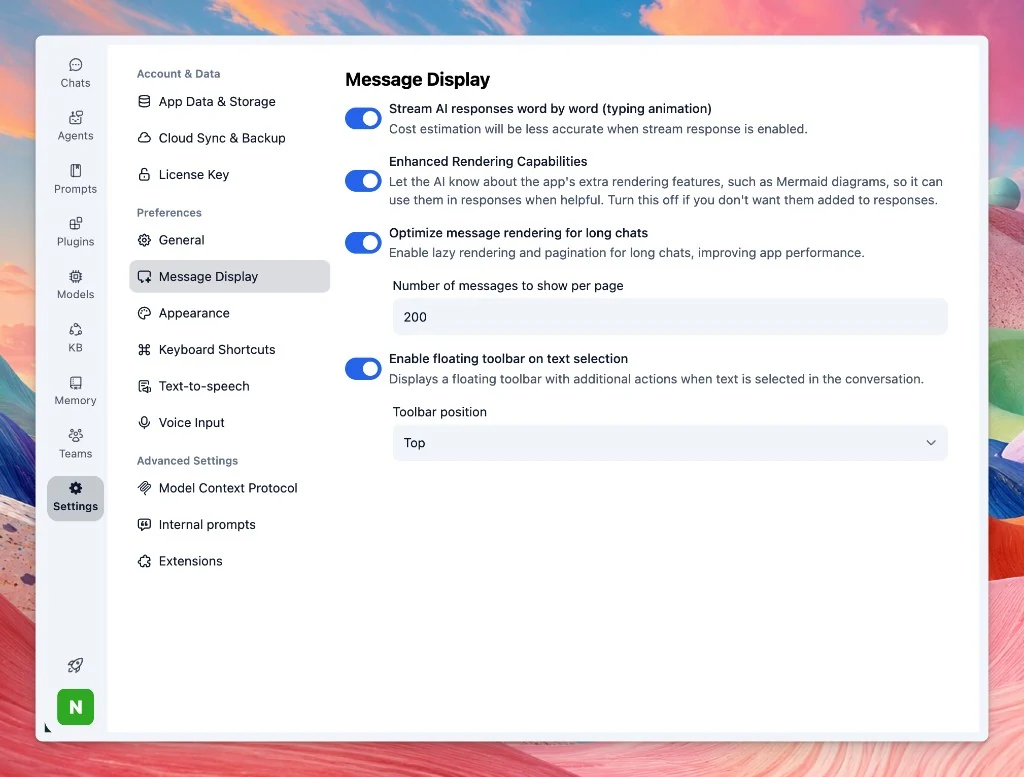
Message Display settings and enhanced rendering control
Settings now has a Message Display section for how chat responses are streamed and rendered.
Stream AI responses: Stream replies word by word with a typing animation. Cost estimation is less accurate while streaming is enabled.
Enhanced Rendering Capabilities: Control whether the AI is prompted to use extra rendering features, such as Mermaid diagrams, when they would help. Turn this off if you don't want them added to responses.
Long chats: Enable lazy rendering and pagination, and set how many messages to show per page.
Text selection toolbar: Show a floating toolbar with extra actions when text is selected in the conversation, and choose its position.