Changelog

Follow new updates and improvements to TypingMind.

February 27th, 2026

New

Improved

Fixed

Here's what's new in this update:

✨ New

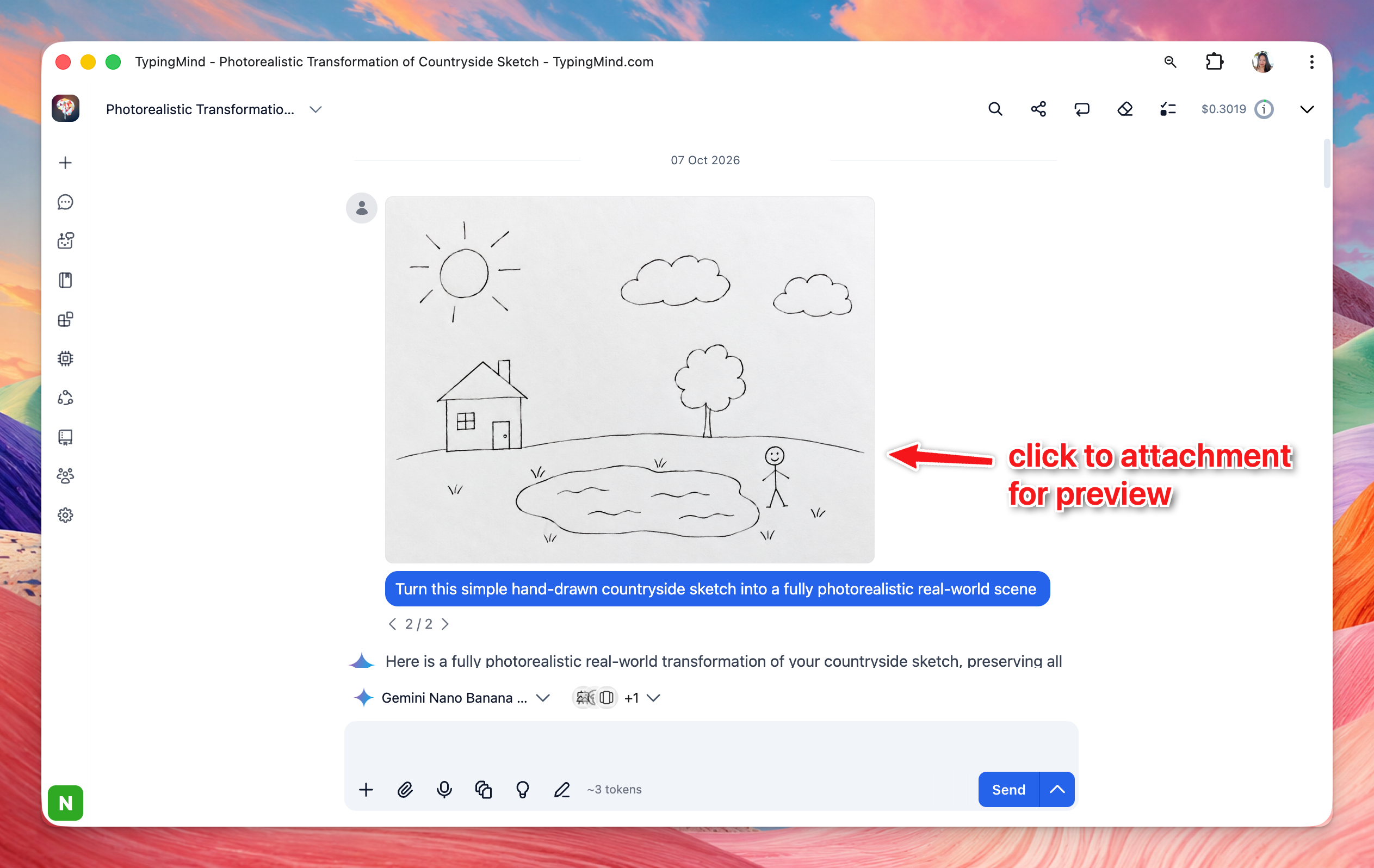
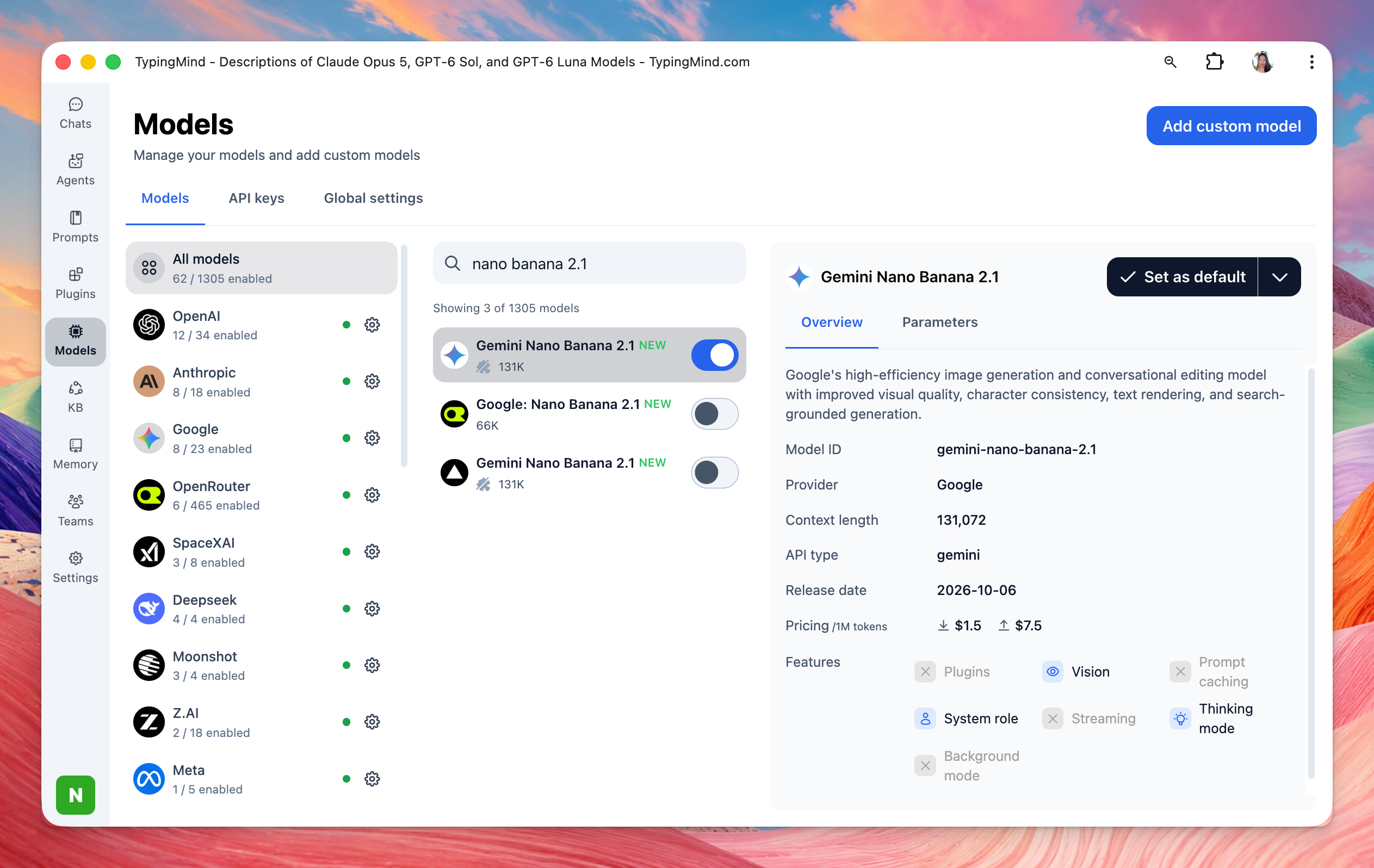
  • Nano Banana 2 model: Google's latest image generation model that combines the advanced capabilities of Nano Banana Pro with the speed of Gemini Flash. The new Nano Banana 2 (Gemini 3.1 Flash Image) model is now available in TypingMind.


πŸ›  Improvements & Bug Fixes

  • Perplexity plugin: You'll now see a clear error message when something goes wrong.

  • Custom OpenAI models: Reasoning now works correctly for custom OpenAI models.

  • Gemini search tool: Knowledge Base is automatically turned off when using the Gemini search tool to avoid conflicts.

  • Self-hosted Docker + Playwright: Playwright now works in both root and non-root container setups.

  • Remove member button: The button no longer gets stuck on loading after removing a member.

February 23rd, 2026

Improved

Fixed

Deprecation: Google Search Plugin

The Google Search plugin on TypingMind is being deprecated. Google has announced that all Programmable Search Engines will stop working on January 1, 2027, so this plugin will no longer function after that date.

We recommend switching to one of these alternatives:

  • Use the default Web Browser tool provided by your model provider

  • Use the Perplexity Search plugin instead

Learn more about Google's announcement


Deprecation: Legacy Plugins Removed

The following plugins have been removed from the default/built-in plugin set as they relied on the legacy Plugins Server:

  • PowerPoint Generator

  • Word Generator

  • Web Page Reader


Fixed: MCP OAuth Callback URL (Self-Host)

Fixed an issue in self-host deployments where the MCP OAuth callback URL wasn't working correctly.

February 20th, 2026

New

Gemini 3.1 Pro is now available in TypingMind!

Google's latest model brings stronger reasoning, better coding, and improved multimodal understanding, all with a 1M token context window.

Why use it?

  • Smarter reasoning, scores 77.1% on ARC-AGI-2 (2x better than Gemini 3 Pro)

  • Better at coding and agentic tasks

  • Handles text, images, audio, video, and code with a 1M token context window

Select Gemini 3.1 Pro from the model picker to get started.

February 18th, 2026

New

Improved

Fixed

What's new:

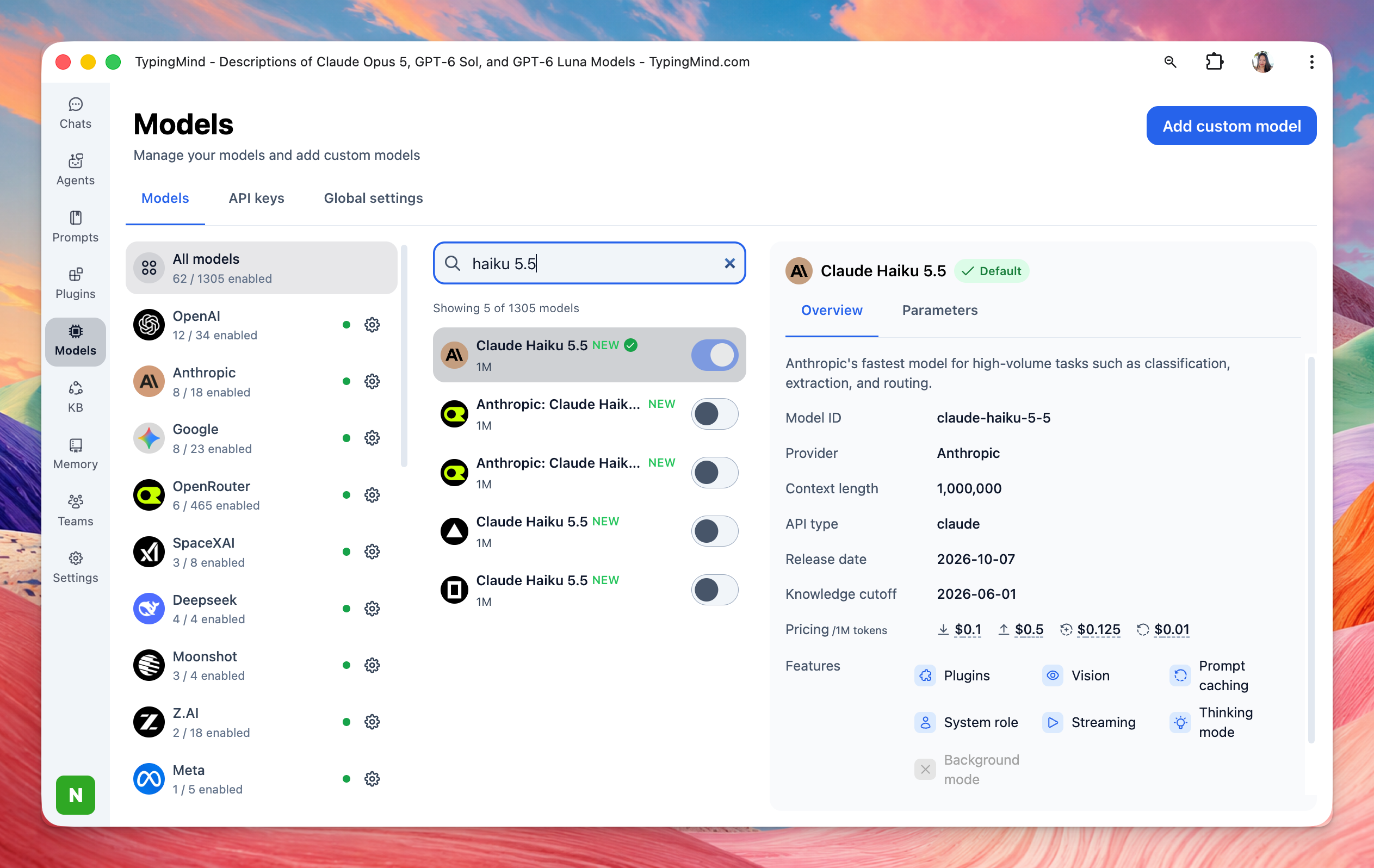
  • Added support for Claude Sonnet 4.6 and Claude Sonnet 4.6 (1M) (1 million token context window variant). They’re smarter than Sonnet 4.5, at the same price.

  • Support deleting unused Knowledge Base tags

Bug fixes & improvements:

  • Fixed the "Use now" button in the Prompts Library page not working on the first click.

  • Fixed attachment rendering for clipboard-pasted/legacy attachments, preventing "No valid blob source" errors.

  • Fixed the copy button under messages not working correctly in some cases; text extraction now includes all text blocks instead of only the first match, preventing incomplete/empty copied content.

  • Fixed errors caused by empty content: [] arrays in assistant messages during OpenAI response transformation/streaming.

February 14th, 2026

New

Improved

Fixed

Support for Claude Adaptive Thinking API

  • Added support for Claude’s new adaptive thinking API


Fixes & Improvements

  • Fixed GPT-5.2-Pro so it is now affected by the reasoning effort configuration.

  • Fixed OpenAI reasoning issue for provider tools.

  • Support for Code Sandbox and Web browser together with thinking.

  • Provider tools are now filtered out for unsupported models (no more showing tools for models that can't use them).

  • Fixed issue where adding Grok 4 would fail.

Let us know if you have any feedback!

February 9th, 2026

New

Improved

Fixed

πŸŽ‰ New Features & Improvements

Internal Prompts & Context Summarization

  • Added a new Internal Prompts settings page for better prompt management

  • Introduced context summary settings that allow you to disable context summarization or customize the summarization prompt

  • For Team version users, context summary settings are now available in Admin Panel β†’ Chat Features

Enhanced Message Controls

  • Added a new "Enter to send" toggle in General Settings, giving you control over whether pressing Enter sends messages or creates new lines

Proxy Support for Claude Models

  • Added proxy support for Claude models to improve connectivity and reliability

πŸ› Bug Fixes

  • Fixed audio recording and transcription issues with OpenAI Whisper for organization users

  • Fixed web search source annotations not rendering correctly in markdown tables

February 6th, 2026

New

We've added support for the latest AI models from Anthropic and OpenAI!

What's new:

  • Added new selectable models: Anthropic claude-opus-4-6 and claude-opus-4-6-1m (1M context)

  • Added OpenAI gpt-5.3-codex

Go try the models on TypingMind now!

February 5th, 2026

Improved

Fixed

We've just released several fixes and improvements to enhance your experience:

Fixed:

  • Cloud sync files size calculation now displays the correct storage usage in the cloud sync panel

  • Citation annotations no longer cause incorrect output rendering formats

Improved:

  • Thinking mode now supports new reasoning detail formats for more custom model providers, such as OpenRouter, Moonshot AI, etc.

These updates should make your workflow smoother. Let us know if you encounter any issues!

January 27th, 2026

New

Fixed

We've added a powerful new way to manage your AI models with Model Presets!

What's new:

  • Multi-model presets in the model menu - Save your favorite model configurations with all their settings and switch between them instantly

  • Save, rename, and remove presets with inline editing

  • Quick apply to switch between presets seamlessly

  • Sync model presets across devices - Your presets follow you everywhere


Bug fix:

  • Fixed an issue where custom model parameters in Agent settings were applied incorrectly when no default model was set. Agent parameters are now only applied when default model enforcement is enabled (matches UI behavior)

January 23rd, 2026

New

Improved

Fixed

We've rolled out several updates and improvements to enhance your TypingMind Teams experience!

New Features

Access & Limits Tab for Org Plugins

We've added a new Access & Limits tab for organization plugins, giving admins better control over plugin usage.

  • New Access & Limits tab in organization plugin settings

  • Admins can now configure access controls and usage limits for plugins at the organization level

Improvements

Thinking Options UI Improvement

When admins disable the thinking process, the related thinking options are now automatically hidden from the UI of the end users.

Bug Fixes

Fixed SSO Login Limit Issue

We've resolved an issue where existing users were encountering reaching limit errors when logging in via SSO.

  • Existing users can now log in via SSO without hitting false limit restrictions

  • Improved user authentication flow for SSO