Inability to Search, Sort, or Filter by Knowledge Base Access in AI Agent Management
When managing AI agents on the admin page, users are unable to search, sort, or filter by the “Knowledge Base Access” field. The default value for this field is “Allow access to all data in the knowledge base.” After creating multiple assistants (10+), users must manually inspect each assistant’s settings by navigating to the Knowledge Base Access section of every agent individually. This lack of search functionality makes managing AI agents tedious and inefficient.
Steps to Reproduce:
1. Create 10+ AI agents with the default Knowledge Base Access setting (“Allow access to all data in the knowledge base”).2. Add a knowledge file to the Knowledge Base.3. Manually check each agent’s settings under the “Knowledge Base Access” field by opening each agent profile.Expected Behavior:
Users should be able to:
• View the Knowledge Base Access field in the table.• Search, sort, and filter AI agents by their Knowledge Base Access status directly from the admin page.Actual Behavior:
The Knowledge Base Access field is not displayed in the table, and users cannot search, sort, or filter AI agents by this field.
Environment:
• Platform: Web Admin Console• Version: 2024-10-03: Enable / Disable Email Login Option• Browser: Edge• OS: Windows 10Additional Information:
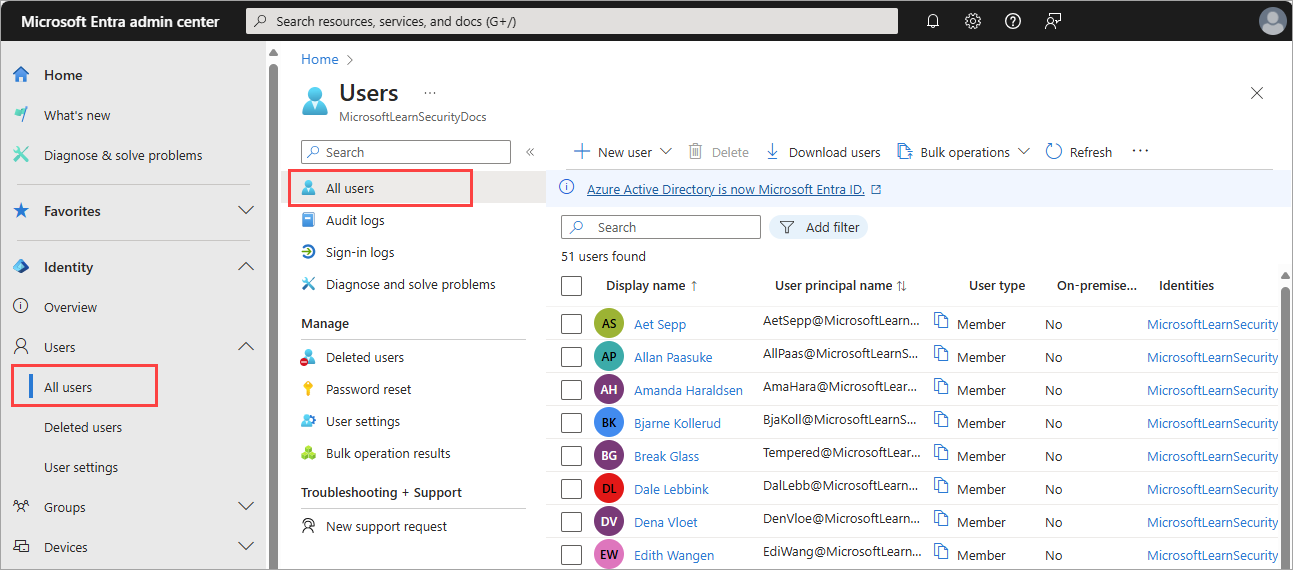
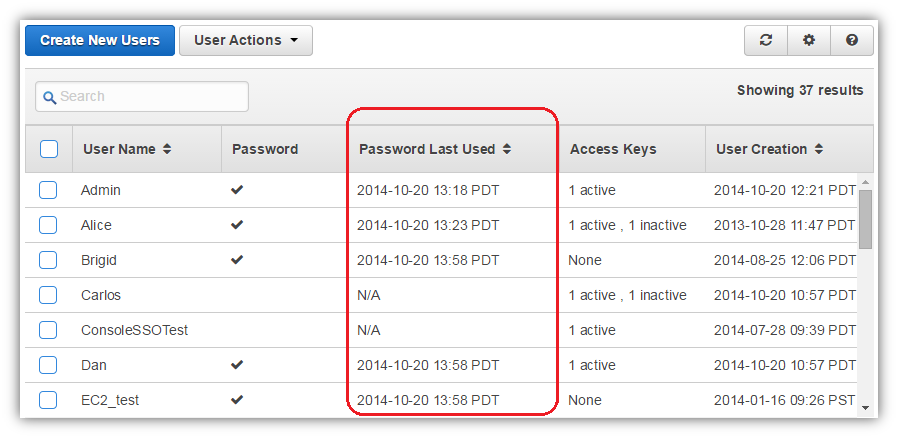
Including design patterns from Azure and AWS management consoles for similar scenarios could improve the user experience. Also, a toggle button to enable/disable AI agents directly from the admin page would enhance usability.
Log in to comment and vote
No comments yet
Be the first to share your thoughts.