Background Mode
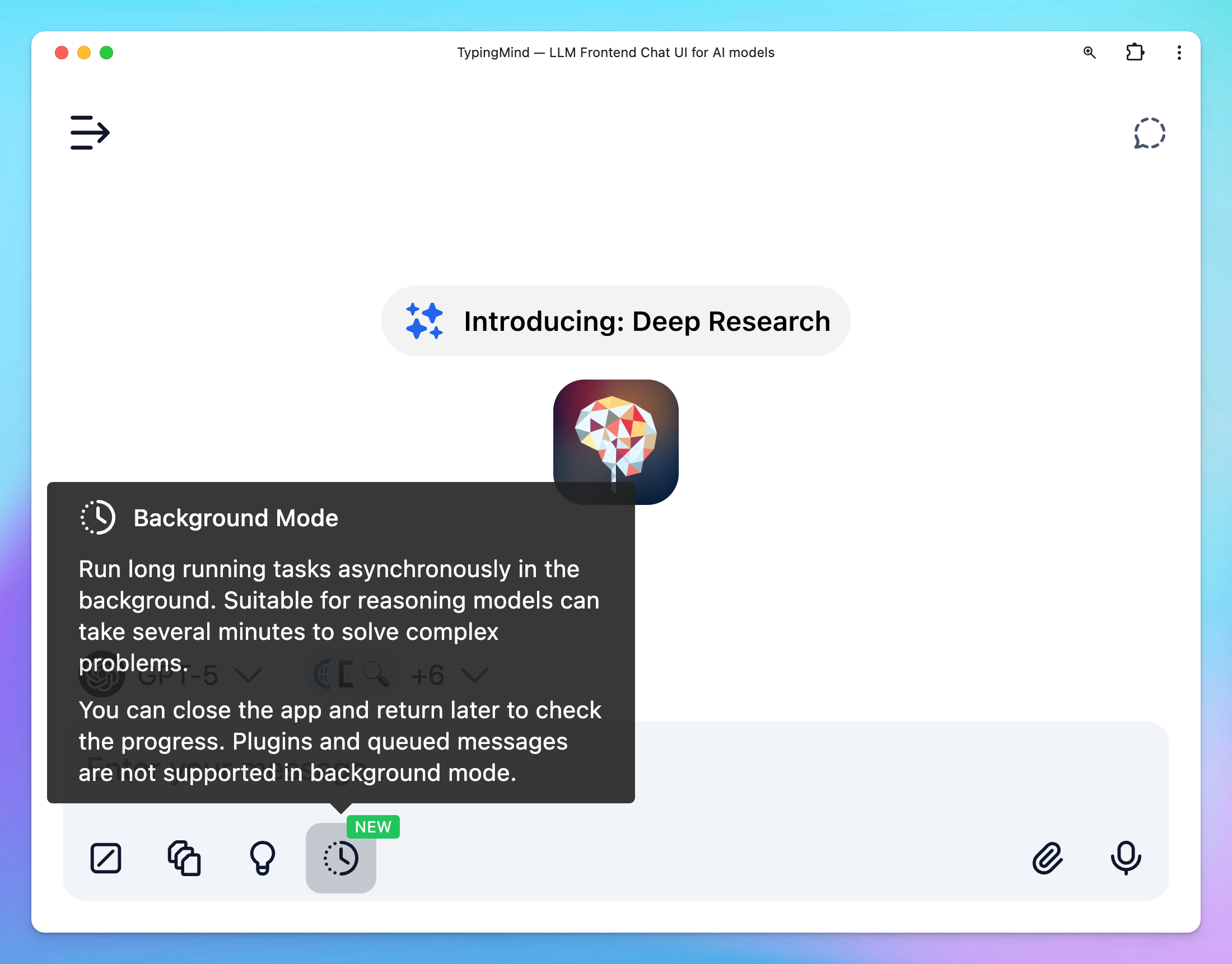
Instead of requiring you to “stay connected” and wait for AI output, now you can send a message asynchronously in the background with Background Mode:
Best for reasoning models can take several minutes to solve complex problems.
Models that support background mode will have a "Background Mode" badge in the model detail page.
Works with multi models (Fixed: aborting a multi-model response now keep the existing response instead of deleting all responses.)
You can close the app and return later to check the progress of your request.
Activate the background mode: For supported models, the background mode toggle will appear right within the message area, you can toggle the button to enable this mode
Note: Plugins and queued messages are not supported in background mode
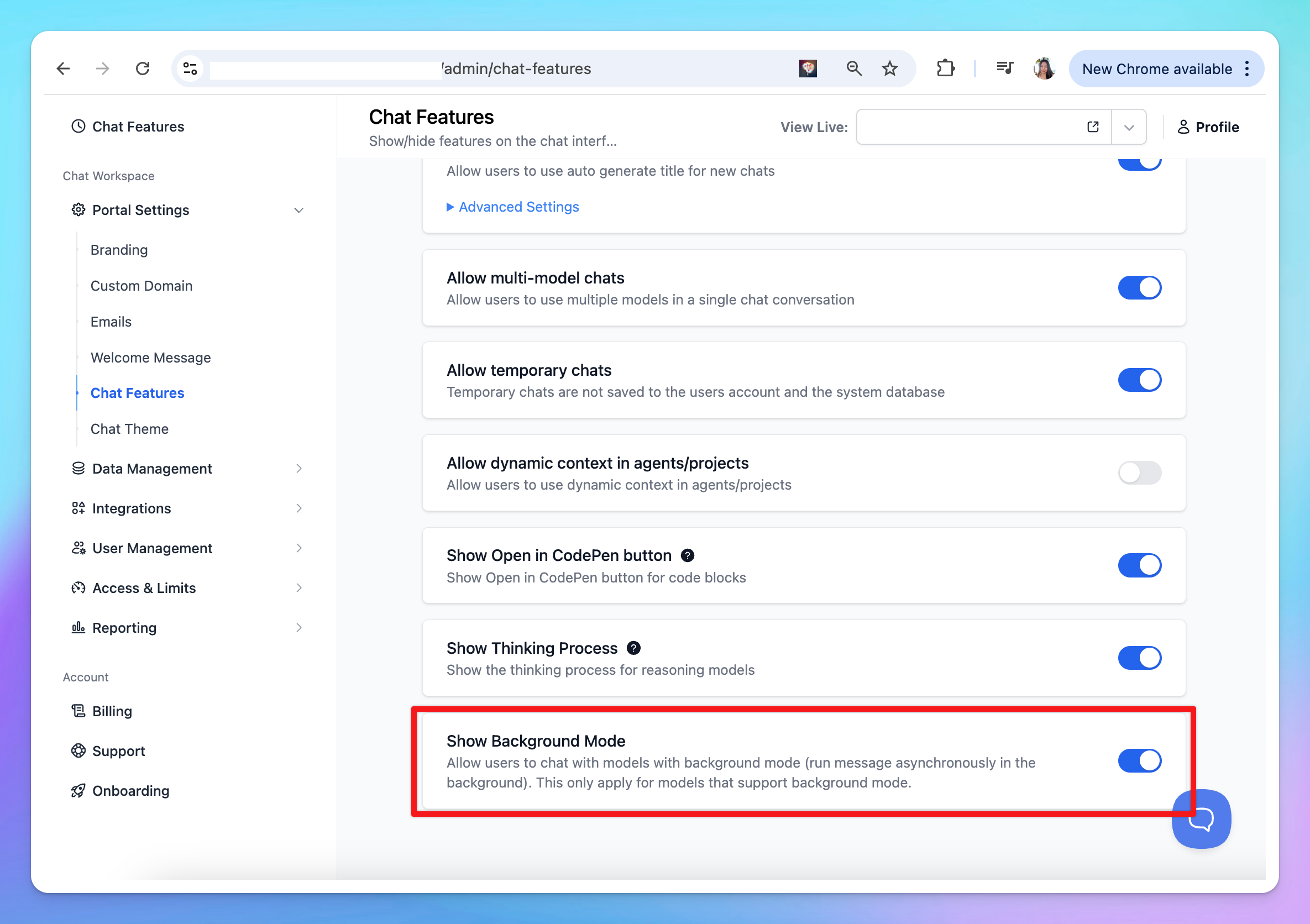
Team Version: you can enable/disable Background Mode from Admin Panel > Chat Features > Background Mode.