
Sidebar Compact Mode
We have just added a compact mode for the sidebar to help you focus more on your conversations!
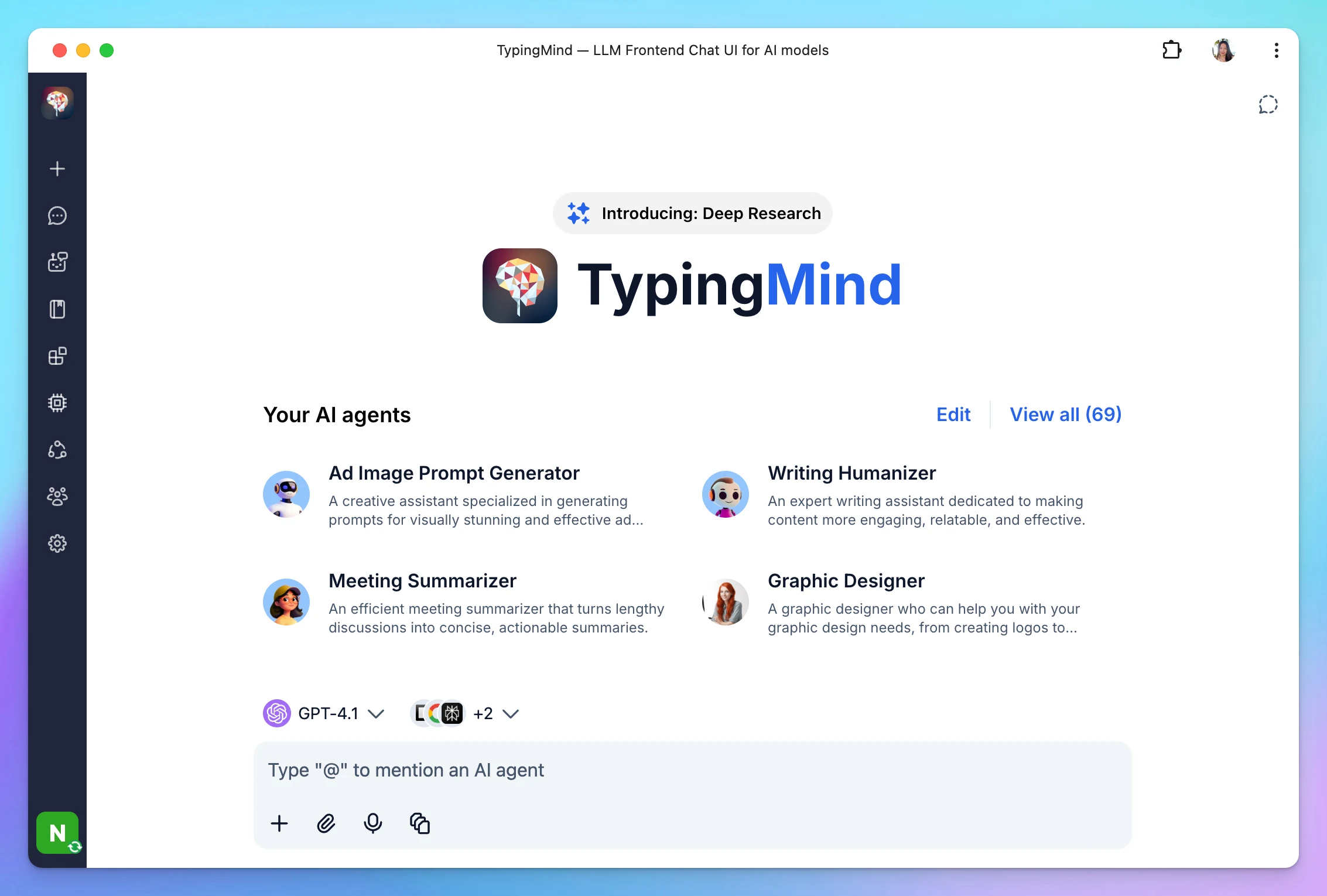
What’s new:
The app now opens in compact sidebar mode by default
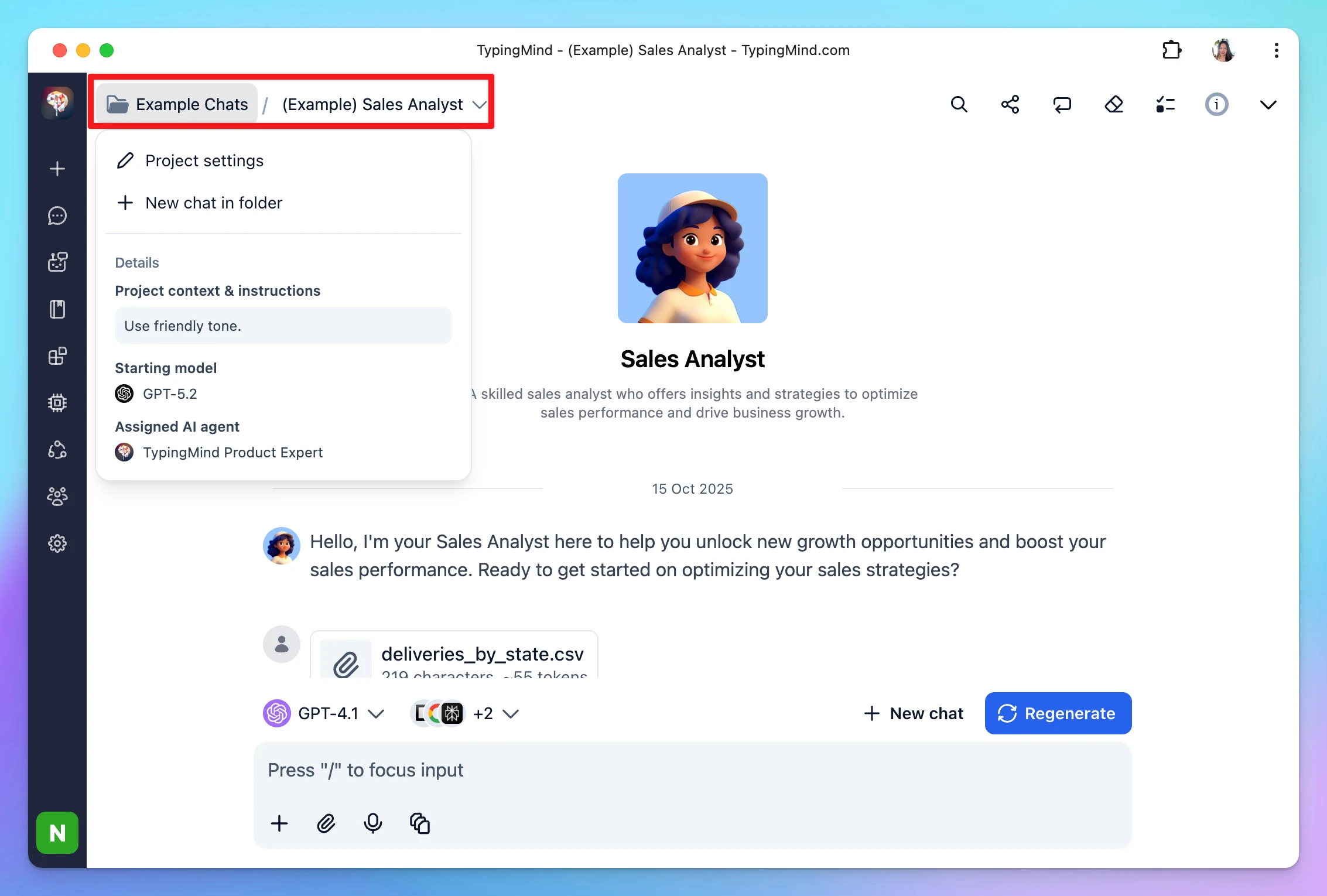
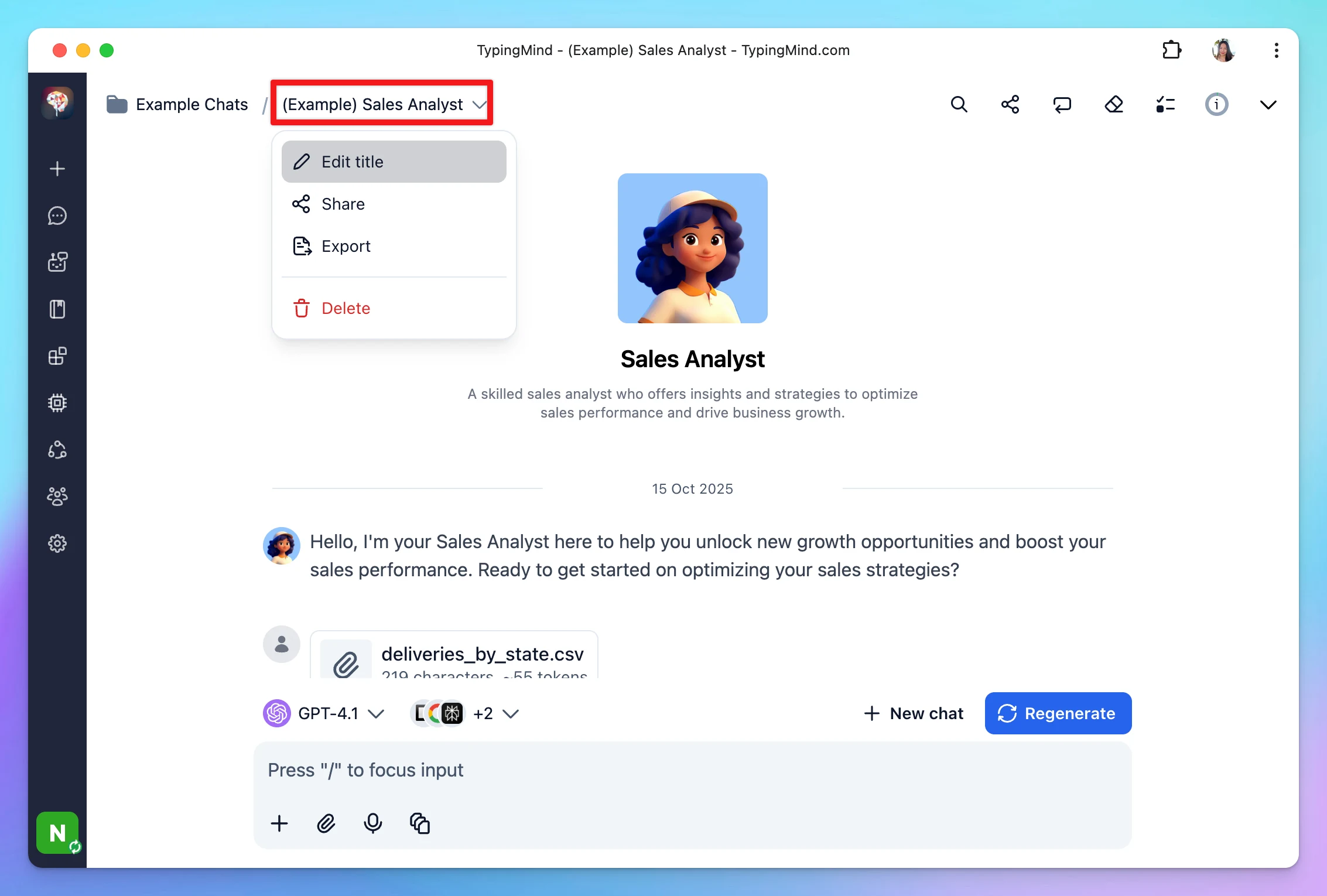
New project navigation area on the top left corner of the chat page, allowing you to manage projects and chats more quickly:
Edit project settings or add new chats to project easily:
Edit the chat title, share, export, or delete chats:
This update keeps everything accessible while giving you a cleaner, more focused workspace.
Let us know what you think!