Remote MCP Support & In-app MCP store
TypingMind now natively supports remote MCP servers with simpler setup and authentication.
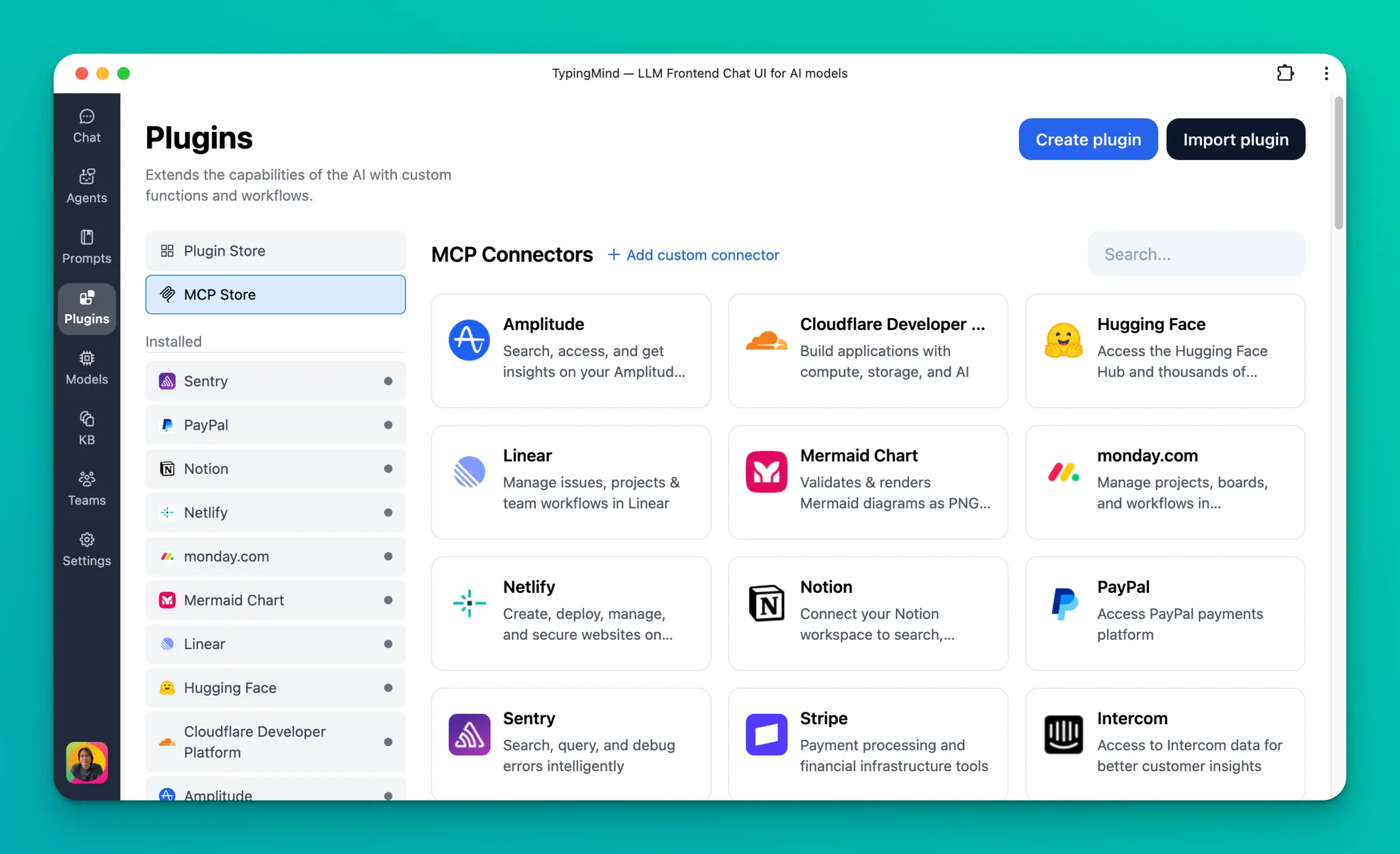
Using MCP servers simply by installing from our Plugins tab or by entering the MCP URL.
Simpler setup:
Setting up an MCP connector is now optional.
For new MCP servers, you only need to enter the MCP URL and connect to start using it.
What’s added:
Fully support remote MCP with streaming HTTP or SSE.
Full support for MCP authentication with long-running refresh token: OAuth + OpenID, custom OAuth client, or via API key in headers.
Support multiple connections (or accounts) per MCP server.
You can customize the activated tools list and enable/disable specific tools.
Can be set up to connect via a private MCP connector if needed.
Both the Personal and Team versions of TypingMind are supported.
Read our new document for MCP:
See any bugs or have ideas/suggestions? Feel free to let us know!