
Prompt Caching for Claude
Automatic Prompt Caching for Claude is now available on typingmind.com!
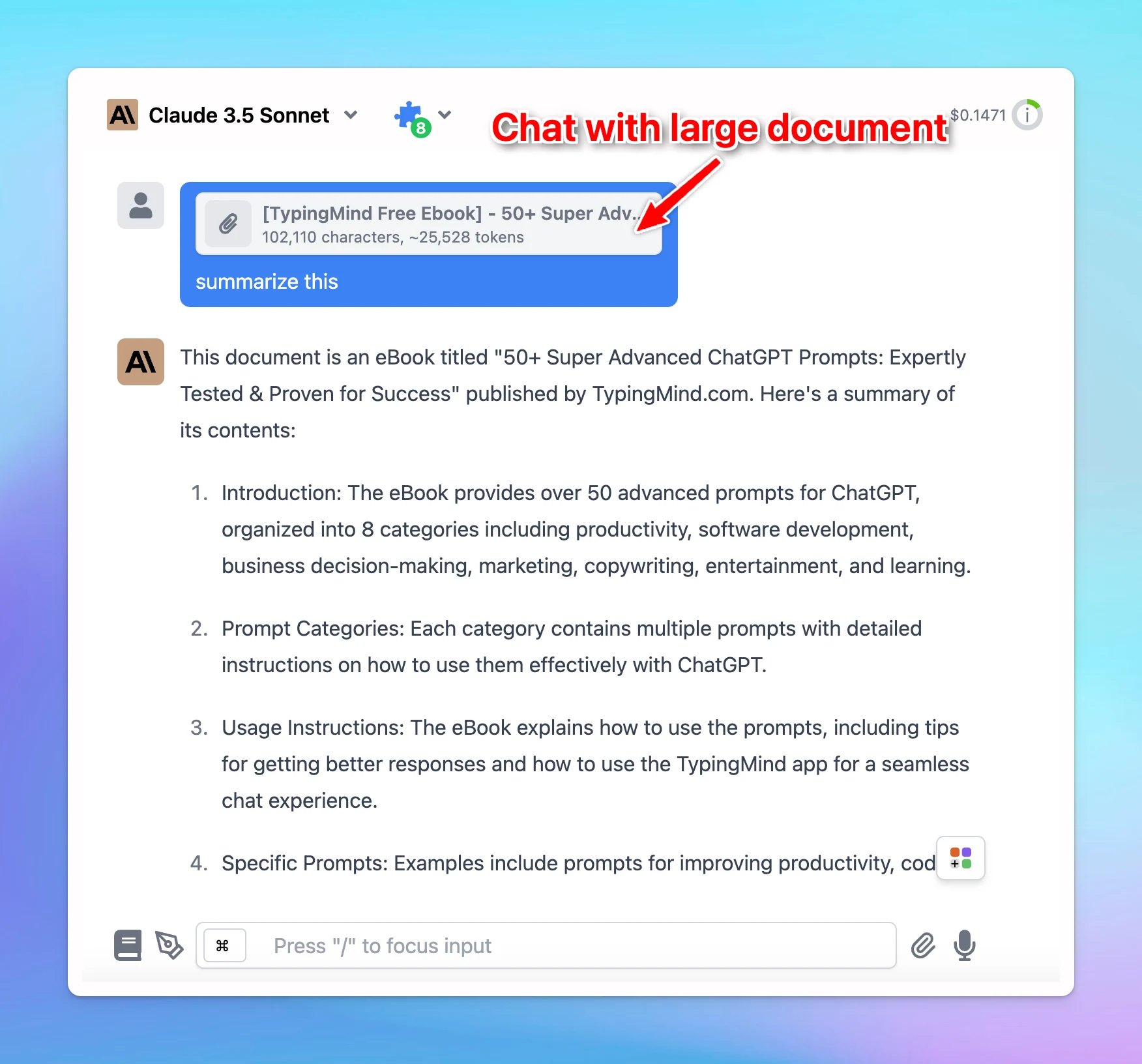
- Prompt Caching allows Claude models to store and reuse stable contexts, such as system instructions or background information.
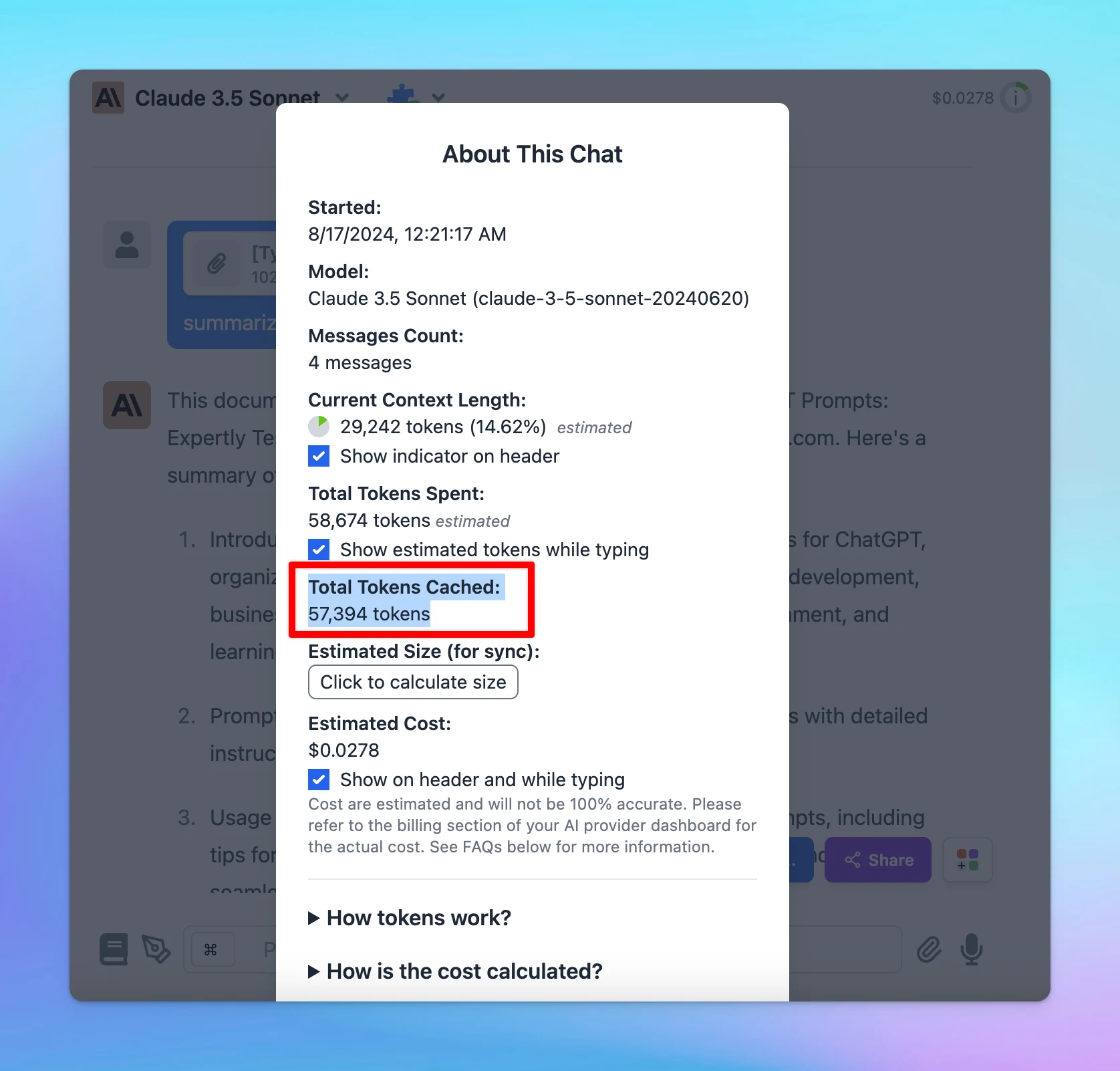
- With this, you can provide Claude with more extensive background knowledge and example outputs – all while cutting costs by 90% and speeding up responses by 85%!
🏁 How it works:
- Go to Model Settings
- Expand the Advanced Model Parameter
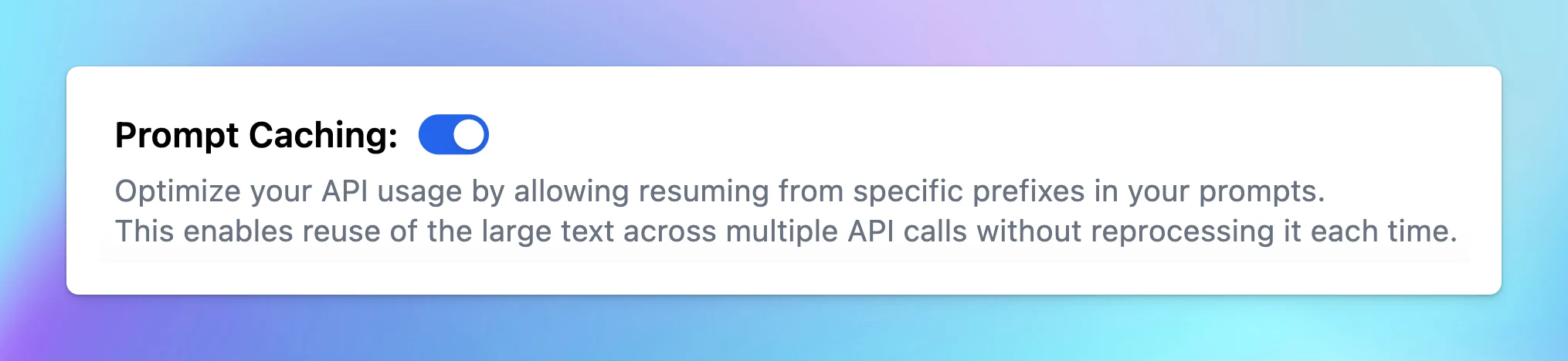
- Scroll down to enable the “Prompt Caching” option
Notes:
- The cache has a 5-minute lifetime, refreshed each time the cached content is used.
- Avoid using Prompt Caching with Dynamic Context, as changing system prompts cannot be cached.
To help you clearly understand about Prompt Caching, check out here:
https://docs.typingmind.com/prompts/automatic-prompt-caching