
Project Folders
We have just released the Project Folders for TypingMind to help you manage and organize your work much more easily.
🔥 What’s News?
Project Folders are an improved version of the old “Folders” feature. This is built to help you better organize your projects by giving you a dedicated space to:
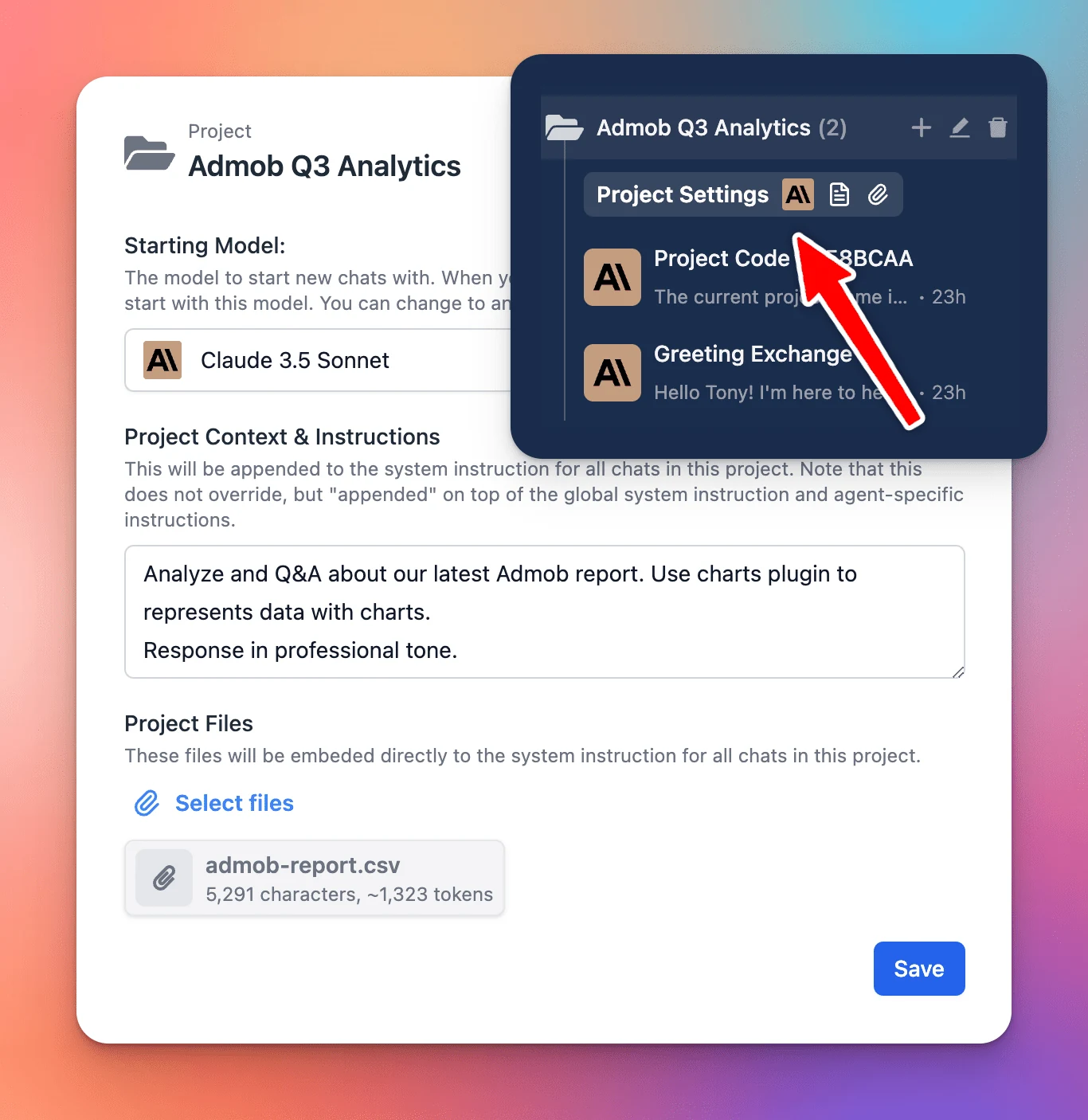
- Assign a specific AI model to each project.
- Add custom system instructions.
- Upload relevant documents directly to the project.
The new Project Folders allow every chat or task within a project has the right context and resources available.
🏁 How it works
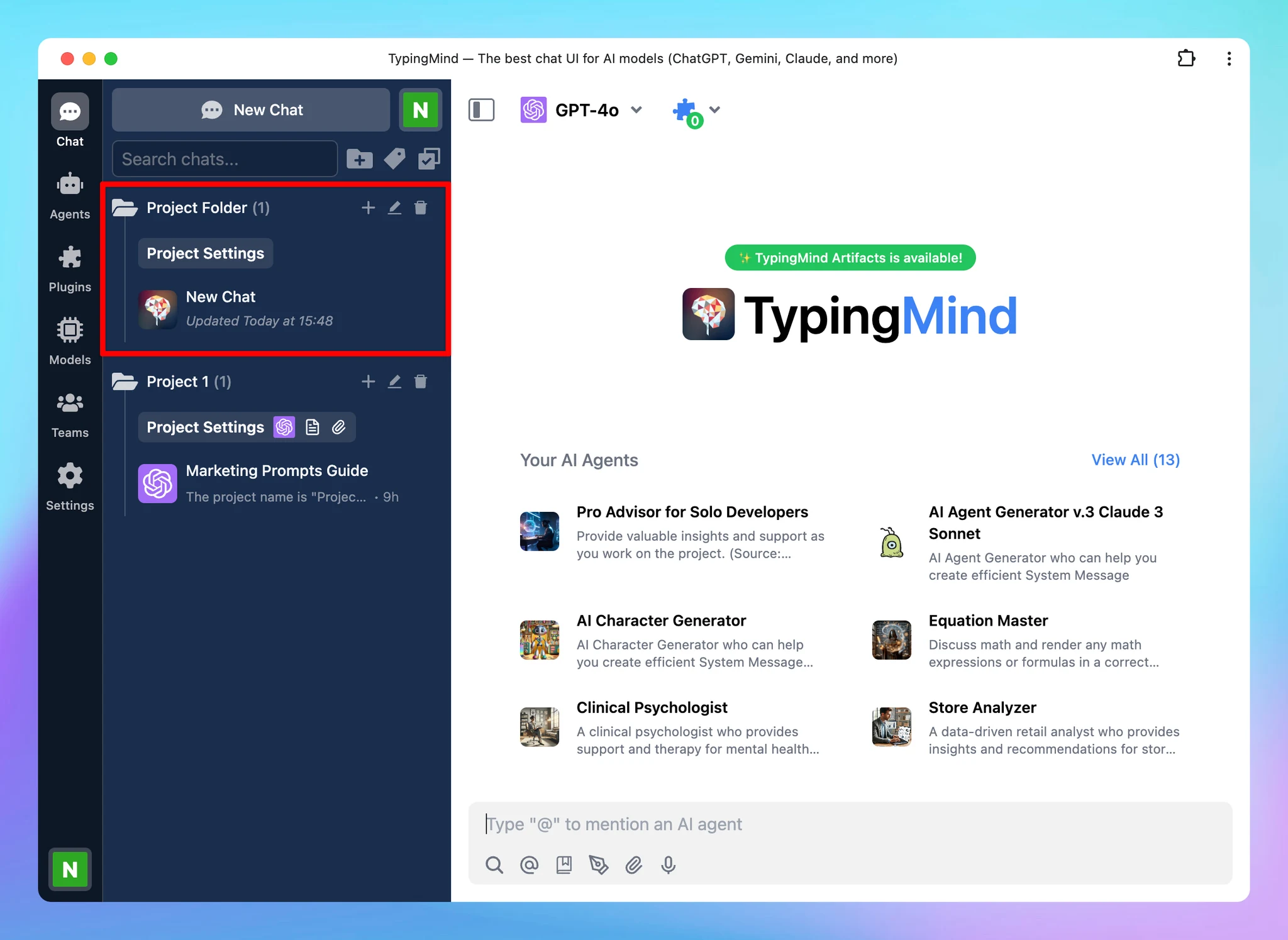
- Navigate your left sidebar and click on “+” icon to create a project folder
- Click on Project Settings to:
- Assign a chat model for your project
- Provide context and custom instructions
- Upload training files (if any)
Learn more: https://docs.typingmind.com/chat-management/project-folders