
Option to hide List More button
🔥 What’s News?
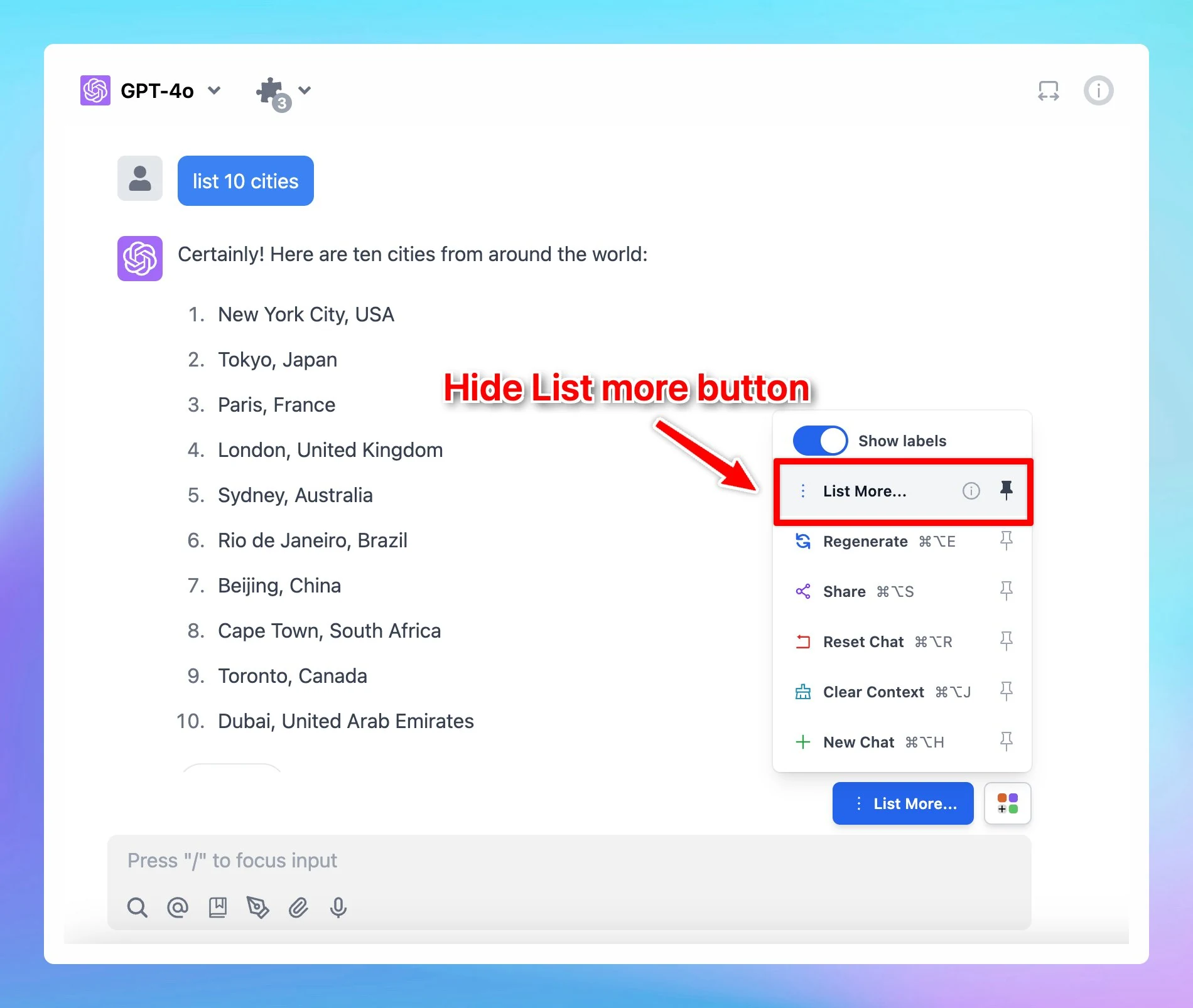
We have just added an option to hide List more button. Please note that this option only appears if the AI response includes a list of items.
🏁 How it works
- Ask the AI assistant to give a list of anything you want.
- The List more button appears → Click on the Square icon next to it and unpin List More option.