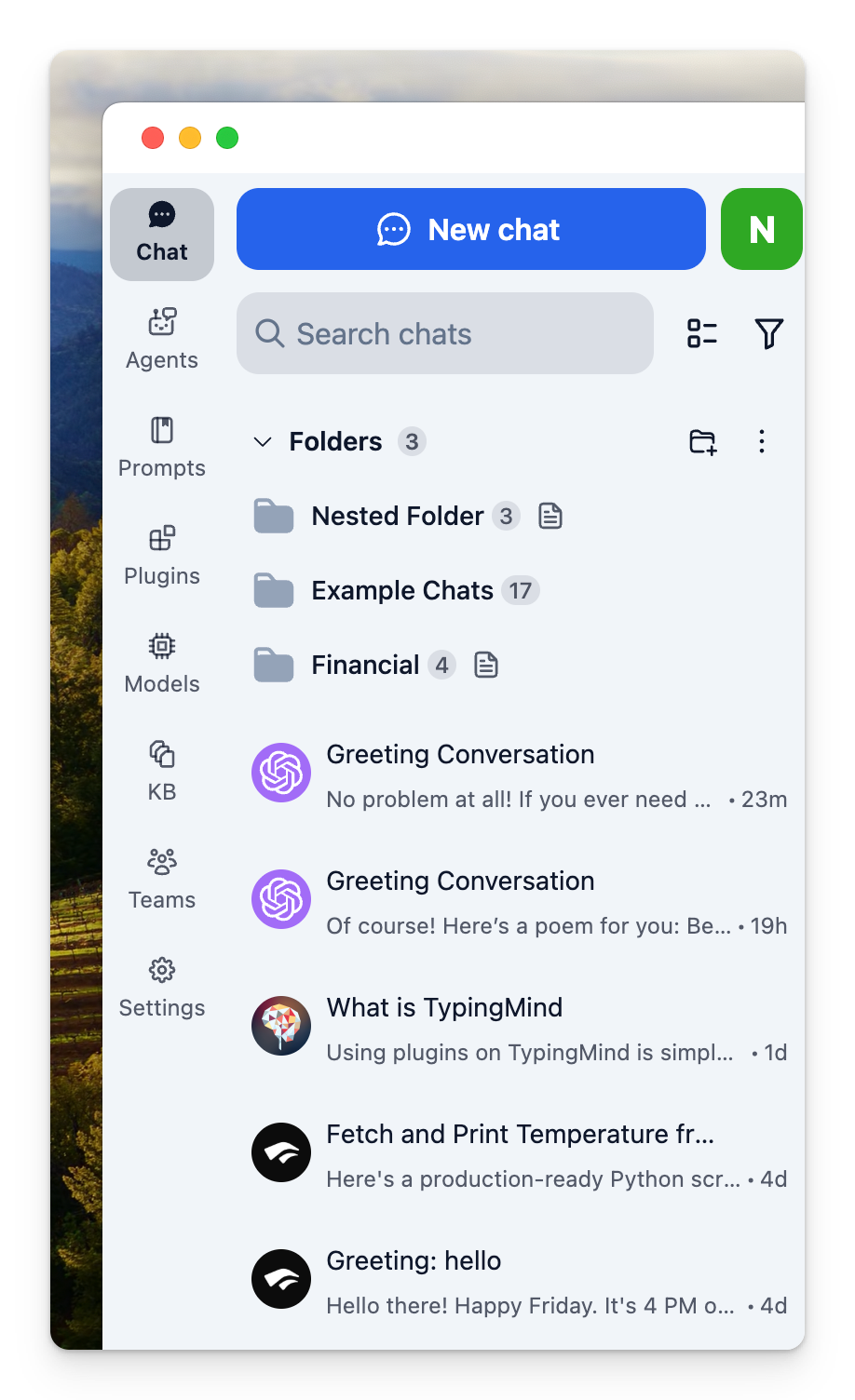
Light Mode for Sidebar
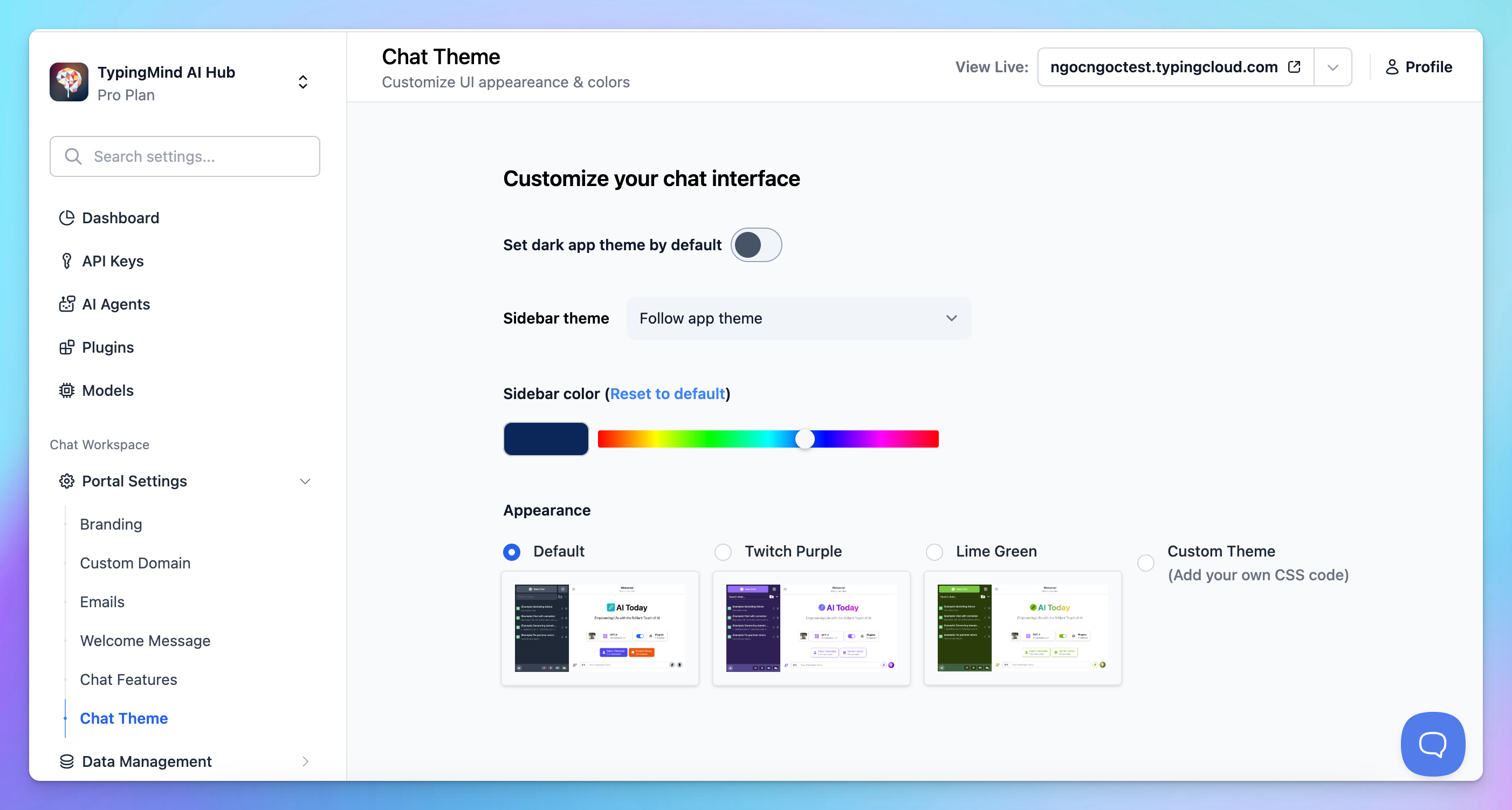
If you want to change the sidebar theme to light mode, go to Settings > Appearance > Switch app theme to Light and select the sidebar theme to Follow app theme.

For Team users: all existing instances are still applied the dark sidebar by default. If you want to change to light theme for sidebar, go to Admin > Chat theme to change the Sidebar to follow app theme.