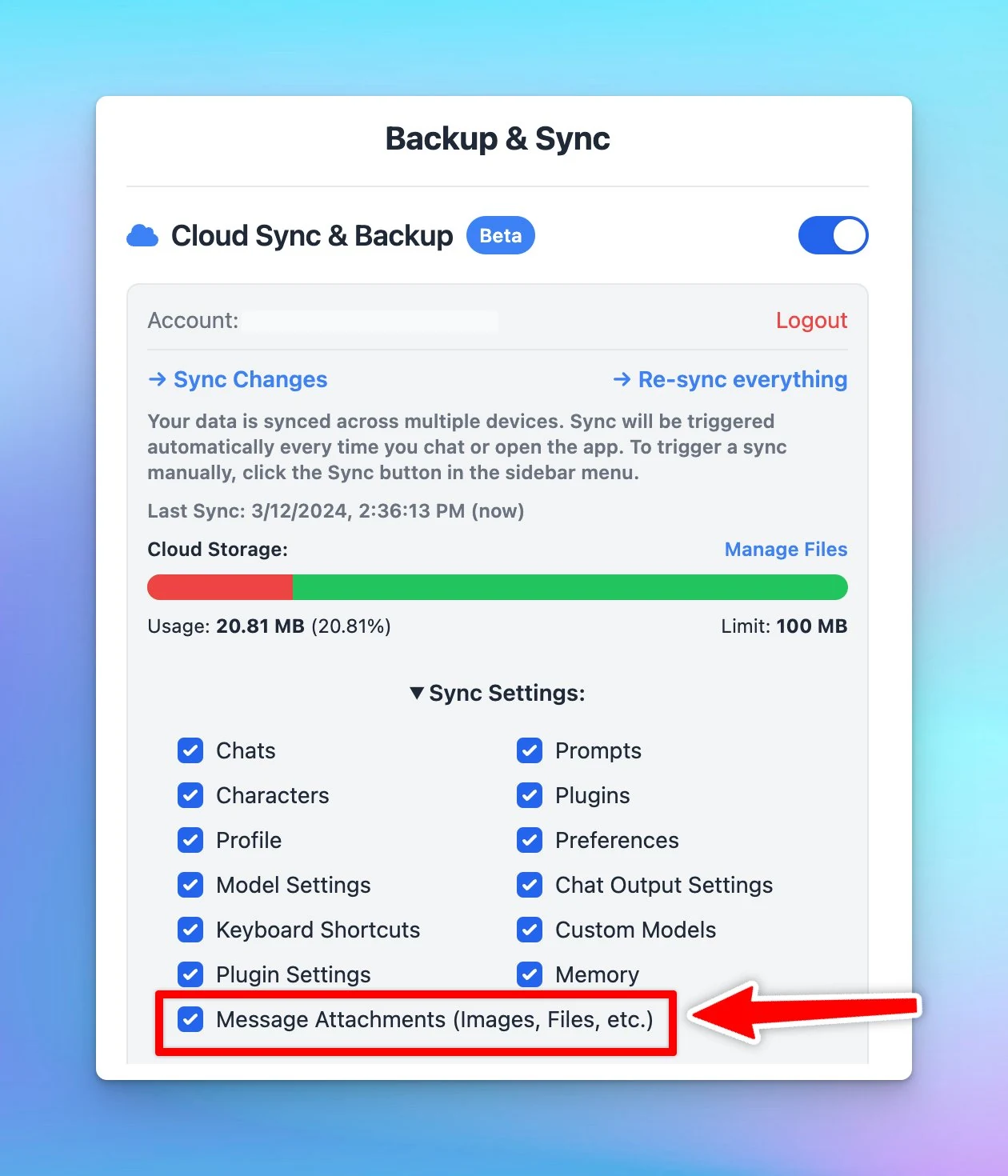
Include / Exclude “Message attachments” when syncing
Choose to include or exclude "Message Attachments" when syncing to save cloud space.
Message attachments: your uploaded files to the app such as images or documents.
⚙️ How it works?
Open Manage Cloud Sync → Toggle the Sync settings and select or deselect message attachments.