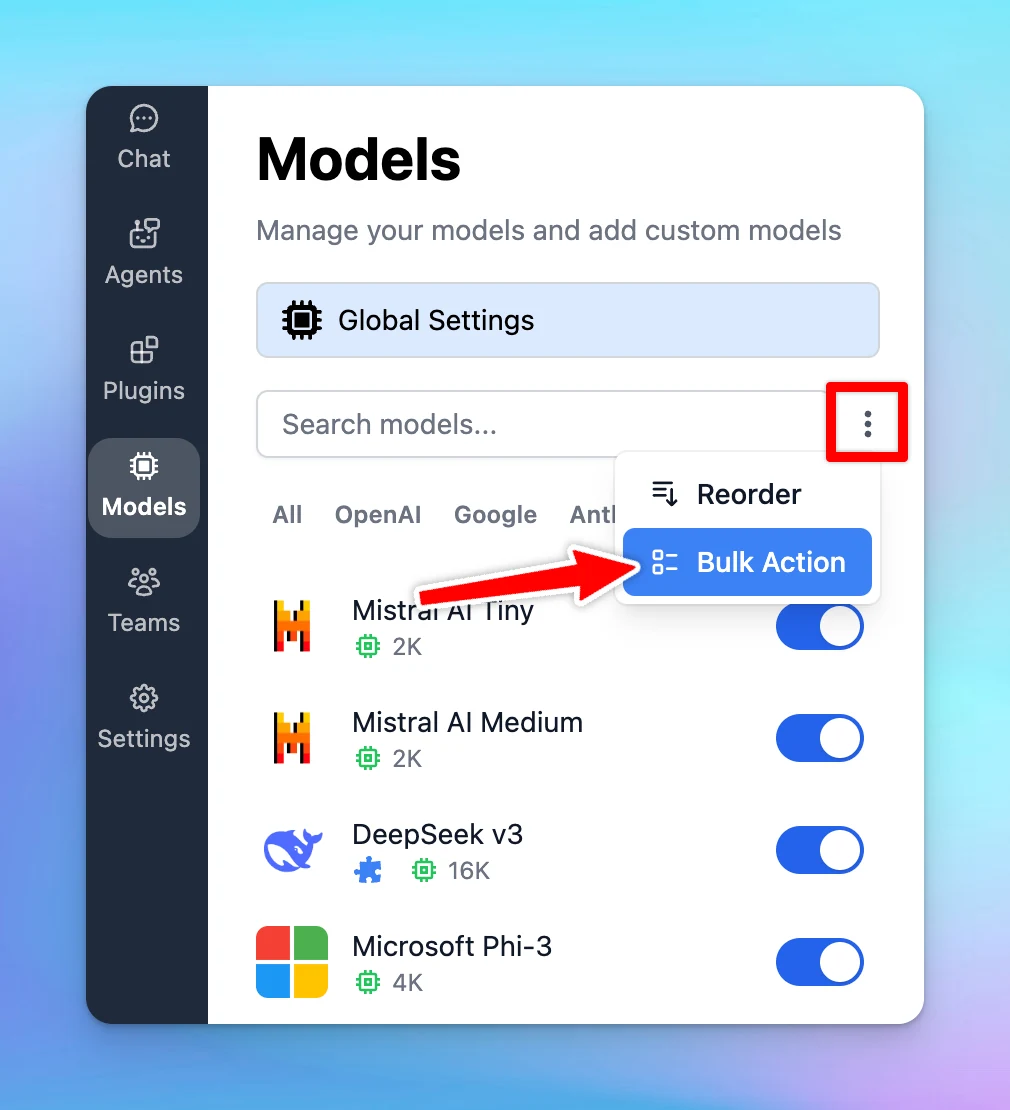
January 8, 2025 Bulk delete custom models AI ModelsImproved Delete custom models in bulk!Go to Models --> Click on the three dots icon next to the search models box --> Bulk Action --> Select models to delete at once.Follow us on X, LinkedIn, Facebook, to stay informed about the latest updates, tips, and tutorials.