
Big update for plugin system
We’ve made a major improvement around the plugin system for plugin developers and Typing Mind Custom users!
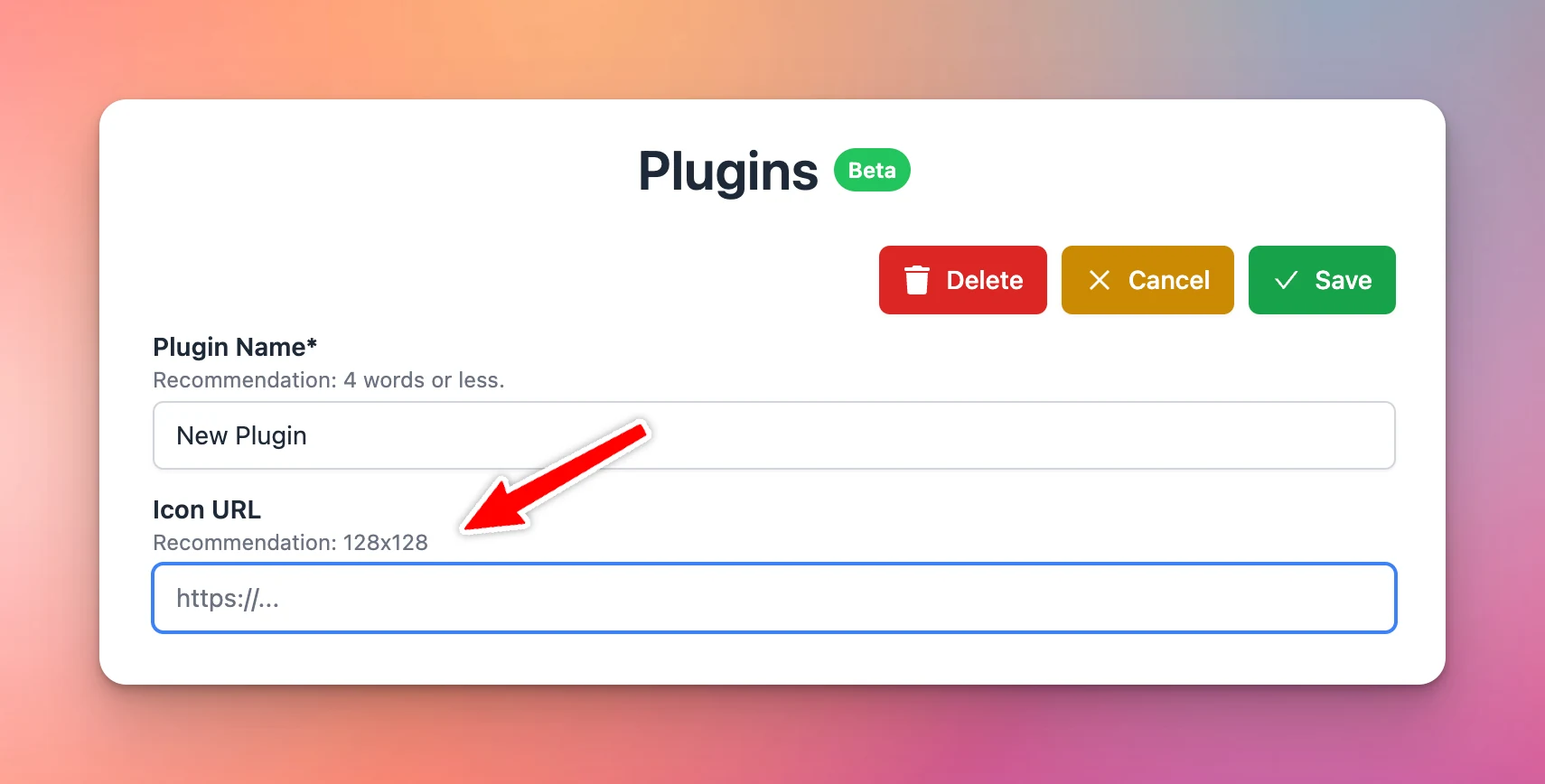
- Added Icon URL: you are no longer forced to use the “🧩” emoji as your plugin icon! Click “Edit”, then enter the Icon URL for your plugin, and it will be shown everywhere in the app.
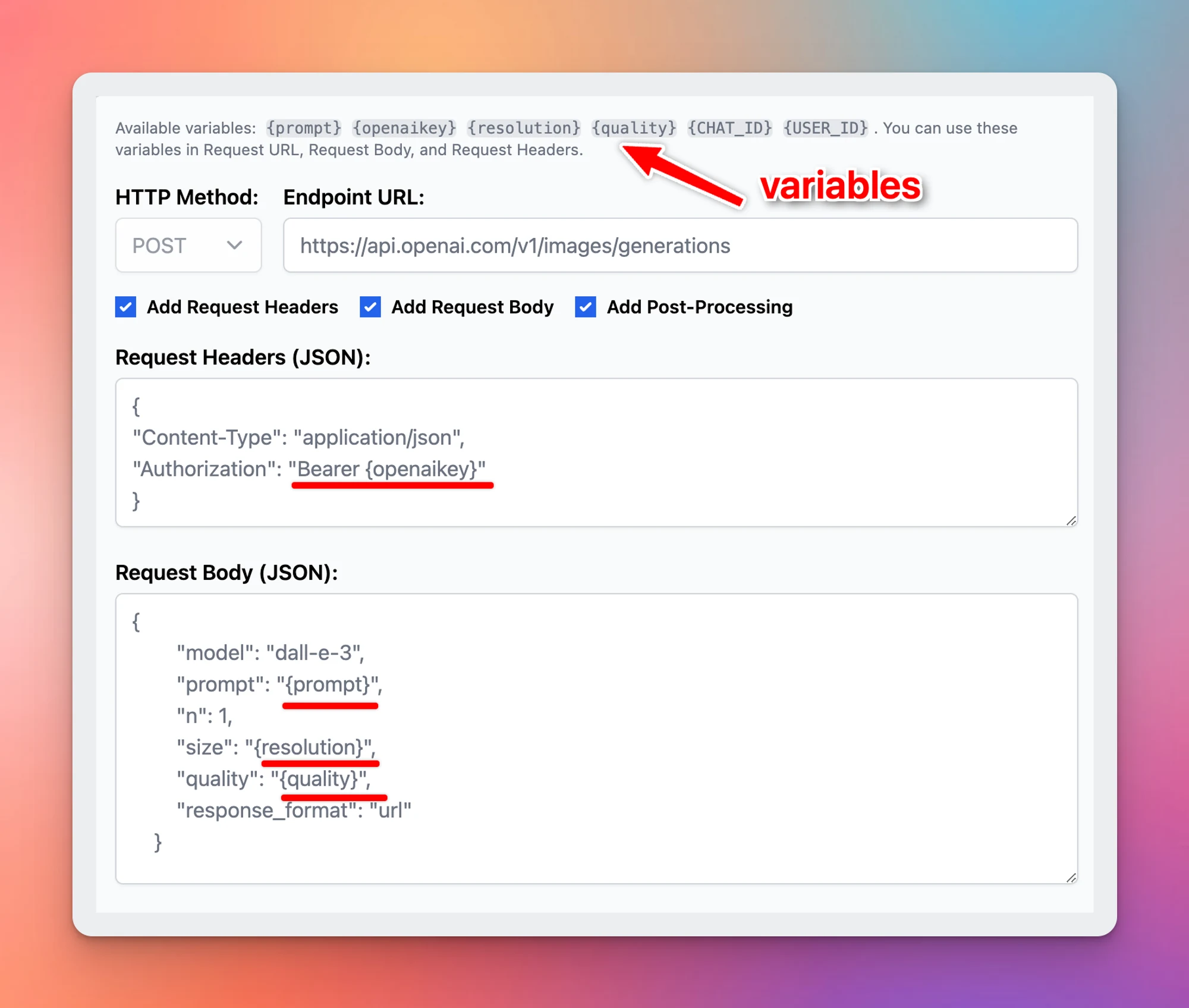
- Added HTTP Action: this is a new way to implement your plugin without using JavaScript code. HTTP Action allows you to easily set up a simple HTTP request for external services. Post-processing engines (JSMEPath and Handlebars.js) are available to help you customize the output even more.
- Added Output Options: You can now render your plugin output directly to the user instead of giving the output to the AI models. The output can be rendered using Markdown or HTML. This gives you more flexibility to render interactive experiences to the users and, in some cases, saves more tokens!
- JavaScript code changes: The
__CUSTOM_OUTPUTspecial property is now deprecated (replaced by the Output Options feature). If you have developed a plugin that uses this property in your JavaScript implementation, please update your plugins according to the new Plugins documentation (just updated!).
Read newly update of plugin here: https://docs.typingmind.com/plugins/build-a-typingmind-plugin