Z.AI: Route requests via TypingMind Cloud
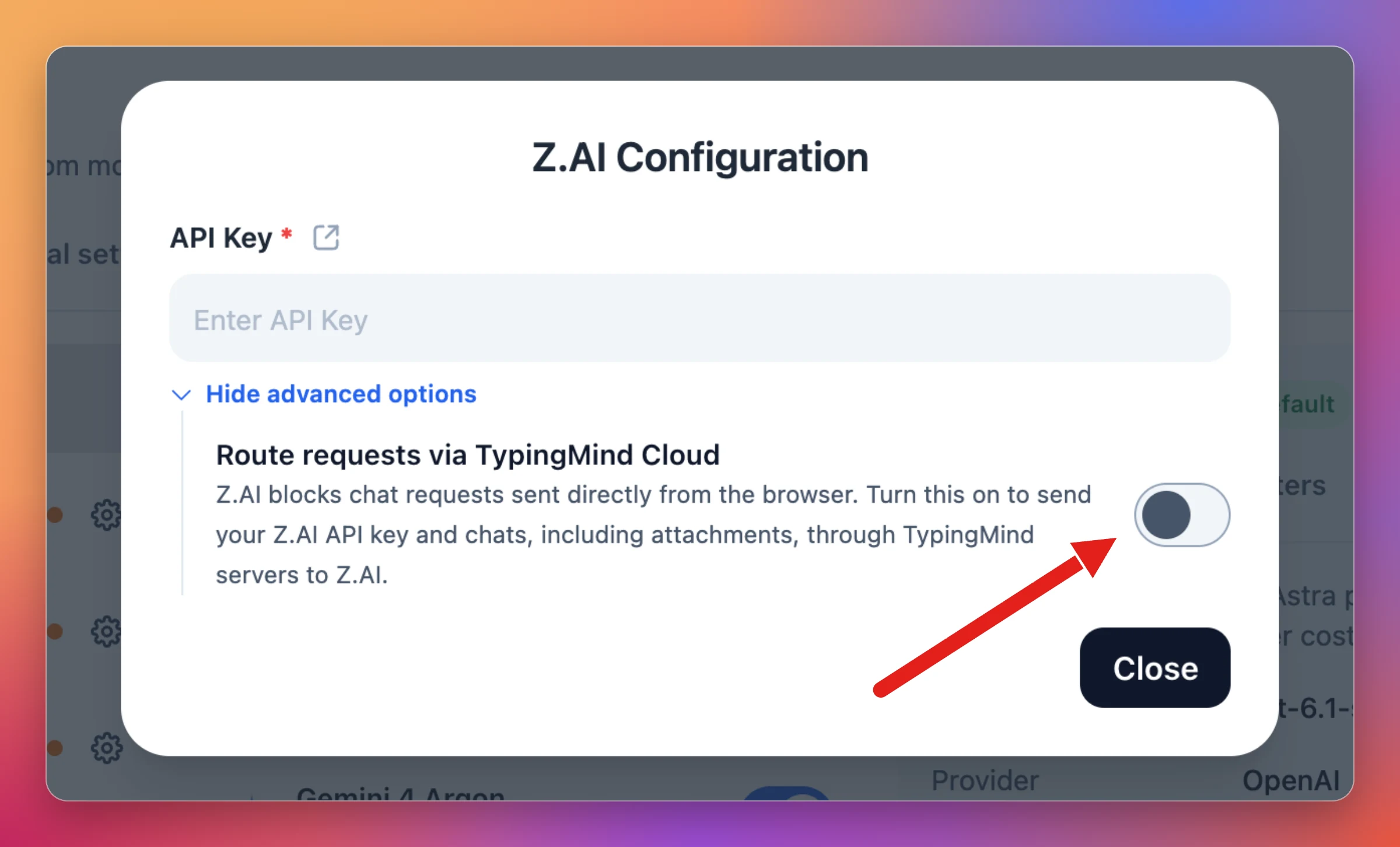
Z.AI blocks chat requests sent directly from the browser. Turn on Route requests via TypingMind Cloud in Models → Z.AI → Show advanced options to fix connection errors.
The option is off by default. When it's on, your API key and chats, including attachments, go through TypingMind's servers.